Generative Credits in Photoshop & Lightroom: What Costs You and What Doesn't

Generative Credits in Photoshop & Lightroom: What Costs You and What Doesn't

Here’s a situation I’ve been in more than once: I’m halfway through a client job, I’ve been leaning on Photoshop’s AI tools like they’re going out of style, and then I get that little notification that my generative credits are running low. Cue mild panic, a lot of Googling, and the realization that I had absolutely no idea which tools were burning through credits and which ones were free. Turns out, I’d been playing the game without reading the rules.

Create, Size & Share Desktop Wallpapers in Photoshop (The Right Way)

Create, Size & Share Desktop Wallpapers in Photoshop (The Right Way)

If you’ve ever finished a photo composite or a piece of digital art and thought “this would make a sick desktop wallpaper” — and then had absolutely no idea what to do next — you’re not alone. I’ve been there. I’ve exported things at the wrong resolution, uploaded files that looked great on my monitor and blurry on everything else, and once spent an embarrassing amount of time trying to figure out where to even host the thing so other people could grab it.

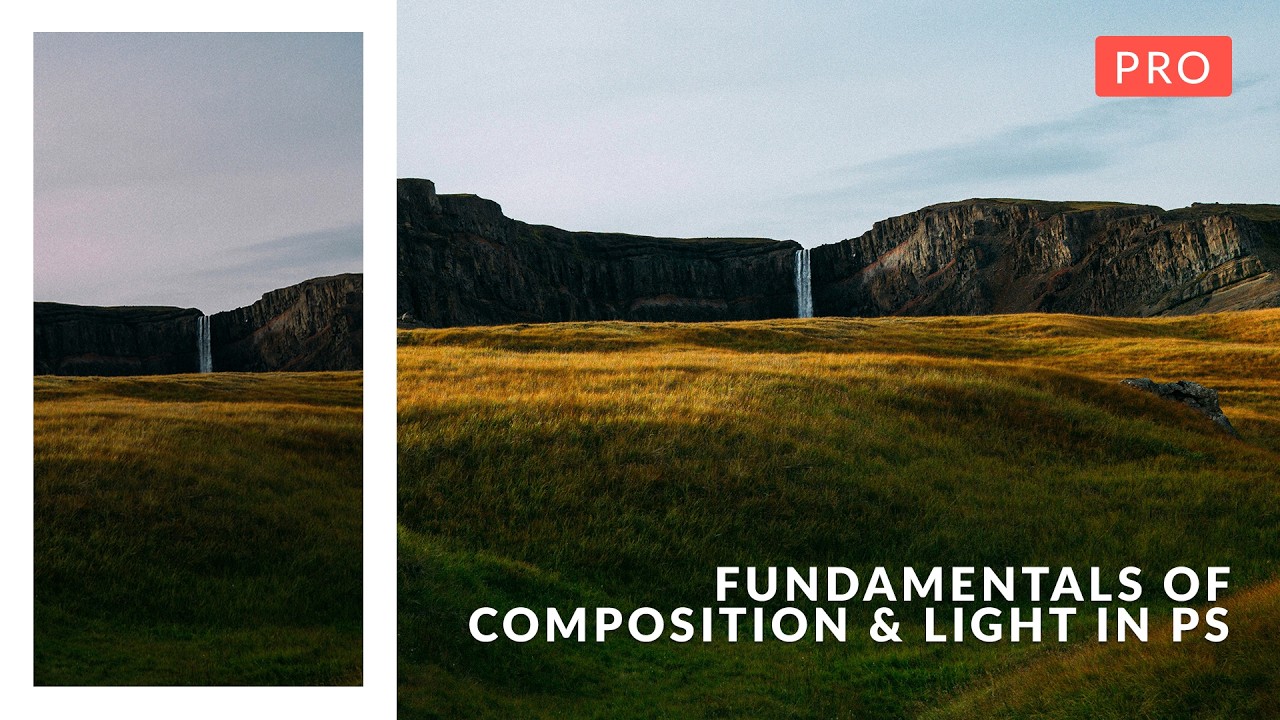
The Flip-and-Match Trick That Saves Your Covers When You Shot the Wrong Orientation

The Flip-and-Match Trick That Saves Your Covers When You Shot the Wrong Orientation

There’s a specific kind of dread that hits when a client asks for a vertical crop of a photo you shot horizontal. It doesn’t matter how good the image is. If the canvas is taller than the frame, you’ve got dead space, and dead space on a magazine cover is a career-limiting move. I’ve been there more times than I’d like to admit, usually sitting in a coffee shop frantically masking gradients into skies that don’t quite match, hoping the client doesn’t zoom in.

Photoshop's Image Processor Is the Batch Export Tool You Didn't Know You Had

Photoshop's Image Processor Is the Batch Export Tool You Didn't Know You Had

There’s a specific kind of freelance misery that hits when a client asks for “the JPEGs, the PSDs, and also could you resize them for web?” You have 40 raw files, three format requirements, and a cold oat milk latte going warm on the table next to your laptop. I used to handle this by opening files one at a time, exporting, renaming, and quietly resenting every click. Then I watched Scott Kelby’s KelbyOne tutorial on Photoshop’s Image Processor and felt that particular shame of realizing a better solution had been sitting under my nose the whole time.

Make Text Look Painted on a Wall Using Photoshop's Displace Filter

Make Text Look Painted on a Wall Using Photoshop's Displace Filter

There’s a specific kind of client request that used to make me quietly panic: “Can you make the logo look like it’s actually on the wall? Like painted there, not just slapped on top?” Sure, no problem. And then I’d spend an hour fiddling with blend modes, drop shadows, and layer opacity, and it would still look exactly like a logo slapped on top of a photo. Flat. Fake. Wrong. The displacement map technique I picked up from this CreativeLive tutorial is the thing that finally cracked that problem for me.

How to Fill In Eyebrows in Photoshop (And Make Them Look Like Real Hair)

How to Fill In Eyebrows in Photoshop (And Make Them Look Like Real Hair)

Portrait retouching has a way of humbling you fast. You can nail the skin, the dodge and burn, the color grade, and then the eyebrows sit there looking like someone drew them on with a Sharpie and called it a day. I’ve handed back work that I was genuinely proud of, only to get feedback that the brows looked “off,” which is the polite version of “you made my client look like a cartoon villain.

How to Add Cinematic Drama to a Portrait in Photoshop (Joel Grimes' 3-Trick Workflow)

How to Add Cinematic Drama to a Portrait in Photoshop (Joel Grimes' 3-Trick Workflow)

There’s a specific kind of disappointment that hits when you’ve got a technically solid portrait shot outdoors, good light on the subject, decent exposure, sharp eyes, and then you look at the background and it’s just… a flat blue nothing. The subject is doing all the heavy lifting and the rest of the image is coasting. I’ve sent images like that to clients and watched them nod politely. You know the nod.

Camera Raw Just Got Focus Point Overlay and Bidirectional Gradients — Here's How to Use Them

Camera Raw Just Got Focus Point Overlay and Bidirectional Gradients — Here's How to Use Them

I’ll be honest about something embarrassing. I once delivered a batch of bird photos to a client, convinced I had nailed the focus on every single shot. Spoiler: I had not. The camera had decided a patch of blurry background grass was far more interesting than the actual bird, and I only found out after the client did. If I’d had a way to verify focus points inside my raw editor before exporting, that conversation never happens.

When Photoshop Gets Too Good: NYC Mayor Takes Aim at Fake Property Photos

When Photoshop Gets Too Good: NYC Mayor Takes Aim at Fake Property Photos

The Real Estate Photoshop Problem Nobody Wanted to Talk About I’ve been watching this story unfold, and honestly? It was only a matter of time before someone in government got fed up with landlords using digital manipulation to deceive renters. New York City Mayor Zohran Mamdani just dropped a policy targeting what amounts to the real estate industry’s best-kept secret: making dingy apartments look like luxury penthouses through creative editing and AI enhancement.

Photoshop's Generative Fill Is Absurdly Good — Here's What It Actually Does

Photoshop's Generative Fill Is Absurdly Good — Here's What It Actually Does

I’ll be honest with you. The first time someone told me Photoshop had shipped an AI fill tool that could generate entirely new content from a text prompt, I assumed it was the usual Adobe overpromise. I’ve been burned before. I sat through the Neural Filters rollout with genuine excitement and walked away using maybe one of them semi-regularly. So when Generative Fill started making the rounds in the beta version of Photoshop, I kept my expectations low and my skepticism high.

Adobe Camera Raw in Photoshop Is Doing Heavy Lifting I Used to Do Manually (And I Feel Foolish)

Adobe Camera Raw in Photoshop Is Doing Heavy Lifting I Used to Do Manually (And I Feel Foolish)

I spent the better part of three years doing things the hard way in Photoshop. Manually painting masks for background blur. Dragging Hue/Saturation sliders trying to isolate a sky without torching the rest of the image. Stacking adjustment layers like I was building a skyscraper out of toothpicks. It worked, mostly, but it was slow and fragile. One wrong move and the whole thing collapsed. That’s actually how I learned about smart objects, after accidentally flattening a client’s project file and spending the next two hours trying to reconstruct it from a JPEG export.

How to Stop Dark Hair from Disappearing Into Dark Backgrounds (A Photoshop Hair Highlighting Trick)

How to Stop Dark Hair from Disappearing Into Dark Backgrounds (A Photoshop Hair Highlighting Trick)

There’s a specific kind of frustration that hits when you’re retouching a portrait and the subject’s dark hair just… melts into a dark background. No separation, no dimension, no life. You’ve done everything right technically, and somehow the image still looks flat and muddy around the edges. I’ve been there more times than I’d like to admit, usually sitting in some coffee shop squinting at my laptop screen trying to figure out why a perfectly good photo looks like the subject is slowly being absorbed into a void.