The Shift Key Has Been Lying to You (And Other Photoshop Secrets Worth Knowing)

The Shift Key Has Been Lying to You (And Other Photoshop Secrets Worth Knowing)

I have strong opinions about keyboard shortcuts. Possibly too strong. Ask anyone who’s sat near me at a coffee shop while I’m working and they’ll tell you I mutter at my keyboard like it owes me money. So when I stumbled onto a Matt Kloskowski tutorial about the Shift key in Photoshop, I figured I’d skim it and move on. Instead I learned something that made me question six years of muscle memory, and honestly?

Three Photoshop Moves That Make Hair Color Look Like It Was Lit by God

Three Photoshop Moves That Make Hair Color Look Like It Was Lit by God

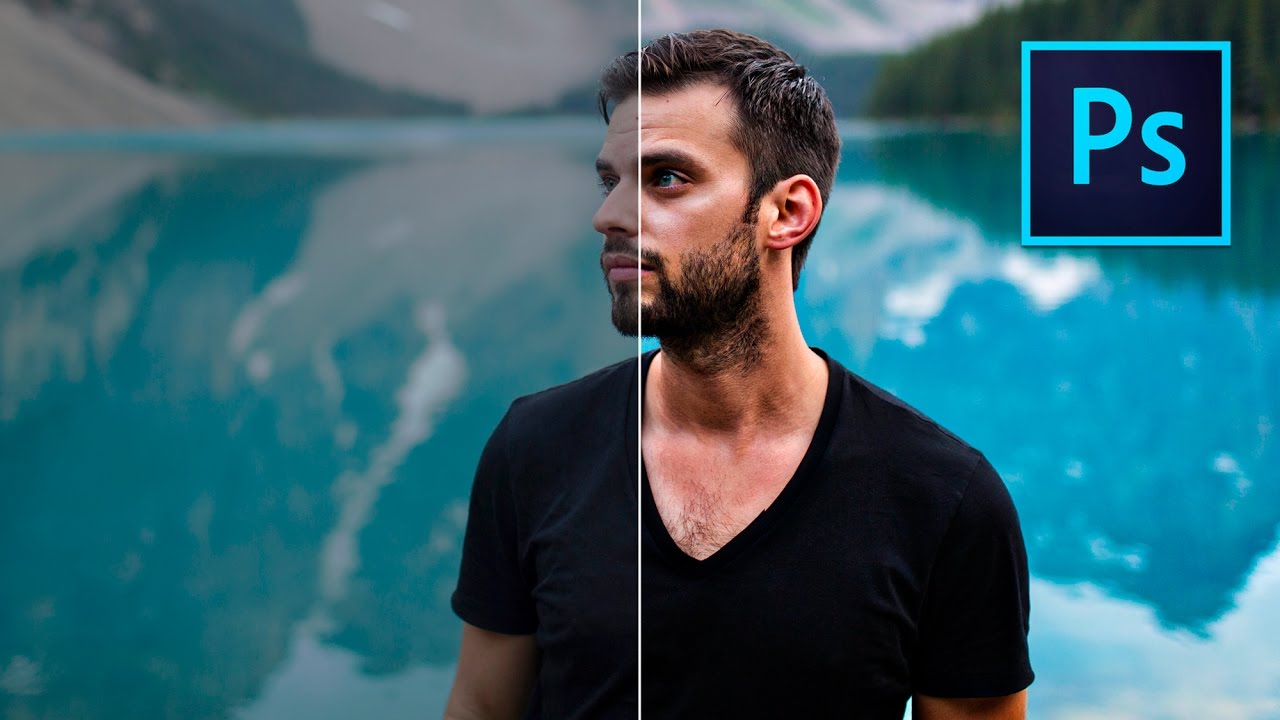
Portrait retouching has a way of exposing every gap in your workflow. I’ve handed off photos where everything looked great, the skin, the background, the lighting, and then a client comes back asking why the hair looks flat and kind of muddy. Turns out I’d been ignoring it entirely. Hair color is one of those things that reads as “fine” until you see it done right, and then you can’t unsee the difference.

Photoshop's New Selection Brush Tool Is the One I Didn't Know I Was Missing

Photoshop's New Selection Brush Tool Is the One I Didn't Know I Was Missing

I have a complicated relationship with Photoshop selections. Quick Mask, the Pen Tool, Select and Mask, Subject Selection – I’ve used them all, argued with them all, and occasionally rage-quit because of them all. Most of the time I’m in a coffee shop trying to hit a deadline, and the last thing I need is to spend 20 minutes coaxing a lasso selection into behaving like a reasonable piece of software.

How to Place an Image Inside a Phone, Tablet, or Laptop Screen in Photoshop (The Right Way)

How to Place an Image Inside a Phone, Tablet, or Laptop Screen in Photoshop (The Right Way)

Every few months, a client asks me for a “mockup” – a product screenshot or website preview placed inside a phone or laptop screen for an ad. For a long time I was doing it the slow, painful way: dragging the image in, manually masking it, fighting with perspective until I wanted to throw my laptop across whatever coffee shop I was sitting in. Then I watched Scott Kelby walk through his version of this technique, and I felt that specific kind of embarrassment that comes from realizing a 20-minute problem was actually a 5-minute problem.

From Negatives to Digital: How to Scan Film at Home Using Your Camera and Lightroom

From Negatives to Digital: How to Scan Film at Home Using Your Camera and Lightroom

I got into photography the wrong way. Started with memes in MS Paint, graduated to Photoshop, and somewhere along the line developed an unhealthy obsession with film. The problem is that film and digital don’t naturally talk to each other. You shoot a roll, get it developed, and then you’re holding a strip of negatives that you can’t post, print digitally, or do anything useful with unless you either pay someone to scan them or drop serious cash on a dedicated film scanner.

Stop Ruining Your Composites: How to Kill Halos and Fringes in Photoshop

Stop Ruining Your Composites: How to Kill Halos and Fringes in Photoshop

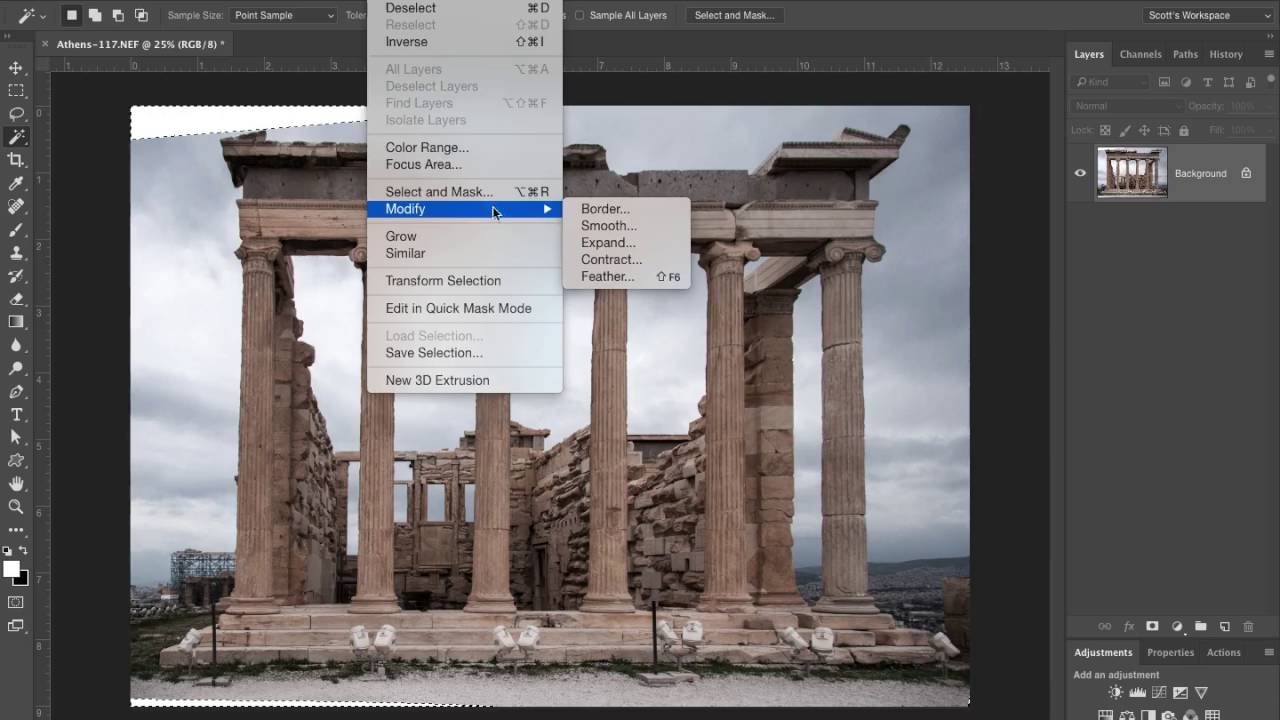
There’s a special kind of frustration reserved for spending an hour on a composite, stepping back to admire your work, and realizing there’s a glowing halo around every single tree. I’ve been there more times than I want to admit. You nail the selection, you paste in the new sky, and then that thin bright ring shows up like your Photoshop is personally trying to embarrass you. It’s one of those problems that’s easy to miss at 50% zoom and impossible to unsee once you spot it.

Stop Fearing the Pen Tool: A Practical Walkthrough for Photoshop and Illustrator

Stop Fearing the Pen Tool: A Practical Walkthrough for Photoshop and Illustrator

I spent an embarrassing amount of time avoiding the pen tool. Like, years. I’d use Quick Selection, Magic Wand, even painstakingly hand-erase backgrounds rather than sit down and learn the thing properly. My workarounds worked well enough until they didn’t, and the day a client asked me to cleanly isolate a product shot with a ton of curved edges, I finally had to face the music. The pen tool is the professional standard for outlining and masking complex shapes, and every hour you spend avoiding it is an hour you’re leaving quality on the table.

Your Landscape Photos Look Flat Because You're Ignoring Atmospheric Perspective (Here's the Fix)

Your Landscape Photos Look Flat Because You're Ignoring Atmospheric Perspective (Here's the Fix)

There’s a specific kind of disappointment that hits when you open a photo that felt incredible to shoot and it just… sits there on your screen looking lifeless. No drama, no depth, nothing pulling you in. I’ve been there more times than I’d like to admit, and for a long time I blamed the light, or the lens, or some vague cosmic unfairness. Turns out the problem was usually in how I was processing the file, specifically the fact that I was treating the whole image as one flat thing instead of a scene with actual distance in it.

Fake It Till You Make It: Creating Convincing 3D Textures in Photoshop Without a 3D App

Fake It Till You Make It: Creating Convincing 3D Textures in Photoshop Without a 3D App

There’s a specific kind of client request that used to send me into a quiet spiral of dread. “Can you make the text look… dimensional? Like it’s actually part of the wall?” Sure, I’d say. Absolutely. Then I’d spend two hours nudging drop shadows around and delivering something that looked like a PowerPoint slide from 2009. The problem wasn’t effort. It was that I was reaching for the wrong tools entirely.

Stop Settling for Boring Skies: A Practical Photoshop Sky Swap Walkthrough

Stop Settling for Boring Skies: A Practical Photoshop Sky Swap Walkthrough

A few years back I spent the better part of a Tuesday stressing over a landscape composite for a client. The photo was solid — good light, interesting subject — but the sky was that flat, washed-out grey that makes everything look like it was shot in a Walmart parking lot. I knew the fix existed somewhere in Photoshop. I just didn’t know the clean way to do it without spending three hours masking individual clouds by hand like some kind of caffeinated monk.

Remove the Junk, Fix the Frame, Save the Shot: A Practical Photoshop Cleanup Workflow

Remove the Junk, Fix the Frame, Save the Shot: A Practical Photoshop Cleanup Workflow

There’s a specific kind of frustration that comes from spending two hours cloning out power lines and random visual garbage from a photo, only to realize you missed three of them. I’ve been there more times than I’d like to admit. It’s the kind of tedious work that makes you question your life choices somewhere around the 45-minute mark at your corner coffee shop table. So when I watched PHLEARN’s tutorial on cleaning up, reframing, and polishing photos in Photoshop, I immediately stopped what I was doing and paid close attention.

Making Rain in Photoshop That Actually Looks Like Rain (Not TV Static)

Making Rain in Photoshop That Actually Looks Like Rain (Not TV Static)

There’s a certain kind of client request that makes every freelance designer’s eye twitch a little: “Can you just make this photo look more dramatic?” No notes, no reference image, just vibes. I’ve been handed sunny, flat, completely unremarkable stock photos and asked to make them feel cinematic. Rain is one of the fastest ways to get there, and for a long time I was doing it the slow, ugly way.