Painting Away Beards in Photoshop: The Manual Method That Actually Works

Painting Away Beards in Photoshop: The Manual Method That Actually Works

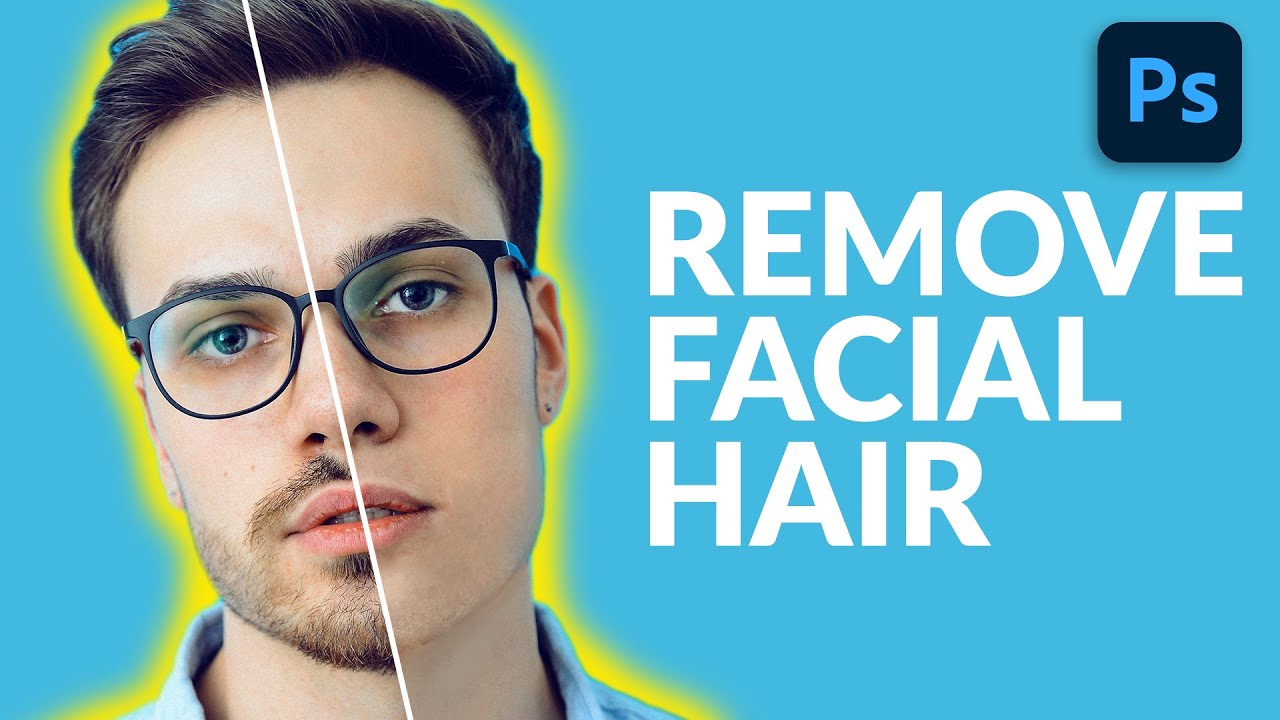
Retouching facial hair is one of those jobs that sounds simple until you’re forty-five minutes deep and your subject looks like they lost a fight with a rubber eraser. I’ve had clients send me portraits where the brief is something like “can you just clean him up a bit” - and that phrase, “clean him up,” almost always means removing a beard, a patch of stubble, or some combination of both.
Stop Settling for Boring Skies: Photoshop's Sky Replacement Tool Is Better Than You Think

Stop Settling for Boring Skies: Photoshop's Sky Replacement Tool Is Better Than You Think

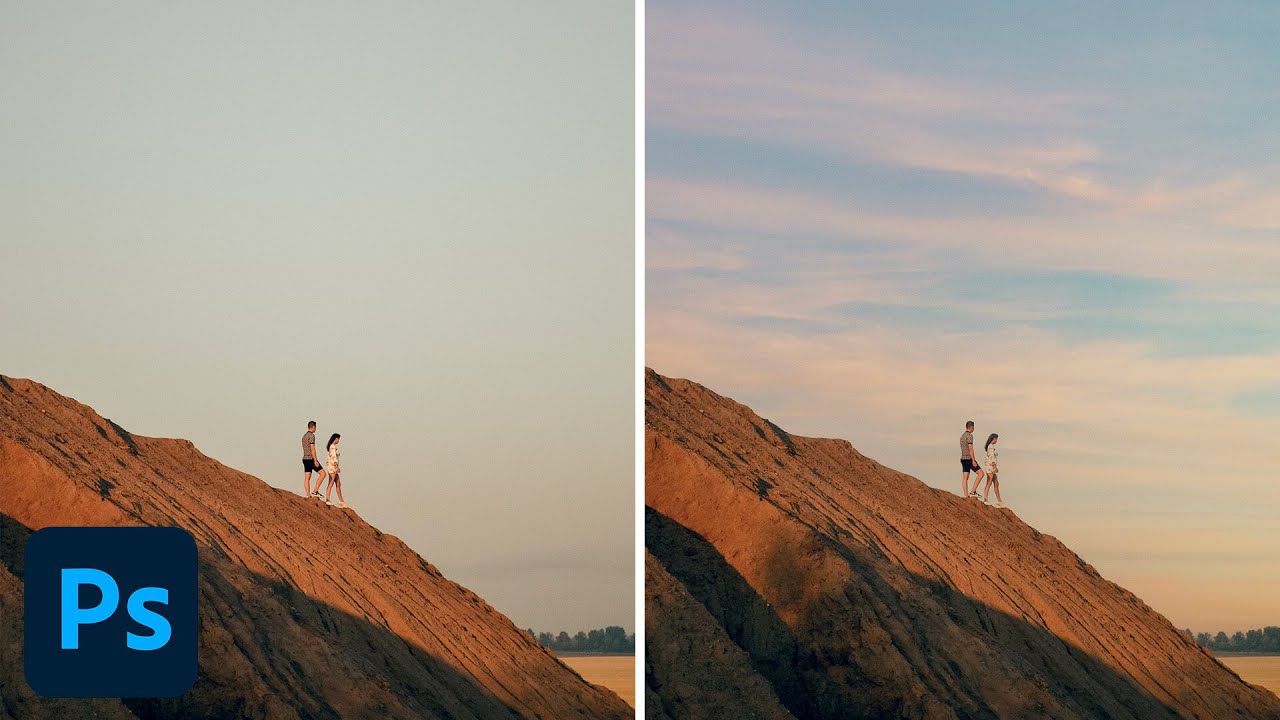
I used to spend embarrassing amounts of time hand-masking skies. We’re talking careful pen tool work, refine edge passes, the whole ritual. Then a friend watched me do it, said nothing, and later sent me a screenshot of a finished composite that took him 20 minutes. I had spent three days on mine. That specific kind of humiliation is what motivates me to actually learn the tools Photoshop has already built for me.

Clone Stamp Secrets: How to Actually Fix Eyeglass Glare Without Making It Look Weird

Clone Stamp Secrets: How to Actually Fix Eyeglass Glare Without Making It Look Weird

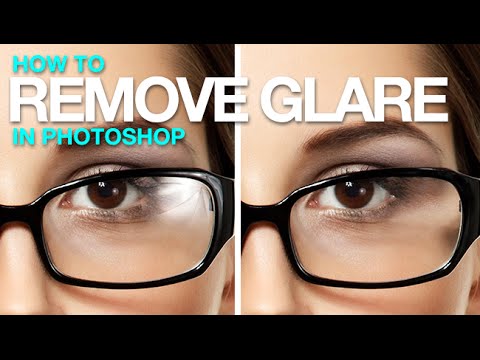
Portrait retouching is full of small disasters, and eyeglass glare is one of the most common ones clients will actually notice. Nobody’s going to flag slightly off skin tone, but they will absolutely see a white blob where their eye is supposed to be. I’ve lost count of how many portrait shoots I’ve had to rescue in post because someone’s studio umbrella decided to park itself right in the middle of a subject’s lens.

Red Eyes, Distracting Reflections, and How to Fix Both in Photoshop

Red Eyes, Distracting Reflections, and How to Fix Both in Photoshop

Portrait retouching has a way of humbling you fast. You can nail the skin, get the hair looking great, and then zoom into the eyes and realize the whole thing looks like your subject just finished a crying marathon or a very long night. Red veins, weird reflections, flat color in the iris – eyes are small but they carry an enormous amount of visual weight in any portrait, and when they’re off, everyone notices even if they can’t explain why.

Fake It Till You Make It: How to Paint Realistic Hair and Beards in Photoshop

Fake It Till You Make It: How to Paint Realistic Hair and Beards in Photoshop

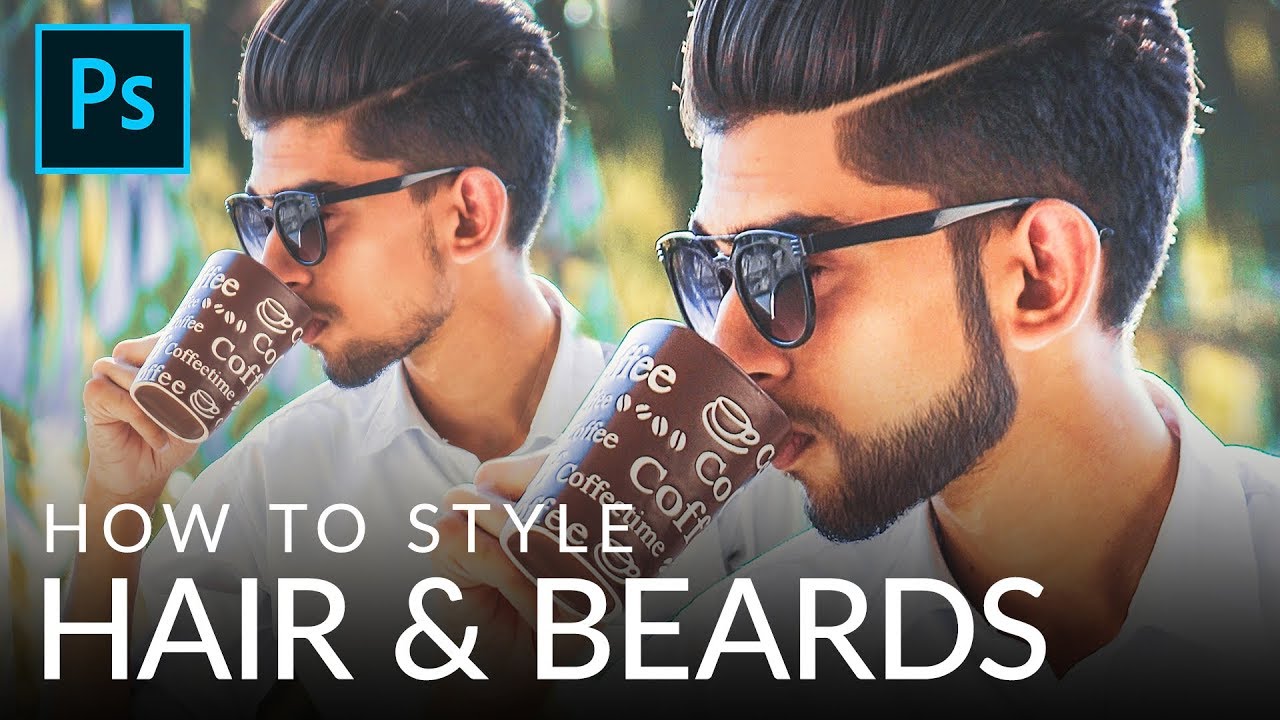
I’ve taken on enough portrait retouching gigs to know that hair is the thing that separates “pretty good” from “actually professional.” Skin? Frequency separation handles most of it. Eyes? A little dodging and burning. But hair, and especially beards, will absolutely expose you if you don’t know what you’re doing. Patchy beards, thin hairlines, awkward shapes that don’t match the light in the scene. Clients notice, even if they can’t articulate why something looks off.

Stop Wasting AI Credits on Easy Fixes — The Clone Stamp Hack You're Probably Doing Wrong

Stop Wasting AI Credits on Easy Fixes — The Clone Stamp Hack You're Probably Doing Wrong

There’s a particular kind of freelance shame that comes from billing a client for a job you could have done faster with a tool you already own. I’ve been there more times than I’d like to admit. Lately I’ve noticed myself reaching for Photoshop’s Generative Fill on things that are genuinely too simple for it — small cracks in walls, stray wires, a smudge of graffiti on an otherwise clean background.

Frequency Separation Filters: Stop Blurring Everything and Start Working Smarter

Frequency Separation Filters: Stop Blurring Everything and Start Working Smarter

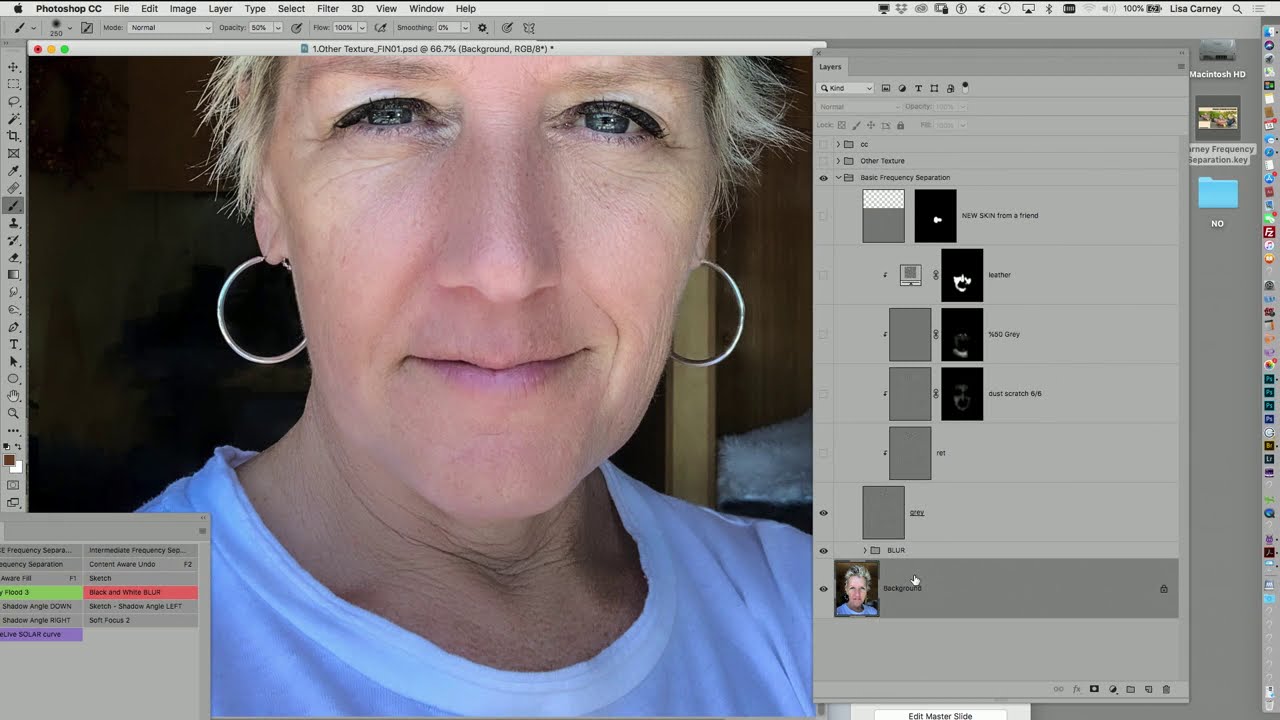
Frequency separation is one of those techniques that every retoucher learns, uses constantly, and then slowly starts doing wrong out of habit. The classic setup is fine. You’ve got your high-frequency texture layer, your low-frequency color layer, and you’re ready to go. But then you grab the Gaussian blur and just… nuke the whole low-frequency layer. Every dark blends into every light. You get that weird mushy modeling effect that looks fine at 50% zoom and terrible everywhere else.

The Hidden Photoshop Filter That Cleans Dirty Studio Backdrops in About 30 Seconds

The Hidden Photoshop Filter That Cleans Dirty Studio Backdrops in About 30 Seconds

If you shoot portraits on seamless paper, you already know the betrayal. The backdrop looks pristine when you hang it. By the end of a two-hour shoot, it looks like a crime scene. Footprints, scuff marks, mysterious dark smears, wrinkles that catch light in the worst way possible. I’ve spent genuinely embarrassing amounts of time trying to patch and clone-stamp my way through dirty backgrounds, session by session, thinking that was just the cost of doing business.

Changing Eye Color in Photoshop Without Making It Look Ridiculous

Changing Eye Color in Photoshop Without Making It Look Ridiculous

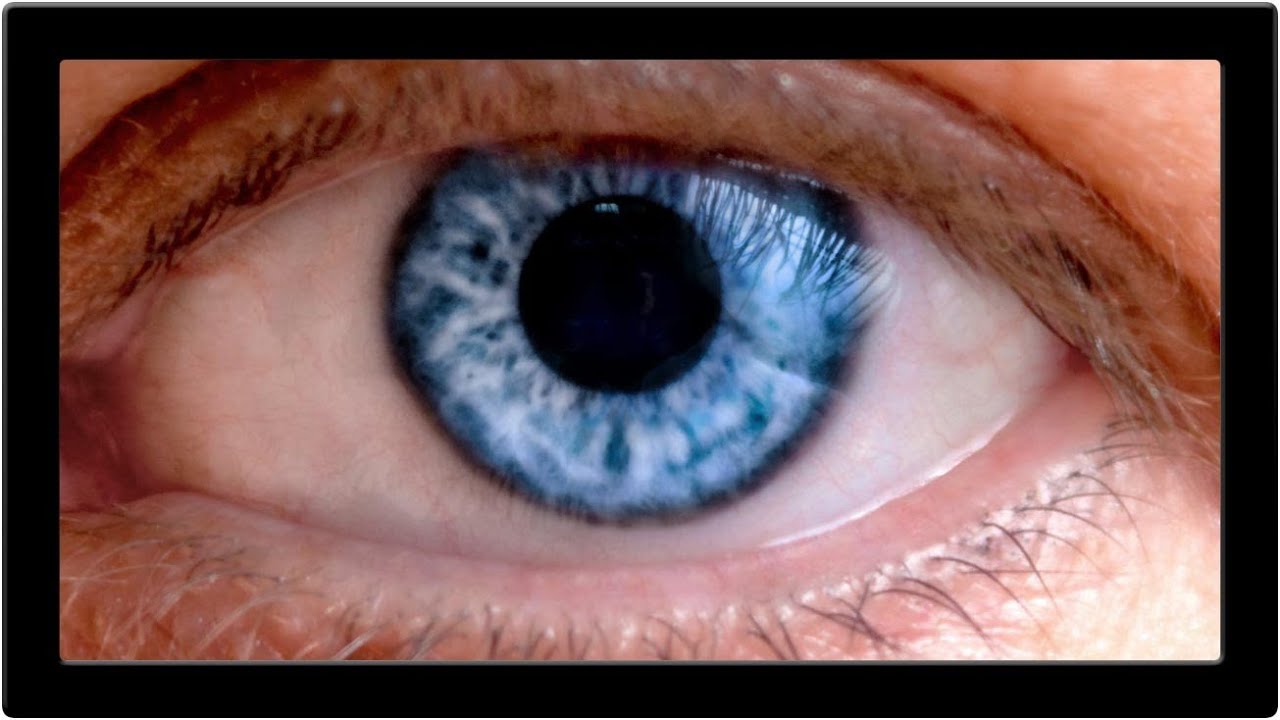
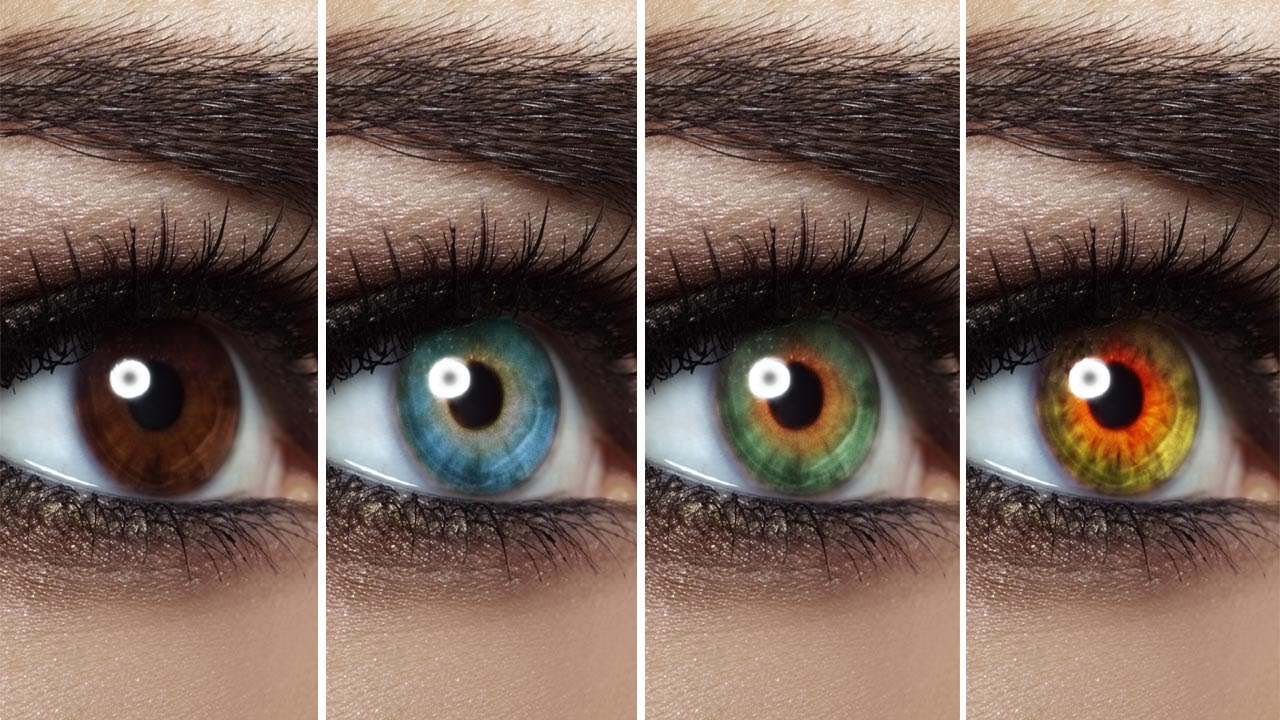
Client retouching jobs have a funny way of surfacing requests you’ve never actually practiced. Someone hands you a portrait and casually mentions, “Oh, can you also make the eyes green?” and suddenly you’re Googling at 11pm from a corner booth at your local coffee shop hoping nobody notices you’re sweating over something that’s supposed to be simple. Eye color changes sound trivial until you try one and end up with something that looks like a Halloween costume filter.

Rescuing a Wrecked Brochure Photo in Photoshop: A Real-World Walkthrough

Rescuing a Wrecked Brochure Photo in Photoshop: A Real-World Walkthrough

Client sends you a photo taken on an iPhone, under bad lighting, of a bent, faded, color-cast piece of paper. No raw file. No scanner. Just that. If you’ve been doing design or photo work for any length of time, you’ve been here. I’ve been here more times than I’d like to admit, usually sitting in a coffee shop trying to work miracles on someone’s terrible source material before a deadline hits.

The Flip-and-Match Trick That Saves Your Covers When You Shot the Wrong Orientation

The Flip-and-Match Trick That Saves Your Covers When You Shot the Wrong Orientation

There’s a specific kind of dread that hits when a client asks for a vertical crop of a photo you shot horizontal. It doesn’t matter how good the image is. If the canvas is taller than the frame, you’ve got dead space, and dead space on a magazine cover is a career-limiting move. I’ve been there more times than I’d like to admit, usually sitting in a coffee shop frantically masking gradients into skies that don’t quite match, hoping the client doesn’t zoom in.

How to Fill In Eyebrows in Photoshop (And Make Them Look Like Real Hair)

How to Fill In Eyebrows in Photoshop (And Make Them Look Like Real Hair)

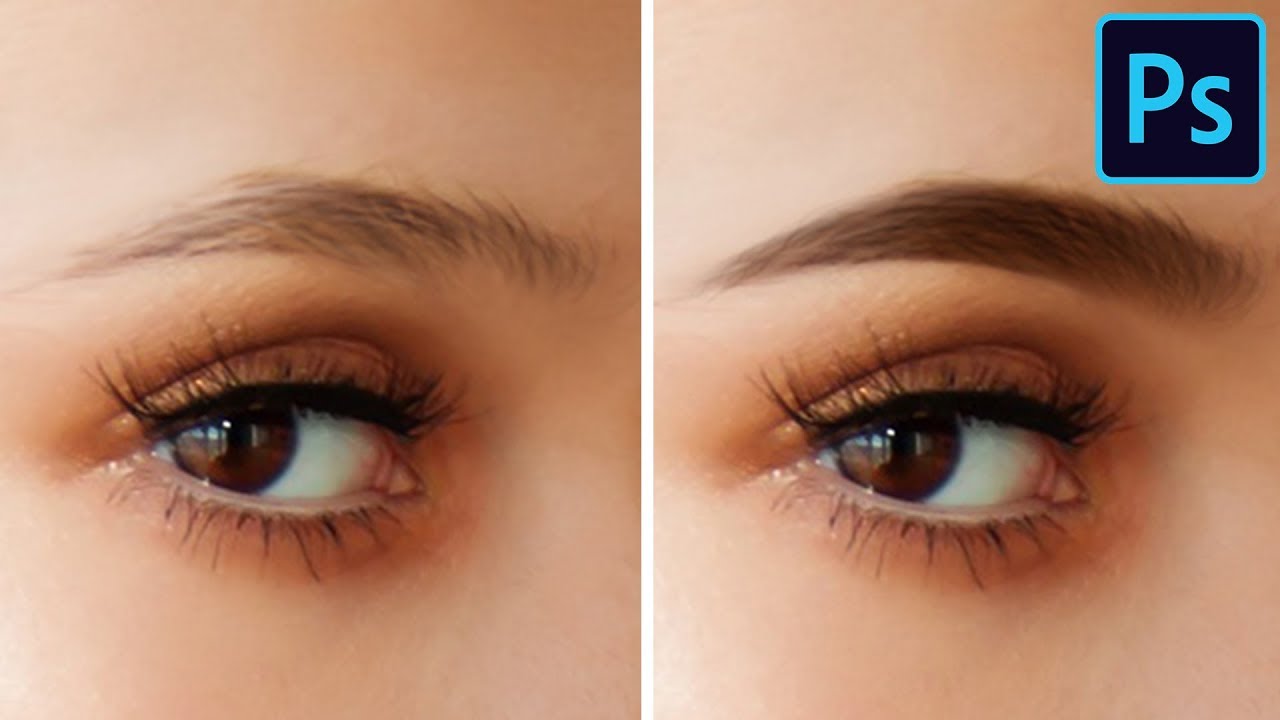
Portrait retouching has a way of humbling you fast. You can nail the skin, the dodge and burn, the color grade, and then the eyebrows sit there looking like someone drew them on with a Sharpie and called it a day. I’ve handed back work that I was genuinely proud of, only to get feedback that the brows looked “off,” which is the polite version of “you made my client look like a cartoon villain.