The Art of Making People Look Better Than They Actually Are

The Art of Making People Look Better Than They Actually Are

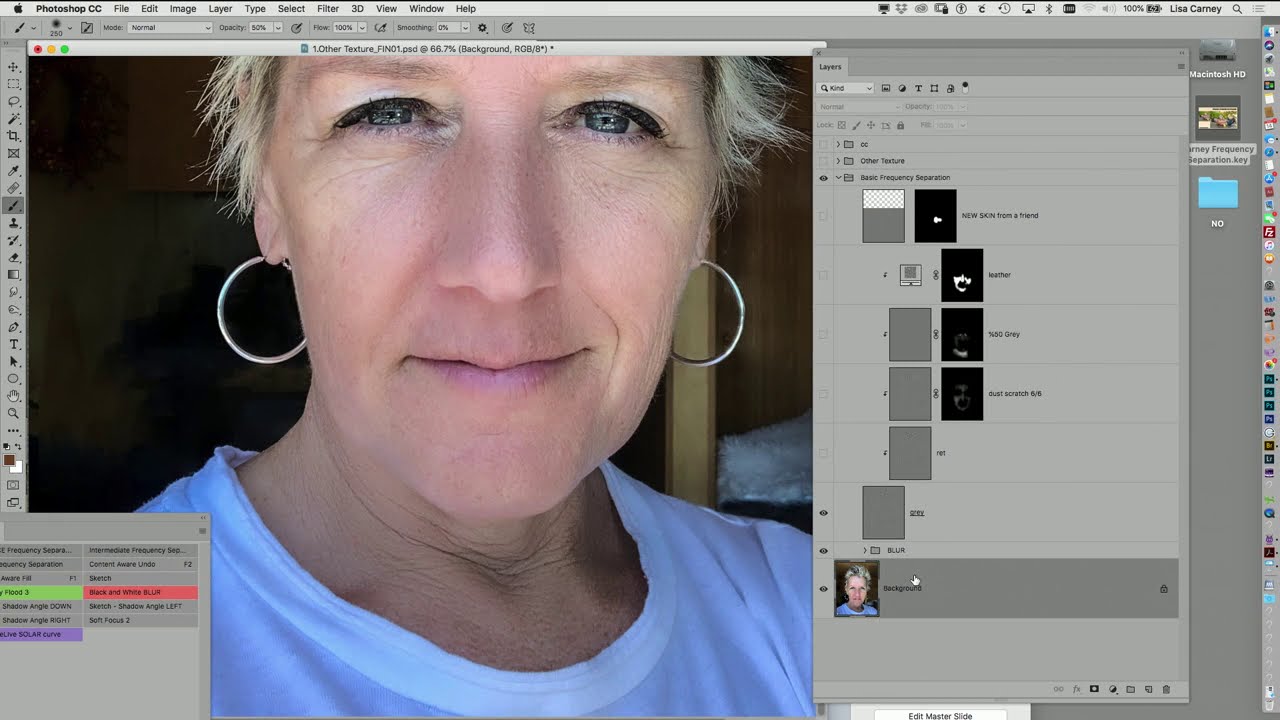
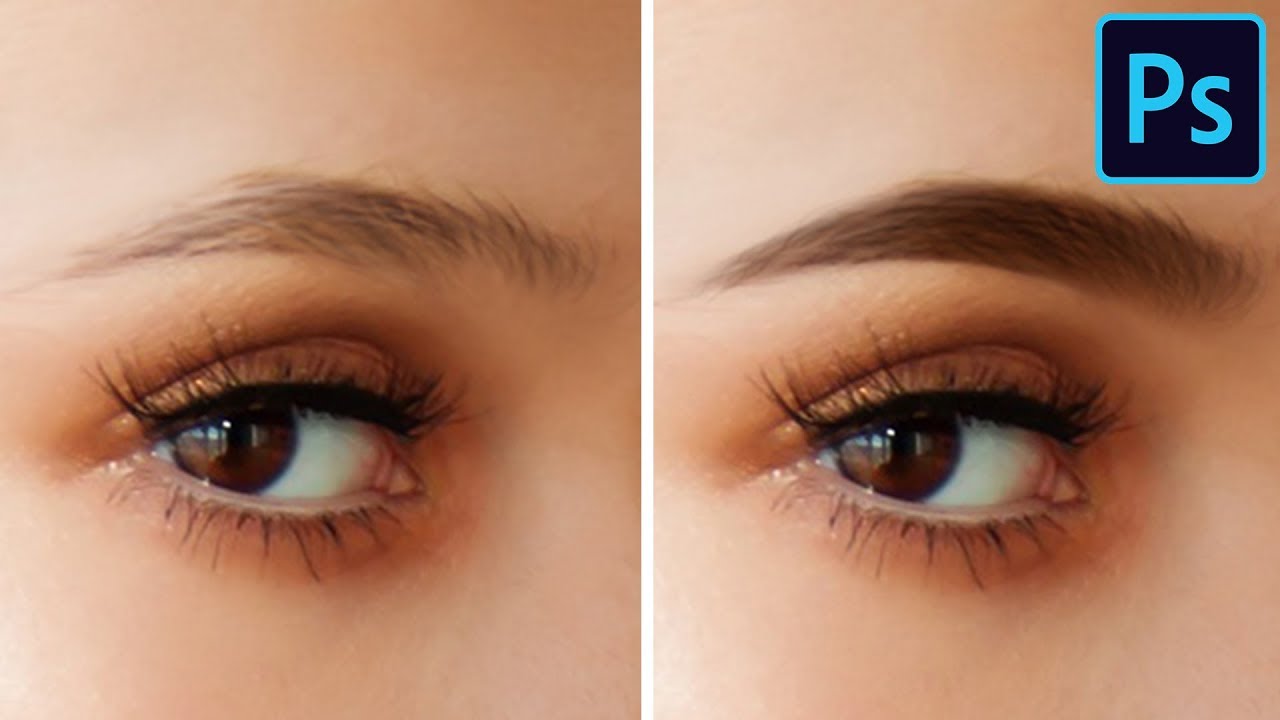
Look, I’m going to level with you: photo manipulation has a bad reputation. People think it’s about creating fake reality and catfishing on dating apps. But honestly? Most of what we do is just helping people look like the best version of themselves. It’s like Spanx for photographs. I’ve been retouching portraits for years, and I’ve learned that the difference between “wow, that’s me?” and “why do I look like a plastic doll?

The Dark Art of Photo Manipulation: Making People Look Better Than They Have Any Right To

The Dark Art of Photo Manipulation: Making People Look Better Than They Have Any Right To

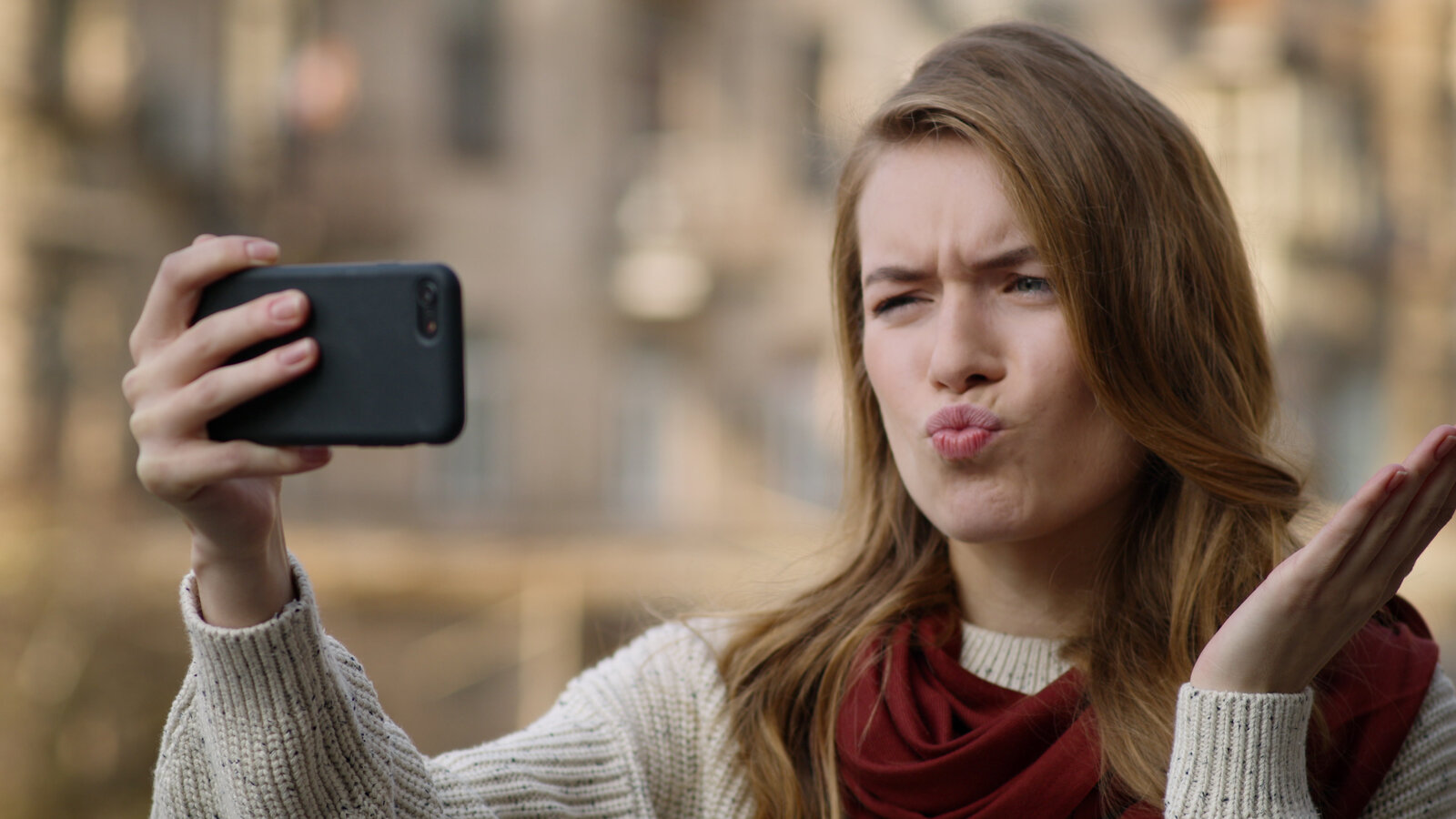
The Dark Art of Photo Manipulation: Making People Look Better Than They Have Any Right To Look, I’m not going to pretend that photo manipulation is some noble pursuit. It’s basically digital lying. But it’s fun lying, and honestly, everyone’s doing it. Your Instagram influencer crush? Manipulated. That family photo where everyone actually looks happy? Manipulated. That picture of your breakfast that got 47 likes? Okay, probably not manipulated, but it should have been.

The Dark Art of Photo Manipulation: Making People Look Better Than They Actually Are

The Dark Art of Photo Manipulation: Making People Look Better Than They Actually Are

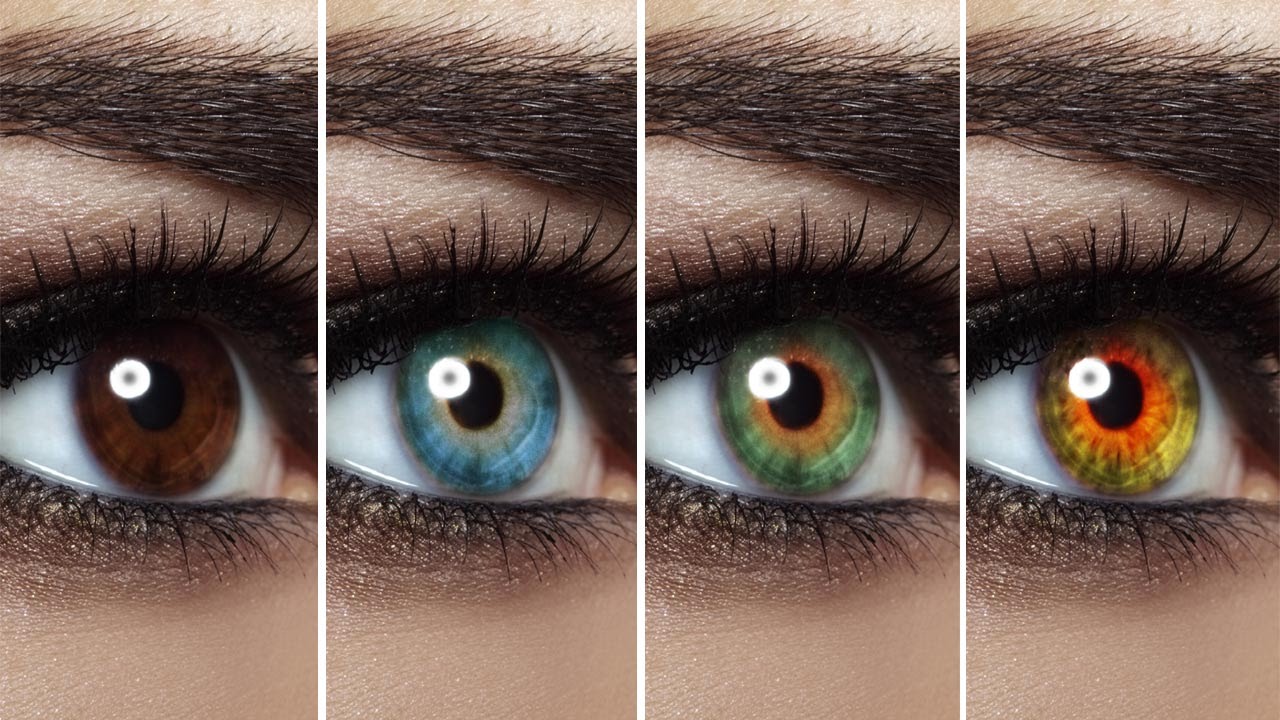
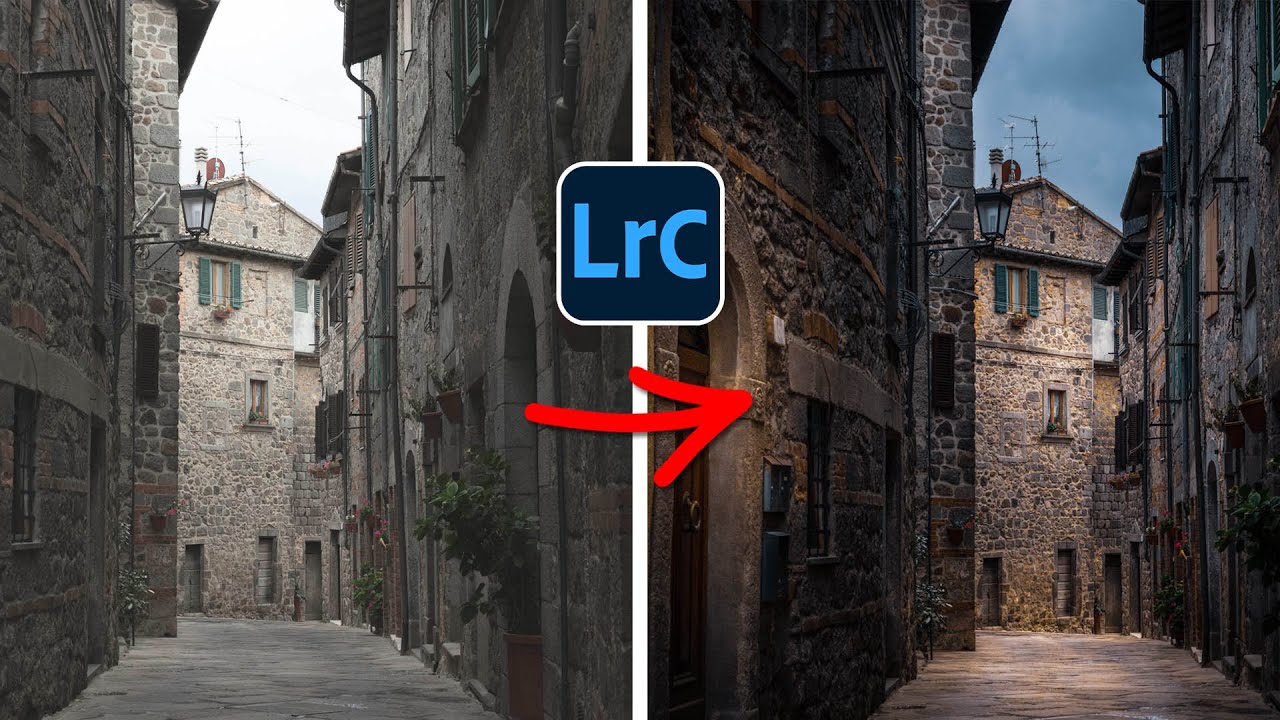
The Dark Art of Photo Manipulation: Making People Look Better Than They Actually Are Let’s be honest—we’re all here because reality is sometimes disappointing. Your client’s product photos are too dark. Your portrait subject has a mysterious third chin they swear isn’t usually there. The sunset you drove two hours to photograph looks about as inspiring as a spreadsheet. Enter photo manipulation: the noble art of making things look better without making them look obviously fake.

The Art of Not Getting Caught: Photo Manipulation Done Right

The Art of Not Getting Caught: Photo Manipulation Done Right

The Art of Not Getting Caught: Photo Manipulation Done Right Look, I’m going to be straight with you: photo manipulation gets a bad rap. Everyone’s suddenly a purist who swears they “don’t edit their photos” while conveniently forgetting about that Instagram filter they applied. The truth? Good manipulation is invisible. Bad manipulation makes people look like plastic aliens. I’m here to help you be in the first camp. The Golden Rule: Subtlety is Your Best Friend The biggest mistake I see is people treating Photoshop like a sledgehammer when they should be using it like a scalpel.

Healing Brush vs Clone Stamp: A Practical Comparison

Healing Brush vs Clone Stamp: A Practical Comparison

The Healing Brush and Clone Stamp look similar and do similar things, but they use fundamentally different algorithms. Using the wrong one creates problems that are often worse than the original blemish. Here’s when to reach for each one. How They Differ Clone Stamp copies pixels exactly from the source point to the destination. What you sample is what you get — texture, color, brightness, everything. Healing Brush copies texture from the source but matches the color and brightness to the destination.