Red Eyes, Distracting Reflections, and How to Fix Both in Photoshop

Red Eyes, Distracting Reflections, and How to Fix Both in Photoshop

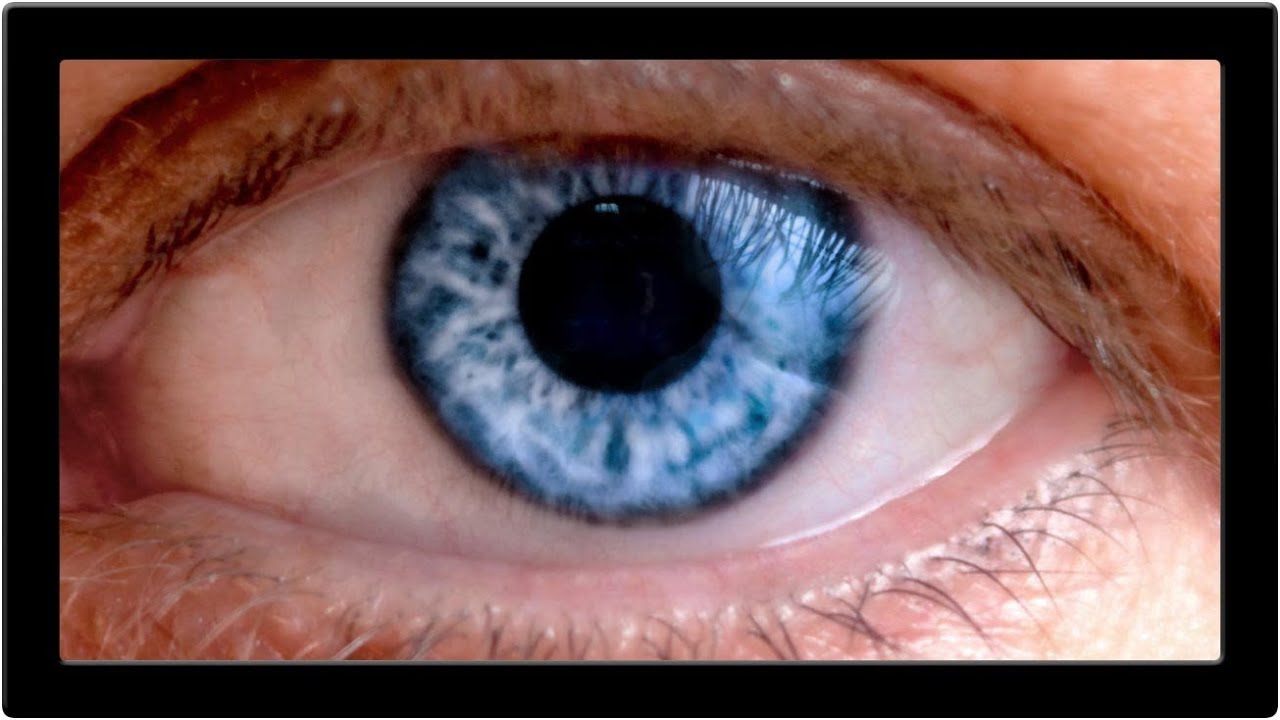
Portrait retouching has a way of humbling you fast. You can nail the skin, get the hair looking great, and then zoom into the eyes and realize the whole thing looks like your subject just finished a crying marathon or a very long night. Red veins, weird reflections, flat color in the iris – eyes are small but they carry an enormous amount of visual weight in any portrait, and when they’re off, everyone notices even if they can’t explain why.

10 AI Tricks in Photoshop That Actually Hold Up in Real Work

10 AI Tricks in Photoshop That Actually Hold Up in Real Work

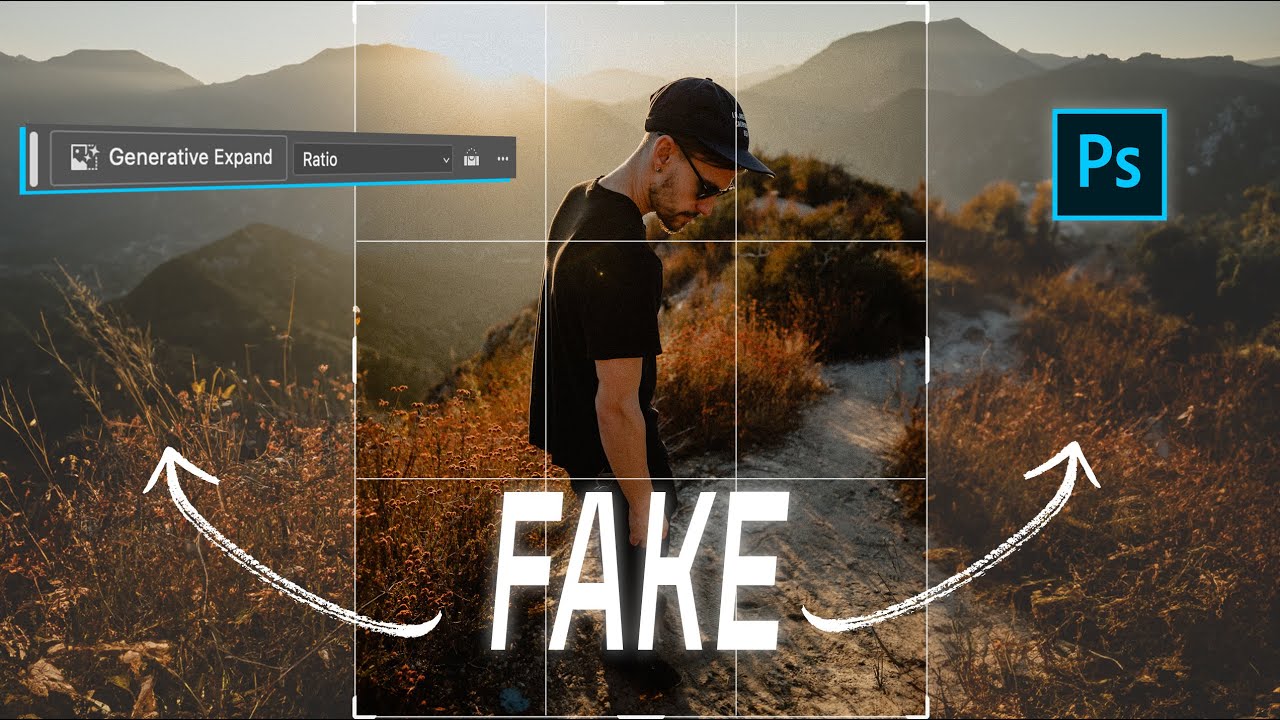
There’s a specific kind of frustration that hits when a client asks you to repurpose a photo for a completely different format than it was shot for. Portrait crop needs to become a YouTube thumbnail. Instagram 4x5 needs to become a LinkedIn banner. You either go back to the photographer, do an awkward zoom-and-pray crop, or spend an hour cloning background that should have been there in the first place. For a long time, that last option was the least-bad answer.

Photoshop Filters Are More Powerful Than You Think (And You're Probably Using Them Wrong)

Photoshop Filters Are More Powerful Than You Think (And You're Probably Using Them Wrong)

I used to apply filters directly to pixel layers like a complete amateur. Flatten, filter, done. It felt efficient until a client called asking for a revision on a project I’d already closed out, and I realized the Gaussian Blur I’d baked into the background three saves ago was now a permanent resident of that file. Not a smart object in sight. Just me, sweating into my cold brew at the counter of a coffee shop on South Congress, rebuilding a background from scratch.

Adobe's August 2026 Update: What's New in Lightroom and Camera RAW

Adobe's August 2026 Update: What's New in Lightroom and Camera RAW

Adobe’s August 2026 Update: What’s New in Lightroom and Camera RAW I’ve been digging into the latest August 2026 update for both Lightroom Classic and Adobe Camera RAW, and let me tell you—there’s some genuinely useful stuff here that’ll make your editing life easier. Adobe clearly listened to what users actually need rather than just adding complexity for complexity’s sake. The Feature Shuffle (And Why It Matters) Here’s what I’m noticing with Adobe’s release strategy lately: they’re rolling out new features in Camera RAW first, then letting them percolate for a bit before bringing them into Lightroom Classic.

How to Fake a Graduated Sky Filter in Photoshop (Without Touching a Single Slider)

How to Fake a Graduated Sky Filter in Photoshop (Without Touching a Single Slider)

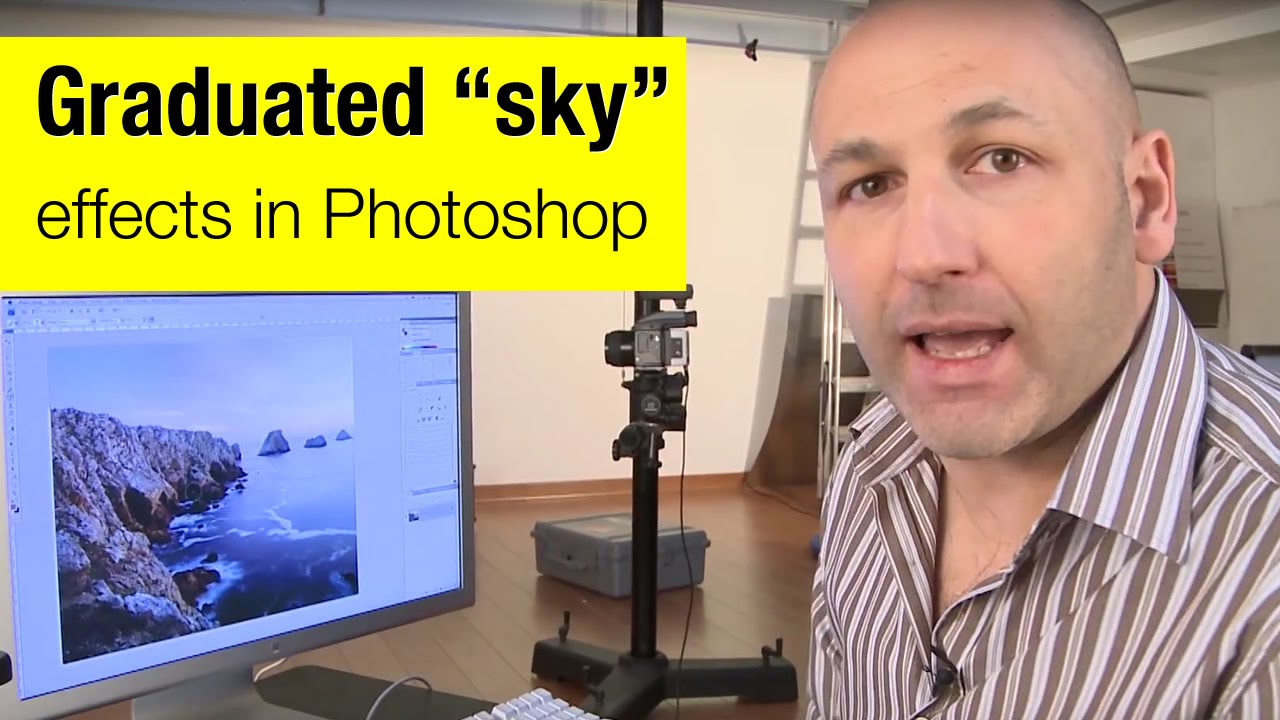
There’s a specific kind of frustration that hits when you’ve got a genuinely great shot — good composition, interesting foreground, strong light — and the sky is just… beige. Flat, washed-out, completely uninspiring. You know the image has something, but the sky is dragging it down. I’ve been there more times than I’d like to admit, and my usual instinct was to reach for Hue/Saturation or start messing with Curves until something looked vaguely better.

The Lightroom Color Tool You've Been Scrolling Past (And Why That's a Mistake)

The Lightroom Color Tool You've Been Scrolling Past (And Why That's a Mistake)

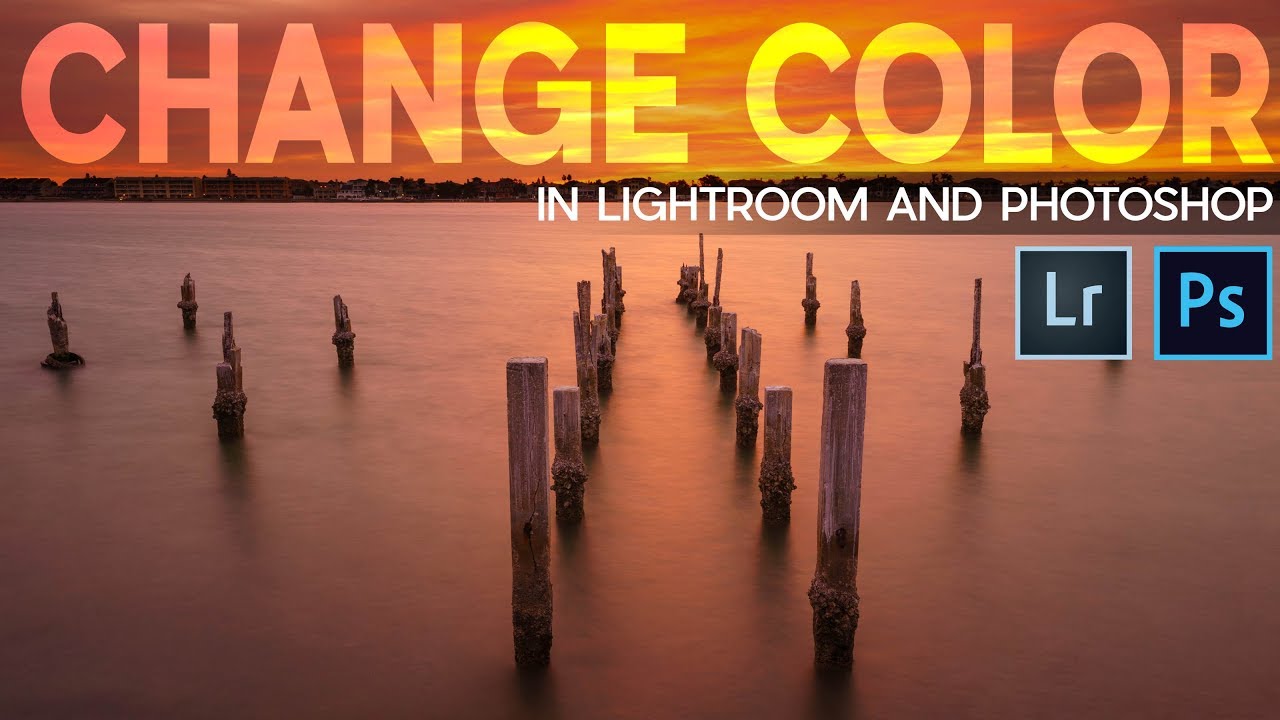
A few months ago I spent the better part of an afternoon trying to warm up a landscape shot using nothing but the Temperature slider. The result was technically warmer, sure, but it also looked like someone had smeared Velveeta across the sky. Everything shifted. The rocks, the shadows, the parts I didn’t even want touched. I ended up with a photo that looked like it was shot through a jaundiced window.

Stop Clicking Around: How to Actually Choose the Right Selection Tool in Photoshop

Stop Clicking Around: How to Actually Choose the Right Selection Tool in Photoshop

I had a client ask me to cut out a model from a white studio background last year. Simple job. Twenty seconds, maybe. I watched the file come through, opened it, and instinctively reached for the Quick Selection tool out of habit. Four minutes later I was still cleaning up jagged edges around flyaway hair and quietly hating myself. The Object Selection tool with a quick mask refinement would have had it done in under a minute.

Lightroom's Radial Filter Is Doing Way More Work Than You Think

Lightroom's Radial Filter Is Doing Way More Work Than You Think

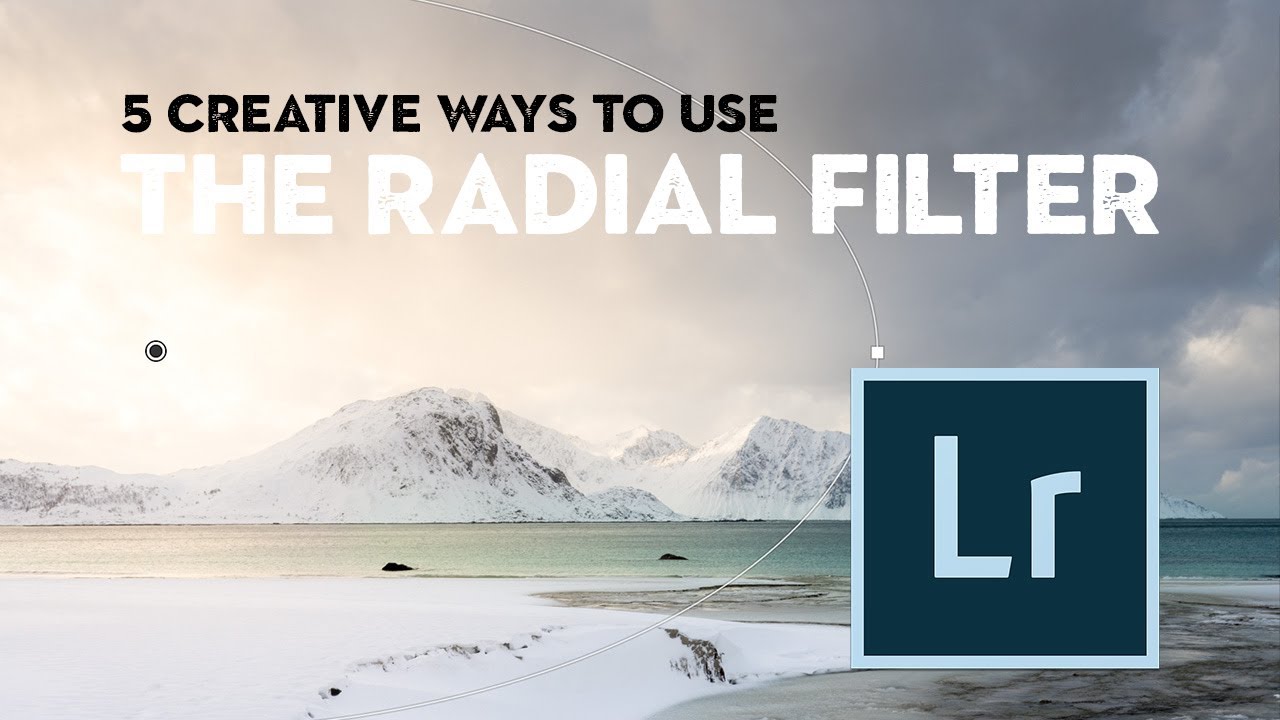
I’ll be honest with you. For an embarrassingly long time, I used Lightroom’s Radial Filter for exactly one thing: drawing a circle and darkening the outside of it. That’s it. That was my whole relationship with the tool. I was basically using a Swiss Army knife to open envelopes. Then I stumbled onto a tutorial by landscape photographer Nigel Danson where he runs through five distinct things you can do with the Radial Filter, and I had one of those “okay I’ve been doing this wrong” moments that I usually only get from accidentally breaking something expensive.

How to Push a Branch (or Anything) Out of Your Subject's Space in Photoshop

How to Push a Branch (or Anything) Out of Your Subject's Space in Photoshop

There’s a specific kind of frustration I feel when I nail a shot compositionally — good light, great subject, clean background — and then notice that some branch, pole, or random object is practically breathing on my subject. Not close enough to remove without wrecking the composition, but close enough to look like a mistake. I used to either crop aggressively (losing the frame I wanted) or spend 20 minutes cloning and healing until it looked almost right.

10 Photoshop Tips I Wish I'd Known Before I Wasted Years Doing Things the Hard Way

10 Photoshop Tips I Wish I'd Known Before I Wasted Years Doing Things the Hard Way

There’s a specific kind of pain that comes from watching someone else work in Photoshop and realizing they’re doing in three clicks what takes you fifteen. I’ve been there more times than I’d like to admit. Back when I was just starting to take freelance work seriously, a friend watched me edit over my shoulder for about two minutes before quietly asking if I’d ever heard of layer masks. Reader, I had not.

Photoshop Selections Explained: The One Skill That Makes Everything Else Click

Photoshop Selections Explained: The One Skill That Makes Everything Else Click

Here’s a confession: for an embarrassingly long time, I was just painting over things I didn’t want in my images. Like, literally using a brush and hoping for the best. My early freelance work looked fine on screen and absolutely fell apart the second a client zoomed in. The problem wasn’t my eye for design. It was that I had no real grip on selections, which meant every edit I made was either global (affecting the whole image) or a crime scene.

Stop Cropping Your Photos to Fit — Use These Photoshop Tricks Instead

Stop Cropping Your Photos to Fit — Use These Photoshop Tricks Instead

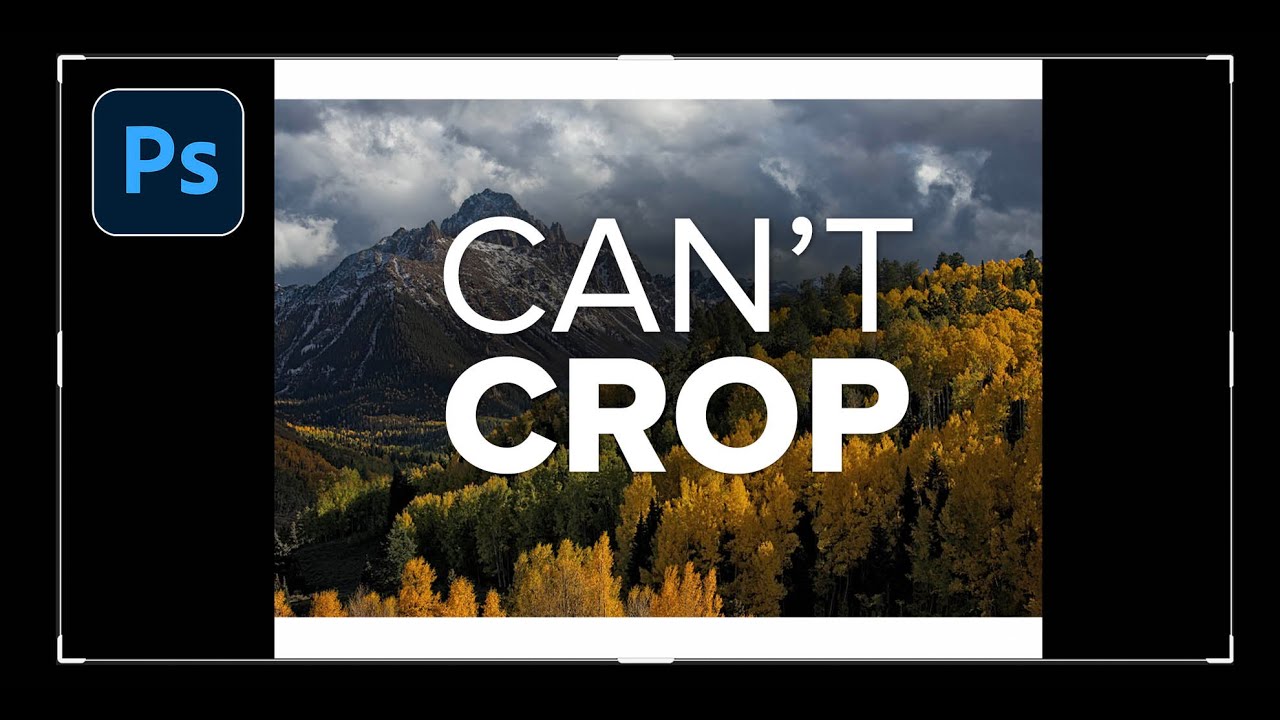
Every working photographer or designer hits this wall eventually. You’ve got a great shot, you need it to fill an 11x14 print (or a photo book spread, or a square social tile), and the aspect ratio just doesn’t cooperate. Your options feel like a bad multiple-choice question: crop out the part of the image you actually care about, or live with white bars on the sides like you’re watching a DVD on a 2003 flatscreen.