The 5-Minute Dreamy Photo Effect That Actually Works (No Orton Effect Required)

The 5-Minute Dreamy Photo Effect That Actually Works (No Orton Effect Required)

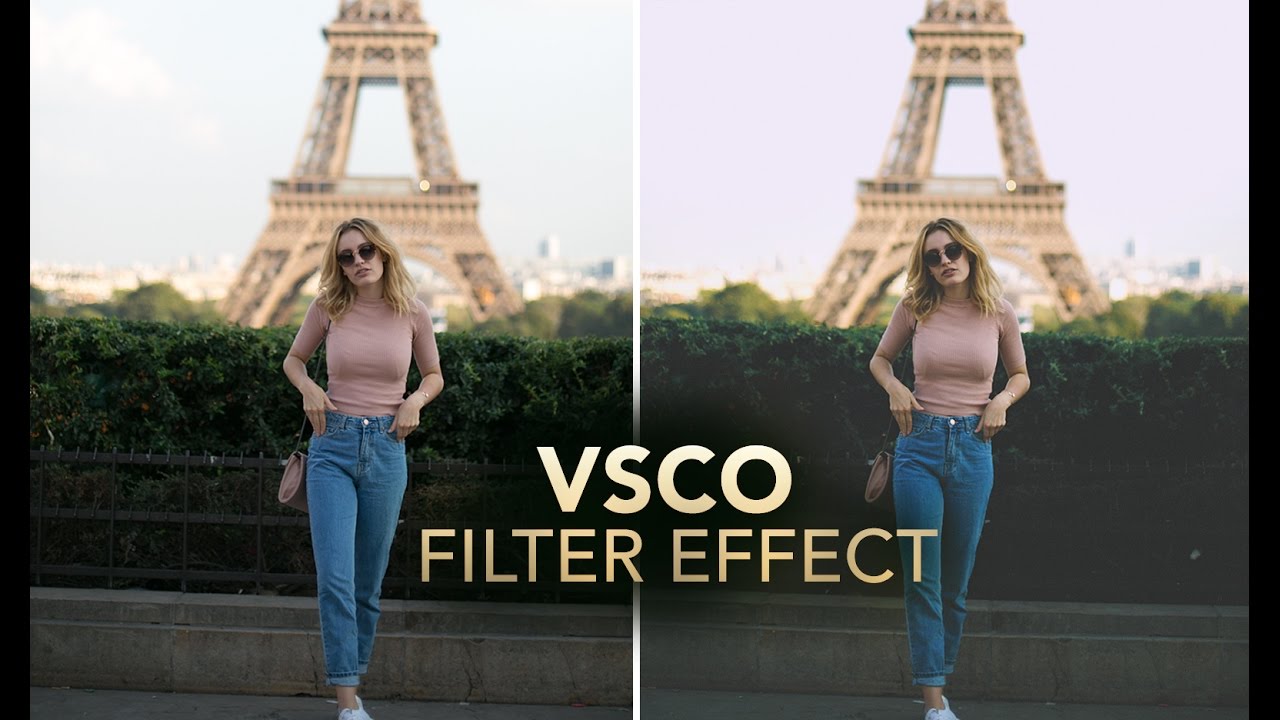
There’s a certain kind of client request that used to make me quietly groan into my coffee. “Can you make it look… softer? Like dreamy? You know, that look?” I did not always know that look. And my first instinct was usually to reach for some overcomplicated multi-layer Orton effect tutorial I’d bookmarked three years ago and never fully understood. Twenty minutes later I’d have something that looked like a fever dream, not a photograph.

Photoshop Filters Are Not Magic Buttons (But They Kind of Are If You Use Them Right)

Photoshop Filters Are Not Magic Buttons (But They Kind of Are If You Use Them Right)

My dog Pixel is a 40-pound chaos agent who has, on more than one occasion, walked across my keyboard mid-project. One afternoon she stepped on something during a portrait retouch and suddenly the whole image had this soft, diffused glow I hadn’t seen before. I looked down. She’d triggered Filter > Blur > Gaussian Blur, set to around 4.5 pixels, blended at 60% opacity through a luminosity blend mode I’d accidentally left active.

Adobe's Experimental Camera App Is About to Change How You Shoot (And Edit)

Adobe's Experimental Camera App Is About to Change How You Shoot (And Edit)

The Camera App That Thinks Like Photoshop I’ve been watching Adobe quietly build something interesting in their labs, and I think we’re about to see a real shift in how photographers approach image capture. Project Indigo—their experimental camera application—is rolling out with enough AI smarts to make even desktop Photoshop users sit up and pay attention. Here’s the thing: we’ve all been conditioned to think of photo cleanup as a post-production task.

Sky Replacement in Photoshop: What Every Single Setting Actually Does

Sky Replacement in Photoshop: What Every Single Setting Actually Does

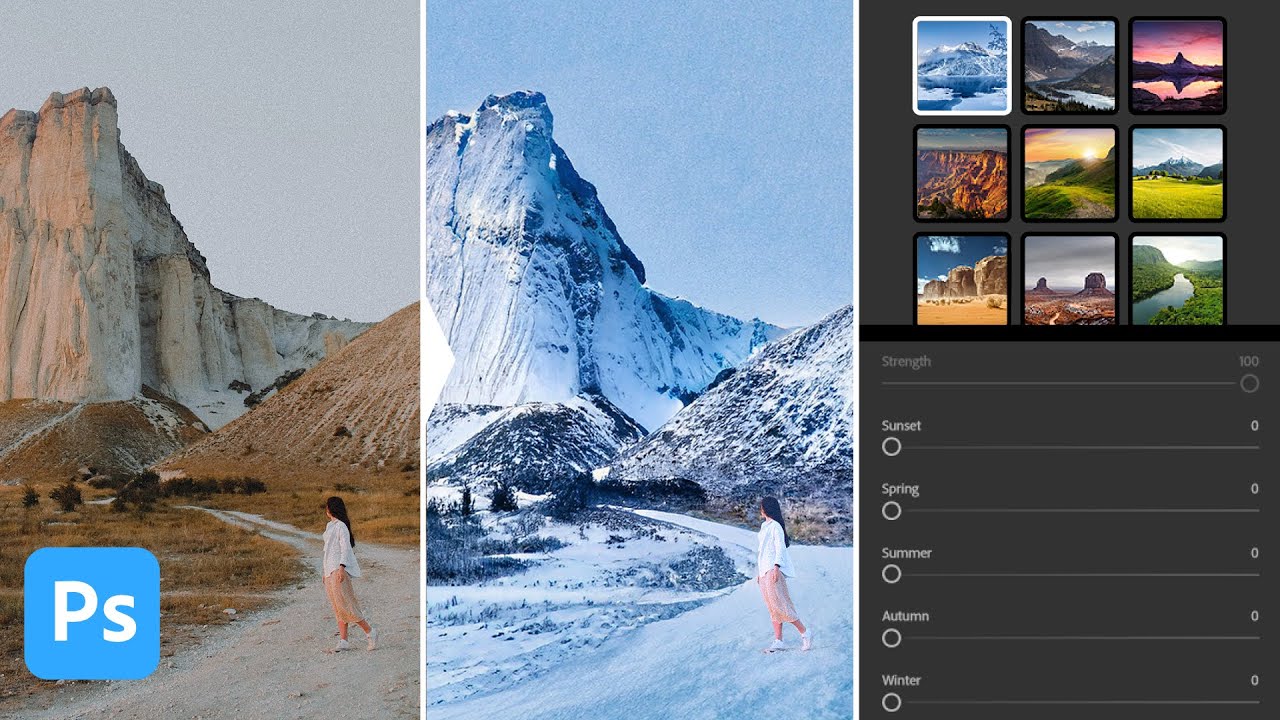
There’s a specific kind of frustration that hits when you know a tool exists, you’ve poked at it a few times, and it still produces results that look like a bad green-screen audition. Sky Replacement in Photoshop is exactly that tool for a lot of people. The feature showed up in Photoshop and everyone got excited, slapped a dramatic sunset behind a gray overcast shot, and then quietly closed the file when the edges looked like someone cut them out with kindergarten scissors.

Camera Raw Just Got Focus Point Overlay and Bidirectional Gradients — Here's How to Use Them

Camera Raw Just Got Focus Point Overlay and Bidirectional Gradients — Here's How to Use Them

I’ll be honest about something embarrassing. I once delivered a batch of bird photos to a client, convinced I had nailed the focus on every single shot. Spoiler: I had not. The camera had decided a patch of blurry background grass was far more interesting than the actual bird, and I only found out after the client did. If I’d had a way to verify focus points inside my raw editor before exporting, that conversation never happens.

Photoshop's Generative Fill Is Absurdly Good — Here's What It Actually Does

Photoshop's Generative Fill Is Absurdly Good — Here's What It Actually Does

I’ll be honest with you. The first time someone told me Photoshop had shipped an AI fill tool that could generate entirely new content from a text prompt, I assumed it was the usual Adobe overpromise. I’ve been burned before. I sat through the Neural Filters rollout with genuine excitement and walked away using maybe one of them semi-regularly. So when Generative Fill started making the rounds in the beta version of Photoshop, I kept my expectations low and my skepticism high.

Adobe Camera Raw in Photoshop Is Doing Heavy Lifting I Used to Do Manually (And I Feel Foolish)

Adobe Camera Raw in Photoshop Is Doing Heavy Lifting I Used to Do Manually (And I Feel Foolish)

I spent the better part of three years doing things the hard way in Photoshop. Manually painting masks for background blur. Dragging Hue/Saturation sliders trying to isolate a sky without torching the rest of the image. Stacking adjustment layers like I was building a skyscraper out of toothpicks. It worked, mostly, but it was slow and fragile. One wrong move and the whole thing collapsed. That’s actually how I learned about smart objects, after accidentally flattening a client’s project file and spending the next two hours trying to reconstruct it from a JPEG export.

Stop Making Obvious Edits: How to Remove Objects in Photoshop Without the Telltale Clone Stamp Smear

Stop Making Obvious Edits: How to Remove Objects in Photoshop Without the Telltale Clone Stamp Smear

There’s a specific kind of embarrassment that comes from sending a client a retouched photo where you can clearly see where you removed something. The water ripples that suddenly repeat. The brick pattern that tiles like a bad desktop wallpaper from 2003. I know it well. Early in my freelance career I handed off a product shot with a background so obviously cloned that my client asked if the floor was “supposed to look like that.

Painting With Light and Fog: How Joel Grimes Uses Photoshop Brushes to Make Images Feel Cinematic

Painting With Light and Fog: How Joel Grimes Uses Photoshop Brushes to Make Images Feel Cinematic

There’s a specific problem I kept running into early in my freelance work: I’d build out a composite, get the subject placed and lit, and then stare at the background feeling like something was missing. The image looked assembled. Competent, maybe, but flat. Like a person standing in front of a green screen even when they weren’t. What I didn’t understand then was that real drama in a photograph isn’t just about contrast or color grading.

Stop Settling for Boring Skies: A Practical Photoshop Sky Swap Walkthrough

Stop Settling for Boring Skies: A Practical Photoshop Sky Swap Walkthrough

A few years back I spent the better part of a Tuesday stressing over a landscape composite for a client. The photo was solid — good light, interesting subject — but the sky was that flat, washed-out grey that makes everything look like it was shot in a Walmart parking lot. I knew the fix existed somewhere in Photoshop. I just didn’t know the clean way to do it without spending three hours masking individual clouds by hand like some kind of caffeinated monk.

Remove the Junk, Fix the Frame, Save the Shot: A Practical Photoshop Cleanup Workflow

Remove the Junk, Fix the Frame, Save the Shot: A Practical Photoshop Cleanup Workflow

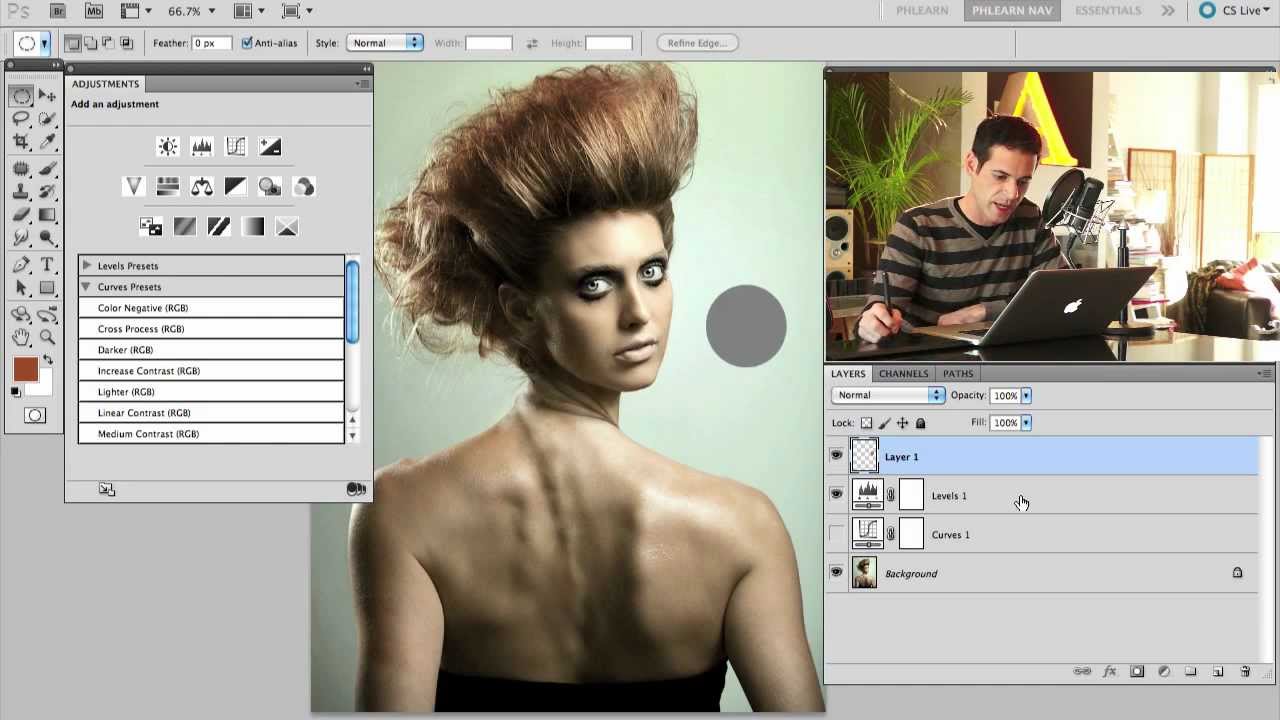
There’s a specific kind of frustration that comes from spending two hours cloning out power lines and random visual garbage from a photo, only to realize you missed three of them. I’ve been there more times than I’d like to admit. It’s the kind of tedious work that makes you question your life choices somewhere around the 45-minute mark at your corner coffee shop table. So when I watched PHLEARN’s tutorial on cleaning up, reframing, and polishing photos in Photoshop, I immediately stopped what I was doing and paid close attention.

Stop Sleeping on Camera Raw Filter: Your Secret Weapon for Stunning Photos

Stop Sleeping on Camera Raw Filter: Your Secret Weapon for Stunning Photos

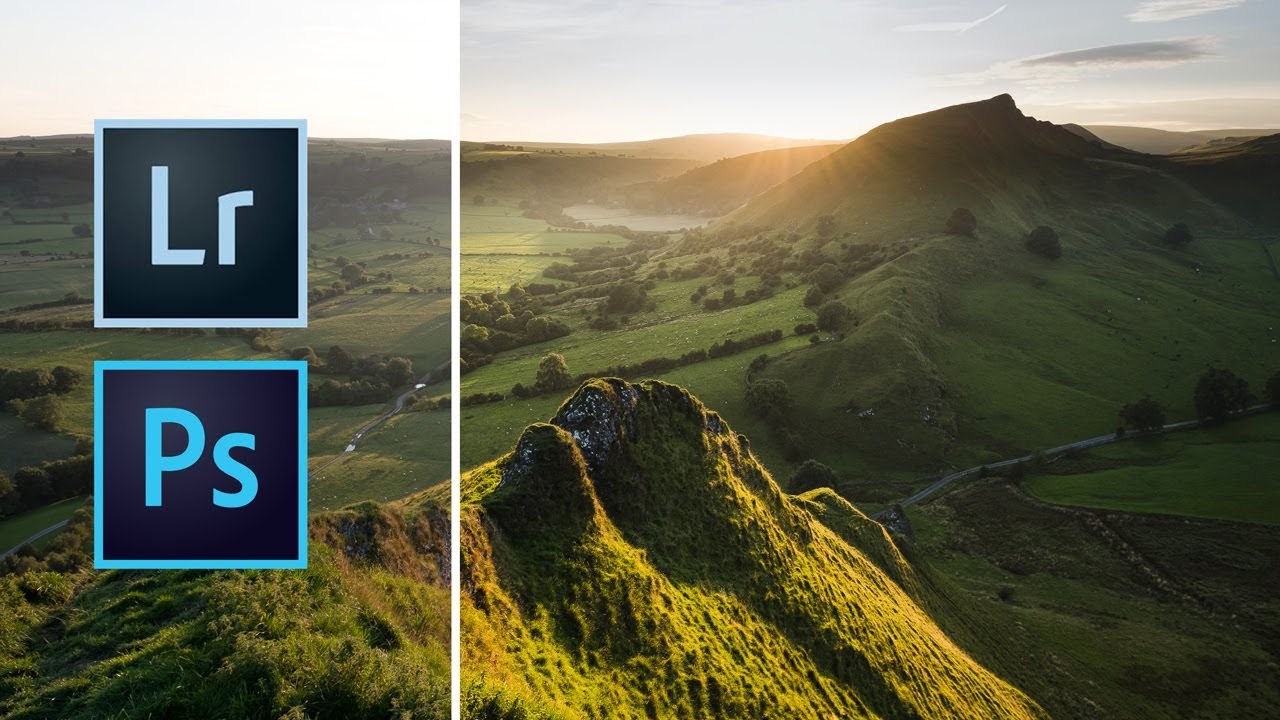
The Tool You’ve Been Ignoring I’ll be honest—I spent years treating Photoshop’s Camera Raw filter like it was exclusively for photographers who shot in RAW format. Turns out, I was dead wrong, and I’m betting a lot of you have made the same mistake. Camera Raw Filter isn’t just a converter. It’s a full-featured editing powerhouse that most of us have been criminally underutilizing. While you’ve been hunched over your Curves and Hue/Saturation panels doing the same color work over and over, this beast has been sitting right there in your Filter menu, ready to transform your images in ways that’ll make you wonder why you didn’t start using it sooner.