Stop Maxing Out Your Circular Polarizer — It's Killing Your Fall Shots

Stop Maxing Out Your Circular Polarizer — It's Killing Your Fall Shots

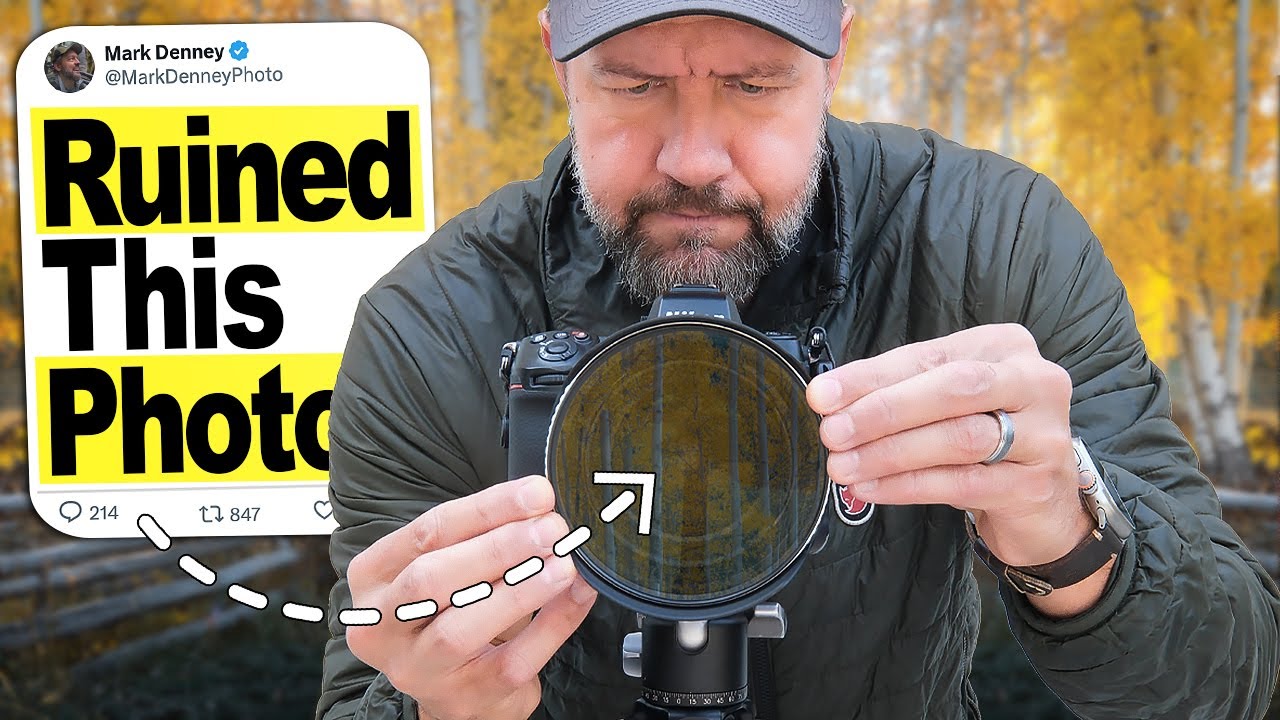
I’ll be honest: I am not primarily a landscape photographer. My wheelhouse is design work, composites, the occasional product shoot. But fall rolls around every year and something happens to me. I grab my camera, I drive somewhere with trees, and I try to make something that doesn’t look like a tourist snapshot. For years I leaned on my circular polarizer like it was a magic wand, cranking it all the way and assuming that more polarization meant better photos.
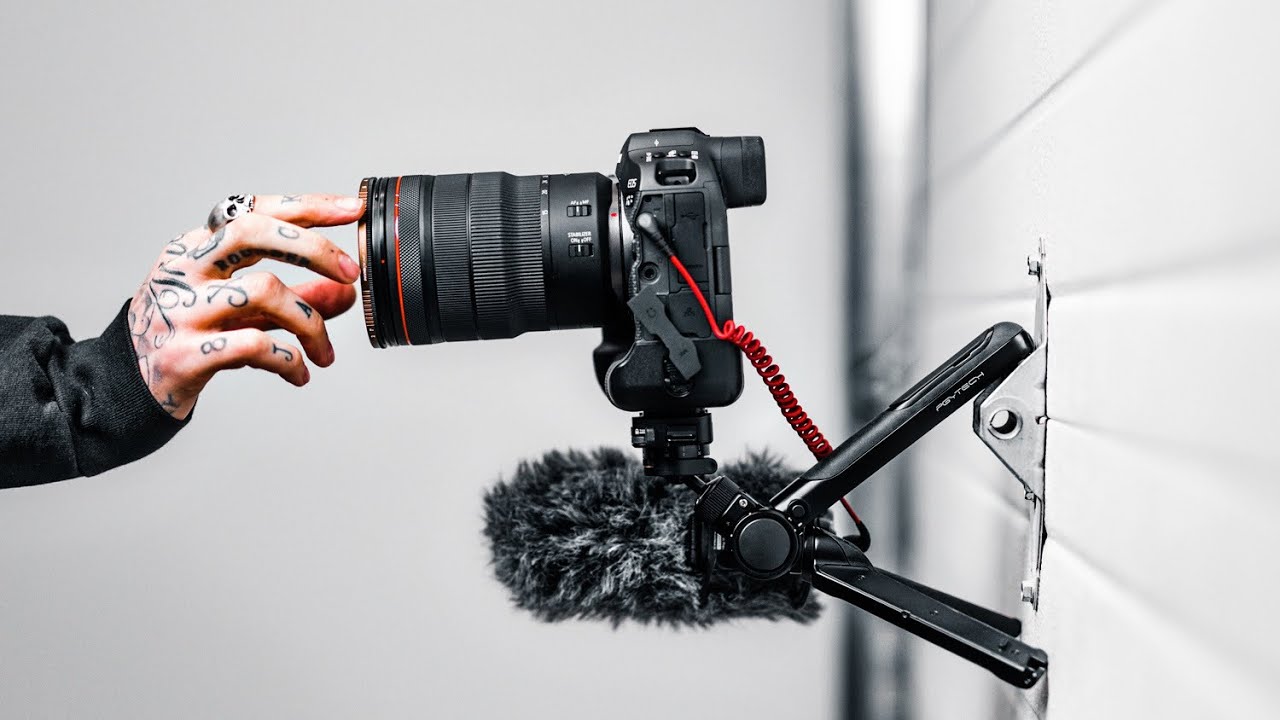

The Mantis Pod Is the Swiss Army Knife of Camera Support (And Why I'm Obsessed With It)

The Mantis Pod Is the Swiss Army Knife of Camera Support (And Why I'm Obsessed With It)

I have a bad habit of overcomplicating my kit. I’ll spend forty minutes setting up a C-stand for a shot that needed a tripod for thirty seconds, then wonder why I’m still at the coffee shop at midnight. What I actually need more often than not is something small, fast, and clever enough to handle whatever weird surface or angle I’m working around. That’s the gap this tutorial fills. In this Peter McKinnon video, he walks through the PGyTech Mantis Pod, a compact tripod that he calls his favorite new piece of kit.

How to Bend a Vegetable Into a Heart Shape (And Actually Make It Look Real)

How to Bend a Vegetable Into a Heart Shape (And Actually Make It Look Real)

There’s a specific kind of client brief that used to make me sweat: “make it look natural, but also… different.” You know the one. A product photo where the stem of a flower needs to curl into a logo shape, or a branch needs to extend three inches further than it actually does in real life. Clean, simple, advertising-ready. The kind of thing that looks effortless until you try to pull it off and end up with a smeared, obviously-Photoshopped disaster at 2am.

Photoshop's Hidden Flame Filter Is Doing the Heavy Lifting You Didn't Know You Needed

Photoshop's Hidden Flame Filter Is Doing the Heavy Lifting You Didn't Know You Needed

There’s a specific kind of embarrassment that hits when you’ve spent an hour sourcing fire stock images, masking them, blending them, and fighting with blend modes — only to realize Photoshop had a built-in flame generator the entire time. That happened to me on a concert poster project a while back. I ended up with a passable result, but it was a grind. So when I came across Watch the full tutorial on YouTube from Aaron Nace over at PHLEARN, I sat up a little straighter.

Dramatic Portrait Editing in Photoshop: Sean Tucker's Workflow, Broken Down Step by Step

Dramatic Portrait Editing in Photoshop: Sean Tucker's Workflow, Broken Down Step by Step

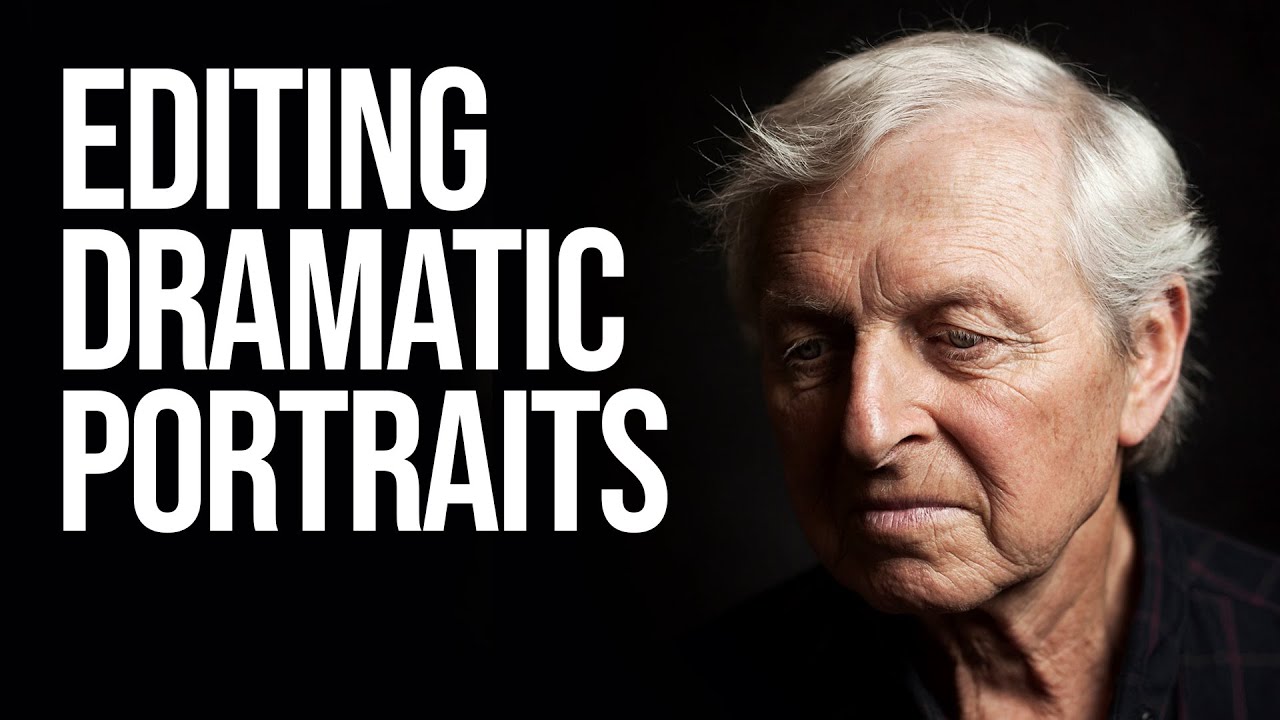
There’s a specific kind of frustration that hits when you look at a portrait you’ve shot and you know the light was right, the subject was great, and somehow the final image still looks flat. Like a photocopy of a feeling rather than the feeling itself. That was me, regularly, until I started paying closer attention to how photographers who think cinematically actually edit. Not just technically, but intentionally. In this Sean Tucker tutorial on editing dramatic portraits, Tucker walks through his full Photoshop process on a real mentor portrait, moving fast and expecting you to keep up.

Stop Opening RAW Files Wrong in Photoshop (This Setting Changes Everything)

Stop Opening RAW Files Wrong in Photoshop (This Setting Changes Everything)

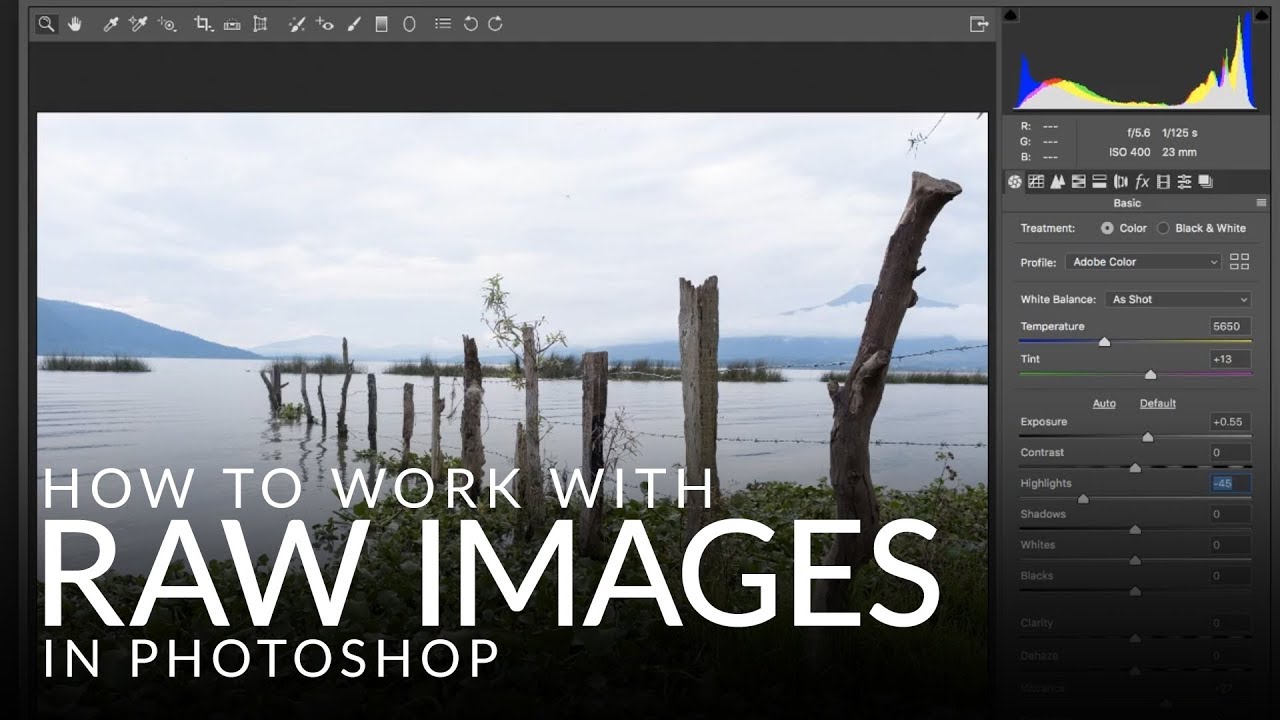
There’s a specific kind of pain that comes from finishing a Photoshop edit, sending it to a client, and then realizing you need to go back and change the exposure on the original RAW file. If you opened that file the wrong way, you’re basically starting over. I learned this the hard way early in my freelance career, and it cost me hours I didn’t have sitting in a coffee shop at 11pm with a deadline breathing down my neck.

Fake the Y2K Digicam Look in Photoshop (No eBay Required)

Fake the Y2K Digicam Look in Photoshop (No eBay Required)

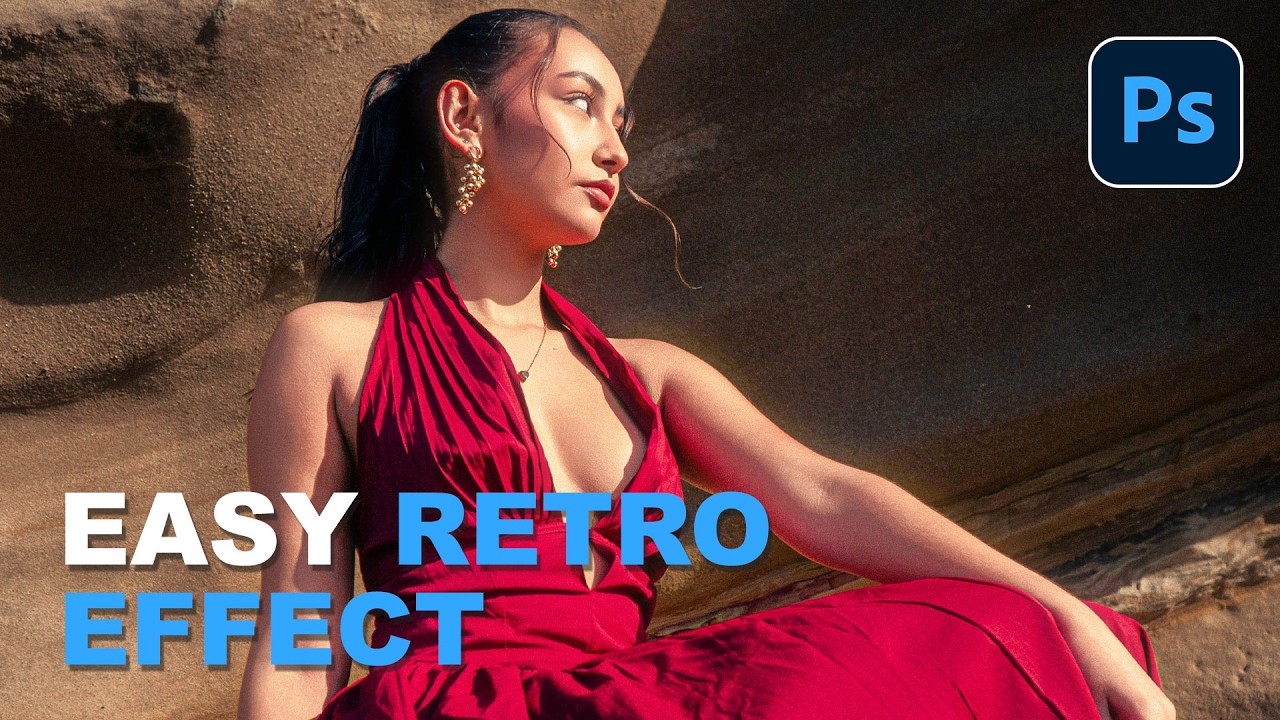
Client work comes in waves. One week everyone wants clean, minimal, modern. The next week, someone slides into your DMs asking for that “y’know, that old digital camera vibe” and you’re suddenly staring at a perfectly exposed, beautifully lit photo wondering how to make it look worse on purpose. It’s a real skill. I mean that without irony. The digicam look, that punchy, slightly cold, flash-blasted aesthetic from early-2000s point-and-shoot cameras, is everywhere right now.

Cutting Out Hair in Photoshop Without Losing Your Mind (or Your Deadline)

Cutting Out Hair in Photoshop Without Losing Your Mind (or Your Deadline)

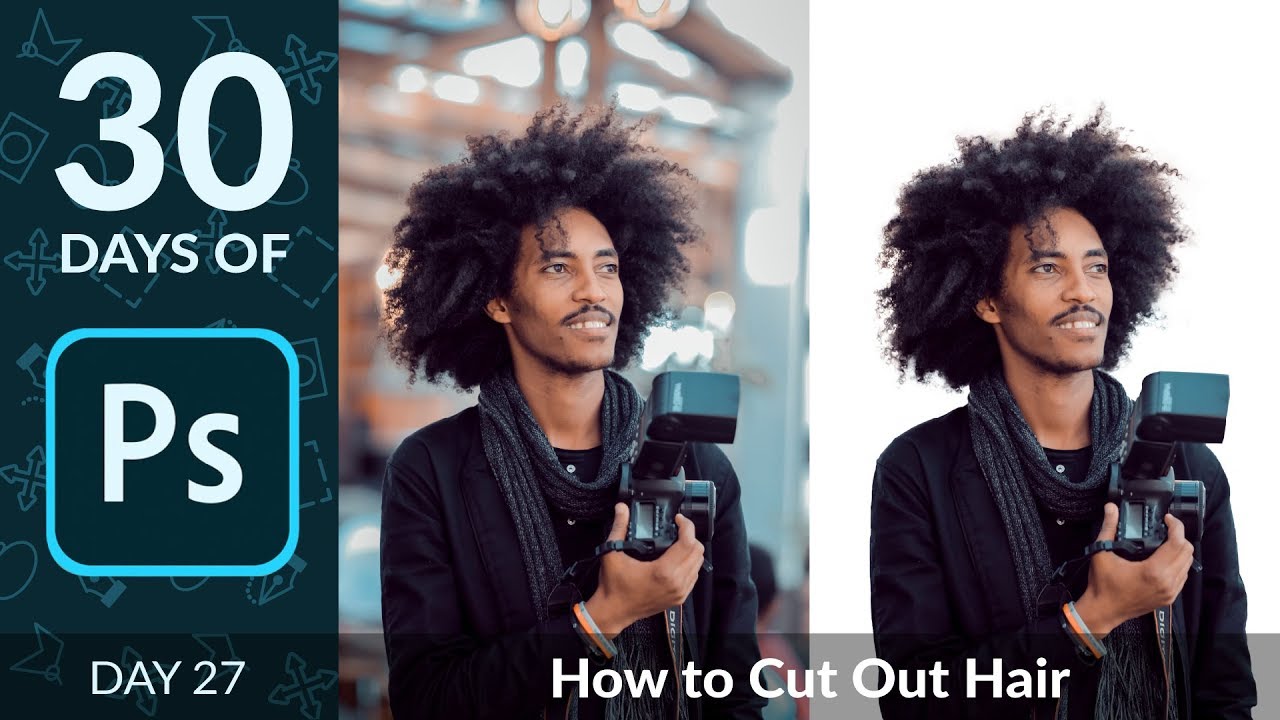
Hair has humbled me more times than I care to admit. Early in my freelance career I spent the better part of an afternoon trying to manually cut a model’s curly hair from a busy background using the Lasso tool, like some kind of digital caveman chipping away at stone. The result looked like someone had taken hedge clippers to her head. The client was polite about it. I was not polite to myself.

Turn Off This One Photoshop Checkbox Before It Ruins Your Day

Turn Off This One Photoshop Checkbox Before It Ruins Your Day

There’s a specific kind of Photoshop frustration that doesn’t come from complicated techniques or steep learning curves. It comes from a checkbox. One tiny, innocent-looking checkbox that ships enabled by default and quietly drives people insane until they either stumble across the fix or give up and blame themselves. I’ve watched newer designers spin their wheels on this exact issue, convinced they were doing something fundamentally wrong. They weren’t. The checkbox was just doing its thing.

Fake a Tilt-Shift Lens in Photoshop Without Spending $2,000 on Glass

Fake a Tilt-Shift Lens in Photoshop Without Spending $2,000 on Glass

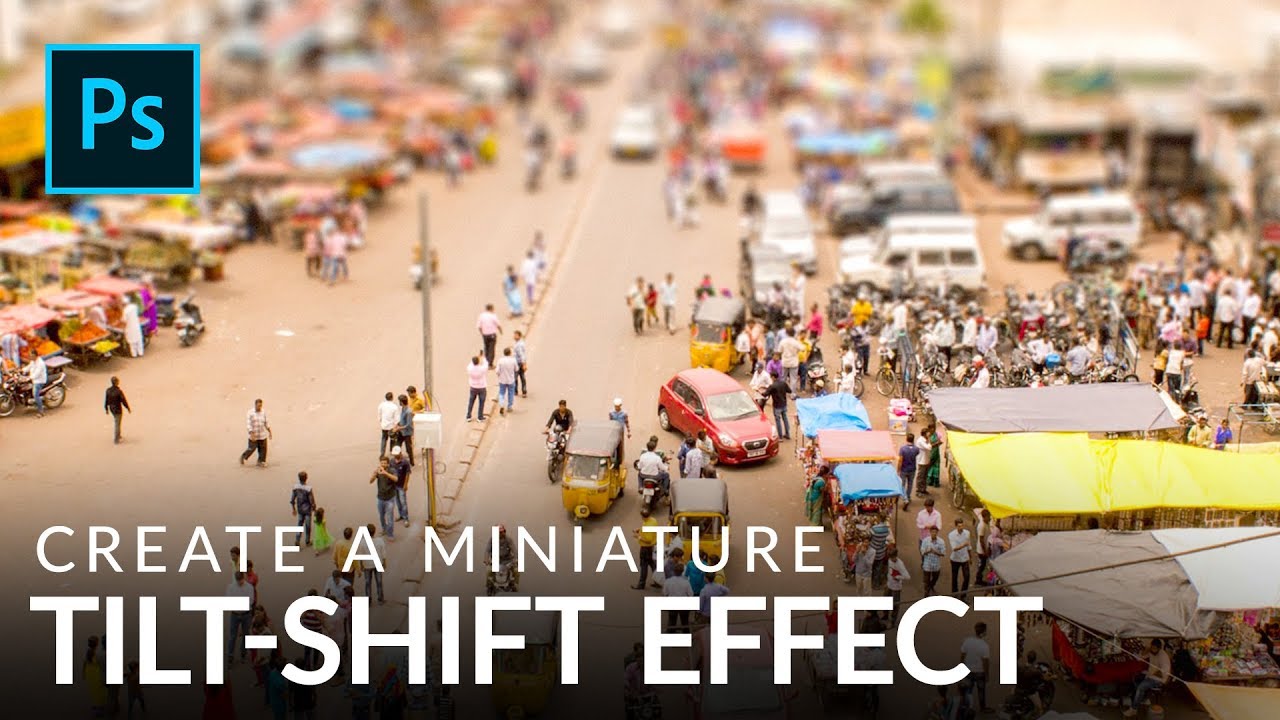
There’s a certain kind of photo that stops people mid-scroll. The city looks like a model train set. The crowd looks like a handful of tiny plastic people. Everything feels weirdly toy-like and satisfying. That’s the tilt-shift effect, and for years I assumed it required either an absurdly expensive specialty lens or some dark Photoshop sorcery I hadn’t been initiated into. Turns out it’s neither. It’s a gradient mask and a blur filter, and you can knock it out in under ten minutes once you know what you’re doing.

How to Cut Out and Composite Paint Splashes in Photoshop (Without Losing Your Mind)

How to Cut Out and Composite Paint Splashes in Photoshop (Without Losing Your Mind)

There’s a specific kind of composite work that looks wildly expensive and technically demanding but is actually just a few smart techniques stacked on top of each other. Paint splash effects are exactly that. I’ve scrolled past dozens of surrealist portraits where paint seems to explode off skin or cascade through a scene, and every time I assumed the photographer had some elaborate studio setup or a dedicated effects team. Turns out, a lot of those images come from someone with a wall, some borrowed lights, and a $4 can of paint.

The Glowing Eye Effect You Can't Fake in Post (So Stop Trying)

The Glowing Eye Effect You Can't Fake in Post (So Stop Trying)

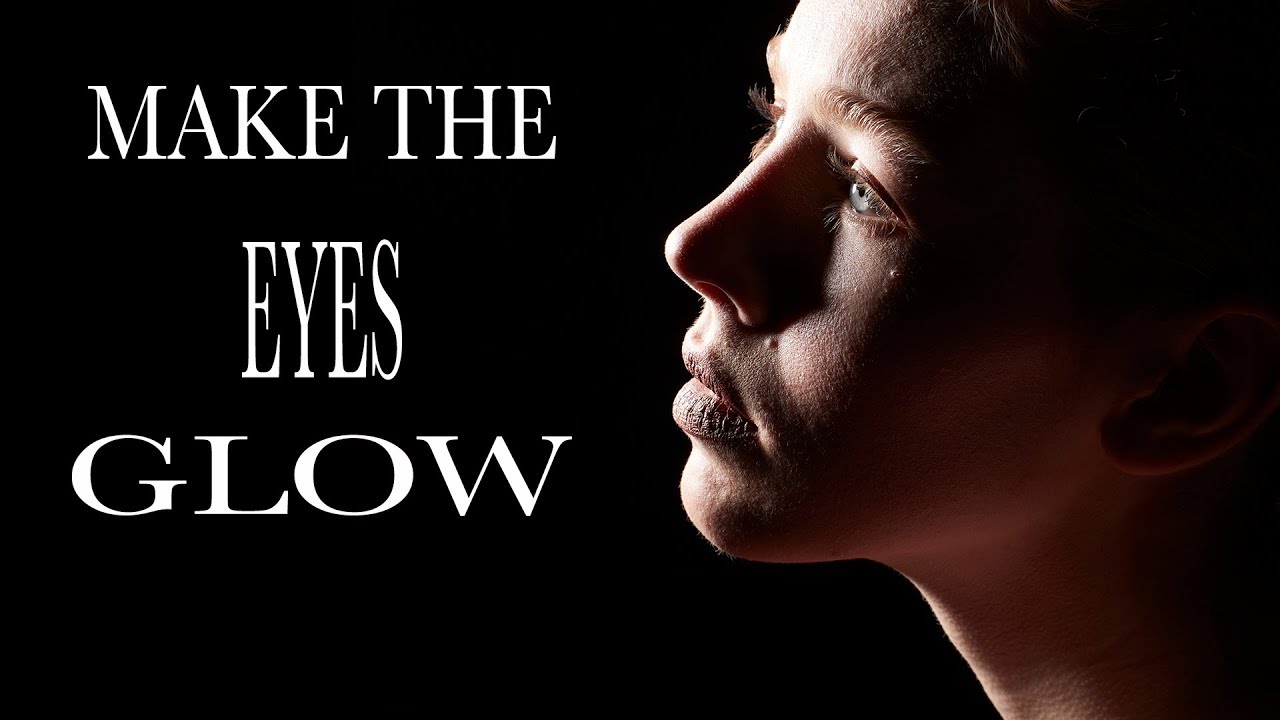
There’s a specific flavor of frustration I know well: spending twenty minutes in Photoshop pushing the iris brightness slider on a portrait, adding fake catchlights, maybe throwing a curves adjustment on a layer mask - and still ending up with eyes that look like they were lit by a refrigerator. The result is always a little off. A little dead. You can tell it was done in post, and so can your client.