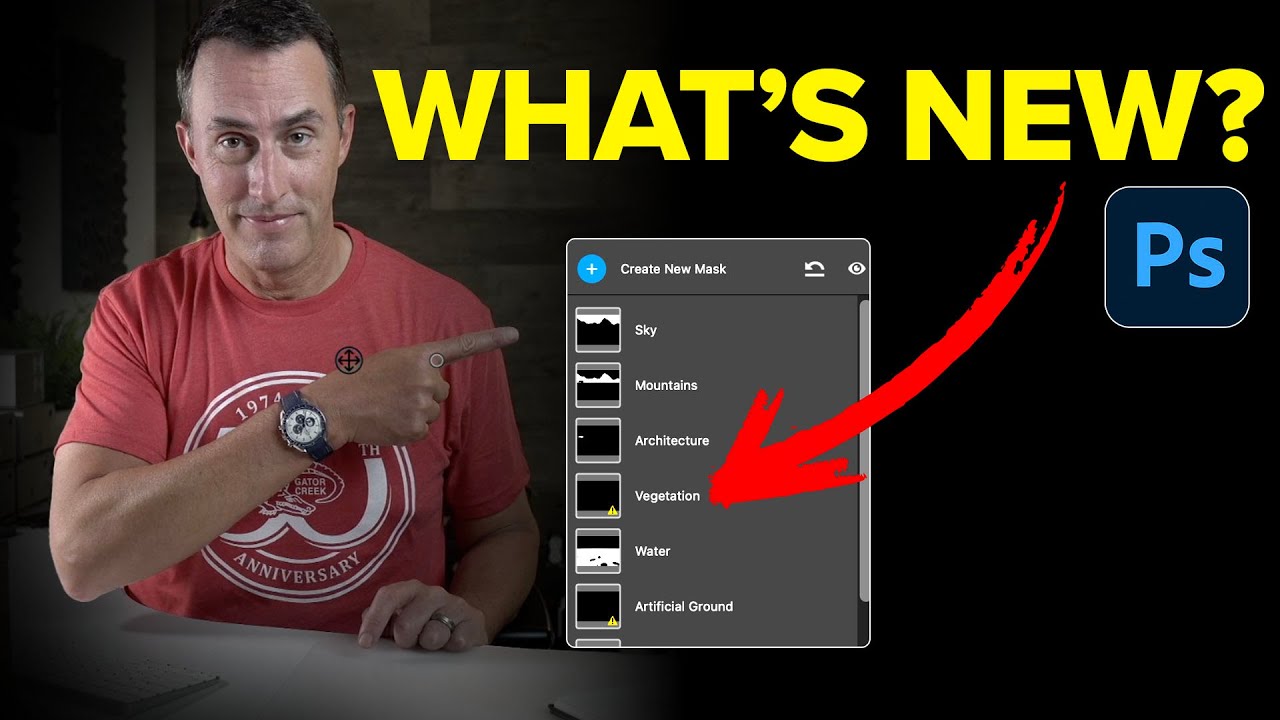
Photoshop's Adjust Colors Tool: Slick Interface, Wrong Tool for Photographers

Photoshop's Adjust Colors Tool: Slick Interface, Wrong Tool for Photographers

If you shoot and edit photos for a living, or even just as a serious hobby, you’ve probably felt the creeping anxiety of Adobe adding new tools to Photoshop and wondering if you’ve been doing everything wrong. New button appears, gets some buzz, and suddenly you’re questioning your entire workflow before you’ve even clicked on the thing. That’s exactly where I found myself when Photoshop’s contextual taskbar started showing a button called “Adjust Colors,” and people in every Facebook group and Reddit thread started treating it like some kind of revelation.
Turn Any Photo Into a Painting in Photoshop Using This Weird AI Trick

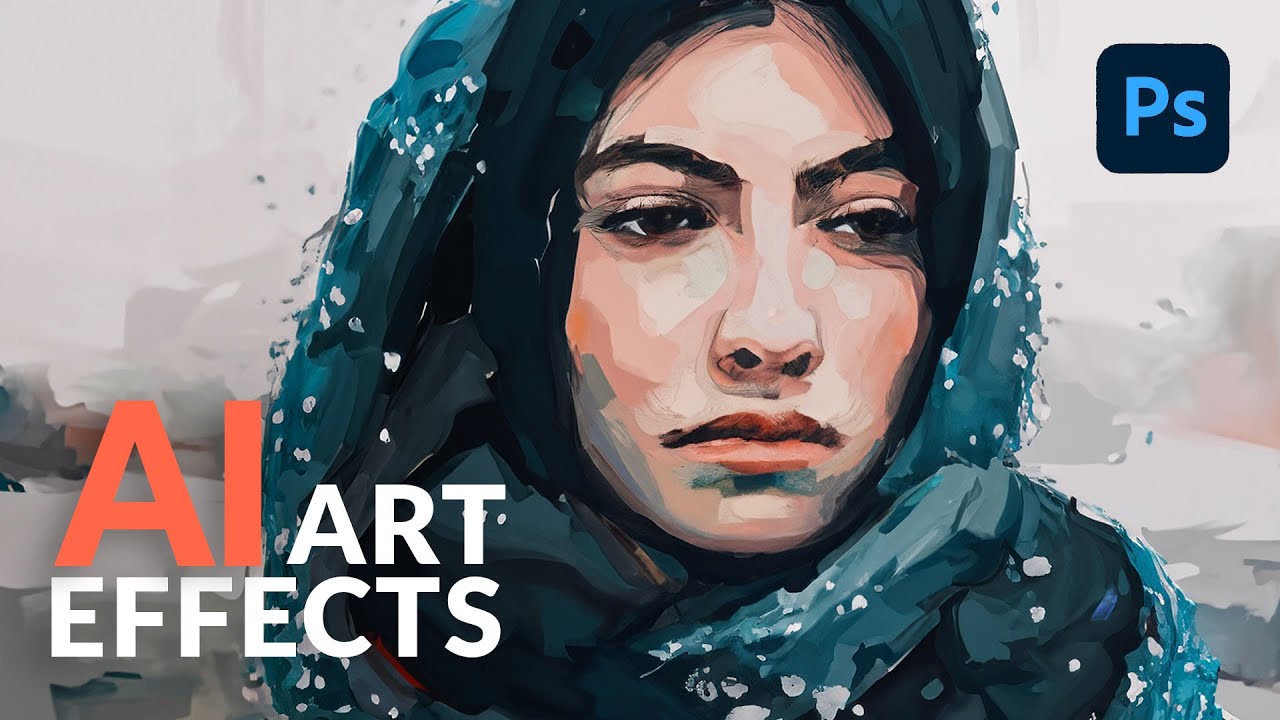
Turn Any Photo Into a Painting in Photoshop Using This Weird AI Trick

Client work slows down in summer. That’s when I do my best experimenting, usually with a cold brew at my corner table at the coffee shop, headphones on, burning through tutorials I’ve been bookmarking for months. I’ve tried a lot of AI techniques in Photoshop that promised “artistic effects” and delivered something that looked like a stock photo got into a fight with a Instagram filter. So when I stumbled on this one from Aaron Nace over at PHLEARN, I almost scrolled past it.

Point Color in Photoshop's Camera Raw Is the Color Tool I Wish I'd Found Years Ago

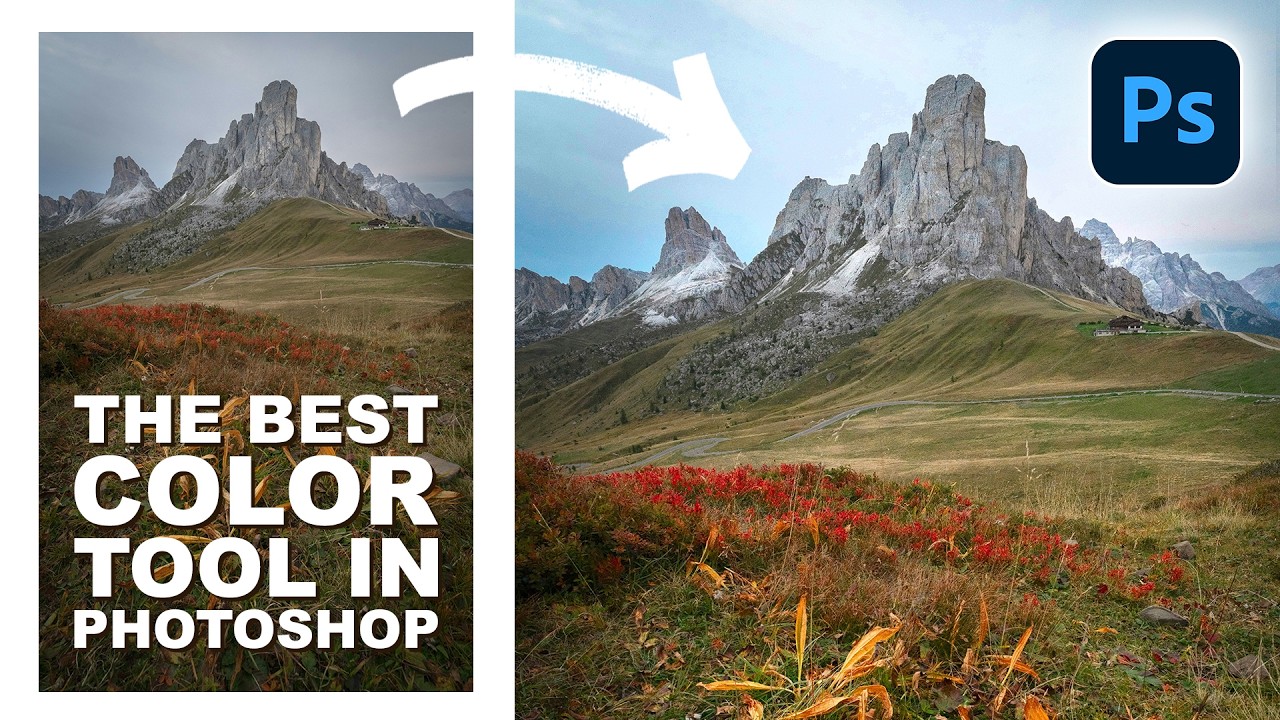
Point Color in Photoshop's Camera Raw Is the Color Tool I Wish I'd Found Years Ago

Client work has a way of exposing every gap in your toolkit. I spent an embarrassing chunk of my early freelance career doing color adjustments the hard way — HSL sliders, selective color adjustment layers, hand-painted masks — all to target a single stubborn orange in a landscape or a specific blue in a sky. It worked, sort of. But it was slow, fiddly, and every time the client wanted a tweak, I was rebuilding the whole thing.

How to Shoot and Composite a Clean Product Shot Using a Black Background in Photoshop

How to Shoot and Composite a Clean Product Shot Using a Black Background in Photoshop

Product shots are one of those things that separate the designers who can charge real money from the ones still quoting $50 for a full brand package. I know because I spent an embarrassingly long time in the second camp, faking studio-quality results with flat, lifeless images that screamed “photographed on a kitchen table.” When a client hands you a physical product and says “make it look good,” you need a repeatable system, not a prayer.

Photoshop's Landscape Mixer Neural Filter Is Wildly Good (With One Catch You Need to Know)

Photoshop's Landscape Mixer Neural Filter Is Wildly Good (With One Catch You Need to Know)

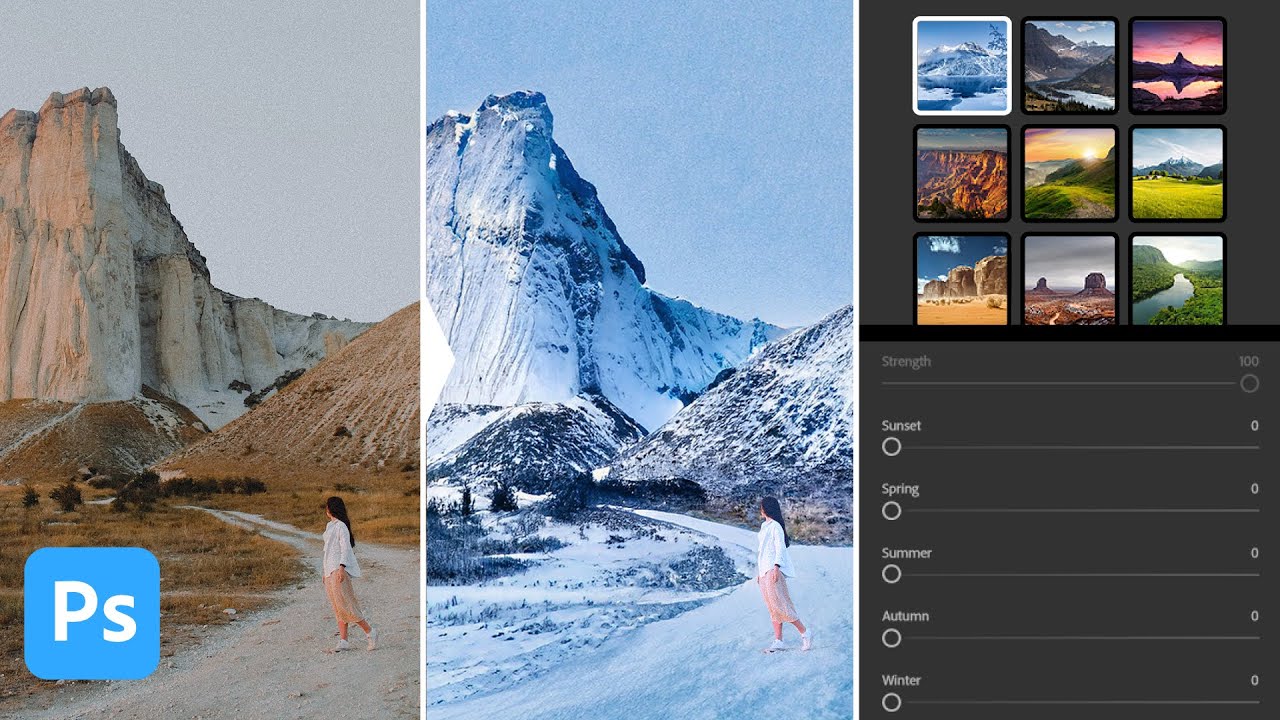
There’s a specific kind of panic that hits when a client says “can you make this look like it was shot in winter?” and you’ve got exactly one image of a sun-scorched desert to work with. I’ve been there. My old solution involved approximately fourteen stock photo licenses, a lot of blending modes I only half understood, and one very long night at my usual corner table at Epoch Coffee. So when I caught this Watch the full tutorial on YouTube from Aaron Nace over at PHLEARN, I nearly knocked my cold brew onto my laptop.

Stop Eyeballing It: How to Actually Use Photoshop's Transform Tool Like You Mean It

Stop Eyeballing It: How to Actually Use Photoshop's Transform Tool Like You Mean It

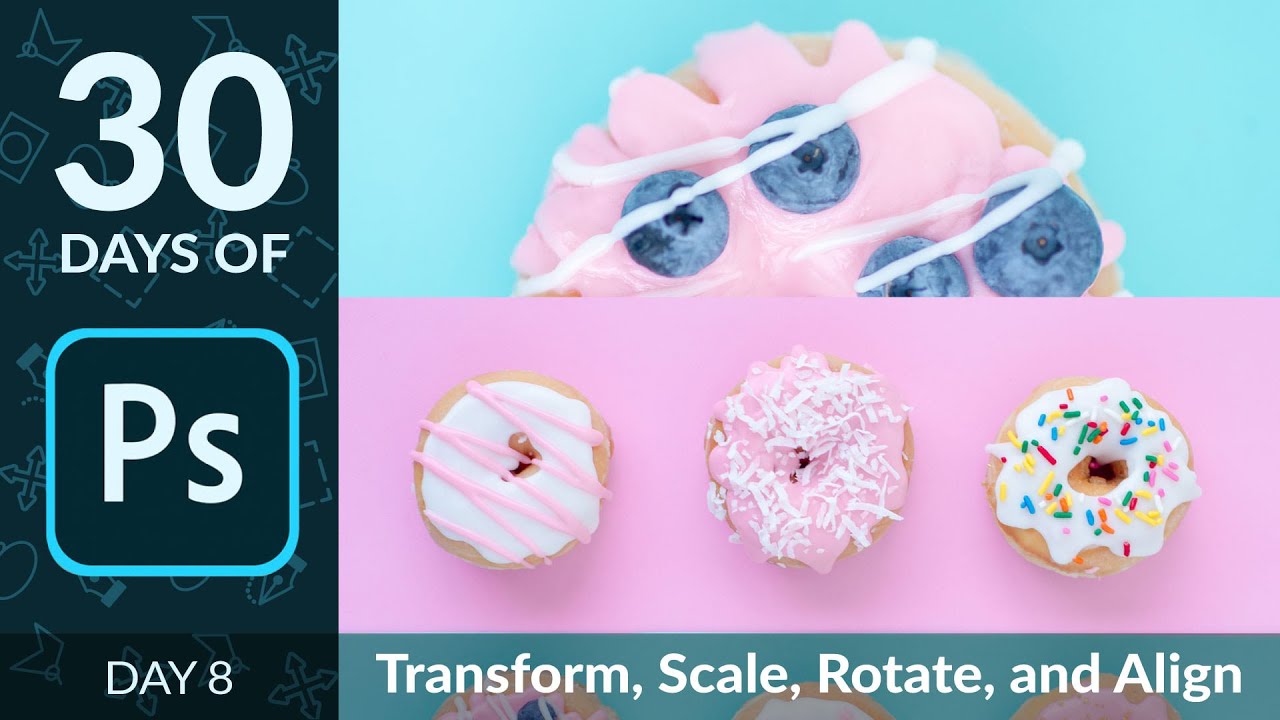
There’s a certain kind of Photoshop shame that hits when you’re dragging layers around by eye, nudging things pixel by pixel, hoping they “look about right.” I lived in that shame for longer than I’d like to admit. Back when I was slapping together graphics for friends (before anyone was paying me to do it), I thought the move tool and vibes were basically the whole toolkit. Spoiler: they are not.

Photoshop at 35: What Happens When You Actually Use Version 1.0 in 2025

Photoshop at 35: What Happens When You Actually Use Version 1.0 in 2025

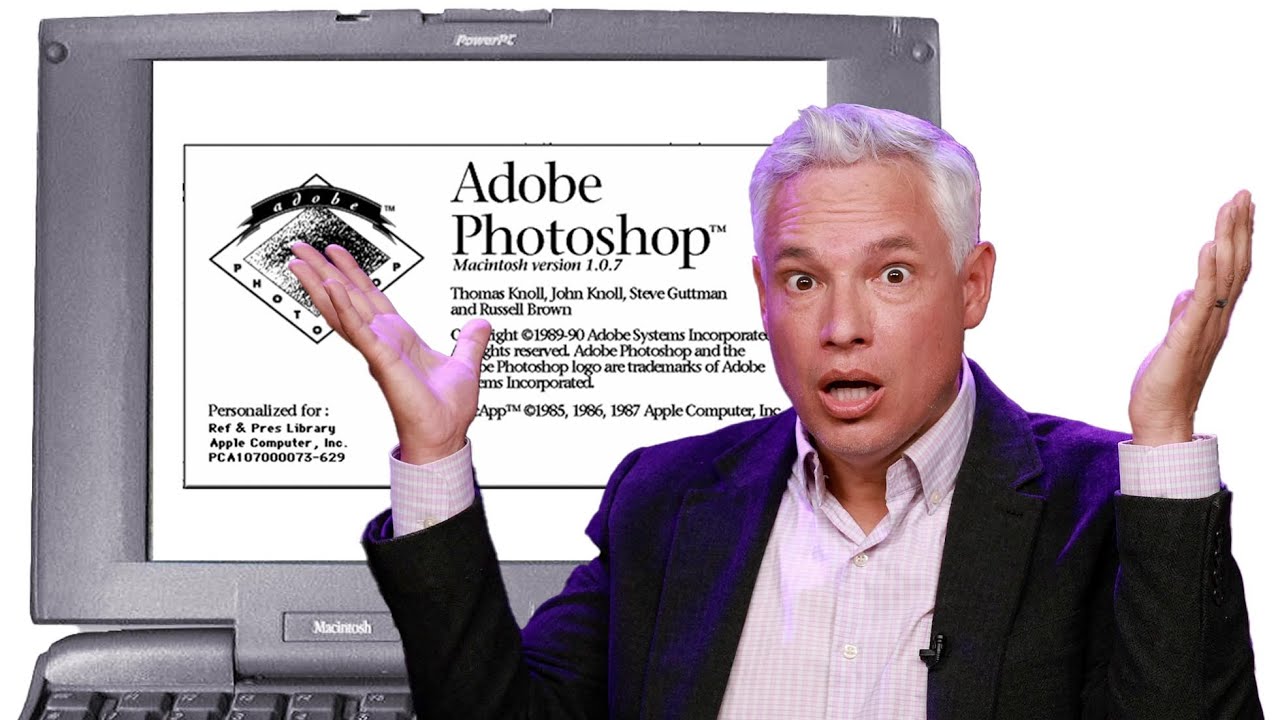
I started making graphics in MS Paint. Terrible, pixelated, deeply embarrassing stuff - word art on birthday cards, memes with white borders because I didn’t know how to crop. So when I finally got my hands on Photoshop, it felt like going from a tricycle to a sports car. I still feel that way, honestly. But it’s easy to forget just how far the software has actually traveled when you’re living inside the current version every day.

Photoshop's New Landscape Masking Is the Camera Raw Feature I Didn't Know I Needed

Photoshop's New Landscape Masking Is the Camera Raw Feature I Didn't Know I Needed

I’ll be honest with you. My relationship with Camera Raw masking has always been “good enough.” Select sky, paint in the foreground with a gradient, argue with a brush tool for fifteen minutes over some tree branches, call it done. It works. It’s not elegant, but it gets the job done between my third and fourth coffee of the morning. Then I watched this Matt Kloskowski tutorial on the April 2025 Photoshop update and realized I’d been doing the equivalent of cutting a steak with a butter knife.

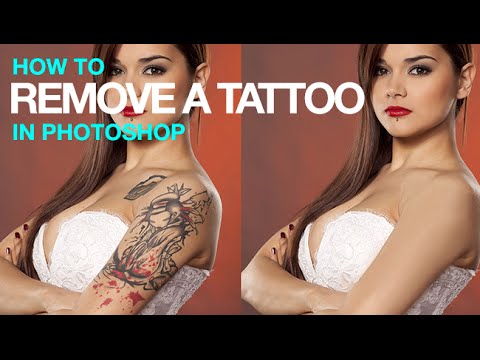
Tattoo Be Gone: A Three-Step Photoshop Removal Workflow That Actually Holds Up

Tattoo Be Gone: A Three-Step Photoshop Removal Workflow That Actually Holds Up

I do a fair amount of portrait retouching for clients — headshots, lifestyle stuff, the occasional album cover for a band that takes itself way too seriously. And every so often someone slides into my inbox asking if I can “just remove” a tattoo from a photo. Sometimes it’s for a corporate headshot. Sometimes it’s for a family portrait where grandma is going to lose her mind if she sees it.

How to Actually Fix a Backlit Candid Portrait (Without Lugging Around Studio Gear)

How to Actually Fix a Backlit Candid Portrait (Without Lugging Around Studio Gear)

There’s a specific kind of photo that shows up in everyone’s catalog and causes a small amount of existential dread: the backlit candid. You know the one. The light is beautiful, the moment is real, and the subject looks like they’re being interviewed in a witness protection program. I have folders full of these from outdoor events, and for a long time my solution was to either slap a Lightroom preset on them and hope for the best, or just quietly move them to trash.

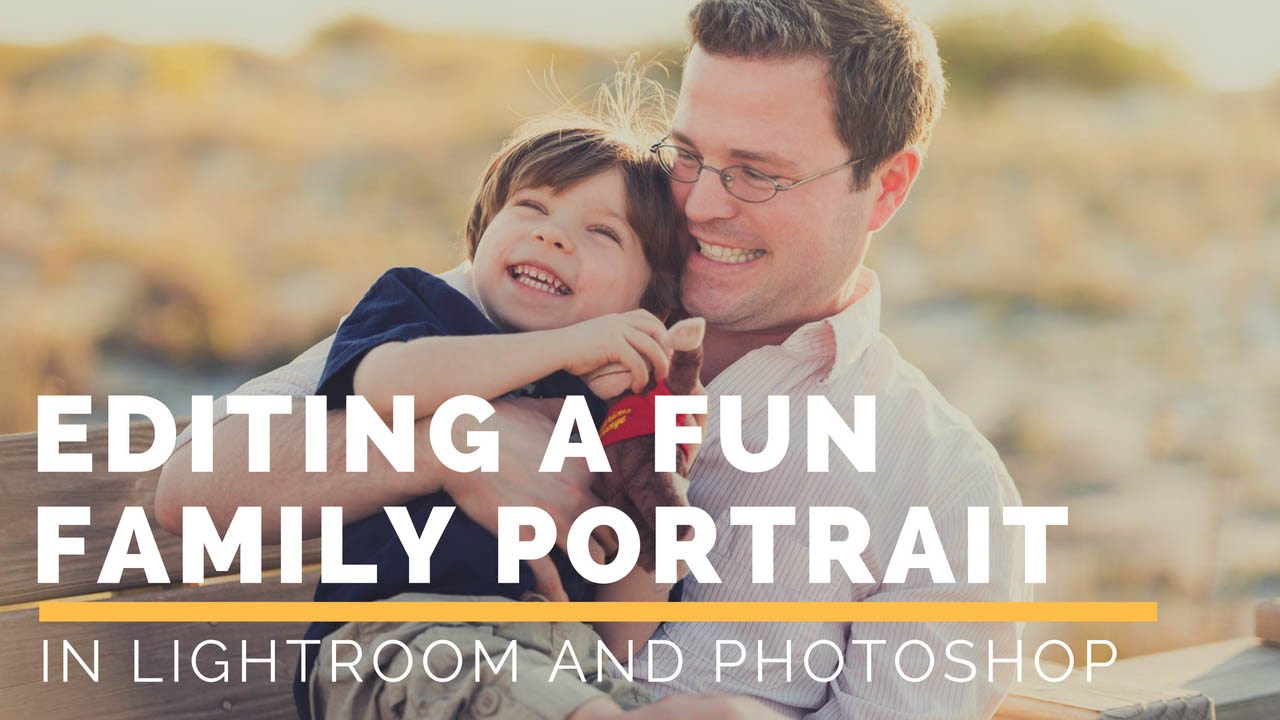
Vignettes, Warm Skin, and Bright Eyes: A Practical Photoshop Workflow for Kids' Portraits

Vignettes, Warm Skin, and Bright Eyes: A Practical Photoshop Workflow for Kids' Portraits

Kids are basically impossible to photograph well. They’re moving, they’re squinting, they’ve got something unidentified on their face, and the lighting is whatever chaos the universe handed you that afternoon. So when the photo technically comes out okay, you want the edit to actually do it justice without spending two hours in Photoshop wrestling with it. That’s exactly what this tutorial from Aaron Nace over at PHLEARN delivers. Watch the full tutorial on YouTube before or after reading through this breakdown.

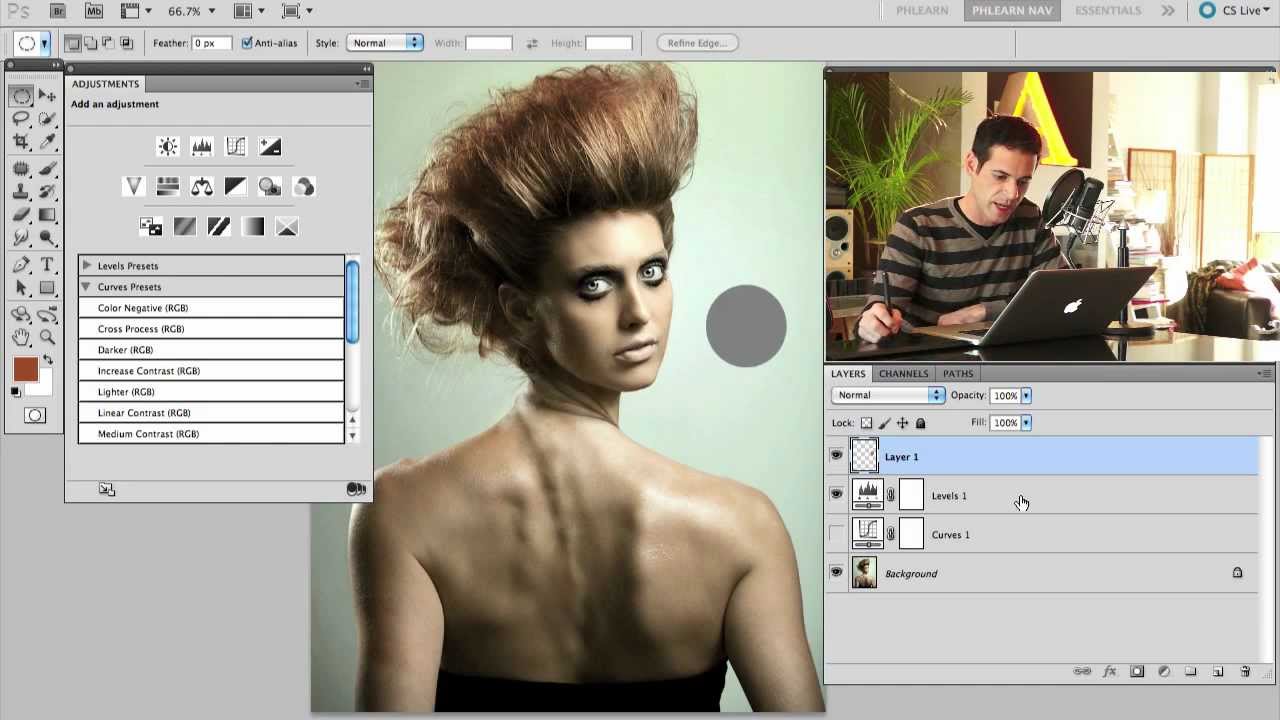
Levels vs. Curves in Photoshop: When to Use Each (And Why You've Probably Been Guessing)

Levels vs. Curves in Photoshop: When to Use Each (And Why You've Probably Been Guessing)

For an embarrassingly long time, I picked between Levels and Curves the same way I pick a parking spot — just grabbed whatever felt right and hoped for the best. Both tools live in the same neighborhood, both mess with tonal values, and neither one comes with a sign that says “use me for THIS.” So I’d open Curves when I felt fancy, open Levels when I felt lazy, and pretend I had a system.