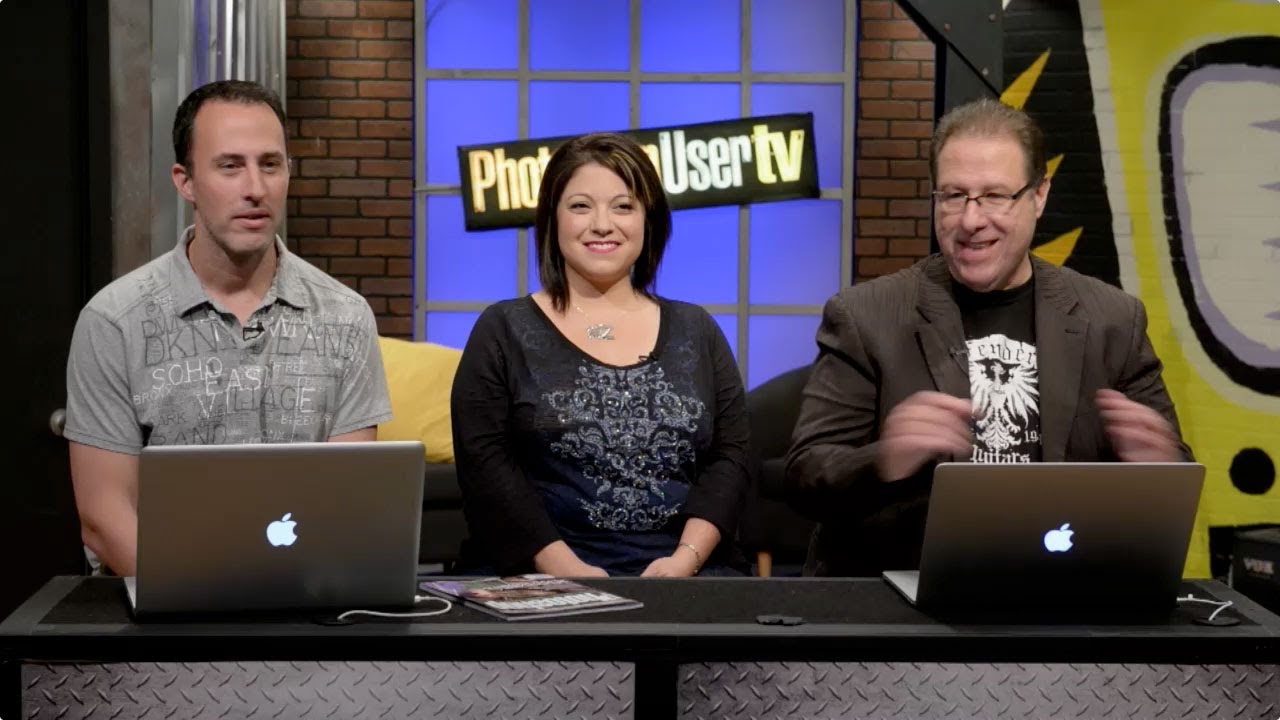
There’s a specific kind of comfort in watching people who actually know Photoshop just… talk about Photoshop. Not in a “here are 47 hacks” clickbait way, but in the way where you can tell they’ve been in the trenches, missed deadlines, and made bad layer decisions at 2am. That’s what Photoshop User TV has always been for me, background noise that occasionally stops me cold with something I didn’t know. So when KelbyOne dropped Episode 341, kicking off a brand new season, I watched it with my third coffee of the morning at my usual corner table. What grabbed me wasn’t just the technique content. It was who showed up to deliver it.
Watch the full tutorial on YouTube
In this KelbyOne episode, Scott Kelby and Matt Kloskowski are back doing their usual thing, but they’ve added a proper new co-host to the lineup: Jessica Maldonado, a designer who handles Kelby’s book covers and interior layouts and, as it turns out, is flat-out excellent at teaching Photoshop. The show has always had a loose, talk-radio energy that either clicks for you or doesn’t. If it does, this new season setup is worth bookmarking. Here’s a breakdown of what goes down in the episode and why the addition of a working designer’s perspective makes this more useful than your average tutorial format.
Step 1: Meet the New Season Setup
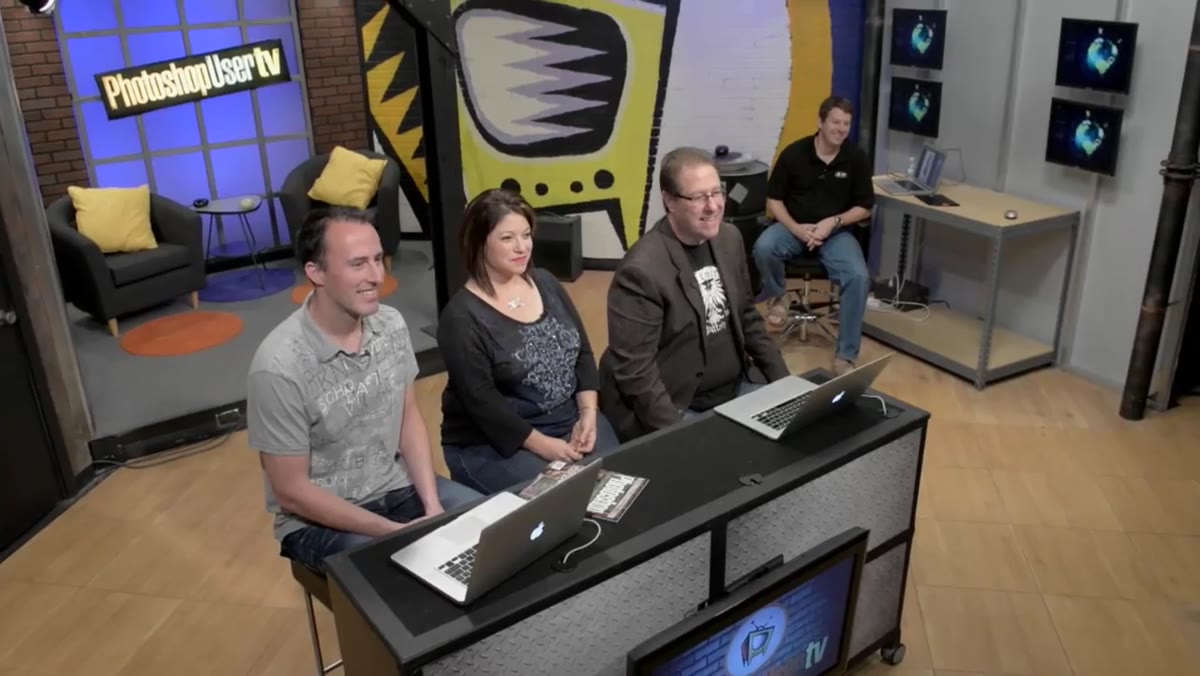 Scott, Matt, and Pete introducing the new season on set
Before anything technical happens, the hosts reintroduce themselves and reset the tone for a new season. Scott introduces Matt Kloskowski and Pete Collins, then pivots to the big news: for the first time in the show’s roughly nine-year run, they’re adding a permanent fourth co-host. This isn’t a guest spot. It’s a real seat at the table.
If you’re watching for technique and want to skip the banter, you can. But I’d argue paying attention to how the hosts frame the show’s identity tells you something useful about how they approach teaching. It’s not reverent. It’s not corporate. It’s four people who genuinely like Photoshop arguing about California freeway naming conventions for three minutes. That tone carries into the instruction and makes the harder concepts feel less intimidating.
Step 2: The Introduction of Jessica Maldonado, “Photoshop Girl”
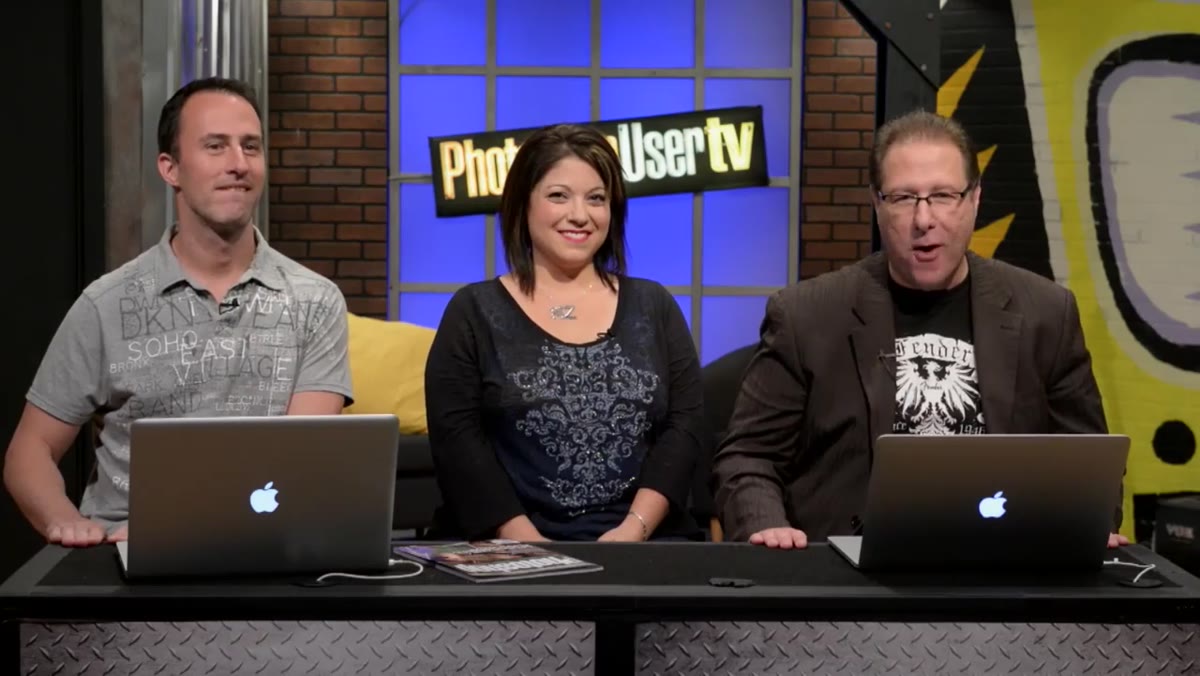 Jessica Maldonado introduced on camera for the first time
Scott introduces Jessica with more genuine enthusiasm than most people muster for anything at 9am. She’s not a YouTube personality or a certified educator brought in to tick a box. She’s the designer who built the visual identity of Kelby’s books, which, if you’ve held one, you know means she has serious production chops.
Her title, “Photoshop Girl,” came from her own choice, which Scott is careful to clarify. She reportedly wanted CEO first, which is honestly the correct answer. The title conversation is funny but it also establishes something real: she’s coming into this from an InDesign-and-Photoshop production workflow, not from a classroom. That background matters because it means her tips will tend to be about doing real work faster, not about mastering theoretical concepts in a vacuum. That’s the kind of perspective I actually learn from.
Step 3: Understanding Why a Designer’s Perspective Changes the Tutorial Format
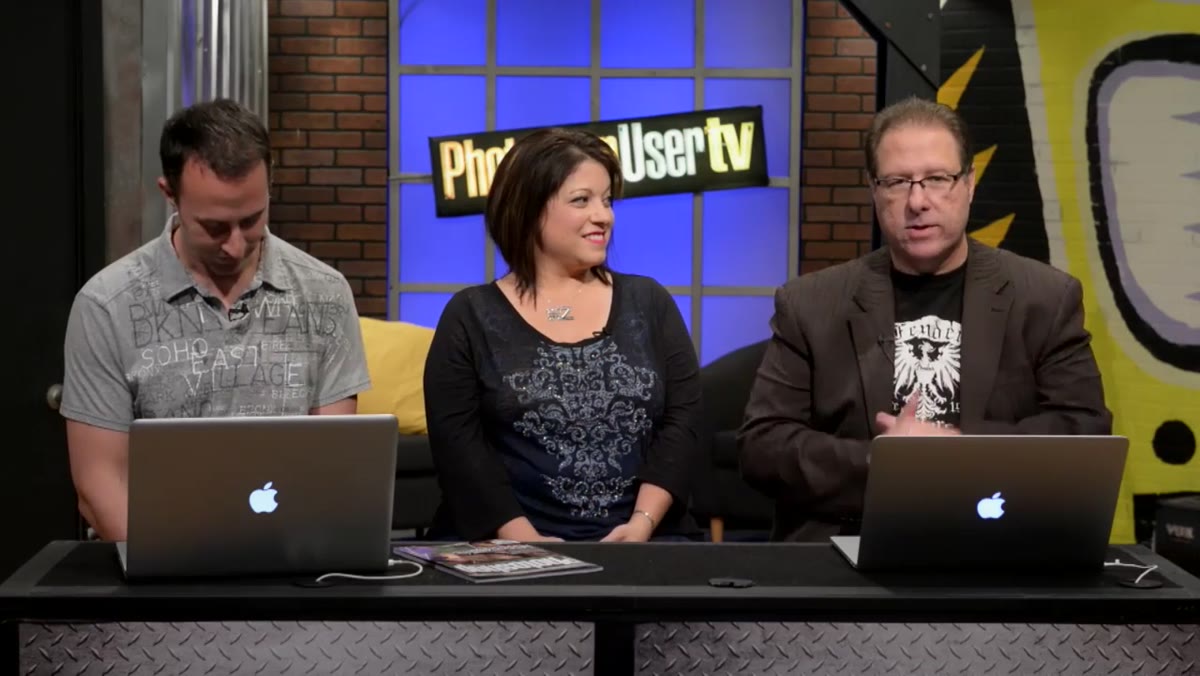 Jessica speaking candidly about her design and production background
Jessica mentions early on that she’s more comfortable at her desk, switching between InDesign and Photoshop, than she is on camera. That honesty is actually the most instructive thing in this section of the episode. A lot of Photoshop tutorials are built around “look at this cool thing” without the context of where that cool thing fits into a real deliverable. When someone whose job is shipping finished book covers and layouts teaches you something, the technique comes pre-attached to a use case.
For me, this reframed how I want to absorb the rest of the season. When Jessica demonstrates something, I’m going to be listening for the workflow logic behind it, not just the steps. That’s the difference between knowing a shortcut and knowing why you’d ever reach for it.
Step 4: Scott Previews His Own Tutorial Segment
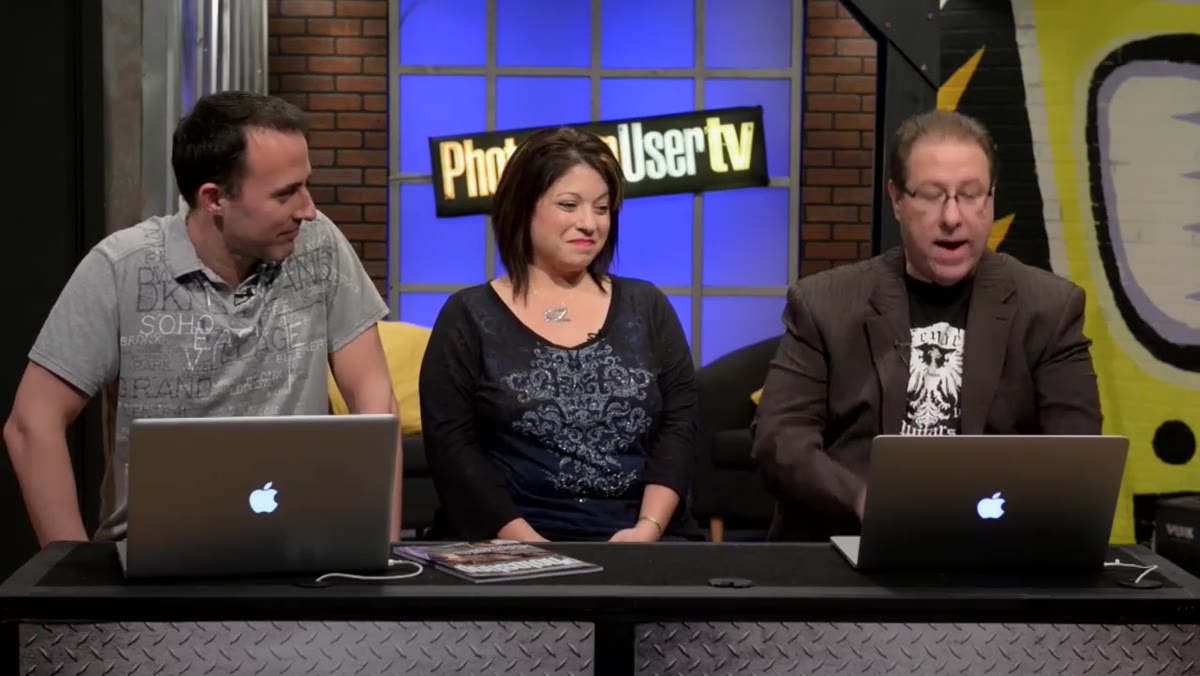 Scott hinting at his upcoming tutorial segment on screen
Scott teases his own upcoming tutorial in the episode with the kind of understatement that means it’s probably something he’s actually proud of. He waves off questions about what it is with “I got a thing,” which in Kelby-speak usually means it’s either a compositing trick or something involving Camera Raw that’s going to make you feel like you’ve been doing it wrong for years.
The structure of the show is worth understanding here: each host brings their own segment, so the episode isn’t one long tutorial. It’s closer to a magazine in motion, with different voices covering different angles. That’s exactly what Photoshop User magazine (the show’s sponsor and production house) does in print. If you go in expecting one deep-dive, you’ll be frustrated. If you go in expecting three or four punchy segments, you’ll leave with more than you came with.
Step 5: Recognizing the Value of Watching Professionals Riff
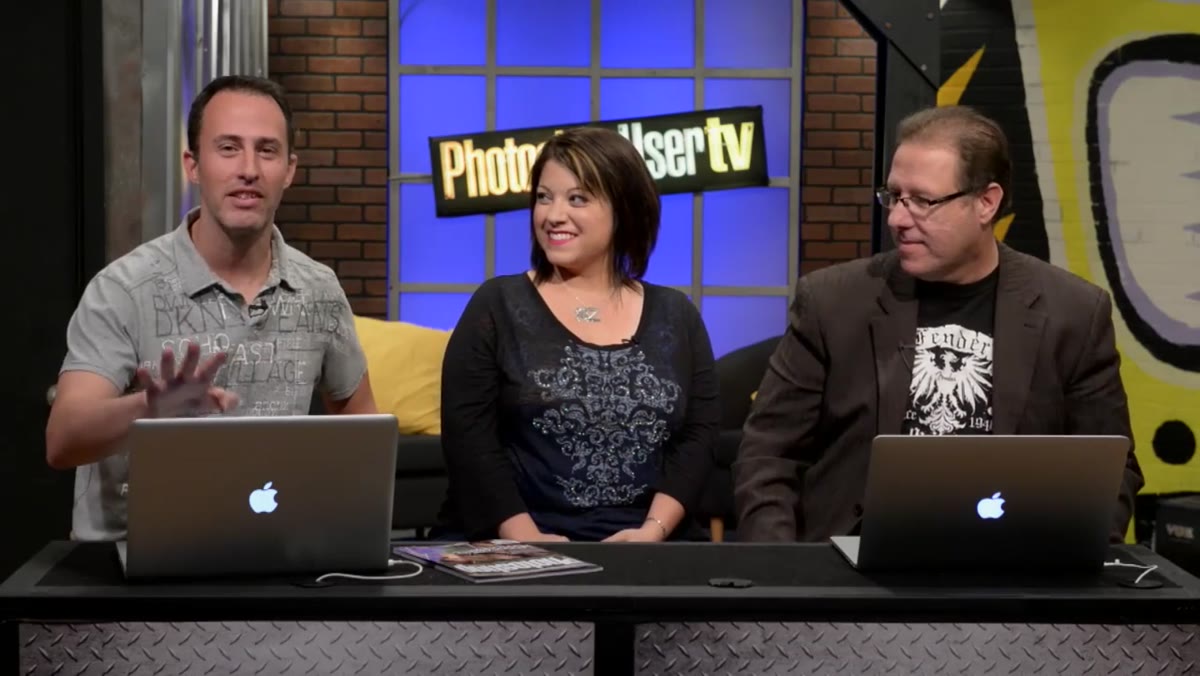 Hosts in casual discussion, demonstrating the show’s conversational format
The freeway conversation, where Scott, Matt, and Pete debate whether Californians say “the 101” while everyone else just says “I-95,” goes on longer than it has any right to. And yet. When you watch working professionals be completely themselves between technical segments, you start to pick up on how they think. The jokes aren’t filler. They’re evidence of how these people relate to their tools: casually, confidently, without preciousness.
I got my start making garbage-tier memes in MS Paint before I figured out Photoshop existed, so I have a soft spot for people who take the work seriously but not themselves. This show has that quality in spades, and the new season lineup looks like it’s going to lean into it.
What I’d Add From My Own Experience
The thing no tutorial in this format can fully give you is the muscle memory that comes from working under deadline pressure. Jessica mentions being used to toggling between InDesign and Photoshop constantly, and I know that rhythm well. When you’re building something that has to actually ship, your shortcuts get faster and your instincts get sharper in ways that no amount of calm tutorial-watching can replicate.
If you’re using episodes like this to learn, pair the watching with immediate doing. Don’t finish an episode and move on. Open Photoshop, try the technique on a real file, preferably one where something can go slightly wrong. I once had a dog-free, distraction-free afternoon to practice a blending technique I’d seen on this very show, and I still managed to merge the wrong layers because I was going too fast. The tutorial was right. My habits were lazy. That’s the gap this kind of show helps you close, but only if you actually close it.
The single most important thing this episode signals is that Photoshop User TV is deliberately expanding its perspective by bringing in someone whose Photoshop life looks like most viewers’ Photoshop lives: deadline-driven, software-switching, and grounded in actual deliverables. That’s worth following.
Watch the full tutorial on YouTube
Comments (2)
Wow, I had no idea you could do this. Mind blown.
Great article! I actually covered something related on my site — the business angle is really complementary to this.
Leave a Comment