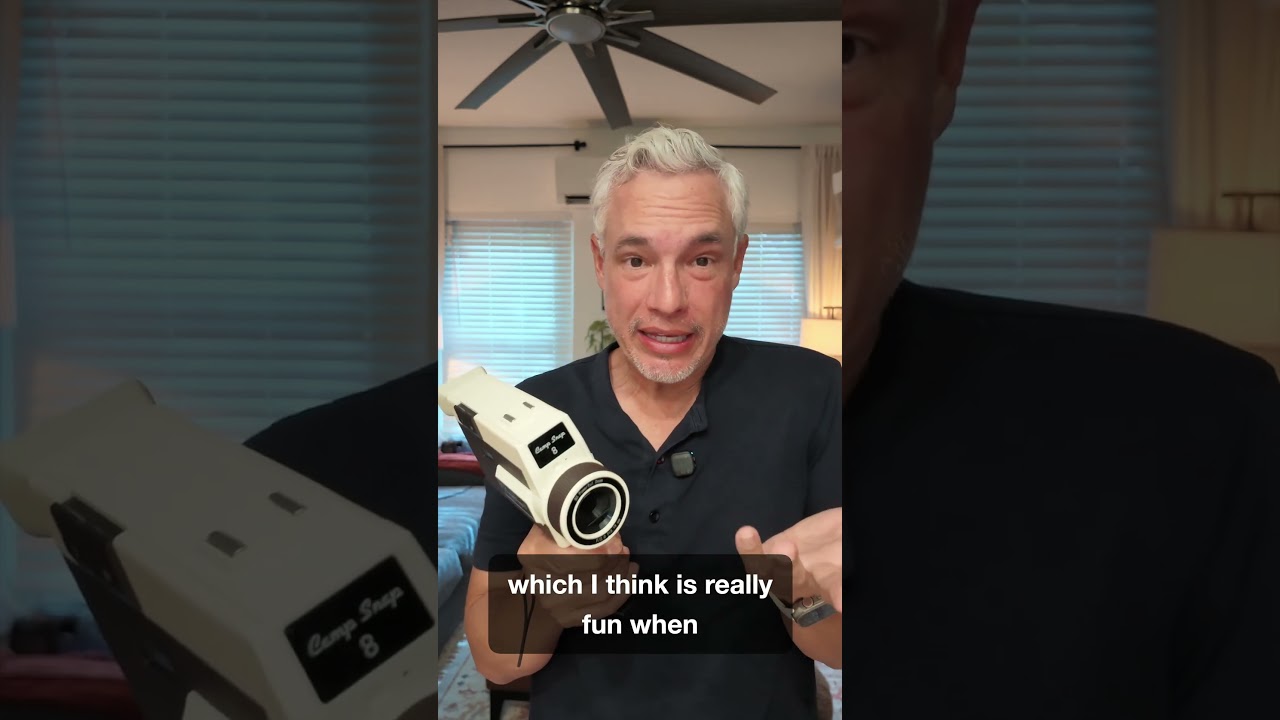
I spend a lot of time in coffee shops staring at screens. Laptop screen, phone screen, occasionally the menu board because I’ve been awake since 5am and still can’t decide if I want a cortado. So when I came across a camera designed with zero screens, I stopped scrolling immediately. In Watch the full tutorial on YouTube, Tony Northrup walks through the CampSnap CS-8 – a $199 video camera that shoots Hi8-style footage, has physical analog dials for battery and storage, and deliberately gives you no way to review your footage until you get home. No playback. No deleting. No second-guessing the shot you just took while the actual moment walks out the door behind you.
This isn’t a Photoshop tool and it’s not pretending to be. But as someone who spends a lot of time thinking about how images feel – not just how they’re made – this camera punched me in the brain a little. The analog mode footage looks genuinely like something dug out of a shoebox, not like a preset slapped on clean 4K. And for $199, it’s cheaper than most of the film presets I’ve bought and forgotten about. Here’s what Tony actually shows you in the video, broken down step by step.
Step 1: Get Acquainted with the Physical Controls
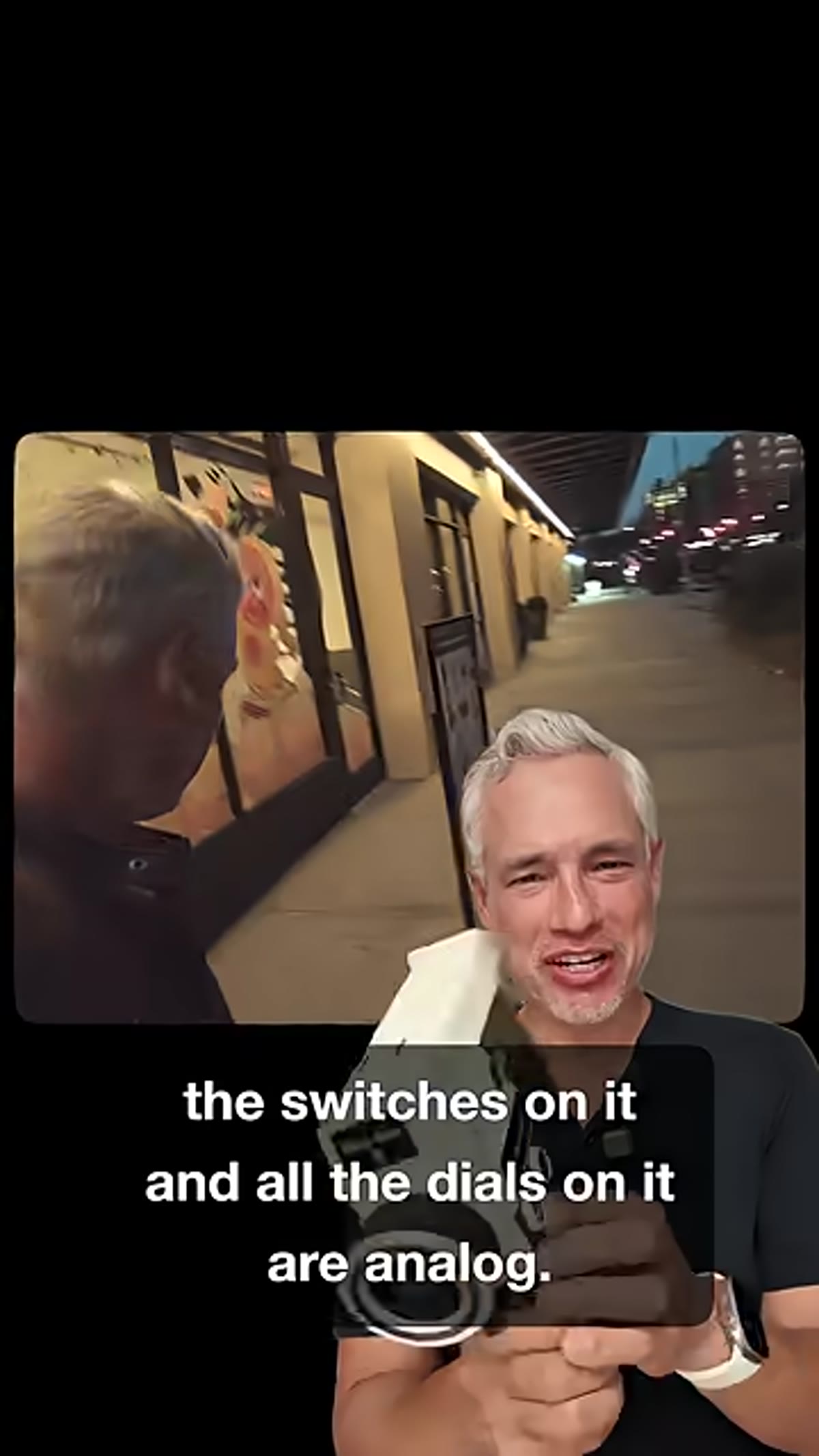 Hands rotating mode dial and power switch on camera body
The CS-8 is built around physical, tactile controls – and that’s the whole point. There’s a power switch on the side, a mode selection dial that lets you cycle through five different film-style filters, and analog indicator dials for both battery level and SD card storage. These aren’t digital readouts pretending to look retro. They are actual physical needles on actual dials. Tony points out that the camera ships with built-in memory, but you can swap it out if you want more headroom. Charging and file transfer both run through USB-C, which means no hunting for a proprietary cable from 2009.
Step 2: Choose Your Shooting Mode – and Why Analog Is the One
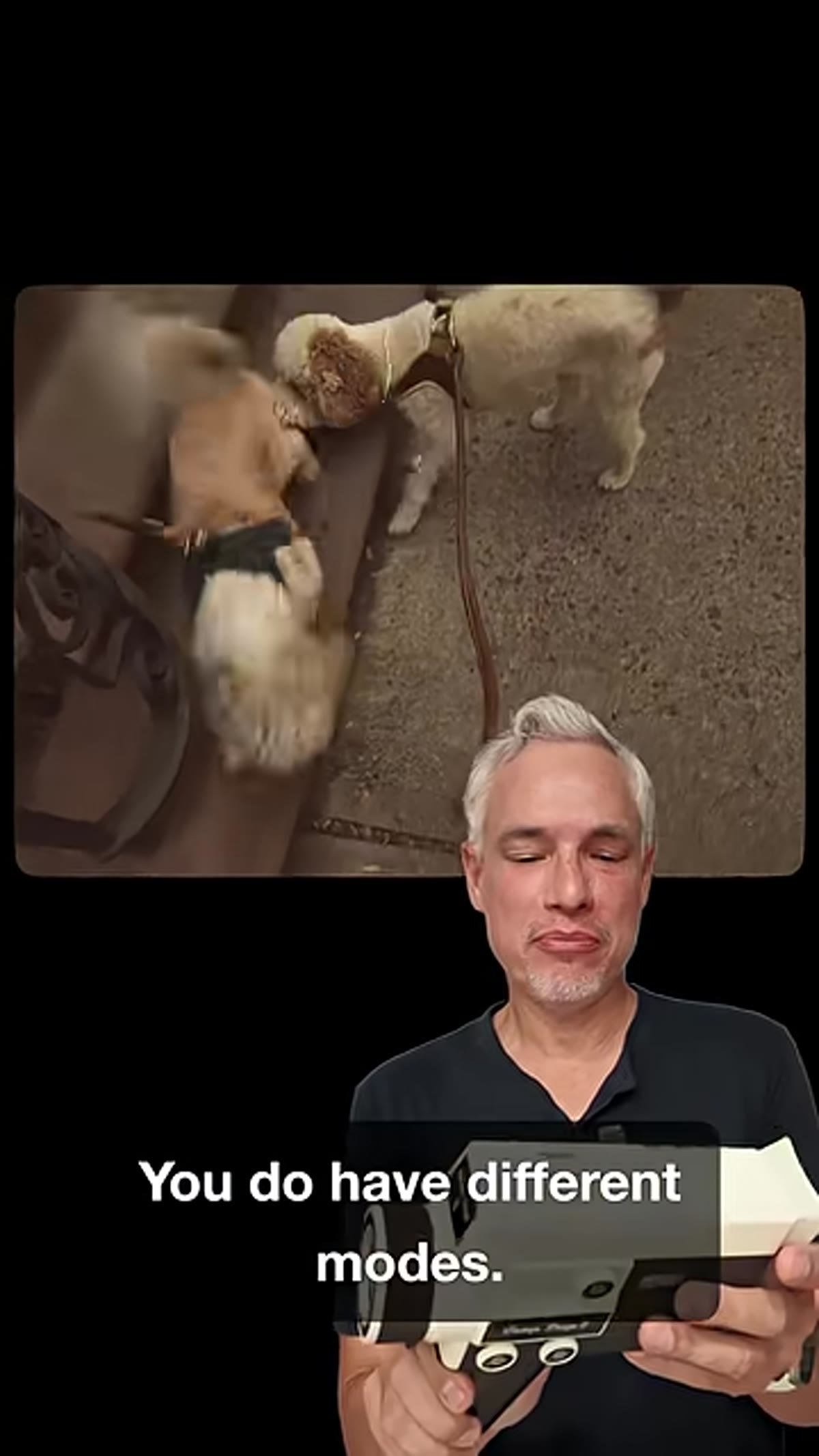 Mode selection dial showing Analog and other filter positions
The camera offers five shooting modes and Tony is pretty direct about which one earns its keep. Most of the modes look, in his words, pretty ordinary. They’re fine. Analog mode is the one that justifies the whole device. It drops the frame rate to 18fps and applies a grain and color treatment that genuinely reads as Hi8 video from the early 90s – not a clean digital approximation of it. If you’re shooting anything where the vibe matters more than the technical specs (family moments, events, travel clips you plan to cut together), Analog mode is where you want to live.
Step 3: Pull the Trigger to Record – and Nothing Else
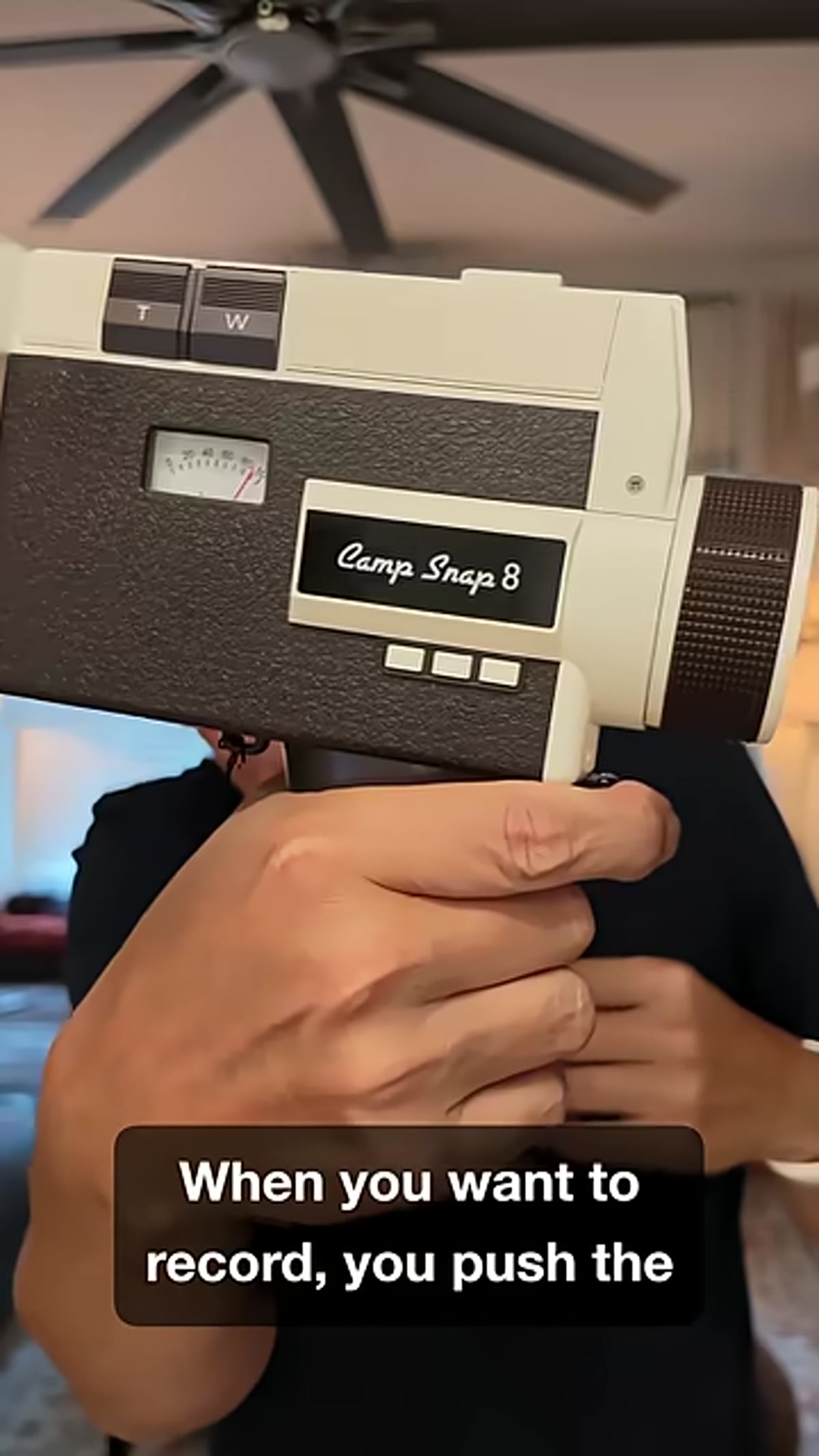 Finger on trigger grip, camera held in one hand
Recording is handled by a trigger on the grip. You hold it down to capture, release to stop. That’s it. There is no tap-to-record, no confirmation screen, no reviewing the clip after. Tony makes a good point here about the format this naturally creates – short, instinctive fragments that, when edited together, feel alive in a way that long continuous takes rarely do. You’re not performing for a screen. You’re just pointing and capturing. It’s a weirdly freeing constraint, and it forces you to actually be present instead of watching your own life through a viewfinder.
Step 4: Know the Zoom Buttons Exist (and Their Limitations)
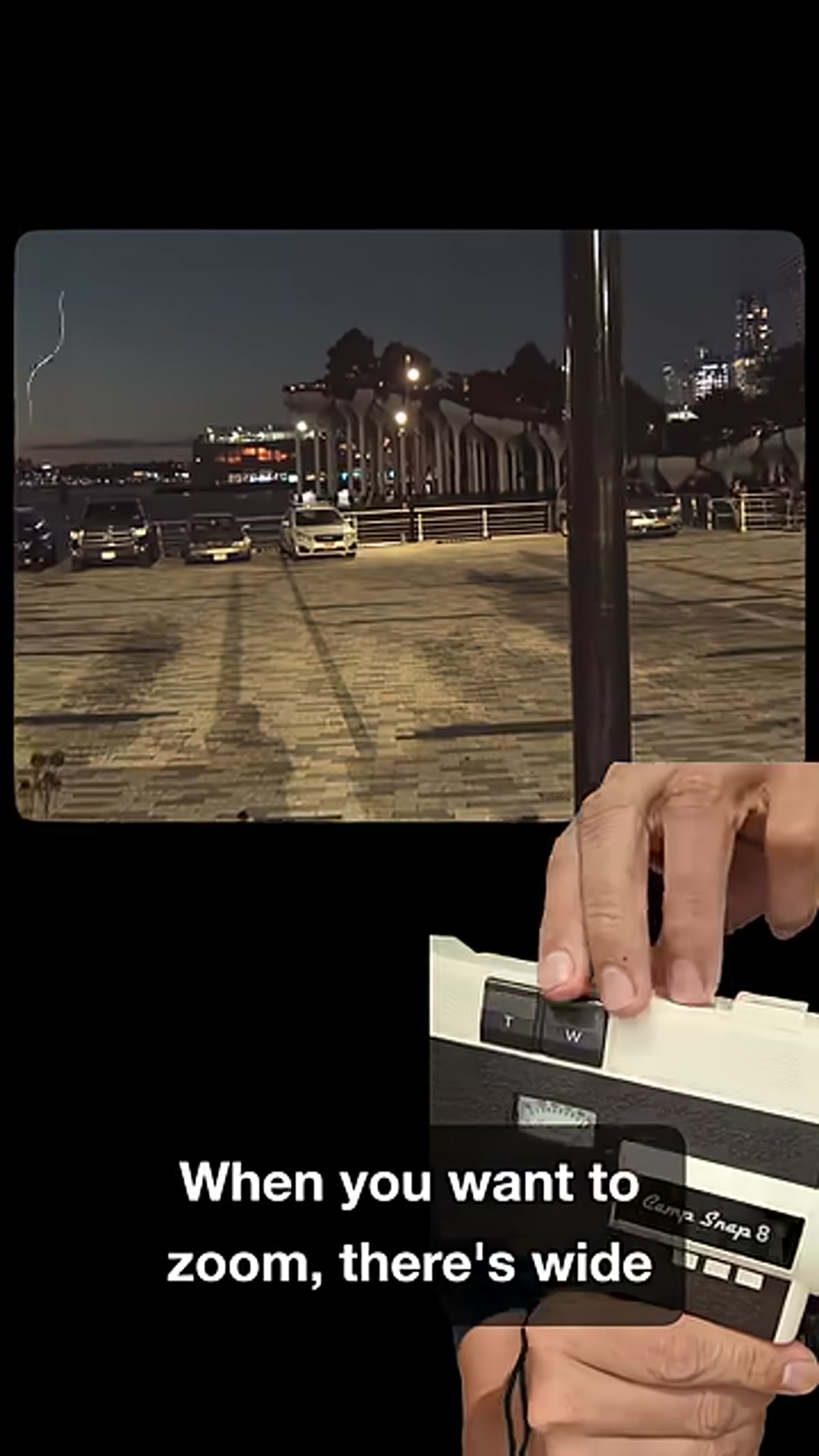 Top of camera showing wide-angle and telephoto buttons
Wide-angle and telephoto buttons live on top of the camera body. They work. Tony’s honest note is that they’re awkward to reach mid-recording – you have to kind of reconfigure your grip to get there, which interrupts the flow. He figures the placement is meant to echo old Hi8 camera ergonomics, and that’s probably true, but it doesn’t make it less annoying in practice. His advice, reading between the lines, is to set your zoom before you start rolling rather than trying to adjust it while you’re capturing.
Step 5: Use the Viewfinder – But Know Its Quirks
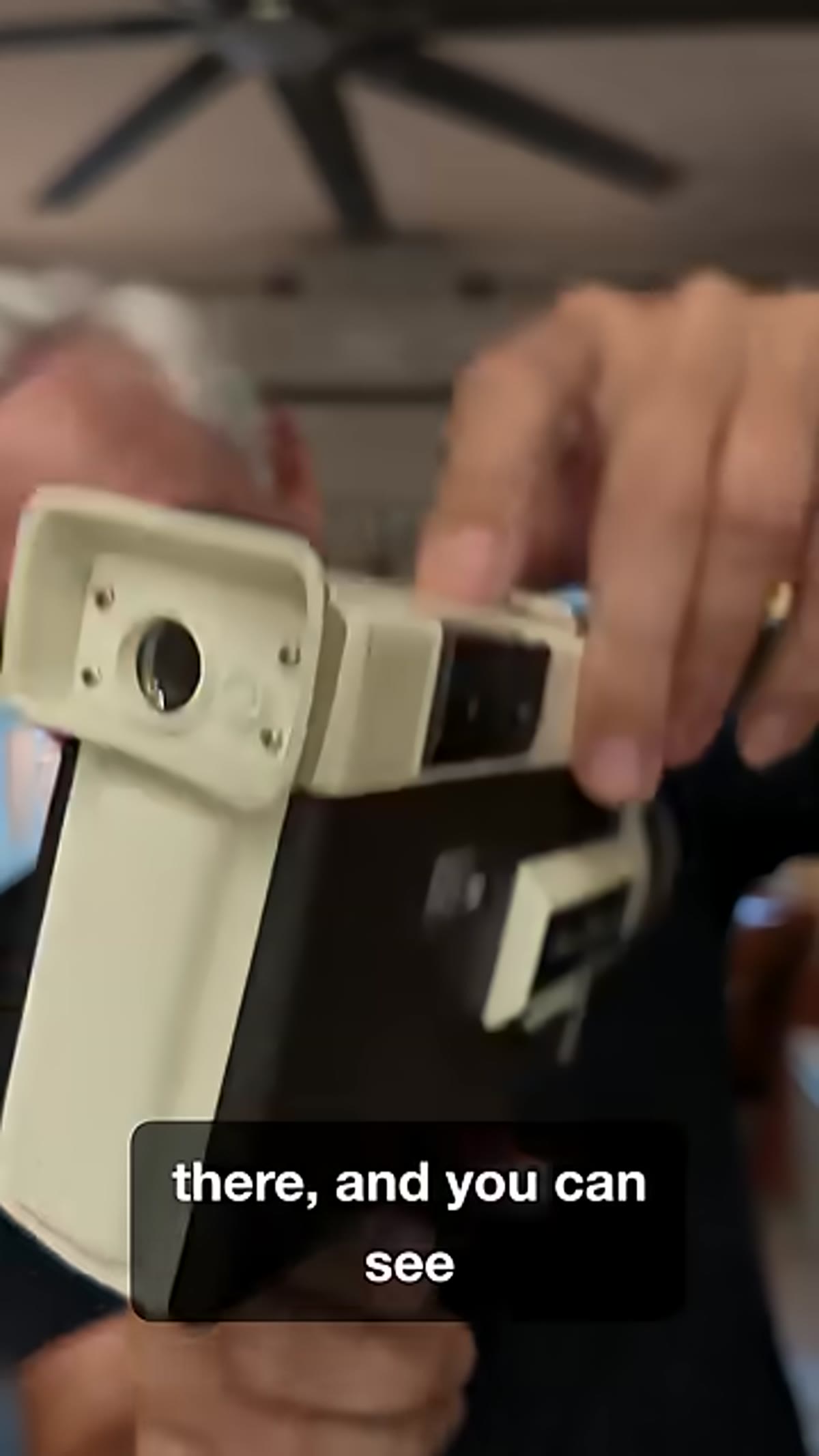 Eye pressed to viewfinder, partial frame visible
The CS-8 has a physical viewfinder, which fits the whole no-screen philosophy. The catch is that the sensor captures a slightly larger frame than what the viewfinder shows you, so you’re always working with incomplete information about your actual frame edges. If you wear glasses, you’ll have even more trouble getting close enough to see clearly. Tony doesn’t treat this as a dealbreaker, and honestly, for a camera explicitly designed around not overthinking your shots, it kind of makes sense. You’re not meant to pixel-peep your composition. You’re meant to point it at something interesting and press the trigger.
Step 6: Add a Mic or Light If You Need Them – But You Probably Won’t
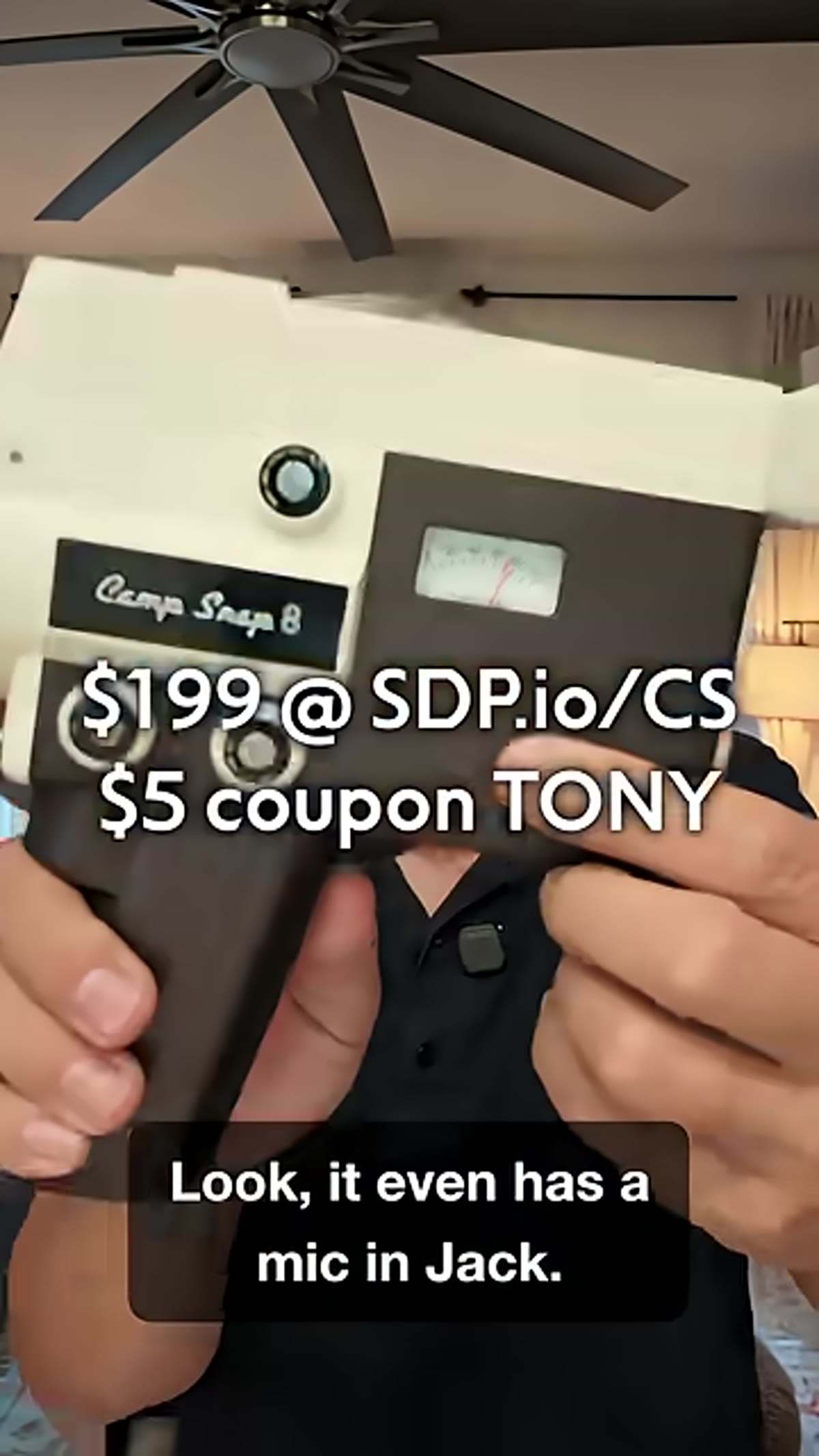 Microphone jack and hot shoe mount visible on camera body
There’s a 3.5mm microphone jack and a hot shoe mount on the CS-8, which is more than you’d expect at this price point. Tony says the built-in audio is actually decent for casual use – you’re not recording a podcast, and the slight muddiness fits the aesthetic anyway. He tested it in low light and found the footage held up, still reading as authentic Hi8 rather than just dark and muddy. The hot shoe is there if you want to throw a small LED panel on it for indoor shooting, but it’s an optional upgrade, not a requirement.
One Thing I’d Push Further: Use the Short-Clip Format Intentionally in Your Edits
Tony mentions that the natural output of this camera is short clips, and that they look interesting when stitched together. I’d take that further. If you’re already comfortable in Premiere or even just in a phone editor, the CS-8 footage is practically begging for a fast-cut edit with no music – just ambient sound. The grain and color treatment does the heavy lifting aesthetically, so you don’t need transitions or color grading. The more you try to polish it, the less it looks like what you paid for. Cut fast, leave the rough edges in, and trust the camera to make it look like something found rather than made.
The single most important thing Tony demonstrates here isn’t a setting or a mode. It’s the social effect of the camera. He talks about strangers responding to it with curiosity instead of suspicion – wanting to ask about it, wanting to engage. That’s not a small thing. The best camera for capturing real moments is usually the one that doesn’t make people defensive. At $199, the CS-8 might be the cheapest way to walk into a room and have people lean toward you instead of away.
Watch the full tutorial on YouTube – Tony and Chelsea do a hands-on walkthrough with actual footage comparisons that are worth seeing before you pre-order.
Comments
Leave a Comment