One Click Photo Restoration: Photoshop's AI Neural Filters Actually Deliver

One Click Photo Restoration: Photoshop's AI Neural Filters Actually Deliver

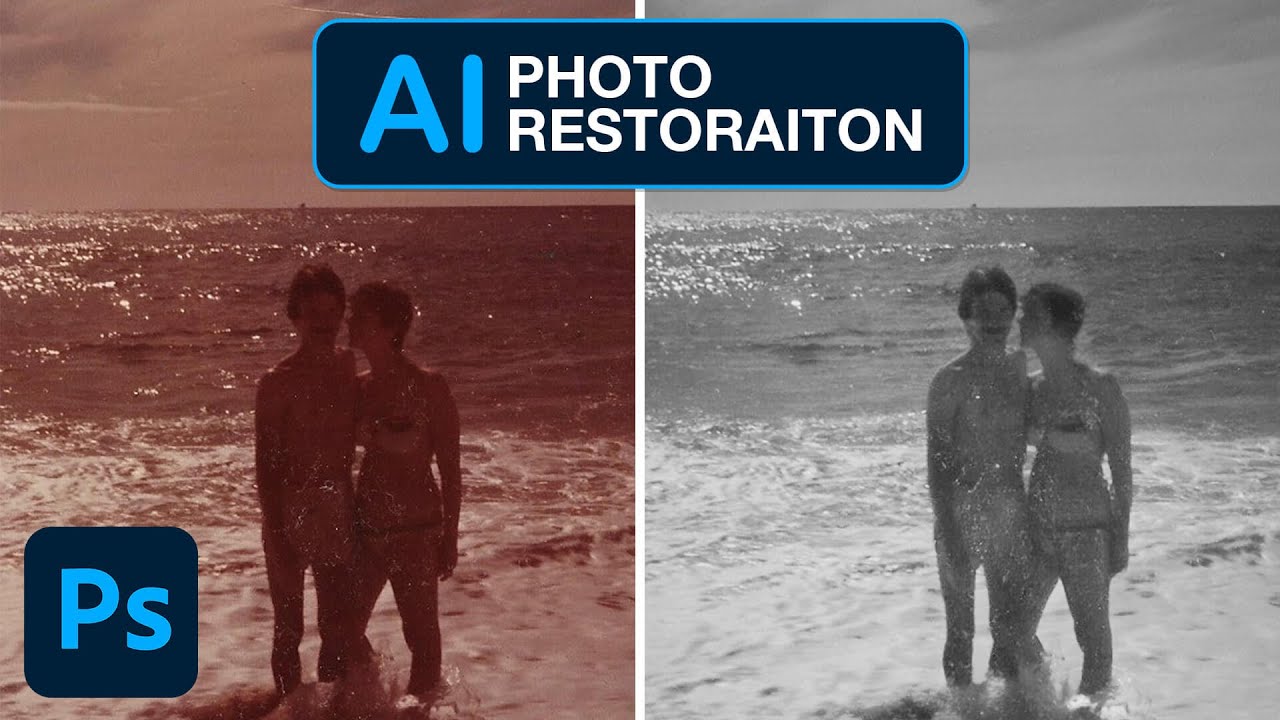
I have a folder on my hard drive called “someday” and it is exactly what it sounds like. Old scanned photos, damaged client images, faded family snapshots that someone emailed me hoping I’d “fix them up real quick.” I’ve been putting them off for years because the traditional route, clone stamp, healing brush, frequency separation, manual scratch removal, takes forever and never looks quite right on genuinely aged photographs. So when I came across this Aaron Nace (PHLEARN) tutorial on Photoshop’s new AI-powered Photo Restoration neural filter, I sat up a little straighter in my coffee shop chair.
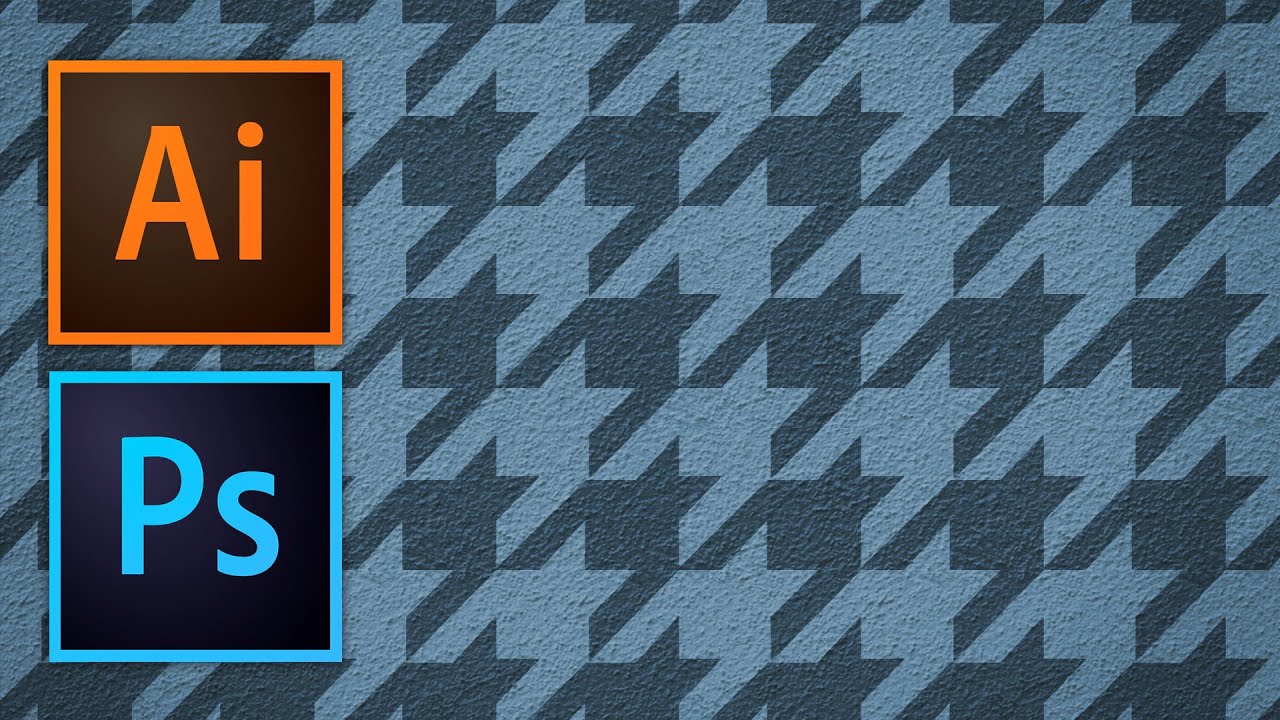

Stop Making Ugly Tiling Patterns: A Practical Guide to Seamless Textures in Photoshop and Illustrator

Stop Making Ugly Tiling Patterns: A Practical Guide to Seamless Textures in Photoshop and Illustrator

There’s a specific kind of embarrassment that hits when a client zooms into a background you made and asks, “why does it look like a grid?” You tiled a texture. You could see the seams. You said nothing and hoped they wouldn’t notice. They noticed. I’ve been there more times than I’d like to admit, and for a while I just avoided pattern work entirely because I didn’t have a clean, reliable method for making textures that actually repeat without looking like wallpaper from a 1994 bathroom.

When Good Enough Isn't: What a Van Renovation Taught Me About Finishing Your Work Properly

When Good Enough Isn't: What a Van Renovation Taught Me About Finishing Your Work Properly

There’s a particular kind of regret that only shows up after you’ve lived with your work for a while. You finish a project under deadline pressure, ship it, and think “good enough.” Then six months later you’re staring at it and the rushed decisions are all you can see. I know this feeling intimately. I once delivered a composite to a client that I was quietly embarrassed about the moment I hit send, because I’d bodged the masking on the subject’s hair and hoped nobody would notice.

Stop Fighting Perspective in Photoshop — The 2026 Composite Workflow That Actually Works

Stop Fighting Perspective in Photoshop — The 2026 Composite Workflow That Actually Works

I spent three days on a composite once. Three full days, four cold coffees at the same coffee shop table, and more manual warp adjustments than I care to admit, trying to get a product shot to sit convincingly on a surface that was shot from a completely different angle. My client thought it looked great. I knew it looked like a PNG dropped on a photo because, well, it was.

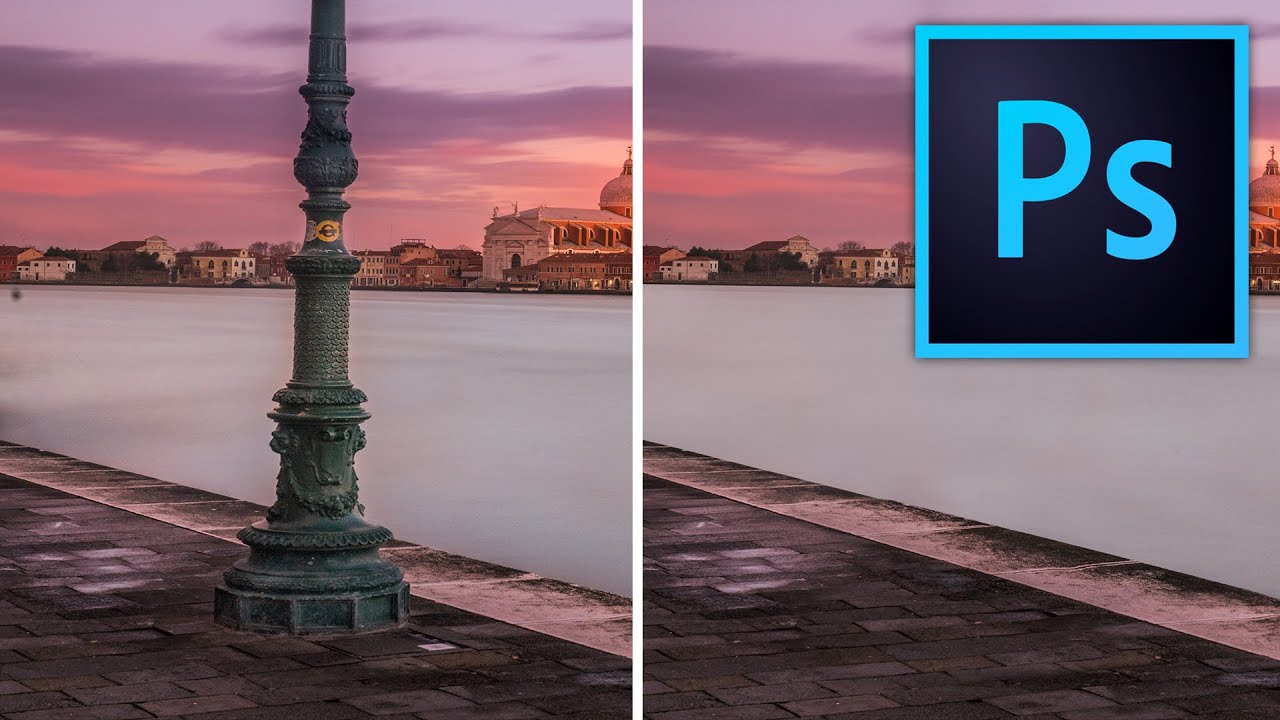
Stop Making Obvious Edits: How to Remove Objects in Photoshop Without the Telltale Clone Stamp Smear

Stop Making Obvious Edits: How to Remove Objects in Photoshop Without the Telltale Clone Stamp Smear

There’s a specific kind of embarrassment that comes from sending a client a retouched photo where you can clearly see where you removed something. The water ripples that suddenly repeat. The brick pattern that tiles like a bad desktop wallpaper from 2003. I know it well. Early in my freelance career I handed off a product shot with a background so obviously cloned that my client asked if the floor was “supposed to look like that.

From Sketchbook to Vector: How to Prep Hand-Drawn Art in Photoshop Before Illustrator Does the Heavy Lifting

From Sketchbook to Vector: How to Prep Hand-Drawn Art in Photoshop Before Illustrator Does the Heavy Lifting

There’s a specific kind of frustration that comes from scanning a drawing you’re actually proud of, opening it in Illustrator, running Image Trace, and watching it turn into a muddy blob of grey noise. I’ve been there. The culprit, almost every time, isn’t the drawing. It’s the prep work, or the lack of it. Getting a clean vector trace out of a hand-drawn scan is less about Illustrator and more about what you do in Photoshop before you ever open Illustrator.

Stop Repainting Layers Like It's 2008 — Here's How to Change Any Color in Photoshop Properly

Stop Repainting Layers Like It's 2008 — Here's How to Change Any Color in Photoshop Properly

I used to handle color changes in Photoshop the embarrassing way. New layer, paintbrush, roughly scribble the new color over the thing, set it to Multiply, squint at it, and convince myself it looked fine. It did not look fine. The first time a client asked me to change the color of a product in a photo, I spent forty minutes doing something that, as I later found out, could have taken four.

Stop Fighting the Pen Tool: A Smarter Way to Cut Out Planes, Cars, and Anything With Hard Edges

Stop Fighting the Pen Tool: A Smarter Way to Cut Out Planes, Cars, and Anything With Hard Edges

There’s a specific kind of frustration that comes from spending forty-five minutes on a selection, zooming out, and realizing the edges look like you traced the thing with a bar of soap. Quick Select is great. Magic Wand has its moments. But when you’re cutting out something with hard, defined edges, like a car, a plane, a pair of glasses, a product shot, the fuzzy selection tools will consistently let you down.

The Shift Key Has Been Lying to You (And Other Photoshop Secrets Worth Knowing)

The Shift Key Has Been Lying to You (And Other Photoshop Secrets Worth Knowing)

I have strong opinions about keyboard shortcuts. Possibly too strong. Ask anyone who’s sat near me at a coffee shop while I’m working and they’ll tell you I mutter at my keyboard like it owes me money. So when I stumbled onto a Matt Kloskowski tutorial about the Shift key in Photoshop, I figured I’d skim it and move on. Instead I learned something that made me question six years of muscle memory, and honestly?

Three Photoshop Moves That Make Hair Color Look Like It Was Lit by God

Three Photoshop Moves That Make Hair Color Look Like It Was Lit by God

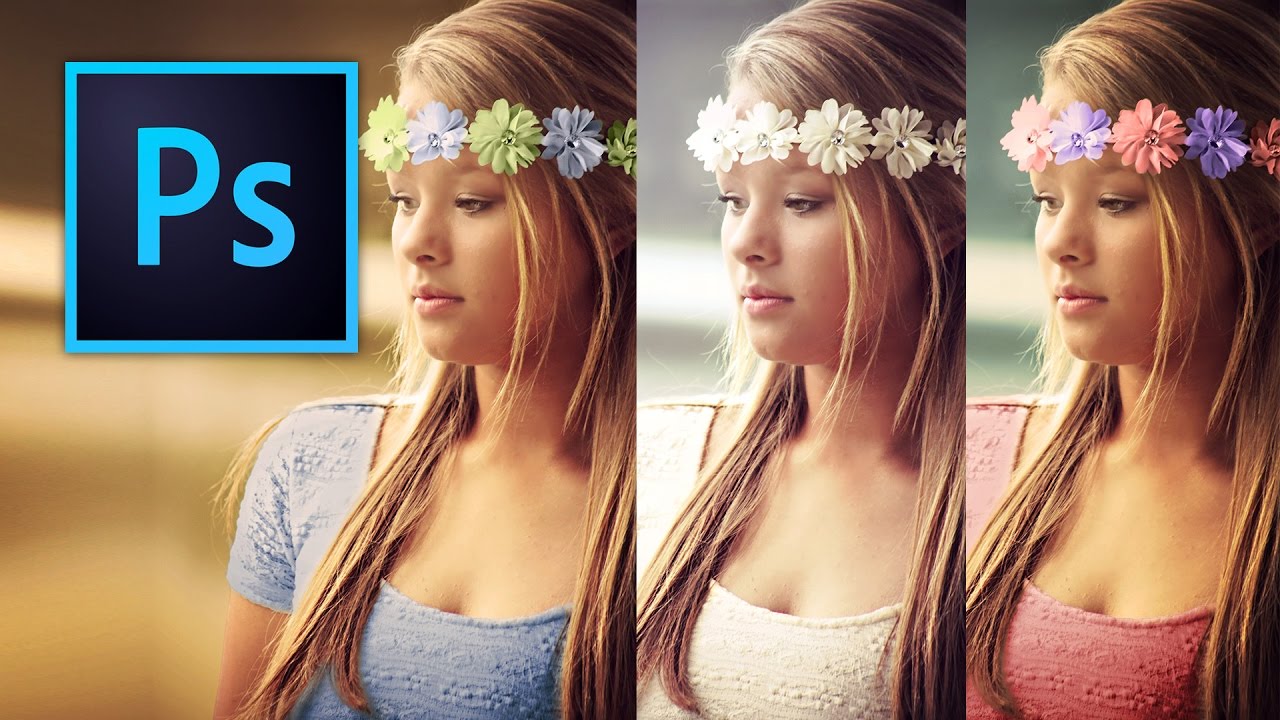
Portrait retouching has a way of exposing every gap in your workflow. I’ve handed off photos where everything looked great, the skin, the background, the lighting, and then a client comes back asking why the hair looks flat and kind of muddy. Turns out I’d been ignoring it entirely. Hair color is one of those things that reads as “fine” until you see it done right, and then you can’t unsee the difference.

Stop Darkening Your Entire Sky: The Capture One Luma Range Trick That Changed How I Edit

Stop Darkening Your Entire Sky: The Capture One Luma Range Trick That Changed How I Edit

There’s a specific kind of editing frustration I’ve felt more times than I’d like to admit. You pull a radial gradient over a blown-out sky, drop the exposure, and then watch in mild horror as the adjustment also swallows half the mountain range you were trying to protect. You either live with it, or you spend the next 45 minutes painting a mask by hand like it’s 2009. Neither option is great when you’re billing hourly and your coffee is going cold.

Photoshop's New Selection Brush Tool Is the One I Didn't Know I Was Missing

Photoshop's New Selection Brush Tool Is the One I Didn't Know I Was Missing

I have a complicated relationship with Photoshop selections. Quick Mask, the Pen Tool, Select and Mask, Subject Selection – I’ve used them all, argued with them all, and occasionally rage-quit because of them all. Most of the time I’m in a coffee shop trying to hit a deadline, and the last thing I need is to spend 20 minutes coaxing a lasso selection into behaving like a reasonable piece of software.