Adobe's AI Noise Reduction is Here and It's Kind of a Big Deal

Adobe's AI Noise Reduction is Here and It's Kind of a Big Deal

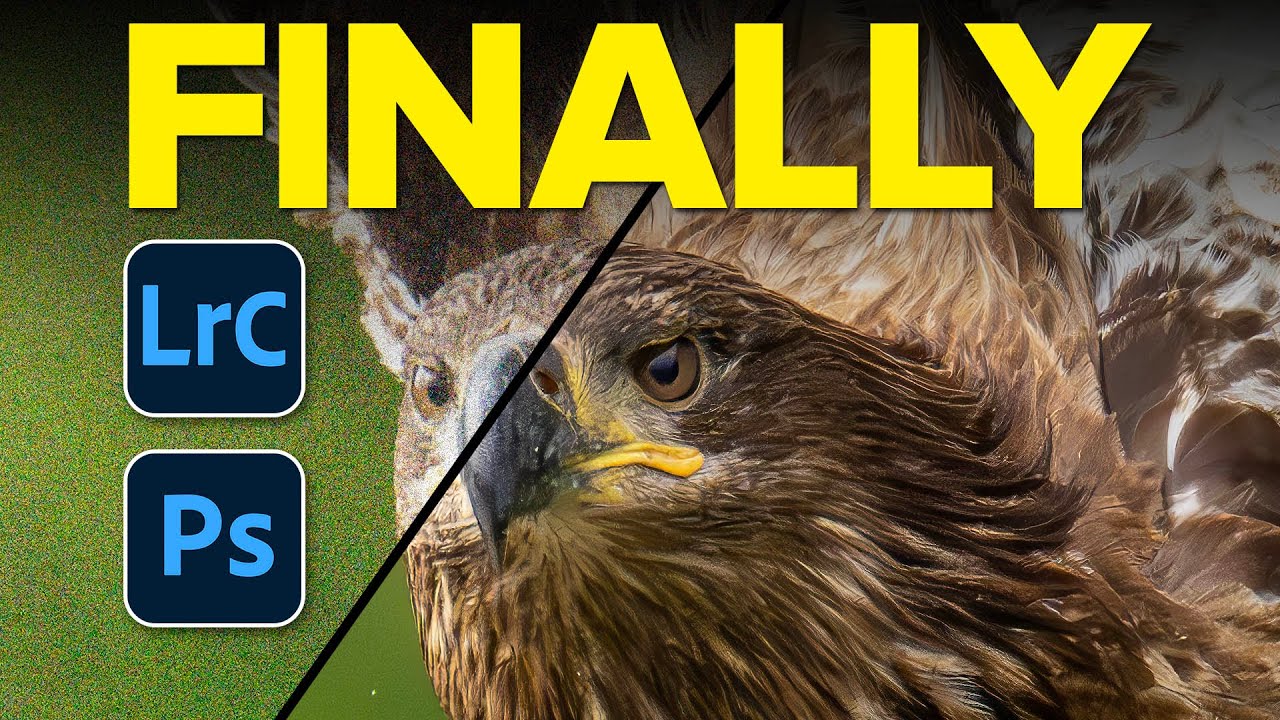
I shoot a lot of work late in coffee shops. Bad lighting, available light, high ISO, the whole disaster. So noise has always been my nemesis, sitting there in my shadows like an uninvited guest who refuses to leave. For years I dealt with it through a mix of manual sliders in Lightroom and a third-party plugin that worked well but added time to every job. Then Adobe dropped their AI-powered Denoise feature in Lightroom Classic and Adobe Camera Raw, and suddenly a lot of photographers started asking whether the plugin era is over.

Build a Photoshop Photo Book Template That Actually Saves You Time (Scott Kelby Method)

Build a Photoshop Photo Book Template That Actually Saves You Time (Scott Kelby Method)

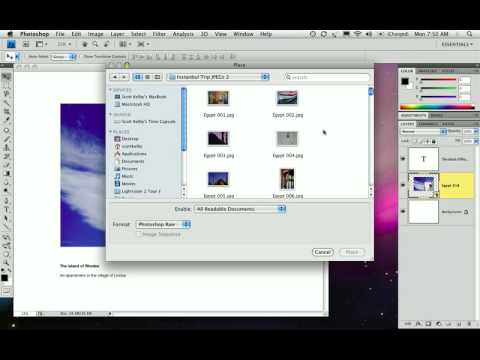
Client photo books used to wreck my workflow. Not the creative part, I enjoy that. The part where you build twelve nearly-identical pages and have to manually swap out every image, resize it, reposition it, and pray nothing shifts. I burned more hours than I’ll admit before I stumbled across a smarter approach. In this Scott Kelby tutorial from his three-part photo book series, Kelby walks through building photo book pages directly in Photoshop CS4.

The Hidden Photoshop Filter That Cleans Dirty Studio Backdrops in About 30 Seconds

The Hidden Photoshop Filter That Cleans Dirty Studio Backdrops in About 30 Seconds

If you shoot portraits on seamless paper, you already know the betrayal. The backdrop looks pristine when you hang it. By the end of a two-hour shoot, it looks like a crime scene. Footprints, scuff marks, mysterious dark smears, wrinkles that catch light in the worst way possible. I’ve spent genuinely embarrassing amounts of time trying to patch and clone-stamp my way through dirty backgrounds, session by session, thinking that was just the cost of doing business.

Changing Eye Color in Photoshop Without Making It Look Ridiculous

Changing Eye Color in Photoshop Without Making It Look Ridiculous

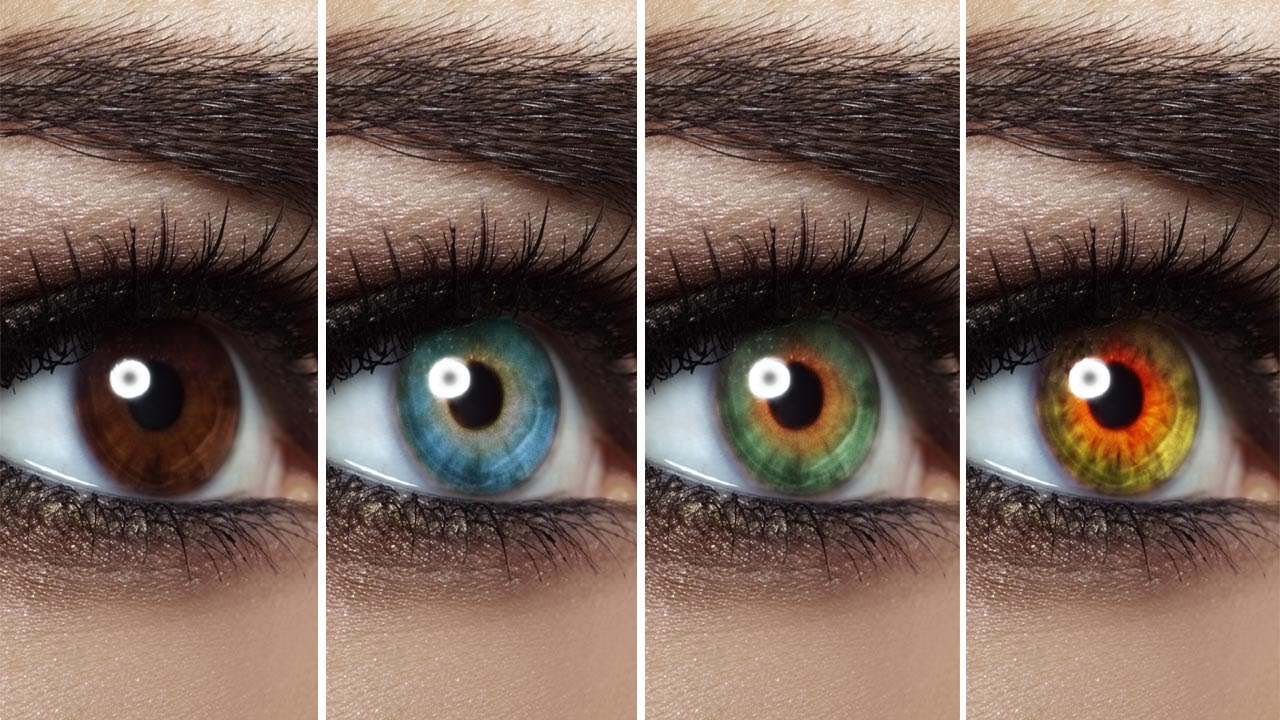
Client retouching jobs have a funny way of surfacing requests you’ve never actually practiced. Someone hands you a portrait and casually mentions, “Oh, can you also make the eyes green?” and suddenly you’re Googling at 11pm from a corner booth at your local coffee shop hoping nobody notices you’re sweating over something that’s supposed to be simple. Eye color changes sound trivial until you try one and end up with something that looks like a Halloween costume filter.

Rescuing a Wrecked Brochure Photo in Photoshop: A Real-World Walkthrough

Rescuing a Wrecked Brochure Photo in Photoshop: A Real-World Walkthrough

Client sends you a photo taken on an iPhone, under bad lighting, of a bent, faded, color-cast piece of paper. No raw file. No scanner. Just that. If you’ve been doing design or photo work for any length of time, you’ve been here. I’ve been here more times than I’d like to admit, usually sitting in a coffee shop trying to work miracles on someone’s terrible source material before a deadline hits.

AI Snow Masking in Photoshop and Lightroom Just Changed How I Edit Winter Shots

AI Snow Masking in Photoshop and Lightroom Just Changed How I Edit Winter Shots

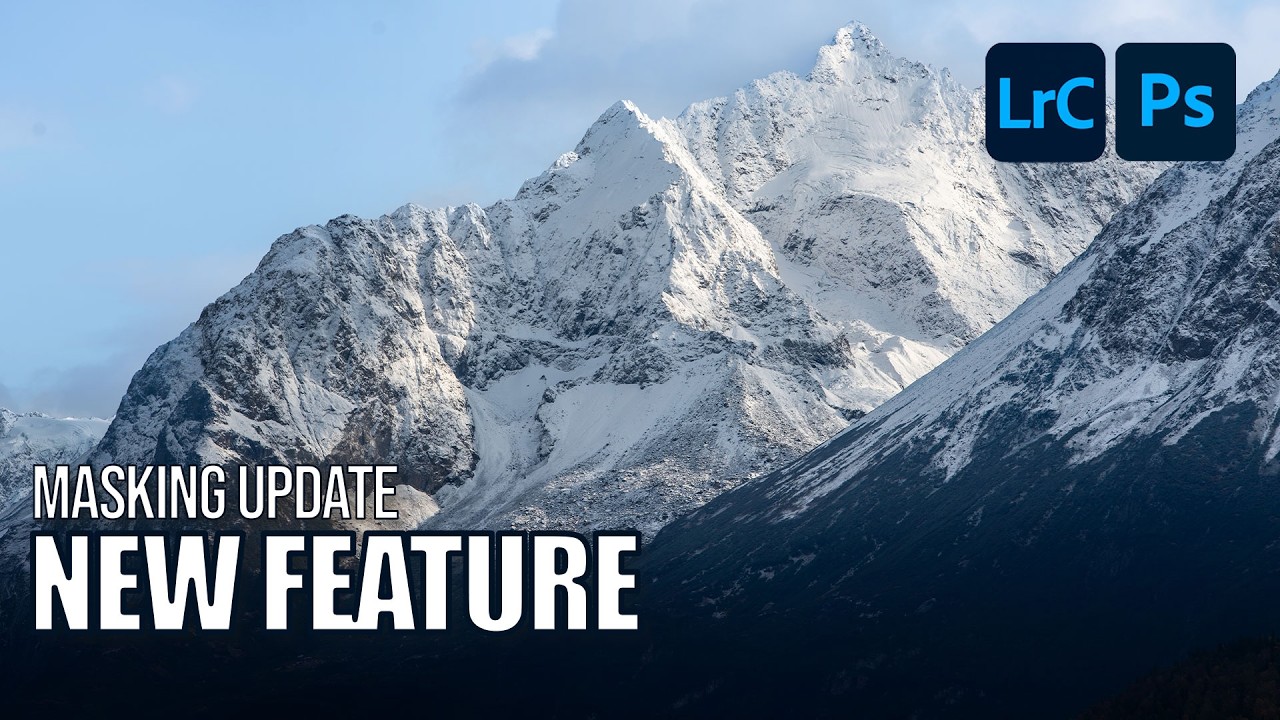
Winter landscape photos have always been a mild headache for me. Snow blows out highlights, the sky goes flat, and the trees end up looking like sad gray sticks. I’d usually spend way too long painting manual masks just to bring some texture back into the snow without torching everything else in the frame. Not anymore. Adobe just dropped an update to their AI Landscape masking tool, and it now detects snow as its own separate, editable region.

Generative Credits in Photoshop & Lightroom: What Costs You and What Doesn't

Generative Credits in Photoshop & Lightroom: What Costs You and What Doesn't

Here’s a situation I’ve been in more than once: I’m halfway through a client job, I’ve been leaning on Photoshop’s AI tools like they’re going out of style, and then I get that little notification that my generative credits are running low. Cue mild panic, a lot of Googling, and the realization that I had absolutely no idea which tools were burning through credits and which ones were free. Turns out, I’d been playing the game without reading the rules.

Create, Size & Share Desktop Wallpapers in Photoshop (The Right Way)

Create, Size & Share Desktop Wallpapers in Photoshop (The Right Way)

If you’ve ever finished a photo composite or a piece of digital art and thought “this would make a sick desktop wallpaper” — and then had absolutely no idea what to do next — you’re not alone. I’ve been there. I’ve exported things at the wrong resolution, uploaded files that looked great on my monitor and blurry on everything else, and once spent an embarrassing amount of time trying to figure out where to even host the thing so other people could grab it.

Joel Grimes' Dramatic Black & White Portrait Technique (And Why I Wish I'd Known This Sooner)

Joel Grimes' Dramatic Black & White Portrait Technique (And Why I Wish I'd Known This Sooner)

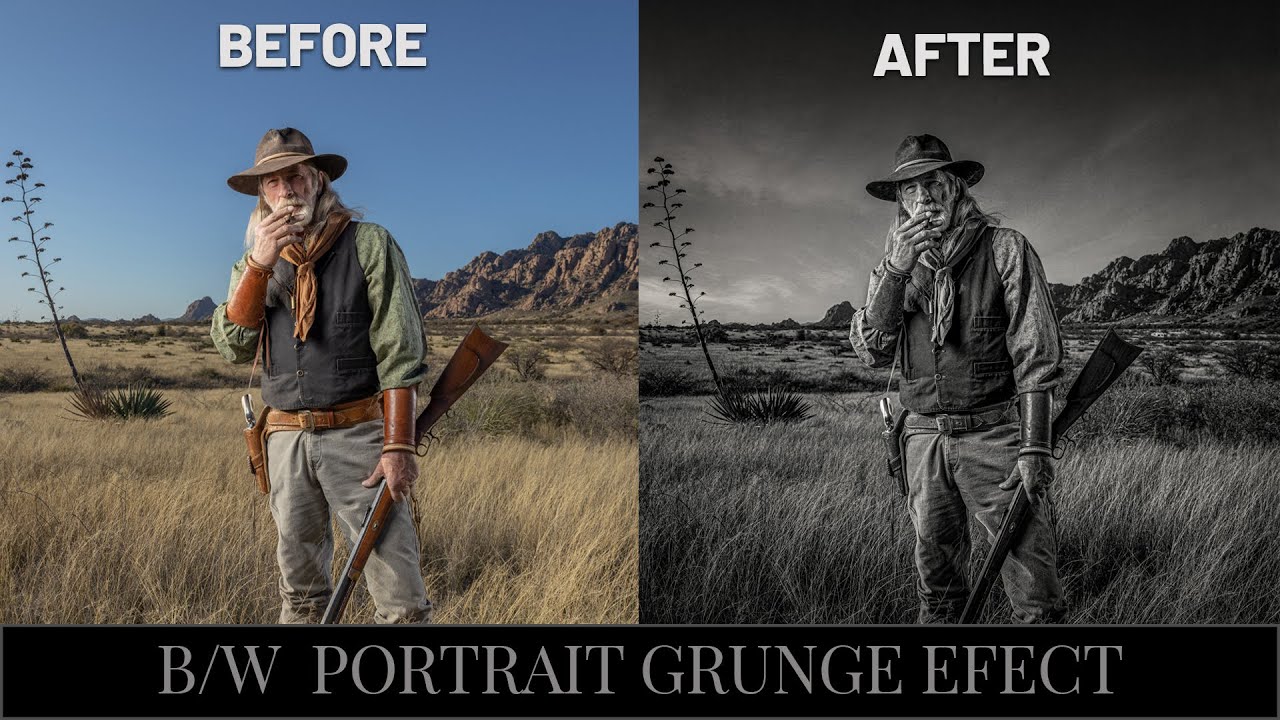
There’s a specific kind of frustration that comes from knowing your black and white portrait should look cinematic and instead looks like a desaturated snapshot from a 2009 Facebook album. I’ve been there more times than I’d like to admit. The problem usually isn’t the photo itself. It’s the conversion process. Most people hit Image > Desaturate, squint at the result, and then wonder why it looks flat. The answer is that dramatic B&W isn’t a one-step thing.

The Flip-and-Match Trick That Saves Your Covers When You Shot the Wrong Orientation

The Flip-and-Match Trick That Saves Your Covers When You Shot the Wrong Orientation

There’s a specific kind of dread that hits when a client asks for a vertical crop of a photo you shot horizontal. It doesn’t matter how good the image is. If the canvas is taller than the frame, you’ve got dead space, and dead space on a magazine cover is a career-limiting move. I’ve been there more times than I’d like to admit, usually sitting in a coffee shop frantically masking gradients into skies that don’t quite match, hoping the client doesn’t zoom in.

Photoshop's Image Processor Is the Batch Export Tool You Didn't Know You Had

Photoshop's Image Processor Is the Batch Export Tool You Didn't Know You Had

There’s a specific kind of freelance misery that hits when a client asks for “the JPEGs, the PSDs, and also could you resize them for web?” You have 40 raw files, three format requirements, and a cold oat milk latte going warm on the table next to your laptop. I used to handle this by opening files one at a time, exporting, renaming, and quietly resenting every click. Then I watched Scott Kelby’s KelbyOne tutorial on Photoshop’s Image Processor and felt that particular shame of realizing a better solution had been sitting under my nose the whole time.

Photoshop Just Got Multiple AI Brains — Here's How to Actually Use Them

Photoshop Just Got Multiple AI Brains — Here's How to Actually Use Them

There’s a specific kind of freelance misery that comes from a client sending you a product photo at 11pm with “can you just clean up the logo on the shirt and make the sky look less depressing?” Like, sure, no problem. I’ll just fire up my selection tools, wrestle with Generative Fill, make a sky that looks vaguely cinematic, and call it a Tuesday. That workflow has been fine. Fine. But fine is not a word I use to describe my coffee, my shortcuts, or ideally my tools.