Cinemagraphs in Photoshop: How to Make the Internet Stop Scrolling

Cinemagraphs in Photoshop: How to Make the Internet Stop Scrolling

Client work comes in waves. One week you’re doing banner ads, the next someone slides into your DMs asking if you can make “something that moves but also doesn’t really move.” That’s a cinemagraph. And the first time I tried to figure one out on my own, I wasted an afternoon producing a GIF that looked less like art and more like a broken webpage. What I needed was someone to walk me through both sides of the problem: what you do on set before you touch Photoshop, and what you actually do inside Photoshop to make the loop work.
Liquify Without the Mess: A Practical Breakdown of Photoshop's Most Misunderstood Tool

Liquify Without the Mess: A Practical Breakdown of Photoshop's Most Misunderstood Tool

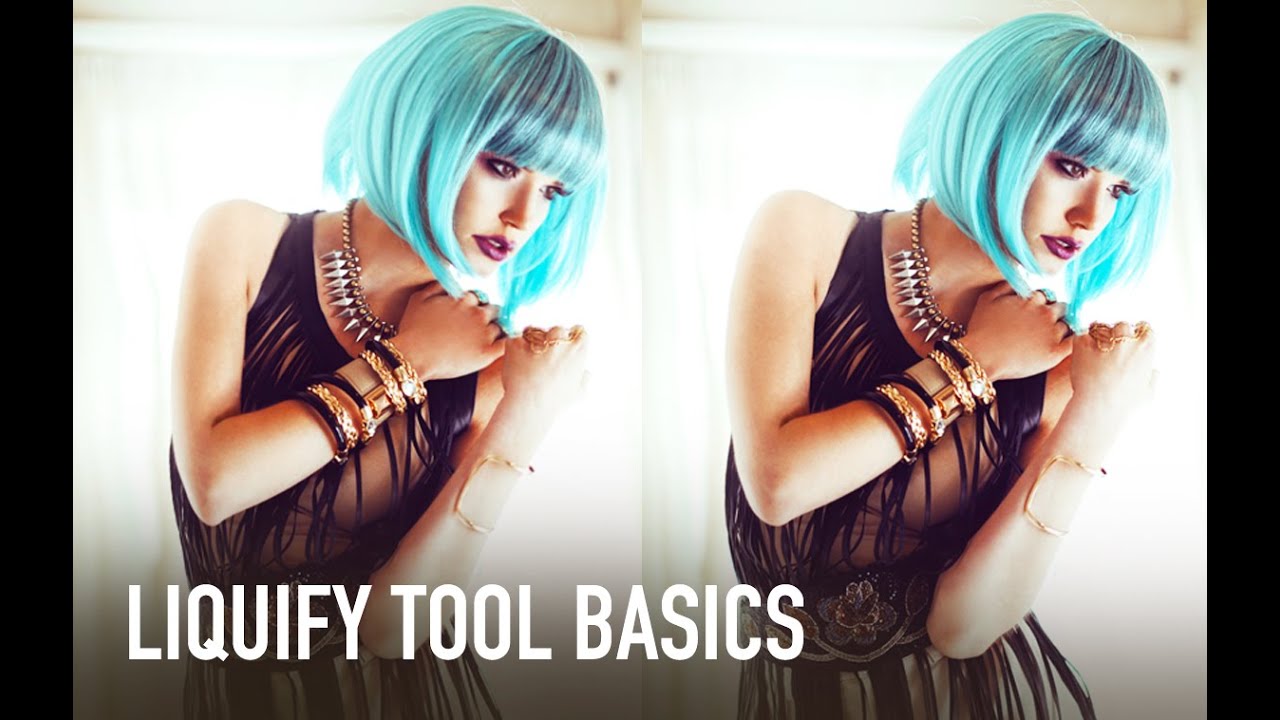
I used to treat the Liquify tool like a blunt instrument. Push here, pull there, hit OK, and spend the next ten minutes wondering why my subject’s arm looks like it’s made of warm taffy. If you’ve ever handed a client a portrait and quietly hoped they wouldn’t zoom in too hard on the edges, you already know the problem. Liquify is genuinely powerful, but it’s the kind of tool that rewards patience and punishes anyone who rushes in without a system.

Making Realistic Water Bubbles in Photoshop with the Liquefy Filter

Making Realistic Water Bubbles in Photoshop with the Liquefy Filter

Every water composite I did in my first two years of freelancing had the same problem, and I couldn’t figure out why they looked fake. The lighting was fine. The color grading was decent. But the bubbles – oh, the bubbles. Perfect little circles, every single one of them, floating around like clip art from a 2003 PowerPoint presentation. Turns out, that’s exactly what was wrong. Real bubbles in turbulent water are not spherical.

The Laziest (and Best) Way to Add Duotone Color to Any Photo in Photoshop

The Laziest (and Best) Way to Add Duotone Color to Any Photo in Photoshop

I have a complicated relationship with duotones. They look incredible, clients love them, and every time someone asks me to make one I’ve historically spent way too long fumbling through Hue/Saturation layers and gradient maps wondering why the result looks muddy instead of cinematic. I knew roughly what a duotone was supposed to do: split highlights and shadows into two distinct colors. But translating that concept into something clean and repeatable?

How to Build a Lego Man Head in Photoshop 3D (Without Losing Your Mind)

How to Build a Lego Man Head in Photoshop 3D (Without Losing Your Mind)

I’ll be straight with you: I avoided Photoshop’s 3D tools for an embarrassingly long time. Every time I cracked open that menu it felt like I’d wandered into someone else’s software. Then I watched Cory Barker work through a Lego man build on Photoshop User TV and something finally clicked. Not because the technique is simple, exactly, but because he frames it around shapes you already understand. Cylinders. Rounded boxes. Half-profiles that get spun into full objects.

Get Low, Go Wide: Two Compositional Tricks That Change How Your Landscapes Hit

Get Low, Go Wide: Two Compositional Tricks That Change How Your Landscapes Hit

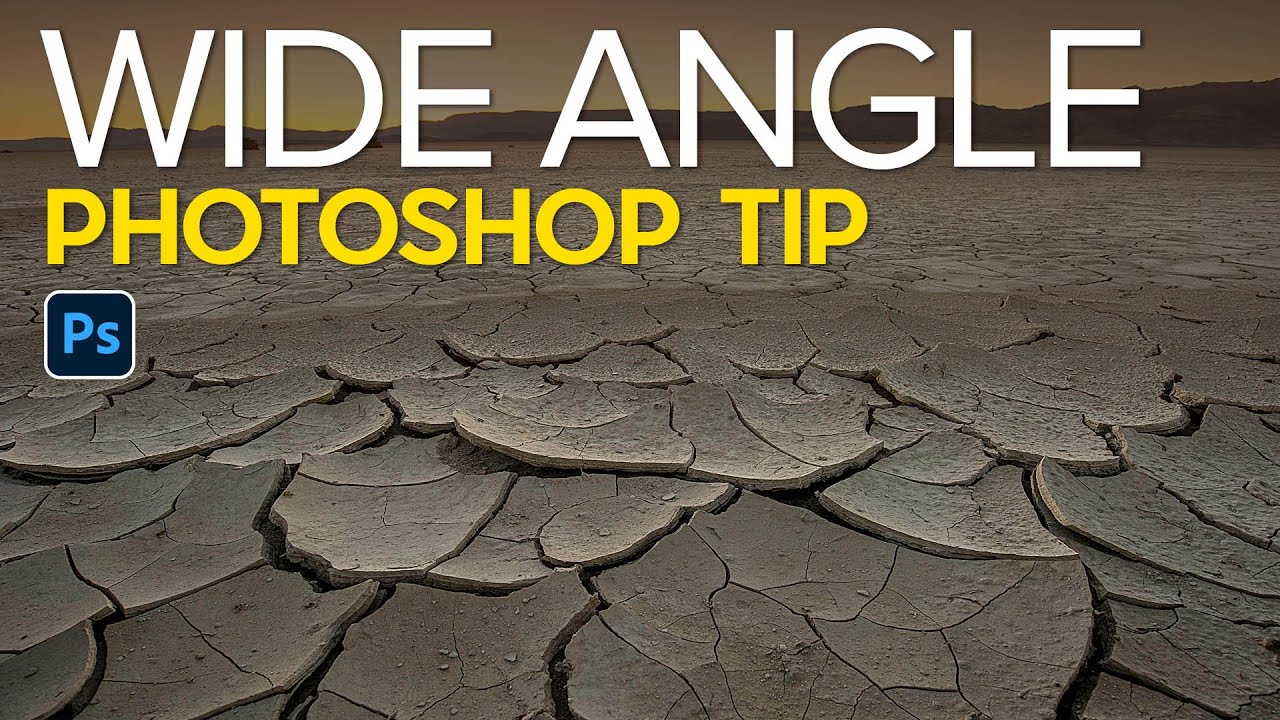
I spent a genuinely embarrassing amount of time wondering why my landscape shots looked flat. Same location as photographers I admired, similar gear, roughly similar light. The photos just sat there. Turns out I was committing the cardinal wide-angle sin: standing up like a normal human being and pointing my camera at things from eye level like I was taking a mugshot of the horizon. The foreground, which is literally the most interesting part of a wide-angle landscape, was barely there.

Red Eyes, Distracting Reflections, and How to Fix Both in Photoshop

Red Eyes, Distracting Reflections, and How to Fix Both in Photoshop

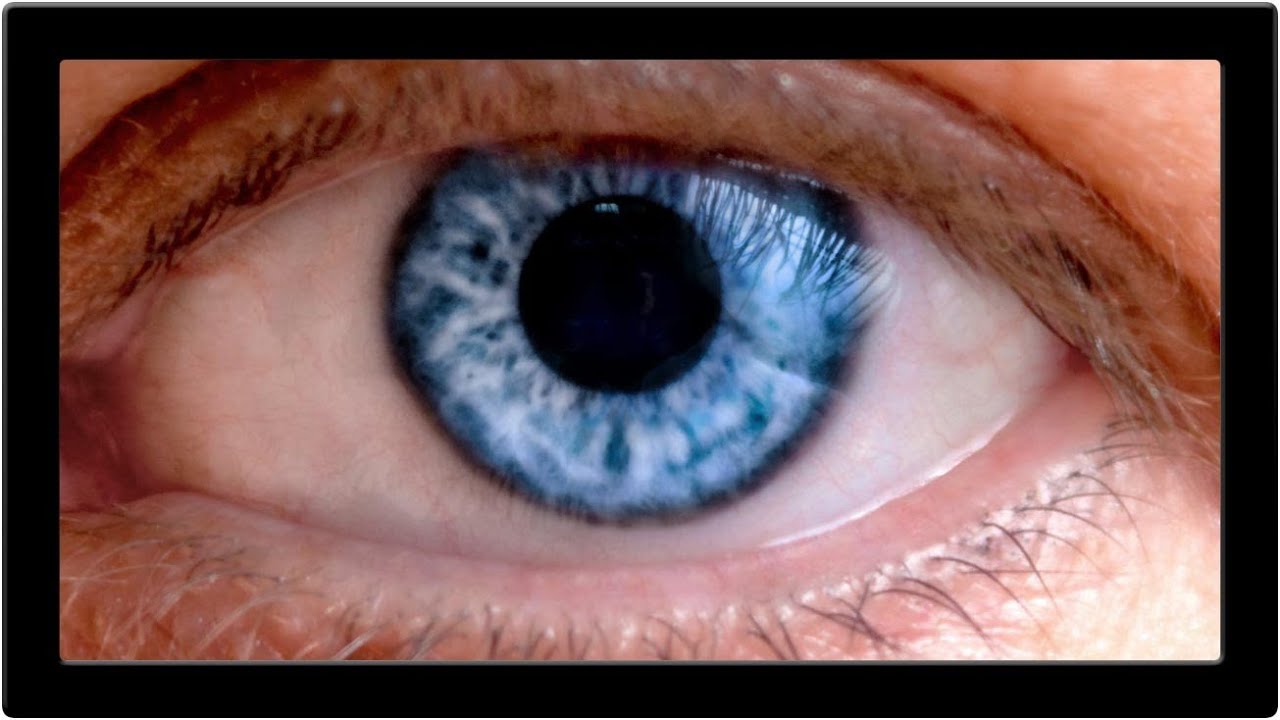
Portrait retouching has a way of humbling you fast. You can nail the skin, get the hair looking great, and then zoom into the eyes and realize the whole thing looks like your subject just finished a crying marathon or a very long night. Red veins, weird reflections, flat color in the iris – eyes are small but they carry an enormous amount of visual weight in any portrait, and when they’re off, everyone notices even if they can’t explain why.

10 AI Tricks in Photoshop That Actually Hold Up in Real Work

10 AI Tricks in Photoshop That Actually Hold Up in Real Work

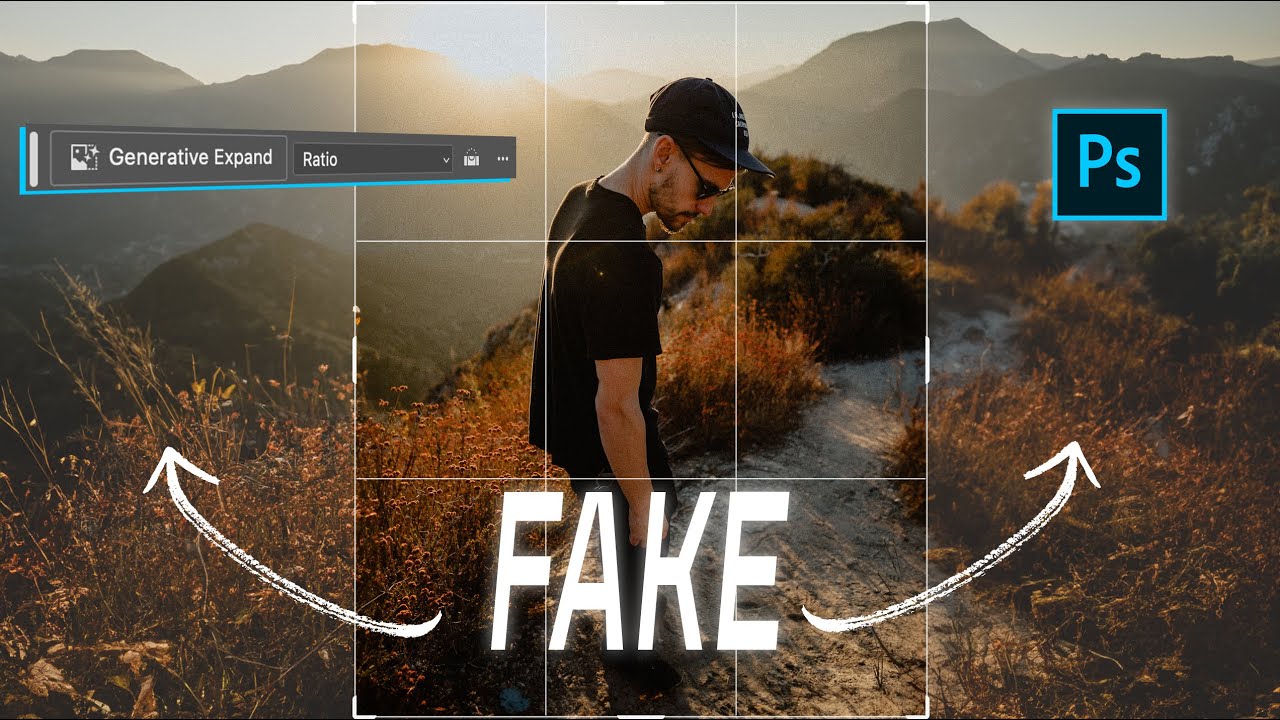
There’s a specific kind of frustration that hits when a client asks you to repurpose a photo for a completely different format than it was shot for. Portrait crop needs to become a YouTube thumbnail. Instagram 4x5 needs to become a LinkedIn banner. You either go back to the photographer, do an awkward zoom-and-pray crop, or spend an hour cloning background that should have been there in the first place. For a long time, that last option was the least-bad answer.

The Content-Aware Fill Apply Button Is the Photoshop Update I Didn't Know I Desperately Needed

The Content-Aware Fill Apply Button Is the Photoshop Update I Didn't Know I Desperately Needed

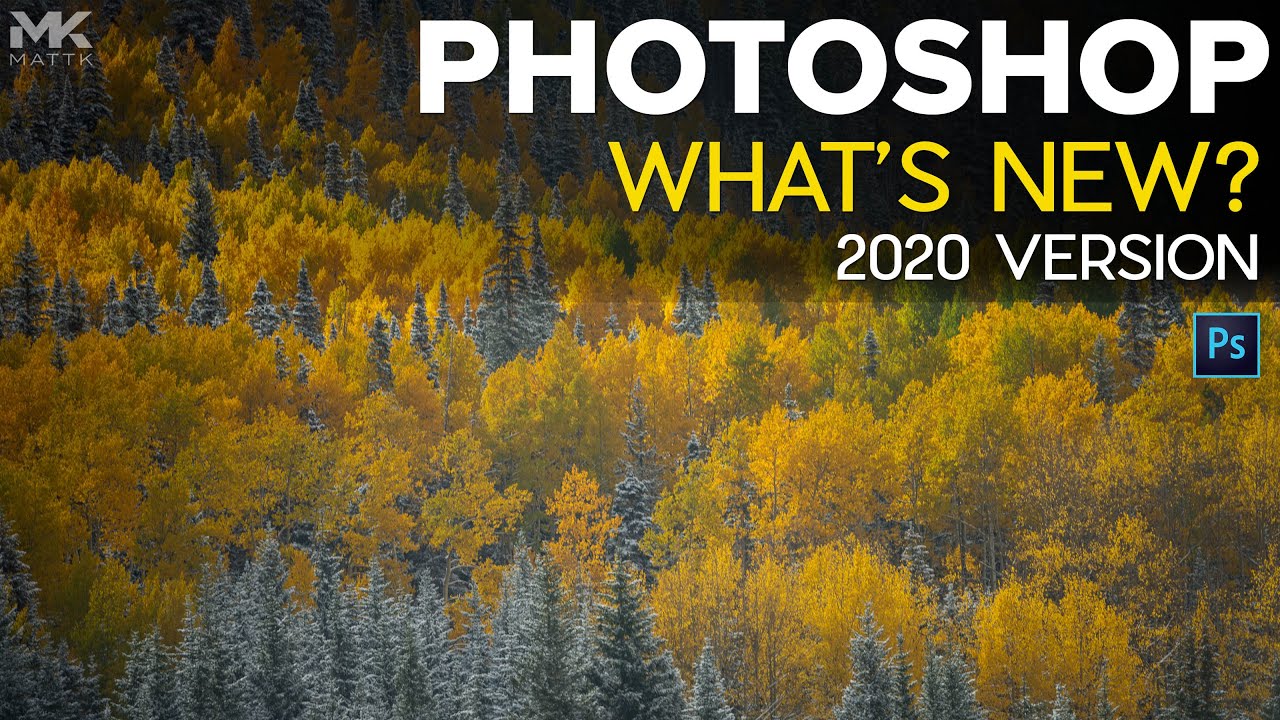
There’s a specific kind of freelance misery that hits when you’re cleaning up a photo with six distracting elements in the background and you have to run the full Content-Aware Fill dialog separately for each one. Select, fill, click OK, exit, re-select, repeat. By object three you’re questioning your career choices. By object five you’re Googling “how to become a park ranger.” This is exactly the problem that a recent Matt Kloskowski tutorial on Photoshop 2020 addresses, and I’ll be honest, I watched it mostly out of habit and ended up genuinely relieved.

Fake It Till You Make It: How to Paint Realistic Hair and Beards in Photoshop

Fake It Till You Make It: How to Paint Realistic Hair and Beards in Photoshop

I’ve taken on enough portrait retouching gigs to know that hair is the thing that separates “pretty good” from “actually professional.” Skin? Frequency separation handles most of it. Eyes? A little dodging and burning. But hair, and especially beards, will absolutely expose you if you don’t know what you’re doing. Patchy beards, thin hairlines, awkward shapes that don’t match the light in the scene. Clients notice, even if they can’t articulate why something looks off.

Why Your Long Exposure Shots Look Terrible (And the $30 Fix That Actually Works)

Why Your Long Exposure Shots Look Terrible (And the $30 Fix That Actually Works)

There’s a specific kind of frustration that hits when you’re standing next to a beautiful moving river, you know exactly what the shot should look like, and your camera just… refuses to cooperate. You want that silky, blurred water effect you’ve seen everywhere. Instead you get a sharp, flat, completely unromantic snapshot that looks like you were in a hurry to catch a bus. I’ve been there. Most photographers have.

Photoshop 2020's Best New Tools for Photographers (The Ones Actually Worth Your Time)

Photoshop 2020's Best New Tools for Photographers (The Ones Actually Worth Your Time)

I’ll be honest with you: I am the person who ignores software update notes. I click “update” and then just go back to doing things the way I’ve always done them, completely oblivious to whatever Adobe just shipped. That habit has cost me hours. Hours I could have spent doing literally anything else, including staring at the wall, which I sometimes do between coffee refills at my usual spot on South Congress.