Photoshop Compositing Isn't Magic — It's Just Planning (Plus These Specific Techniques)

Photoshop Compositing Isn't Magic — It's Just Planning (Plus These Specific Techniques)

I spent three days on a composite once. Three full days, mostly at a coffee shop on South Congress, burning through oat milk lattes and my own patience. A friend looked at it, asked if I’d tried a specific blending technique, and rebuilt something better in about twenty minutes. I had not tried that technique. I did not know that technique existed. That experience basically rewired how I approach learning compositing — I now seek out people who clearly know things I don’t, and I pay close attention.
Shadow Density: The One Variable That Makes or Breaks the Mood of Any Photo

Shadow Density: The One Variable That Makes or Breaks the Mood of Any Photo

I used to think mood in a photo was some vague, mystical thing. Like, either a shot had atmosphere or it didn’t, and if it didn’t, you threw a moody preset at it and hoped for the best. That worked about 30% of the time and made everything look like a 2014 Instagram filter the other 70%. It wasn’t until I started paying attention to what’s actually happening in the shadow areas of an image that things clicked for me.

Stop Fighting Lightroom's Auto Button - Let the AI Do the Heavy Lifting First

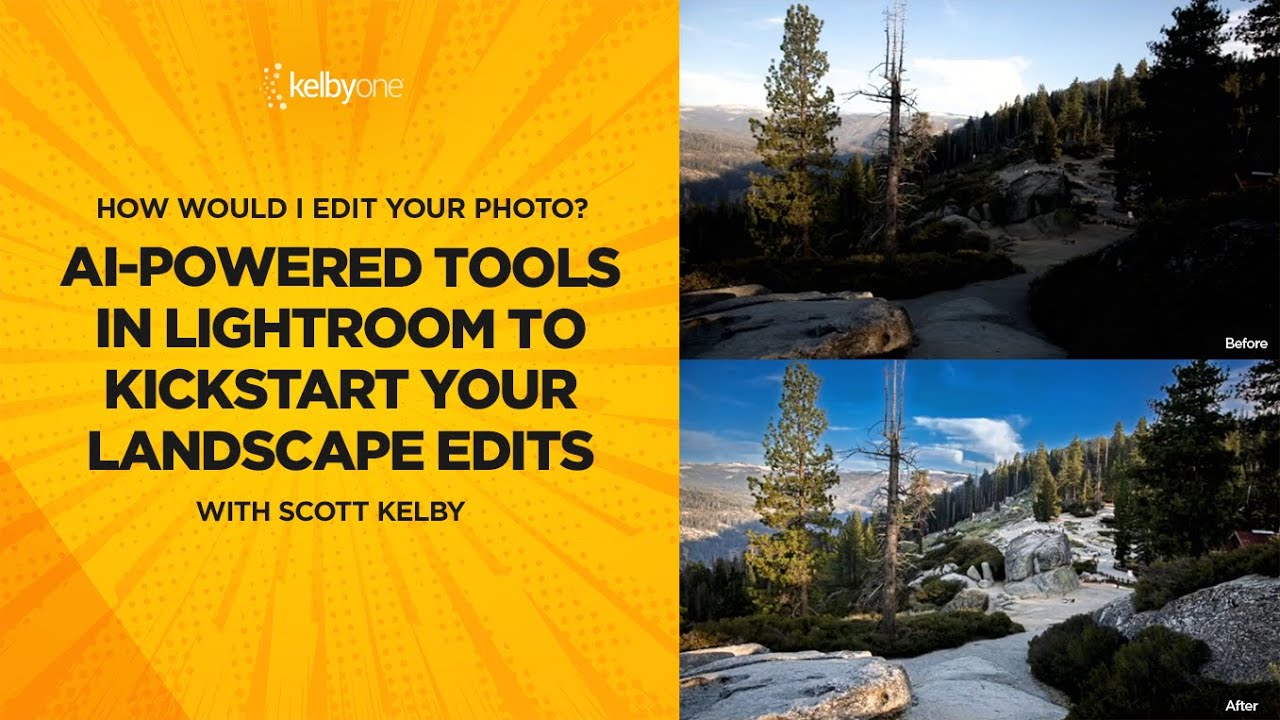
Stop Fighting Lightroom's Auto Button - Let the AI Do the Heavy Lifting First

There’s a certain type of editor who loves suffering. They open a raw file, every slider sitting at zero, and they start manually nudging exposure up by 0.35, then shadows up a little, then back down, then highlights, and forty-five minutes later they have something that looks roughly like what the AI would’ve given them in two seconds. I was that editor. I thought manually touching every slider meant I was being a real craftsman.

How to Add a Picture-in-Picture Video Inset in Photoshop (Without It Looking Terrible)

How to Add a Picture-in-Picture Video Inset in Photoshop (Without It Looking Terrible)

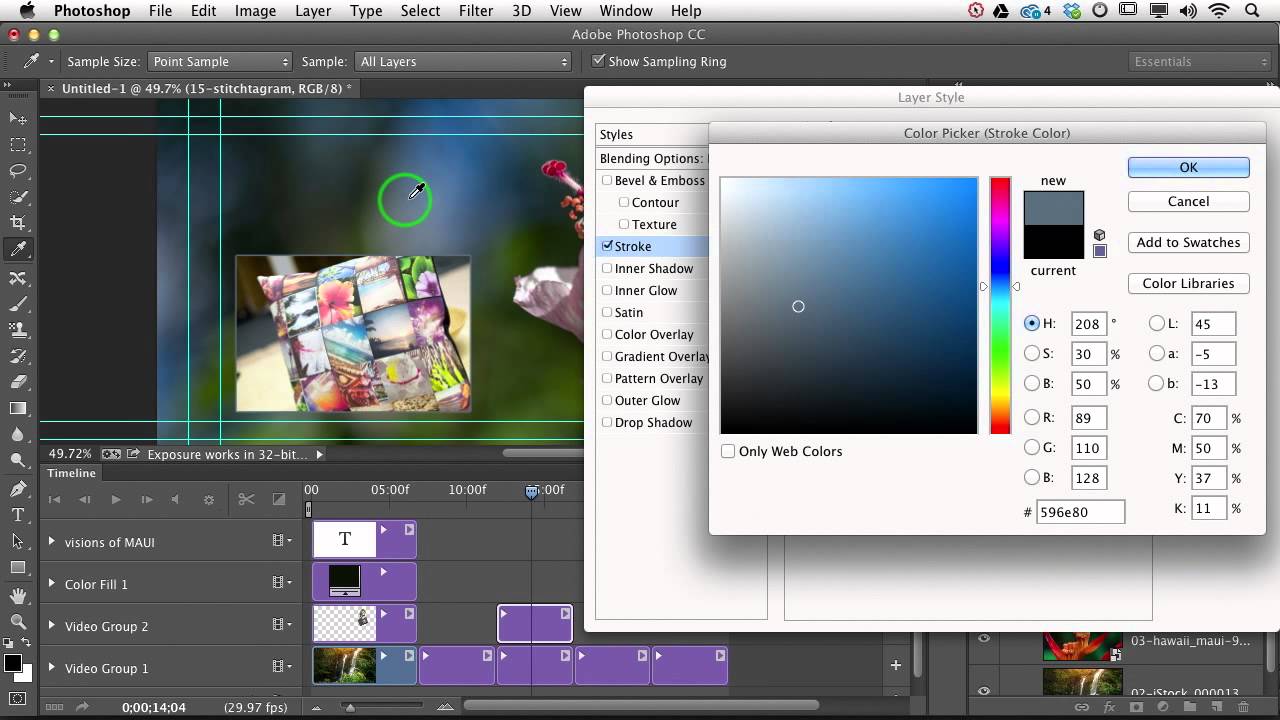
Client work has a way of humbling you fast. I can’t count the number of times someone has asked me for a “simple” video overlay and I’ve spent way too long fussing with positioning, scaling, and trying to make two video clips sit together without looking like a mid-2000s sports broadcast. The picture-in-picture format is one of those things that looks deceptively easy until you’re actually doing it and the inset clip is either the wrong size, sitting in a weird spot, or has that raw, unfinished edge that screams “I just dragged this here and hoped for the best.

Clone Stamp Secrets: How to Actually Fix Eyeglass Glare Without Making It Look Weird

Clone Stamp Secrets: How to Actually Fix Eyeglass Glare Without Making It Look Weird

Portrait retouching is full of small disasters, and eyeglass glare is one of the most common ones clients will actually notice. Nobody’s going to flag slightly off skin tone, but they will absolutely see a white blob where their eye is supposed to be. I’ve lost count of how many portrait shoots I’ve had to rescue in post because someone’s studio umbrella decided to park itself right in the middle of a subject’s lens.

Photography Cheats, Fake Owls, and Why Authenticity Is Still the Hardest Skill to Master

Photography Cheats, Fake Owls, and Why Authenticity Is Still the Hardest Skill to Master

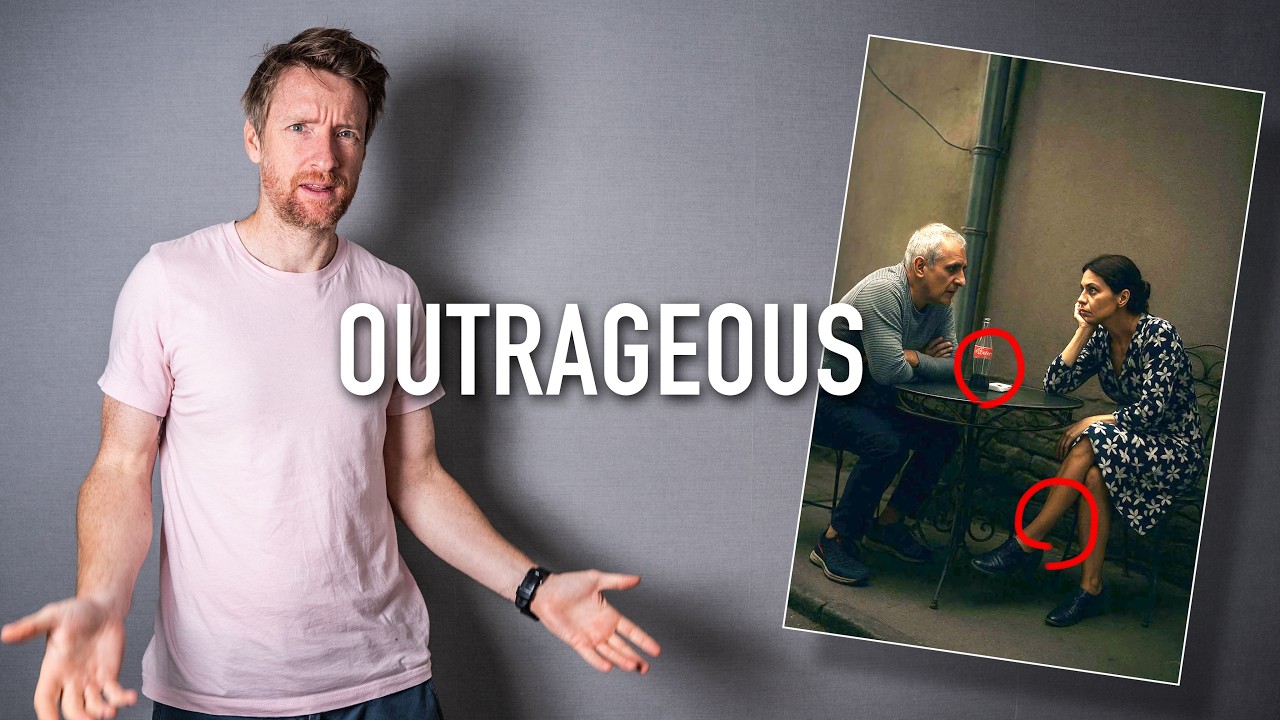
There’s a specific kind of embarrassment reserved for photographers who get caught cheating in major competitions. Not the quiet shame of a bad edit — I mean the full public disqualification, your name attached to a scandal, the whole thing. I’ve been thinking about it a lot lately because, honestly, it keeps happening. And the more I pay attention to it, the more I realize it reveals something worth talking about: what we’ve quietly stopped caring about in the age of AI-assisted everything.

The Step and Repeat Slice Effect That Made Me Feel Like a Photoshop Insider

The Step and Repeat Slice Effect That Made Me Feel Like a Photoshop Insider

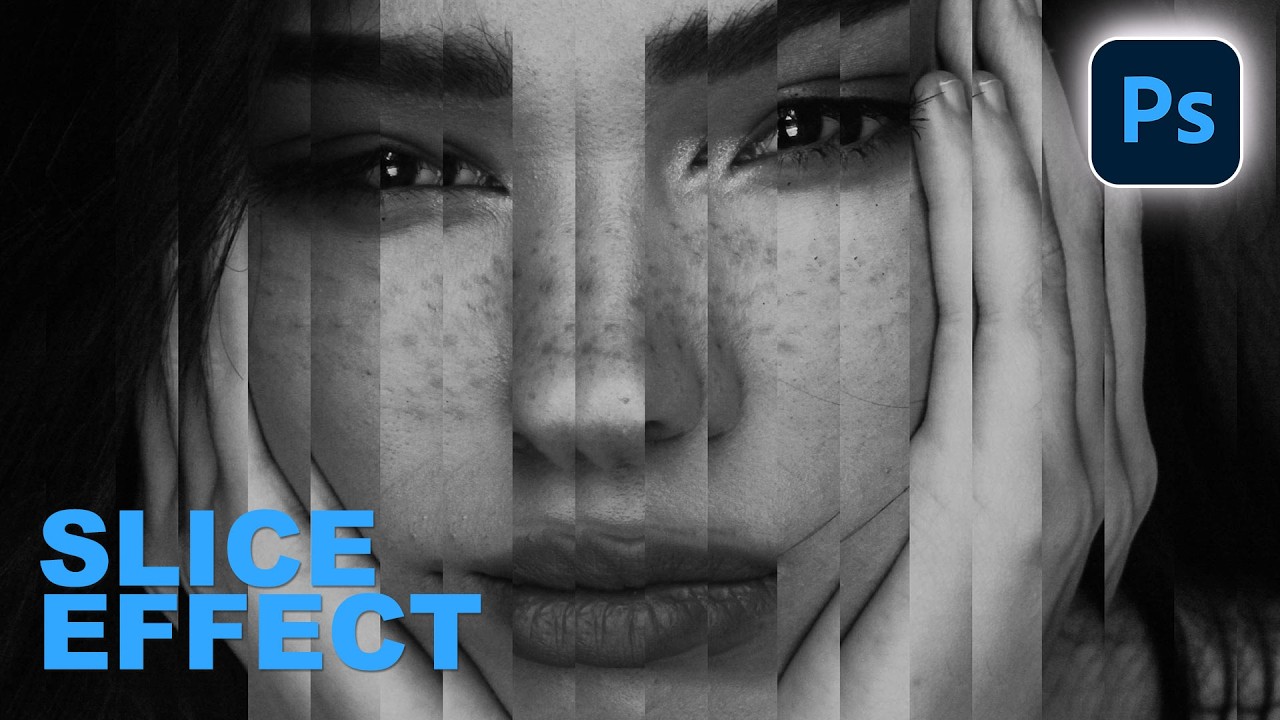
There’s a specific kind of embarrassment that hits when someone shows you a technique you’ve never heard of and you realize you’ve been doing it the hard way for years. I’ve been freelancing in Photoshop long enough that I thought I had a pretty solid handle on the non-destructive workflow stuff. Then I watched Aaron Nace’s latest PHLEARN tutorial on building a portrait slice effect from scratch and immediately learned about “step and repeat,” a technique I had somehow never encountered.

Color Grading Video in Photoshop: Local vs. Global Adjustments (And Why It Actually Works)

Color Grading Video in Photoshop: Local vs. Global Adjustments (And Why It Actually Works)

Most of my work lives in still images. Composites, retouching, the occasional logo a client describes as “clean but also edgy.” Video always felt like someone else’s problem. Then a client handed me raw footage and asked me to “make it look cinematic,” and suddenly it was very much my problem. I didn’t want to learn Premiere for one project, and After Effects felt like jumping into the deep end wearing a backpack full of bricks.

Content-Aware Fill Isn't Dead — Here's When to Reach for It Over Generative Fill

Content-Aware Fill Isn't Dead — Here's When to Reach for It Over Generative Fill

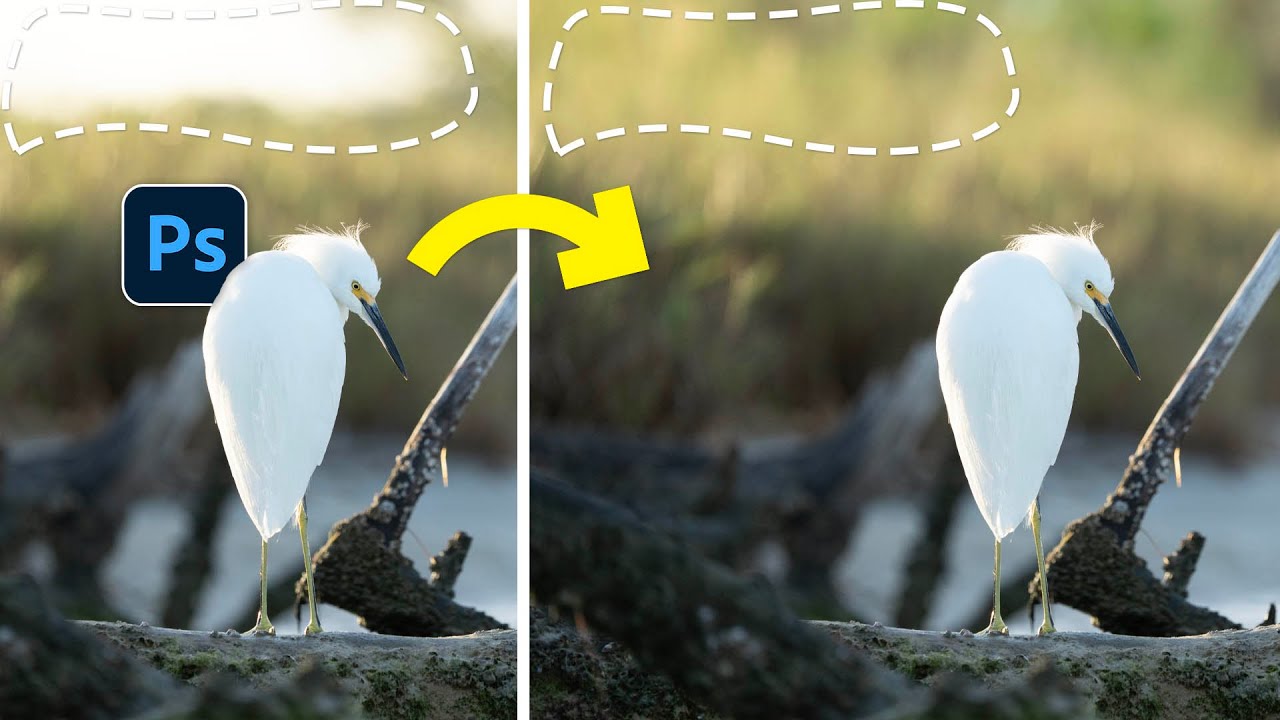
I’ll be honest with you. For the past year or so, I’ve basically been treating Content-Aware Fill like that one keyboard shortcut you memorized years ago and stopped using once something shinier came along. Generative Fill showed up, I became a convert, and Content-Aware Fill quietly got pushed to the back of the toolbox. Then I watched a tutorial from Matt Kloskowski that made me feel genuinely embarrassed about that decision.

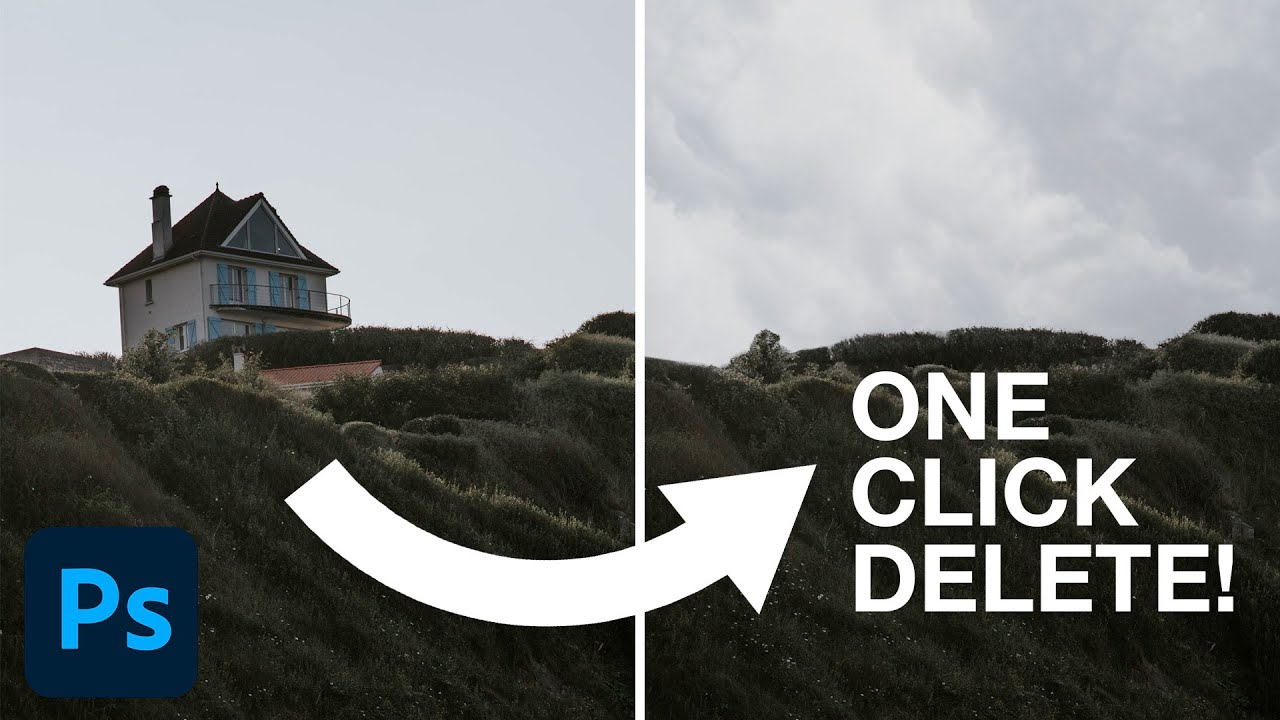
One Click and It's Gone: Photoshop 2023's Delete & Fill Feature Is Kind of Ridiculous

One Click and It's Gone: Photoshop 2023's Delete & Fill Feature Is Kind of Ridiculous

I’ve spent an embarrassing amount of time manually patching out unwanted objects in photos. We’re talking tedious clone stamp work, content-aware fill with mixed results, patching layer by layer while drinking my third coffee of the morning. It’s the kind of task that makes you question your life choices right around the 45-minute mark. So when I stumbled onto this PHLEARN tutorial from Aaron Nace showing off a legitimately new one-click removal tool baked into Photoshop 2023, I had to stop what I was doing and watch the whole thing.

How to Recolor Plants and Foliage in Photoshop (Without Making a Mess of Everything Else)

How to Recolor Plants and Foliage in Photoshop (Without Making a Mess of Everything Else)

There’s a certain kind of photo edit that looks incredibly complex but is actually embarrassingly simple once someone shows you the right approach. Changing the color of plants and foliage in Photoshop is one of those edits. I used to do it the hard way, making selections, painting on separate layers, swearing at my screen in a coffee shop while the person next to me slowly edged their chair away. Then I watched this tutorial from Aaron Nace over at PHLEARN and felt that particular mix of relief and mild personal insult that comes from realizing you’ve been overcomplicating something for years.

Photoshop 2021's Best New Features for Photographers (And Why You Should Actually Care)

Photoshop 2021's Best New Features for Photographers (And Why You Should Actually Care)

Hair. It’s the thing that has humbled every Photoshop user who ever thought they were good at this. I’ve spent embarrassing amounts of time trying to isolate a subject with flyaway strands against a busy background, painting around individual hairs with a brush like some kind of digital monk. It’s the kind of task that makes you question your career choices around hour two. So when Photoshop 2021 dropped during Adobe Max week in October 2020, I went straight for the selection improvements, because that’s where the pain lives.