Fake Shadows That Actually Fool People: What I Learned From Kelvin Designs

Fake Shadows That Actually Fool People: What I Learned From Kelvin Designs

Shadows are the thing that exposes a bad composite faster than anything else. Not the color grading, not the edge masking, not even the resolution mismatch. The shadow. Or more precisely, the missing shadow, or the one that’s slightly wrong and you can’t put your finger on why until someone points it out and then you can never unsee it. I’ve lost count of how many times I’ve placed a subject into a scene, done genuinely solid masking work, and still had the whole thing feel like a bad magazine cutout.

Stop Blasting Hue/Saturation on Eyes — Here's What Actually Works

Stop Blasting Hue/Saturation on Eyes — Here's What Actually Works

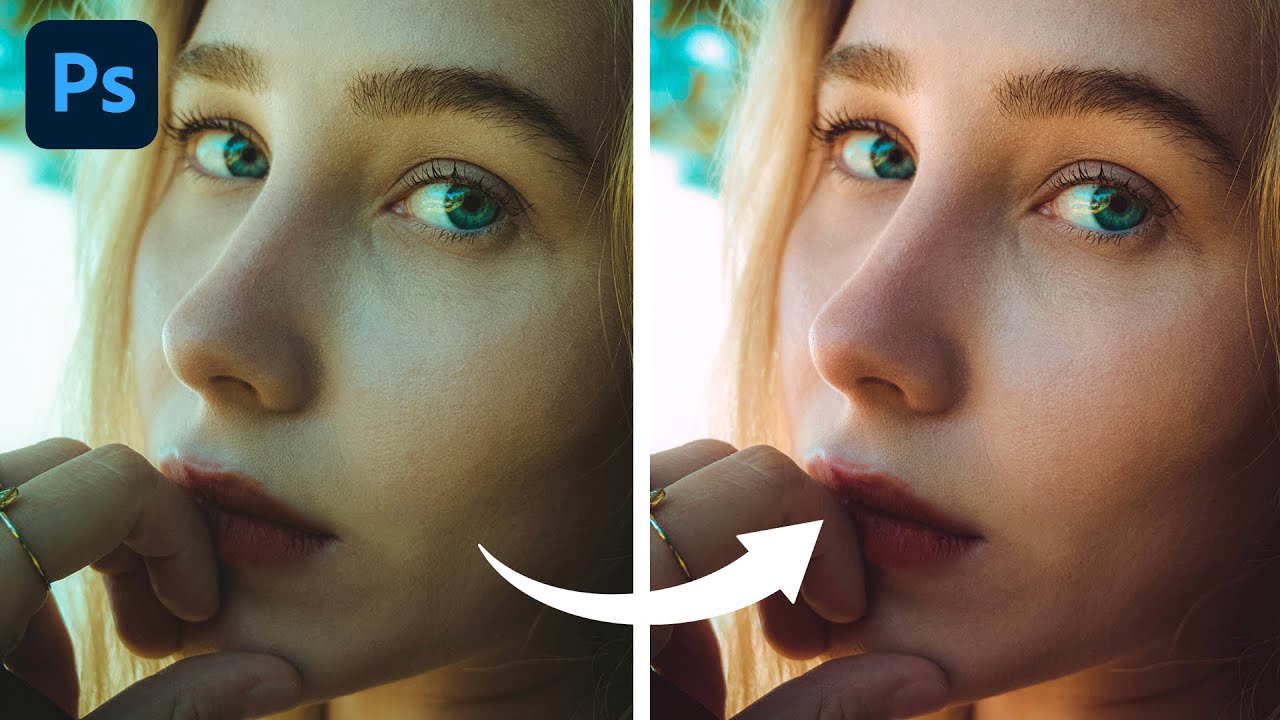
A client asked me last month to swap the eye color on a portrait series. Simple enough, right? I did what I always do when I’m half-paying attention at a coffee shop: slapped on a Hue/Saturation layer, cranked the hue slider, called it done. The eyes looked like someone had poured paint directly into the subject’s skull. Flat, fake, completely lifeless. The client noticed immediately. Of course they did. That embarrassment sent me down a rabbit hole, which is how I landed on this Kelvin Designs tutorial on changing eye color in Photoshop.

RAW Brushes in Photoshop Are Doing Work I Didn't Know I Was Missing

RAW Brushes in Photoshop Are Doing Work I Didn't Know I Was Missing

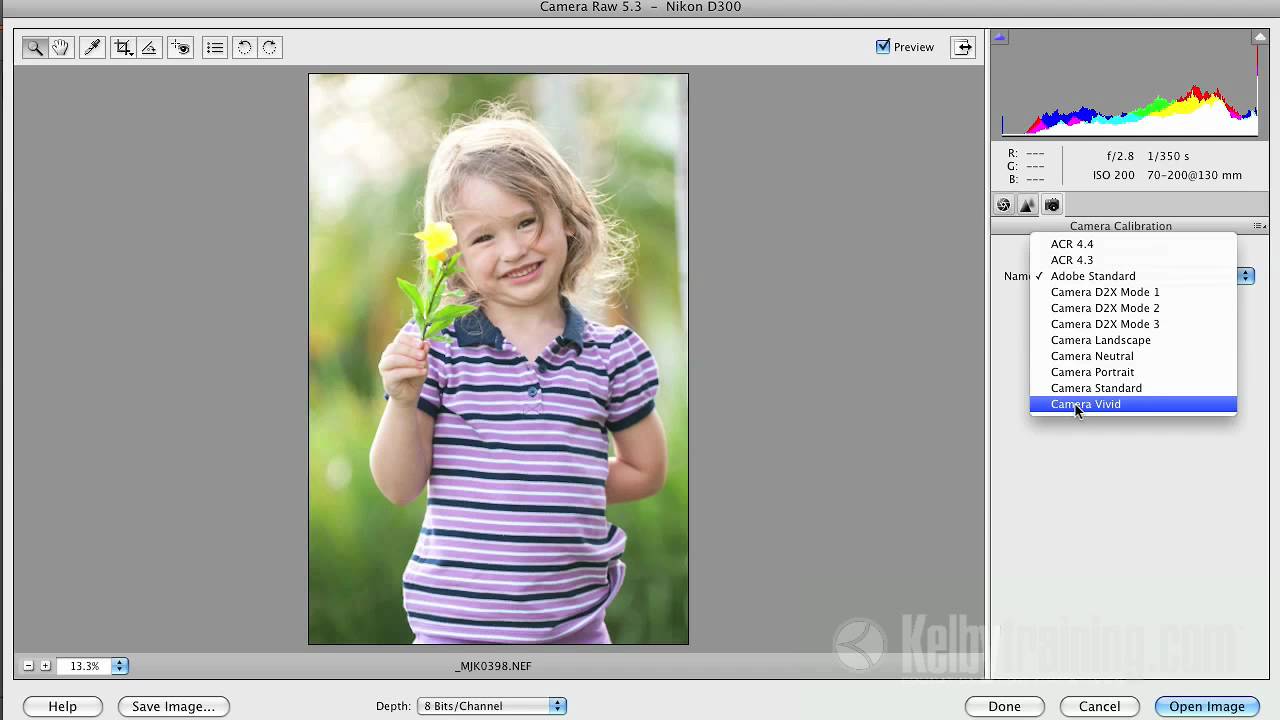
I was working on a portrait retouch last month, bouncing between Photoshop and Lightroom like some kind of indecisive ping-pong ball, trying to get localized adjustments to feel natural without flattening the whole image. Luminosity masks, adjustment layers, the works. It was taking forever and still looking a little… cooked. Then I stumbled onto this tutorial by Kelvin Designs on RAW brushes inside Adobe Camera Raw, and it was one of those moments where you realize you’ve been doing something the long way around for years.

Stop Blowing Out Your Skies: How to Blend Exposures in Photoshop Like a Landscape Pro

Stop Blowing Out Your Skies: How to Blend Exposures in Photoshop Like a Landscape Pro

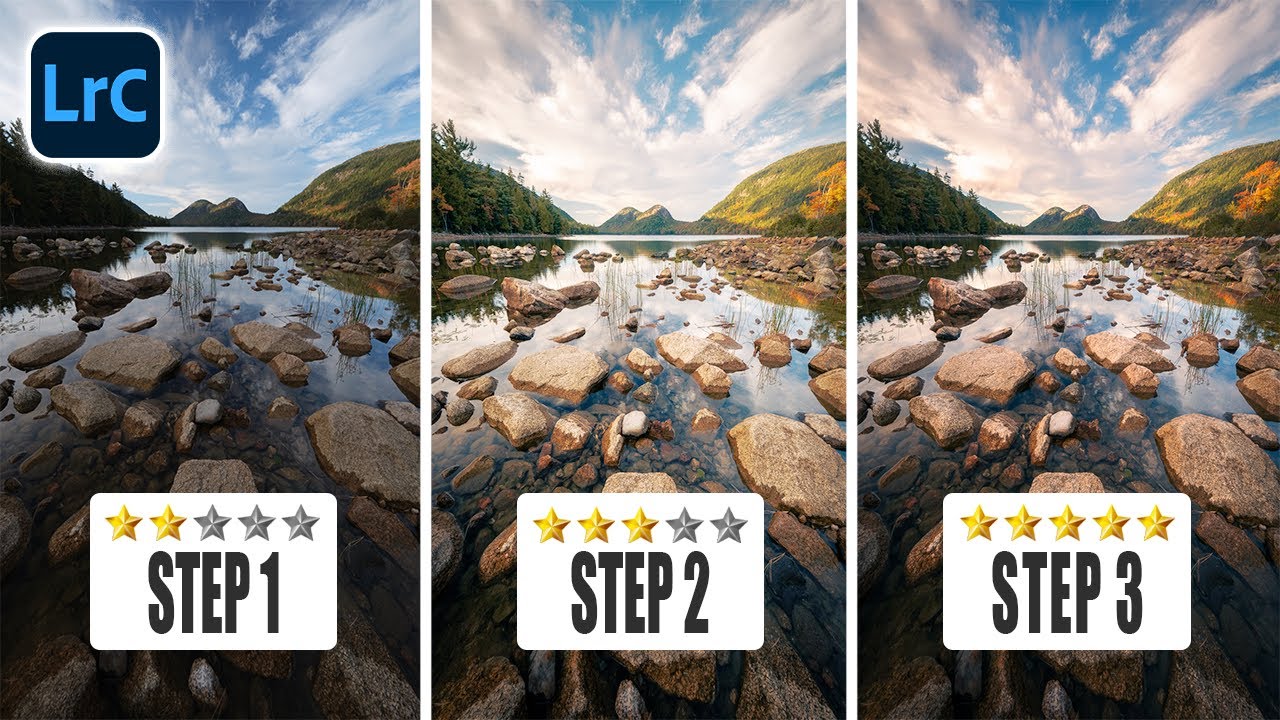
I shoot a lot of product and graphic work, but every once in a while a client wants “something editorial, something outdoorsy.” Which is how I ended up last spring with two decent landscape shots from the same scene and the same problem I always have: the sky is perfectly exposed, the foreground looks like it was photographed inside a cave, or I nail the foreground and the sky turns into a white, blown-out disaster.

How to Add Cinematic Light Blur Effects to Portraits Without Destroying Your Original Image

How to Add Cinematic Light Blur Effects to Portraits Without Destroying Your Original Image

I’ve always been fascinated by those portraits that have this magical, almost glowing quality to them—like the photographer caught the perfect moment with perfect lighting, even if we both know they didn’t. In this excellent tutorial, Aaron Nace (PHLEARN) shows us how to create exactly that effect in Photoshop using a combination of Smart Objects and the Path Blur Gallery. The best part? You’ll maintain complete control over your original image while building this polished, “done-in-camera” look.

Transform Any Photo with Textures in Photoshop: A Practical Breakdown

Transform Any Photo with Textures in Photoshop: A Practical Breakdown

I’ve been using Photoshop for way too long, and I can tell you that texture overlays are one of those techniques that looks intimidating until you actually do it—then you realize it’s almost comically simple. In this excellent tutorial, Aaron Nace (PHLEARN) walks through the fundamentals of adding textures to any photograph, and honestly, it’s a game-changer for anyone looking to add depth and visual interest to their work.

Stop Nuking Eye Color: A Better Way to Change Eyes in Photoshop

Stop Nuking Eye Color: A Better Way to Change Eyes in Photoshop

Look, I’ve seen a lot of eye color changes in my time, and most of them look like someone dumped a bucket of paint on a portrait. Flat. Lifeless. Like the person’s eyes got replaced by a couple of angry M&Ms. The problem? Everyone reaches for the Hue/Saturation slider and calls it a day. Sure, it changes the color. But it also obliterates all the subtle variations, the specular highlights, and the natural depth that makes eyes, well, eyes.

Stop Boring Photos: The Ultimate Guide to Making Colors Pop in Photoshop

Stop Boring Photos: The Ultimate Guide to Making Colors Pop in Photoshop

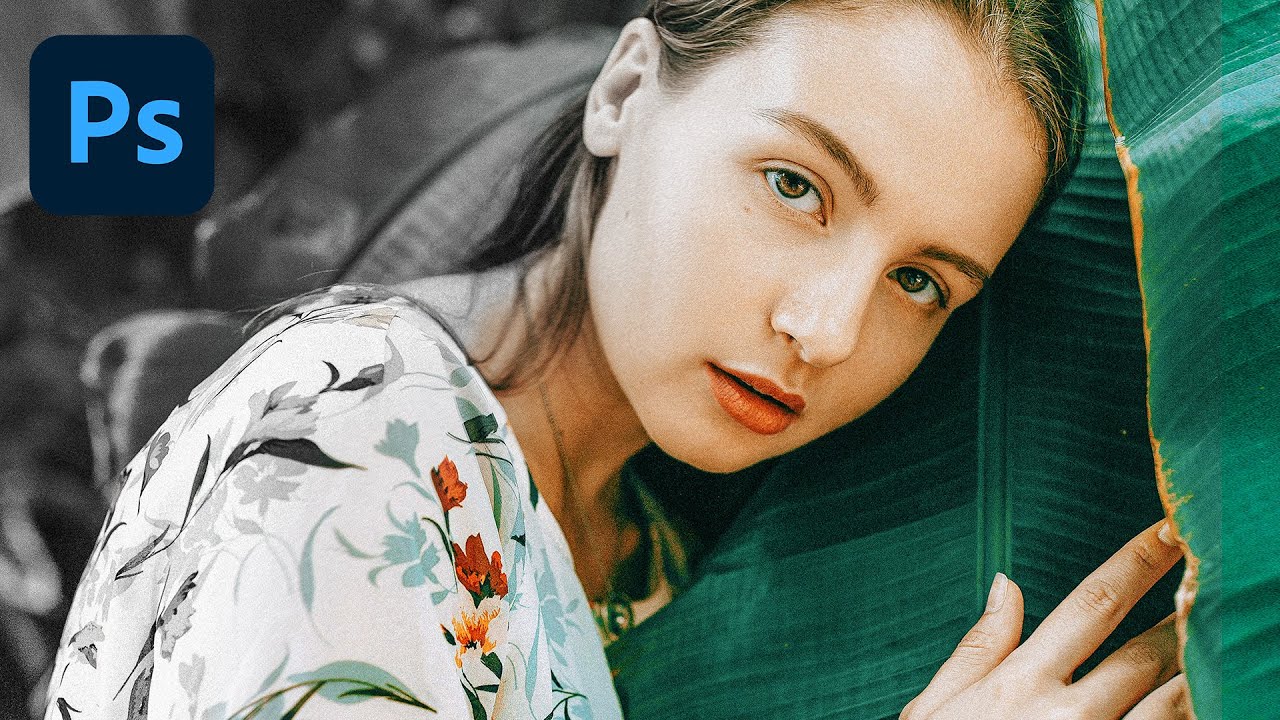
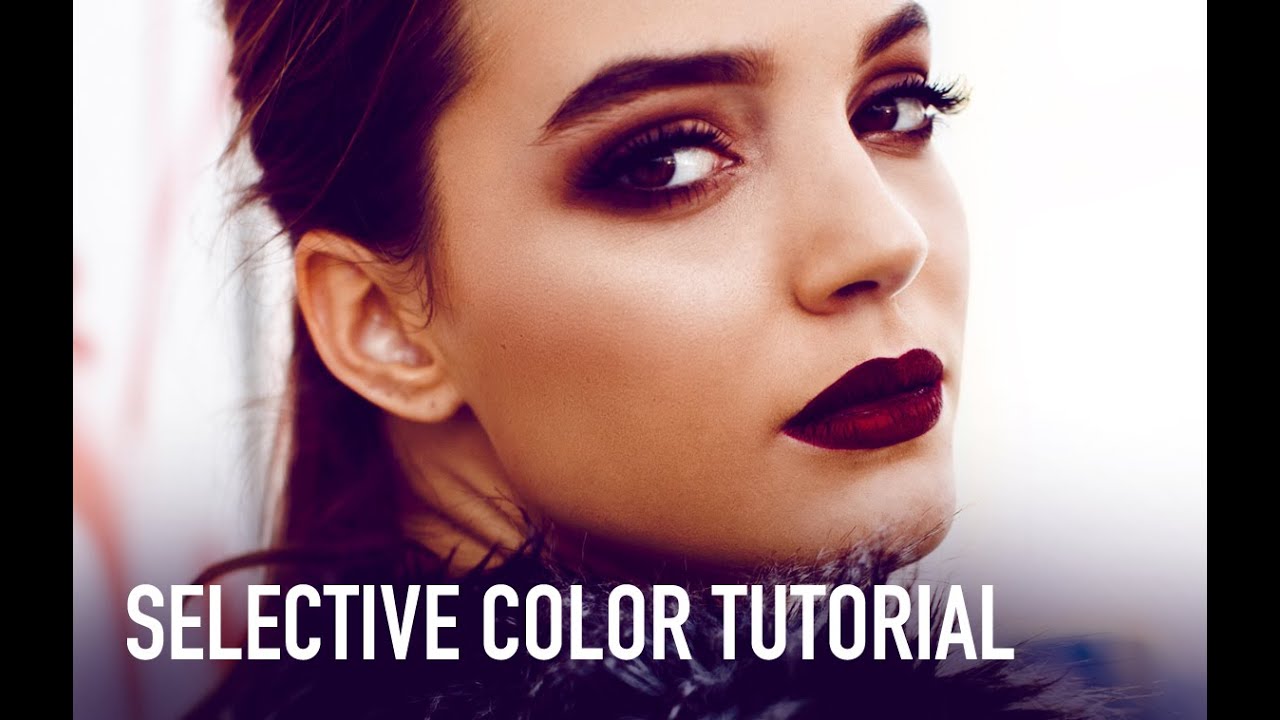
Stop Boring Photos: The Ultimate Guide to Making Colors Pop in Photoshop I’m gonna be honest with you—there’s nothing worse than spending time on a photo shoot only to open your files and find them looking about as exciting as beige paint. The good news? Photoshop has some seriously powerful tools to fix that problem, and in this excellent tutorial, Kelvin Designs shows us how to make colors absolutely sing using selective color and contrast adjustments.

Master Dramatic Water Reflections in Photoshop: A Free Lesson From Kelvin Designs

Master Dramatic Water Reflections in Photoshop: A Free Lesson From Kelvin Designs

I’ll be honest—when I first heard about creating “dramatic reflections in water,” I expected some convoluted mess involving layer masks, blend modes, and three cups of coffee. Turns out, it’s refreshingly straightforward. In this excellent tutorial, Kelvin Designs shows you a technique that’s so simple you’ll wonder why you didn’t think of it yourself (and then feel slightly annoyed about that fact). This free lesson from Kelvin’s new Photoshop Workflow Course is exactly the kind of practical, no-BS content I love: quick, effective, and actually useful for real-world design work.

Master Color Gradients in Photoshop Without Destroying Your Subject's Skin Tone

Master Color Gradients in Photoshop Without Destroying Your Subject's Skin Tone

The Problem Nobody Talks About Here’s something that happens to Photoshop users constantly: you try to change the color of someone’s clothing and suddenly their face looks like they’ve been in a tanning booth accident. It’s because Photoshop’s color tools are too good at finding every instance of a color—including the ones you didn’t want to touch. In this excellent tutorial, Aaron Nace (PHLEARN) shows us how to surgically recolor specific objects while keeping skin tones looking natural.

Double Exposure in Photoshop 2026: The Easy Way to Blend Two Images Like a Pro

Double Exposure in Photoshop 2026: The Easy Way to Blend Two Images Like a Pro

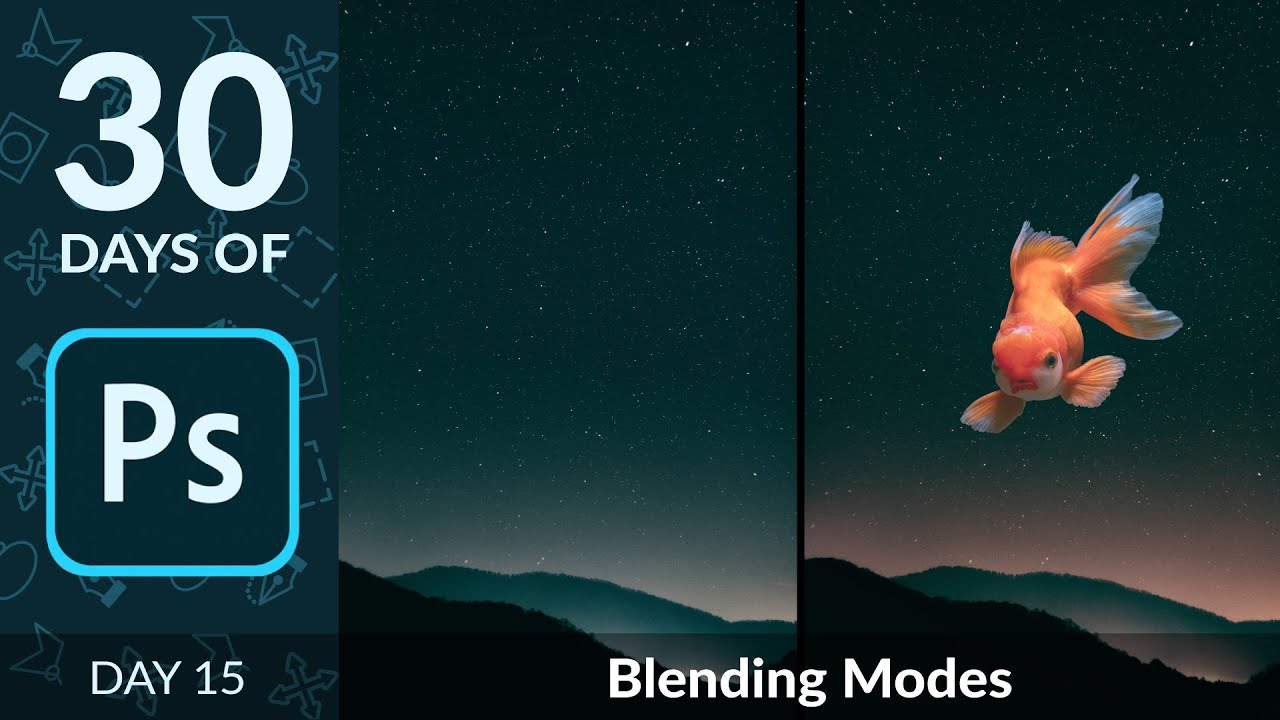
Double exposure effects have that magical quality where two completely different images somehow feel like they were always meant to be together. There’s something almost alchemical about it. The good news? Creating one isn’t nearly as mysterious as it looks. In this excellent tutorial, Aaron Nace (PHLEARN) walks through the process with the kind of clarity that makes you wonder why you didn’t try this sooner. I’m going to break down exactly what Aaron covers, add some of my own thoughts on where this technique shines, and show you how to pull this off yourself—even if you’re not a Photoshop wizard.