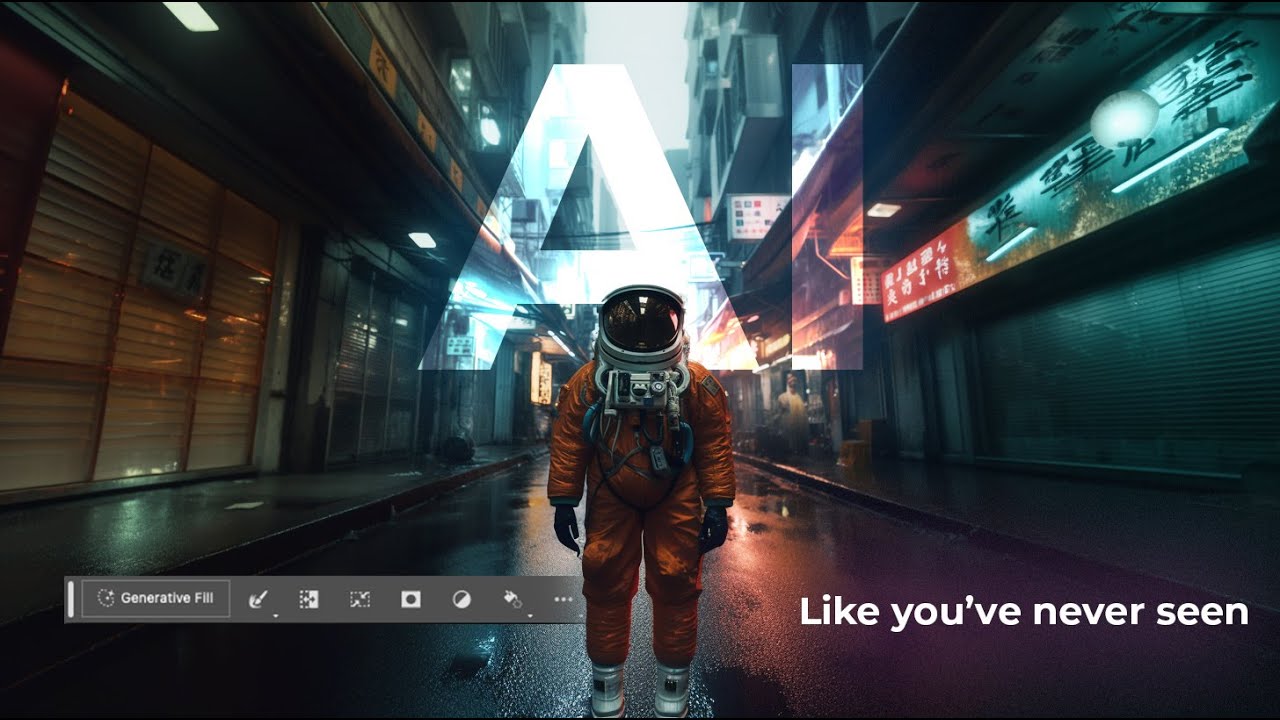
Photoshop's Generative Fill Is Absurdly Good — Here's What It Actually Does

Photoshop's Generative Fill Is Absurdly Good — Here's What It Actually Does

I’ll be honest with you. The first time someone told me Photoshop had shipped an AI fill tool that could generate entirely new content from a text prompt, I assumed it was the usual Adobe overpromise. I’ve been burned before. I sat through the Neural Filters rollout with genuine excitement and walked away using maybe one of them semi-regularly. So when Generative Fill started making the rounds in the beta version of Photoshop, I kept my expectations low and my skepticism high.
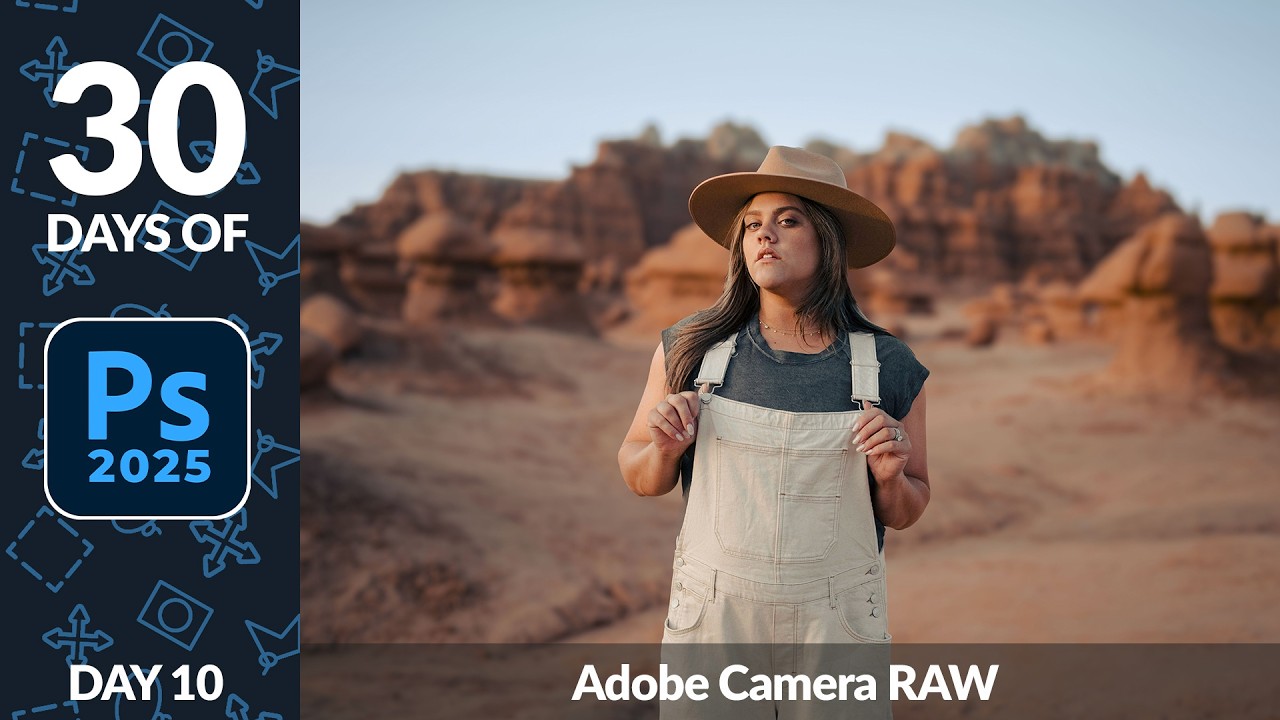

Adobe Camera Raw in Photoshop Is Doing Heavy Lifting I Used to Do Manually (And I Feel Foolish)

Adobe Camera Raw in Photoshop Is Doing Heavy Lifting I Used to Do Manually (And I Feel Foolish)

I spent the better part of three years doing things the hard way in Photoshop. Manually painting masks for background blur. Dragging Hue/Saturation sliders trying to isolate a sky without torching the rest of the image. Stacking adjustment layers like I was building a skyscraper out of toothpicks. It worked, mostly, but it was slow and fragile. One wrong move and the whole thing collapsed. That’s actually how I learned about smart objects, after accidentally flattening a client’s project file and spending the next two hours trying to reconstruct it from a JPEG export.

How to Stop Dark Hair from Disappearing Into Dark Backgrounds (A Photoshop Hair Highlighting Trick)

How to Stop Dark Hair from Disappearing Into Dark Backgrounds (A Photoshop Hair Highlighting Trick)

There’s a specific kind of frustration that hits when you’re retouching a portrait and the subject’s dark hair just… melts into a dark background. No separation, no dimension, no life. You’ve done everything right technically, and somehow the image still looks flat and muddy around the edges. I’ve been there more times than I’d like to admit, usually sitting in some coffee shop squinting at my laptop screen trying to figure out why a perfectly good photo looks like the subject is slowly being absorbed into a void.

How to Make a Glossy Aqua Button in Photoshop (Yes, It Still Rocks)

How to Make a Glossy Aqua Button in Photoshop (Yes, It Still Rocks)

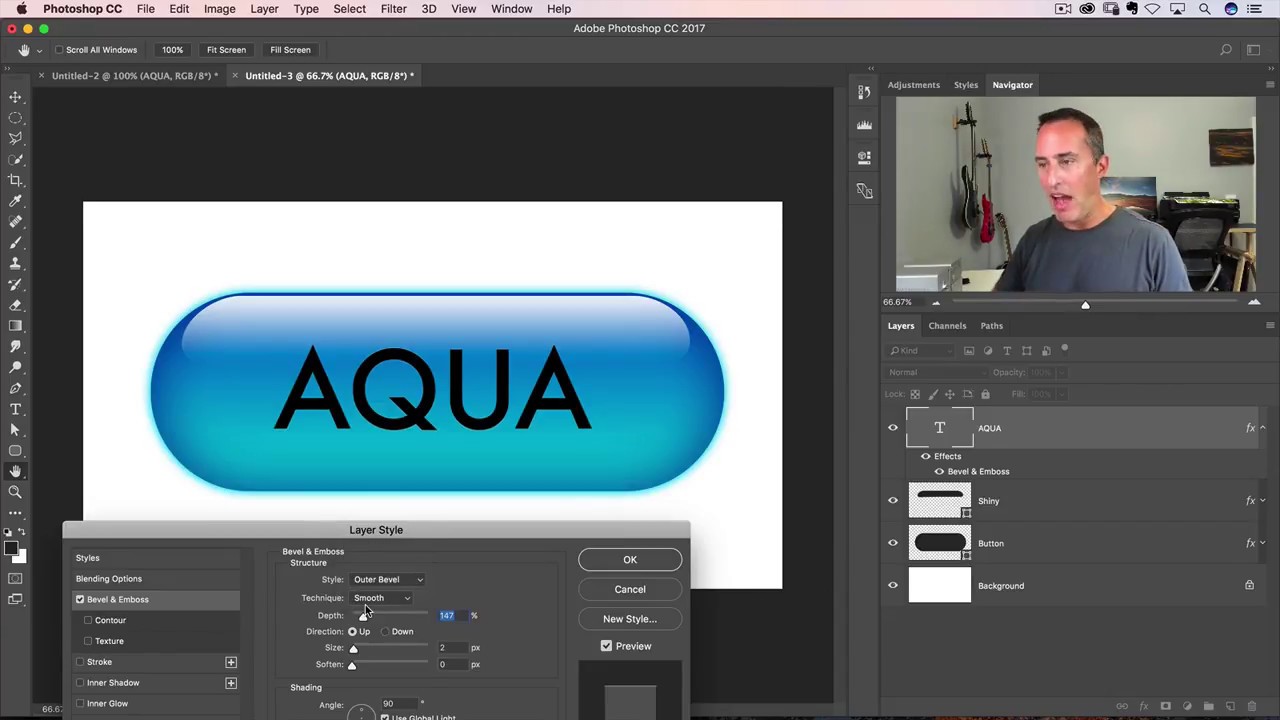
I got my start making terrible graphics in MS Paint for anyone who’d sit still long enough to watch. Buttons, badges, fake logos – I thought I was a genius. Then I discovered Photoshop and realized I had been finger-painting while other people were doing oil portraits. One of the first effects that genuinely made my jaw drop was the aqua button – that glassy, pill-shaped thing that was everywhere during the early Mac OS era.

How to Make Any Design Look Like a Real Tattoo in Photoshop (Without Owning a Needle)

How to Make Any Design Look Like a Real Tattoo in Photoshop (Without Owning a Needle)

Client work has a way of throwing curveballs you didn’t see coming. I’ve had more than a few people slide into my DMs asking for a “quick” tattoo mockup, usually with a logo they made in Illustrator, a reference photo of someone’s arm, and the energy of someone who thinks this takes about four minutes. The truth is, slapping a design onto skin and calling it done looks terrible. The lines are too perfect, the contrast is wrong, and it screams “I copied and pasted this.

Give Your Photos a Polaroid Makeover Using Photoshop's Layer Mask Trick

Give Your Photos a Polaroid Makeover Using Photoshop's Layer Mask Trick

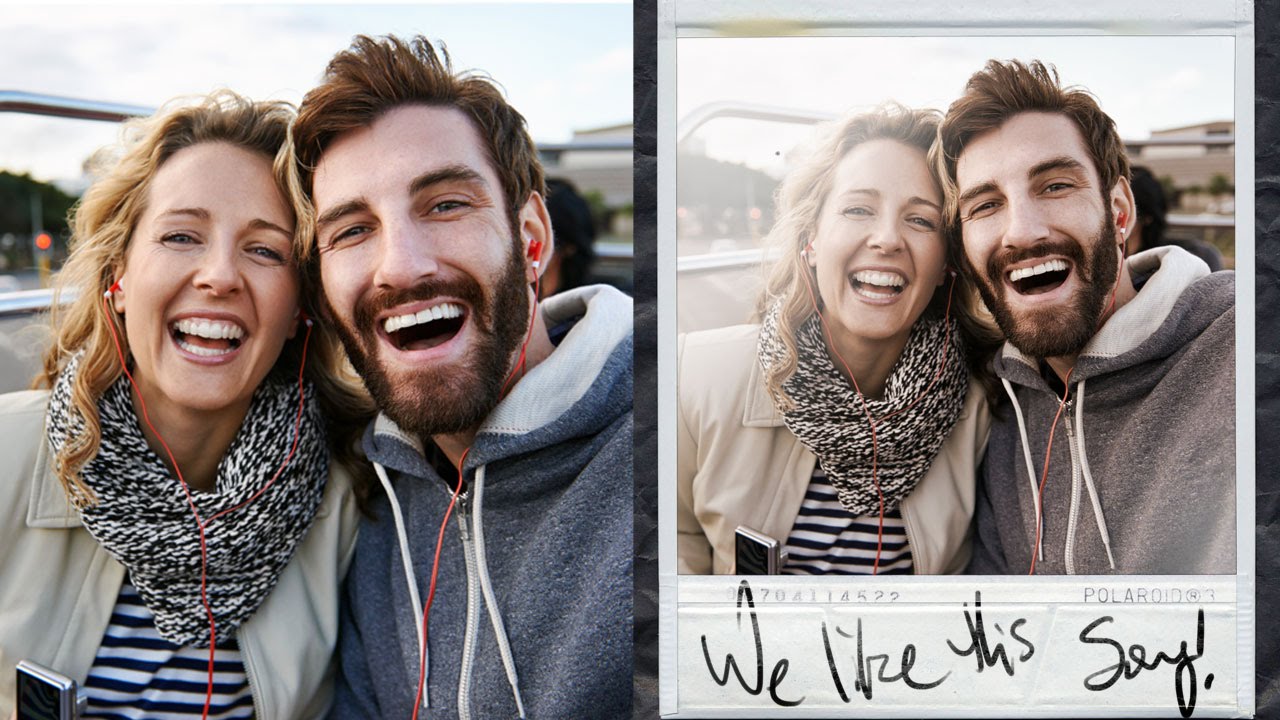
Client asks for “something vintage, you know, like a Polaroid vibe.” You nod confidently. You have no plan. This has happened to me more times than I care to admit, usually while nursing a cold brew at my usual corner table at whatever coffee shop I’ve colonized that week. The good news is that the actual technique is way simpler than it looks, and once you’ve done it once, you can knock it out in about ten minutes.

How to Fake Dramatic Light on a Flat, Overcast Photo Using Lightroom and Photoshop

How to Fake Dramatic Light on a Flat, Overcast Photo Using Lightroom and Photoshop

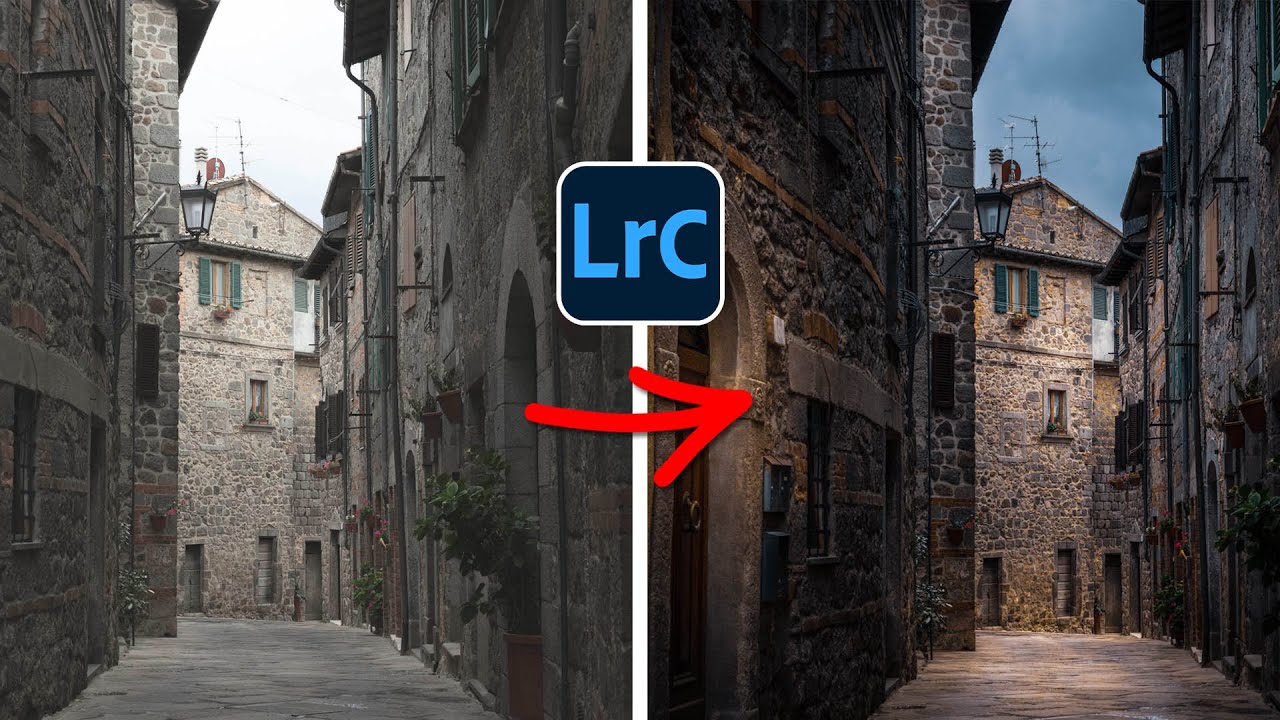
There’s a specific kind of frustration that comes from having a technically solid photo that just… sits there. Good composition, decent exposure, interesting subject. But the light was flat because it was an overcast Tuesday and the sky didn’t care about your shoot. I’ve been in that situation more times than I can count, and my usual move was to slap a preset on it and call it a day. That worked until clients started asking for something that actually looked intentional.

Stop Making Ugly Tiling Patterns: A Practical Guide to Seamless Textures in Photoshop and Illustrator

Stop Making Ugly Tiling Patterns: A Practical Guide to Seamless Textures in Photoshop and Illustrator

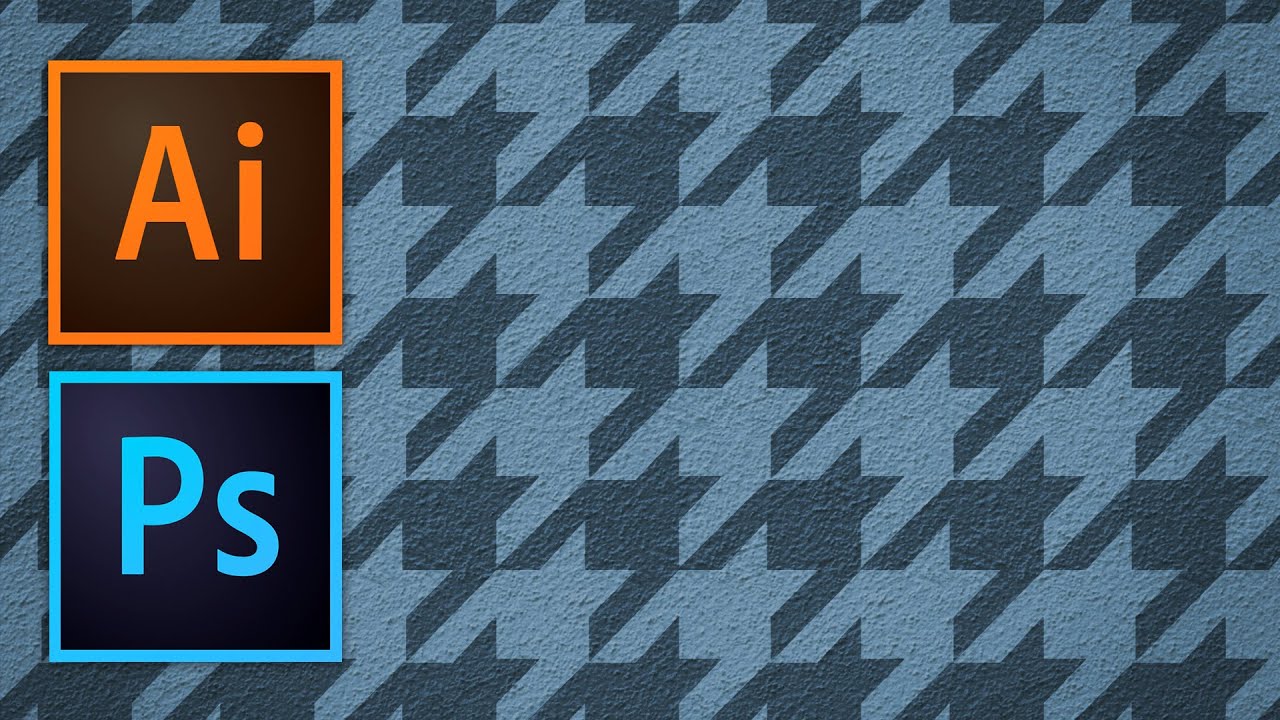
There’s a specific kind of embarrassment that hits when a client zooms into a background you made and asks, “why does it look like a grid?” You tiled a texture. You could see the seams. You said nothing and hoped they wouldn’t notice. They noticed. I’ve been there more times than I’d like to admit, and for a while I just avoided pattern work entirely because I didn’t have a clean, reliable method for making textures that actually repeat without looking like wallpaper from a 1994 bathroom.

The Shift Key Has Been Lying to You (And Other Photoshop Secrets Worth Knowing)

The Shift Key Has Been Lying to You (And Other Photoshop Secrets Worth Knowing)

I have strong opinions about keyboard shortcuts. Possibly too strong. Ask anyone who’s sat near me at a coffee shop while I’m working and they’ll tell you I mutter at my keyboard like it owes me money. So when I stumbled onto a Matt Kloskowski tutorial about the Shift key in Photoshop, I figured I’d skim it and move on. Instead I learned something that made me question six years of muscle memory, and honestly?

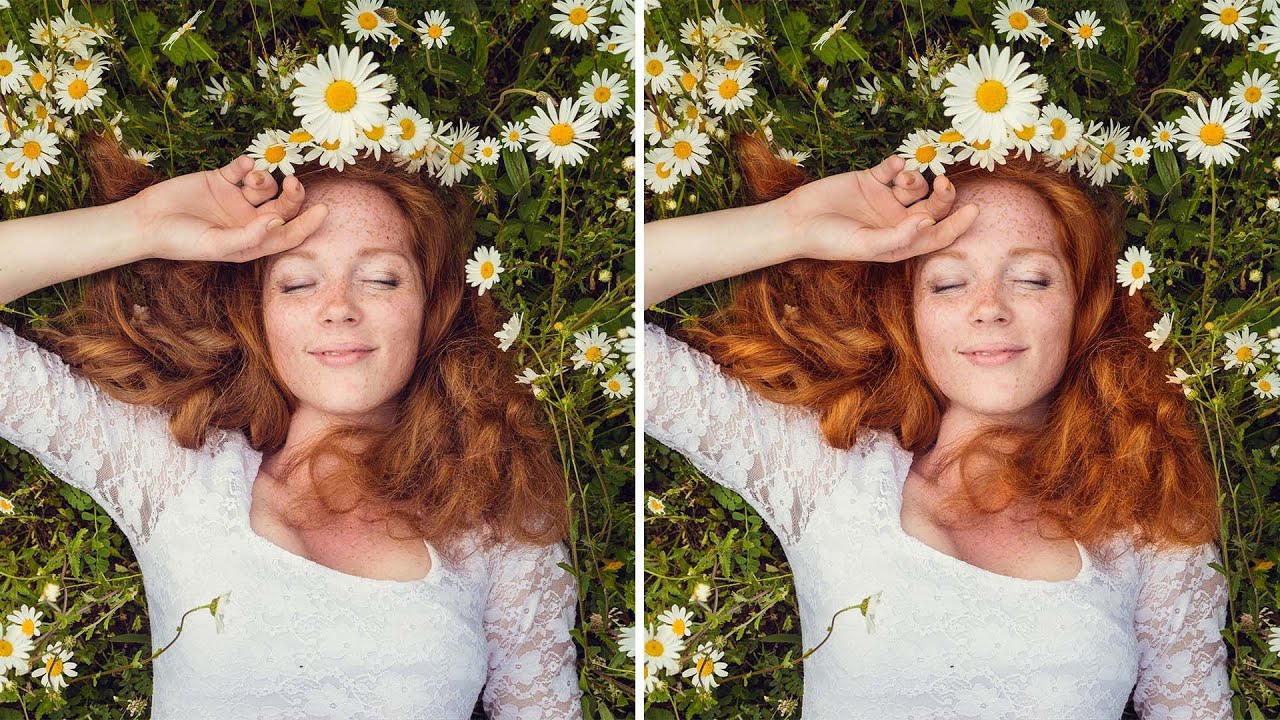
Three Photoshop Moves That Make Hair Color Look Like It Was Lit by God

Three Photoshop Moves That Make Hair Color Look Like It Was Lit by God

Portrait retouching has a way of exposing every gap in your workflow. I’ve handed off photos where everything looked great, the skin, the background, the lighting, and then a client comes back asking why the hair looks flat and kind of muddy. Turns out I’d been ignoring it entirely. Hair color is one of those things that reads as “fine” until you see it done right, and then you can’t unsee the difference.

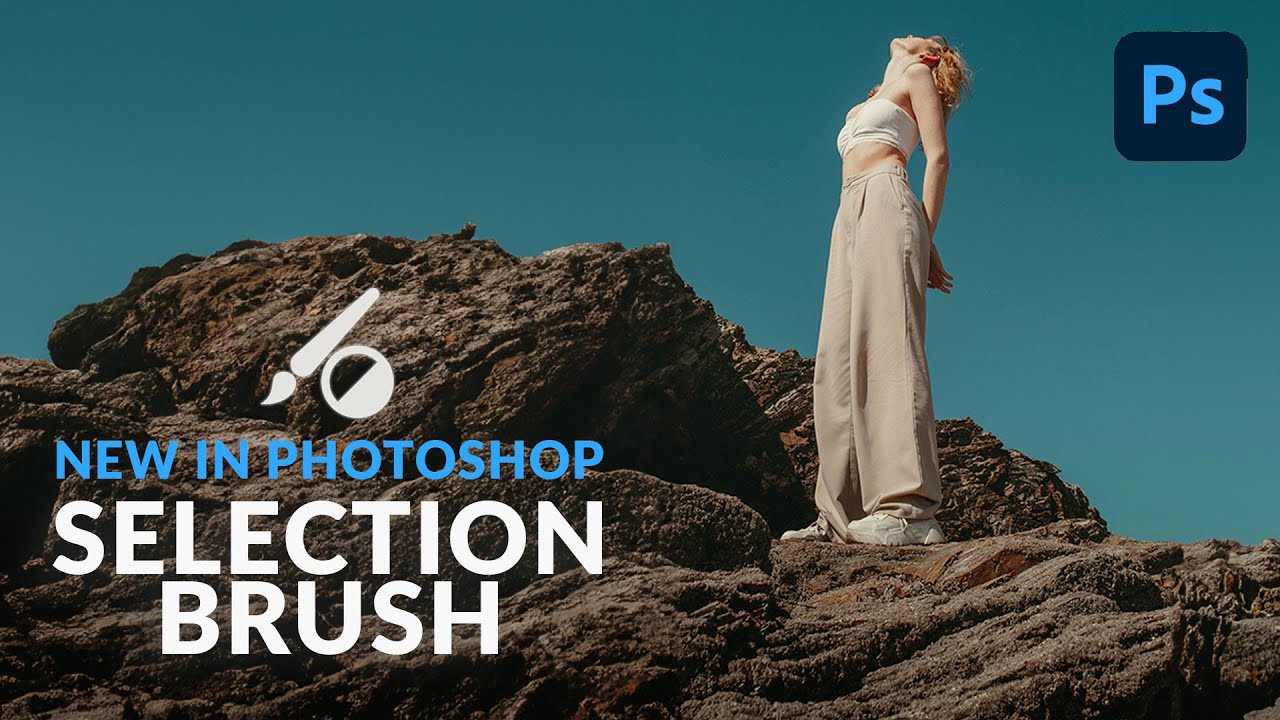
Photoshop's New Selection Brush Tool Is the One I Didn't Know I Was Missing

Photoshop's New Selection Brush Tool Is the One I Didn't Know I Was Missing

I have a complicated relationship with Photoshop selections. Quick Mask, the Pen Tool, Select and Mask, Subject Selection – I’ve used them all, argued with them all, and occasionally rage-quit because of them all. Most of the time I’m in a coffee shop trying to hit a deadline, and the last thing I need is to spend 20 minutes coaxing a lasso selection into behaving like a reasonable piece of software.

How to Place an Image Inside a Phone, Tablet, or Laptop Screen in Photoshop (The Right Way)

How to Place an Image Inside a Phone, Tablet, or Laptop Screen in Photoshop (The Right Way)

Every few months, a client asks me for a “mockup” – a product screenshot or website preview placed inside a phone or laptop screen for an ad. For a long time I was doing it the slow, painful way: dragging the image in, manually masking it, fighting with perspective until I wanted to throw my laptop across whatever coffee shop I was sitting in. Then I watched Scott Kelby walk through his version of this technique, and I felt that specific kind of embarrassment that comes from realizing a 20-minute problem was actually a 5-minute problem.