Fake Shadows That Actually Fool People: What I Learned From Kelvin Designs

Fake Shadows That Actually Fool People: What I Learned From Kelvin Designs

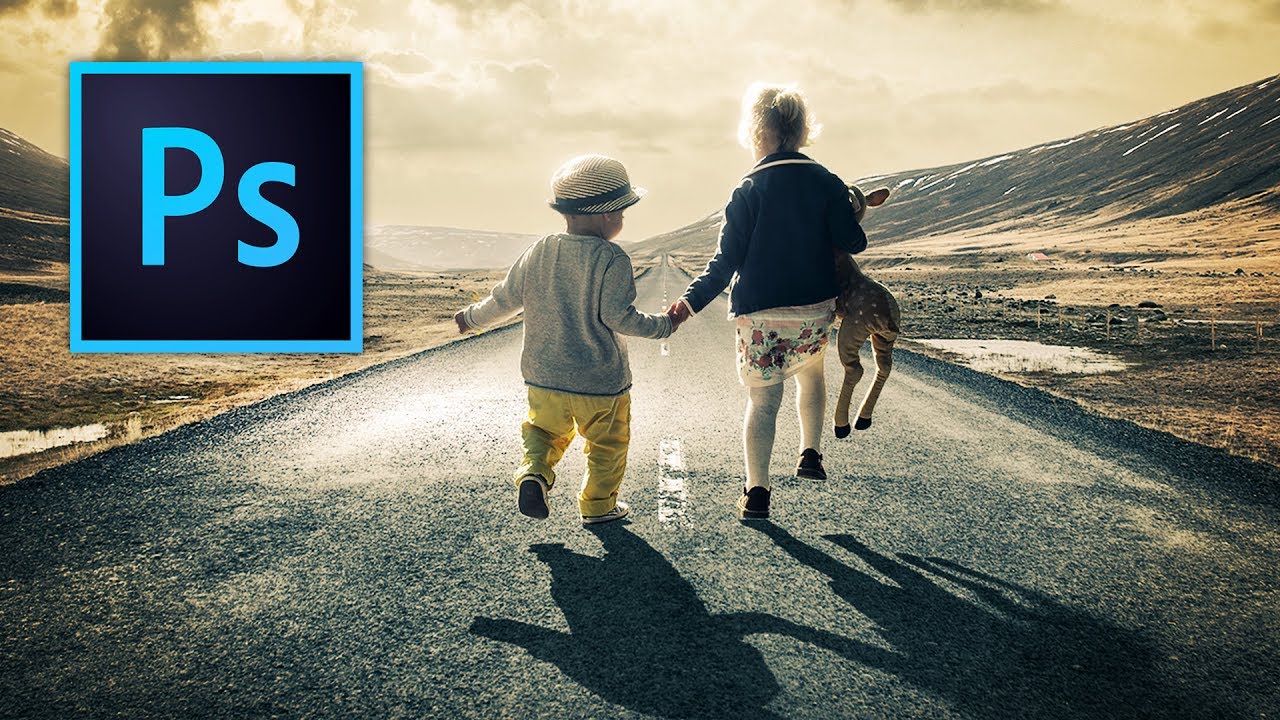
There’s a specific kind of embarrassment that comes from sending a client a composite where the shadow falls in the completely wrong direction. The subject looks like they’re lit from the left, and the shadow is pointing left too. Rookie mistake, but I made it more than once before I started being deliberate about it. Shadows are one of those things that your eye catches immediately when they’re wrong, even if the person looking can’t explain why the image feels off.
Stop Blowing Out Your Skies: How to Blend Exposures in Photoshop Like a Landscape Pro

Stop Blowing Out Your Skies: How to Blend Exposures in Photoshop Like a Landscape Pro

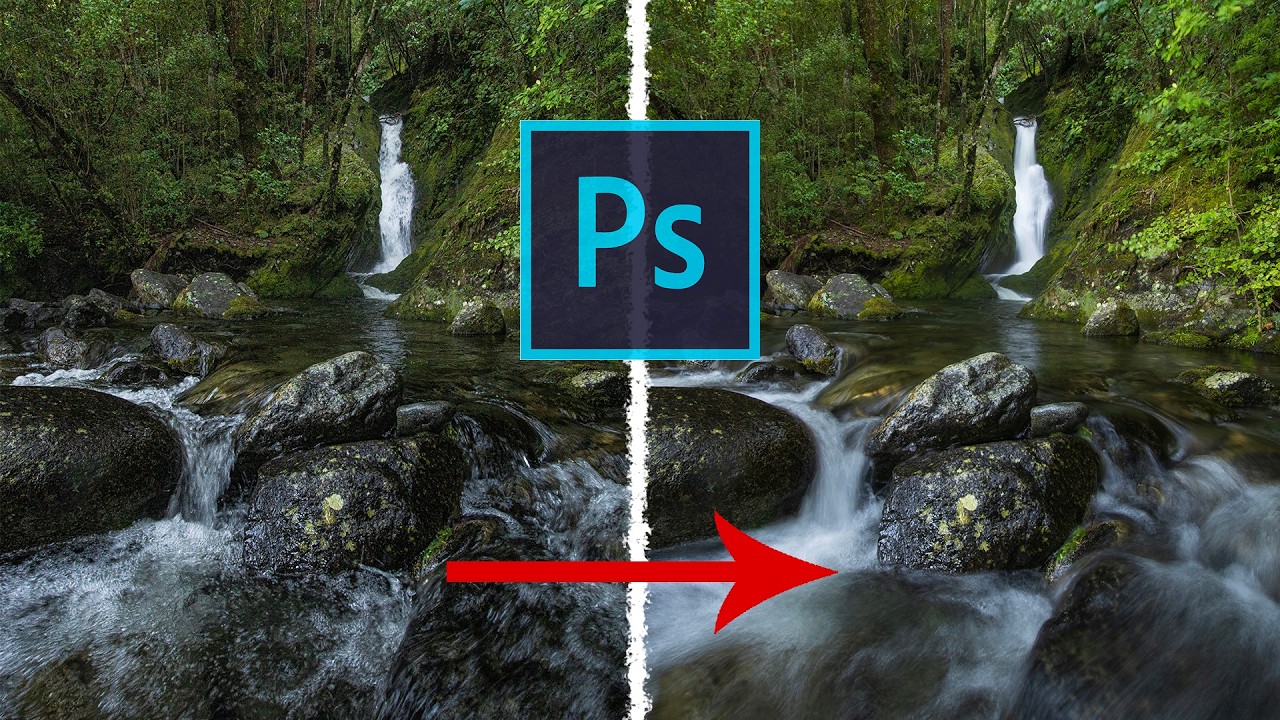
There’s a specific kind of frustration that comes with shooting a waterfall. You either get the water looking like liquid silk with a slow shutter speed, and your rocks and leaves turn into a motion-blurred mess, or you freeze everything sharp and the water looks like it’s made of plastic. For the longest time I thought the only fix was “get better at picking one.” Turns out the real fix is about five minutes of Photoshop work, and I’d been ignoring it because “exposure blending” sounded more complicated than it is.

How to Create Double Exposure Effects

How to Create Double Exposure Effects

The double exposure effect — two images blended into one — originated as a film camera technique where the same frame was exposed twice. In Photoshop, we can achieve the same look with far more control over the result. Here’s how to create a convincing double exposure from scratch. Choosing Your Images The image pairing makes or breaks this effect. You need: Image A (the base): Usually a portrait or silhouette with strong shape definition.

Blend Modes: Stop Using Normal Mode Like a Caveman

Blend Modes: Stop Using Normal Mode Like a Caveman

Blend Modes: Stop Using Normal Mode Like a Caveman Look, I get it. Blend modes seem intimidating. There are like 27 of them, they have weird names like “Overlay” and “Soft Light,” and nobody’s really explained what they actually do in plain English. So you’ve been sticking with Normal mode, layering stuff on top, and adjusting opacity until things look vaguely correct. We need to fix that. Right now. Here’s the truth: blend modes are just math formulas that tell Photoshop how to combine two layers together.

Blend Modes Demystified: Stop Using Normal and Start Looking Like You Know What You're Doing

Blend Modes Demystified: Stop Using Normal and Start Looking Like You Know What You're Doing

Blend Modes Demystified: Stop Using Normal and Start Looking Like You Know What You’re Doing I’ll be honest with you—I spent three years in Photoshop thinking blend modes were just there to make my layers look like a glitchy nightmare. Then I actually learned what they do, and suddenly I stopped needing fifteen adjustment layers to fix simple problems. So let me save you some time and sanity. What Blend Modes Actually Are (Without the Math Nerd Stuff) Blend modes control how a layer interacts with the layers beneath it.

Blend Modes Demystified: Stop Using Normal and Start Actually Creating

Blend Modes Demystified: Stop Using Normal and Start Actually Creating

Blend Modes Demystified: Stop Using Normal and Start Actually Creating Look, I’m going to level with you. When I first started using Photoshop, I treated blend modes like that mysterious section of the menu—technically aware it existed, totally confused about how to use it, and perfectly content leaving it alone. Then I realized I was basically editing with one hand tied behind my back. Blend modes are genuinely the difference between “I spent four hours on this” and “I spent four hours on this and it actually looks professional.

Blend Modes Demystified: Stop Guessing and Start Blending Like a Pro

Blend Modes Demystified: Stop Guessing and Start Blending Like a Pro

Blend Modes Demystified: Stop Guessing and Start Blending Like a Pro Let me be honest: I spent three years clicking through blend modes like a slot machine, hoping something would look cool. Then I actually learned what they do, and my work improved dramatically. So here’s what I wish someone had told me straight up. Why You Should Care About Blend Modes Blend modes determine how a layer interacts with the layers below it.