Three Photoshop Moves That Make Hair Color Look Like It Was Lit by God

Three Photoshop Moves That Make Hair Color Look Like It Was Lit by God

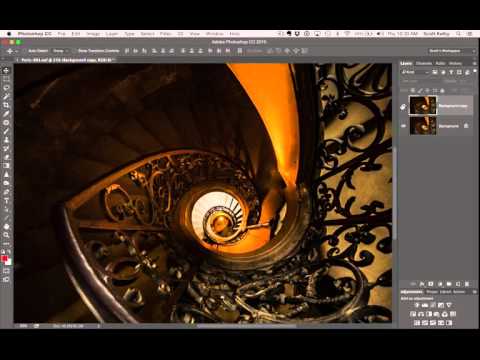
Portrait retouching has a way of exposing every gap in your workflow. I’ve handed off photos where everything looked great, the skin, the background, the lighting, and then a client comes back asking why the hair looks flat and kind of muddy. Turns out I’d been ignoring it entirely. Hair color is one of those things that reads as “fine” until you see it done right, and then you can’t unsee the difference.

The Photoshop Shortcuts That Actually Save Time (Not Just the Ones Everyone Lists)

The Photoshop Shortcuts That Actually Save Time (Not Just the Ones Everyone Lists)

I was sitting in a coffee shop last Tuesday, watching a guy next to me work in Photoshop. Every time he wanted to zoom in, he went up to the View menu. Every. Single. Time. I watched him do it maybe six times in ten minutes. I didn’t say anything because I’m not a monster, but I did quietly spiral thinking about all the hours that man has lost to that menu over the course of his life.

Stop Darkening Your Entire Sky: The Capture One Luma Range Trick That Changed How I Edit

Stop Darkening Your Entire Sky: The Capture One Luma Range Trick That Changed How I Edit

There’s a specific kind of editing frustration I’ve felt more times than I’d like to admit. You pull a radial gradient over a blown-out sky, drop the exposure, and then watch in mild horror as the adjustment also swallows half the mountain range you were trying to protect. You either live with it, or you spend the next 45 minutes painting a mask by hand like it’s 2009. Neither option is great when you’re billing hourly and your coffee is going cold.

Photoshop's New Selection Brush Tool Is the One I Didn't Know I Was Missing

Photoshop's New Selection Brush Tool Is the One I Didn't Know I Was Missing

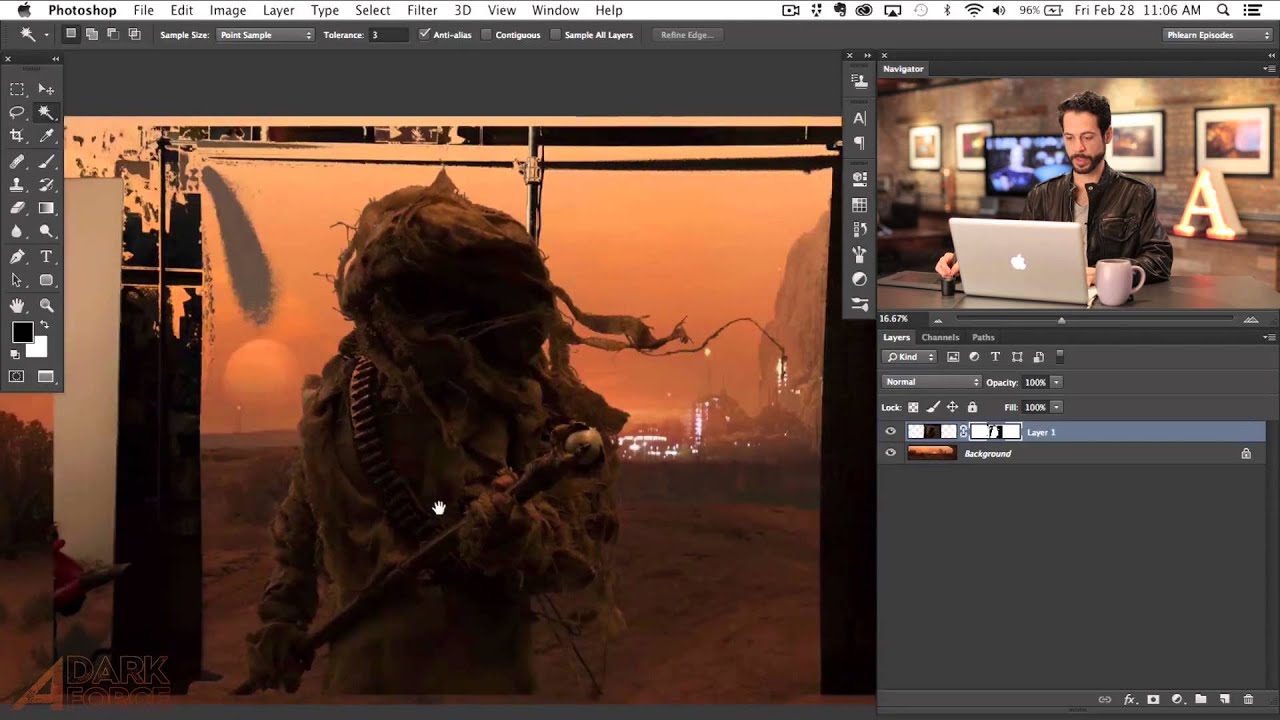
I have a complicated relationship with Photoshop selections. Quick Mask, the Pen Tool, Select and Mask, Subject Selection – I’ve used them all, argued with them all, and occasionally rage-quit because of them all. Most of the time I’m in a coffee shop trying to hit a deadline, and the last thing I need is to spend 20 minutes coaxing a lasso selection into behaving like a reasonable piece of software.

Fake Rain, Real Reflections: How to Add a Water Reflection in Photoshop

Fake Rain, Real Reflections: How to Add a Water Reflection in Photoshop

There’s a certain kind of photo that looks fine on its own but becomes genuinely cinematic with one extra ingredient: a puddle reflection. You’ve seen it. The city street shot where the skyline doubles itself in a millimeter of rainwater. The architecture photo that suddenly has atmosphere. That effect used to feel like something only people with actual rain and actual puddles could pull off. Turns out, you can fake it entirely in Photoshop, and fake it convincingly.

Firefly Boards Just Broke My Brain (In the Best Way): Steal Any Photo's Style in Minutes

Firefly Boards Just Broke My Brain (In the Best Way): Steal Any Photo's Style in Minutes

There’s a specific kind of frustration that comes from spending three hours manually color grading a portrait to match a reference photo, only to look at the result and think, “close enough, I guess.” I’ve been there more times than I’d like to admit. Color matching across different lighting conditions, skin tones, and moods is genuinely hard, and the manual approach is one of those tasks that separates the people who are okay at Photoshop from the people who’ve paid their dues in misery.

Fake Light Rays That Actually Look Real: A Photoshop Walkthrough

Fake Light Rays That Actually Look Real: A Photoshop Walkthrough

There’s a certain kind of photo that stops people mid-scroll. You know the one: shafts of light breaking through trees, or that golden haze pouring through a window like someone hired a cinematographer. Clients ask me for that look constantly, and for a while I was either hunting for the perfect stock photo or spending way too long faking it badly. Then I stumbled onto a Kelvin Designs tutorial that reframed the whole thing for me.

Painting With Light and Fog: How Joel Grimes Uses Photoshop Brushes to Make Images Feel Cinematic

Painting With Light and Fog: How Joel Grimes Uses Photoshop Brushes to Make Images Feel Cinematic

There’s a specific problem I kept running into early in my freelance work: I’d build out a composite, get the subject placed and lit, and then stare at the background feeling like something was missing. The image looked assembled. Competent, maybe, but flat. Like a person standing in front of a green screen even when they weren’t. What I didn’t understand then was that real drama in a photograph isn’t just about contrast or color grading.

How to Place an Image Inside a Phone, Tablet, or Laptop Screen in Photoshop (The Right Way)

How to Place an Image Inside a Phone, Tablet, or Laptop Screen in Photoshop (The Right Way)

Every few months, a client asks me for a “mockup” – a product screenshot or website preview placed inside a phone or laptop screen for an ad. For a long time I was doing it the slow, painful way: dragging the image in, manually masking it, fighting with perspective until I wanted to throw my laptop across whatever coffee shop I was sitting in. Then I watched Scott Kelby walk through his version of this technique, and I felt that specific kind of embarrassment that comes from realizing a 20-minute problem was actually a 5-minute problem.

Photoshop's Cloud-Powered Select Subject Is Embarrassingly Good (And I Mean That as a Compliment)

Photoshop's Cloud-Powered Select Subject Is Embarrassingly Good (And I Mean That as a Compliment)

There’s a specific kind of pain that every Photoshop user knows. You’ve got a photo with a subject, a complicated background, maybe some wispy hair or thin strands poking out in every direction, and you need a clean selection. You run Select Subject, it does its best, and then you spend the next 45 minutes playing whack-a-mole with the background trying to clean up the edges. I’ve billed clients for that time.

Stop Guessing With Sharpening: A Practical Guide to Unsharp Mask in Photoshop

Stop Guessing With Sharpening: A Practical Guide to Unsharp Mask in Photoshop

Sharpening is one of those things I either forgot to do entirely or obliterated like I had a personal grudge against the image. For a long time my workflow was basically “crank the clarity slider and pray.” It worked until it didn’t, and “didn’t” usually meant a client deliverable that looked like it was printed through a chain-link fence. Not great for business. I came across this Kelvin Designs tutorial on image sharpening and it filled in a lot of gaps I didn’t even know I had.

Stop Clicking Around: The Photoshop Selection Tools That Actually Matter (And When to Use Them)

Stop Clicking Around: The Photoshop Selection Tools That Actually Matter (And When to Use Them)

Last month I was at my usual corner table at a coffee shop on South Congress, working on a product composite for a skincare client. The subject had been shot against a white background, so naturally I watched the person across from me (clearly also a designer, based on their setup) reach for the Magic Wand like it was a reflex. I felt that. I’ve been there. And I also know exactly how that story ends: jagged edges, blown-out halos, and 45 minutes of manual cleanup that could have been avoided entirely.