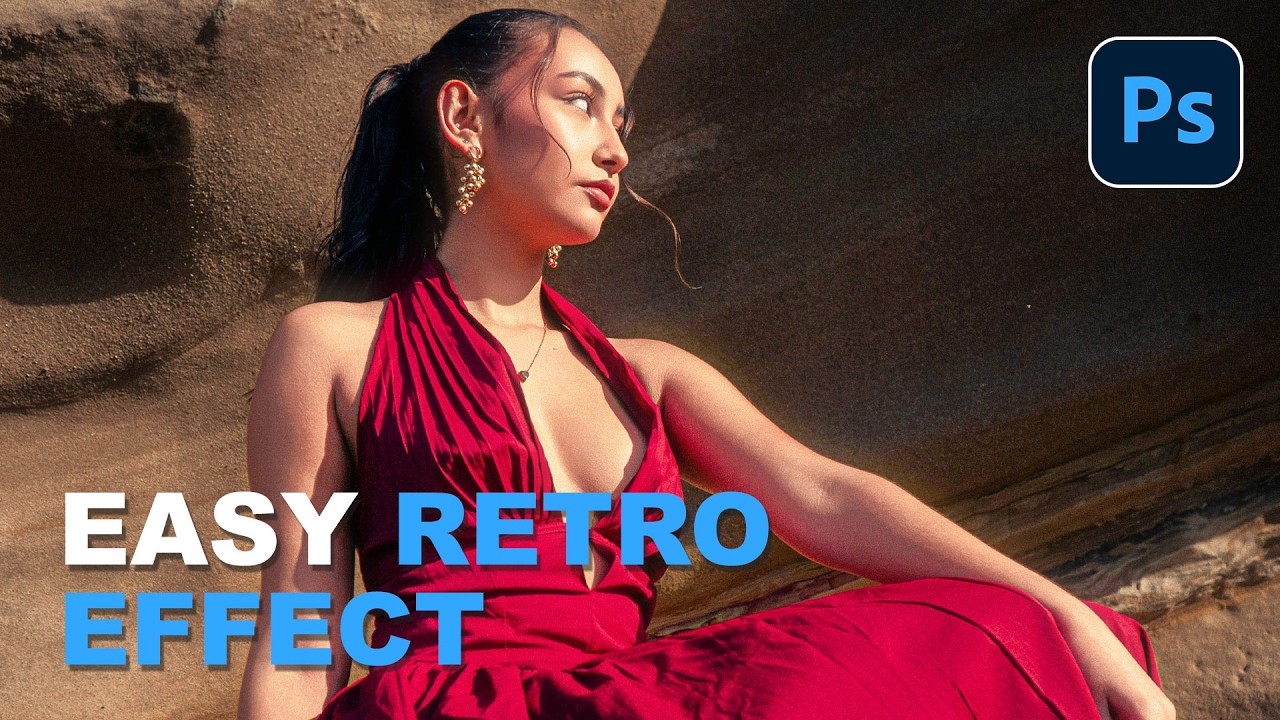
Fake the Y2K Digicam Look in Photoshop (No eBay Required)

Fake the Y2K Digicam Look in Photoshop (No eBay Required)

Client work comes in waves. One week everyone wants clean, minimal, modern. The next week, someone slides into your DMs asking for that “y’know, that old digital camera vibe” and you’re suddenly staring at a perfectly exposed, beautifully lit photo wondering how to make it look worse on purpose. It’s a real skill. I mean that without irony. The digicam look, that punchy, slightly cold, flash-blasted aesthetic from early-2000s point-and-shoot cameras, is everywhere right now.
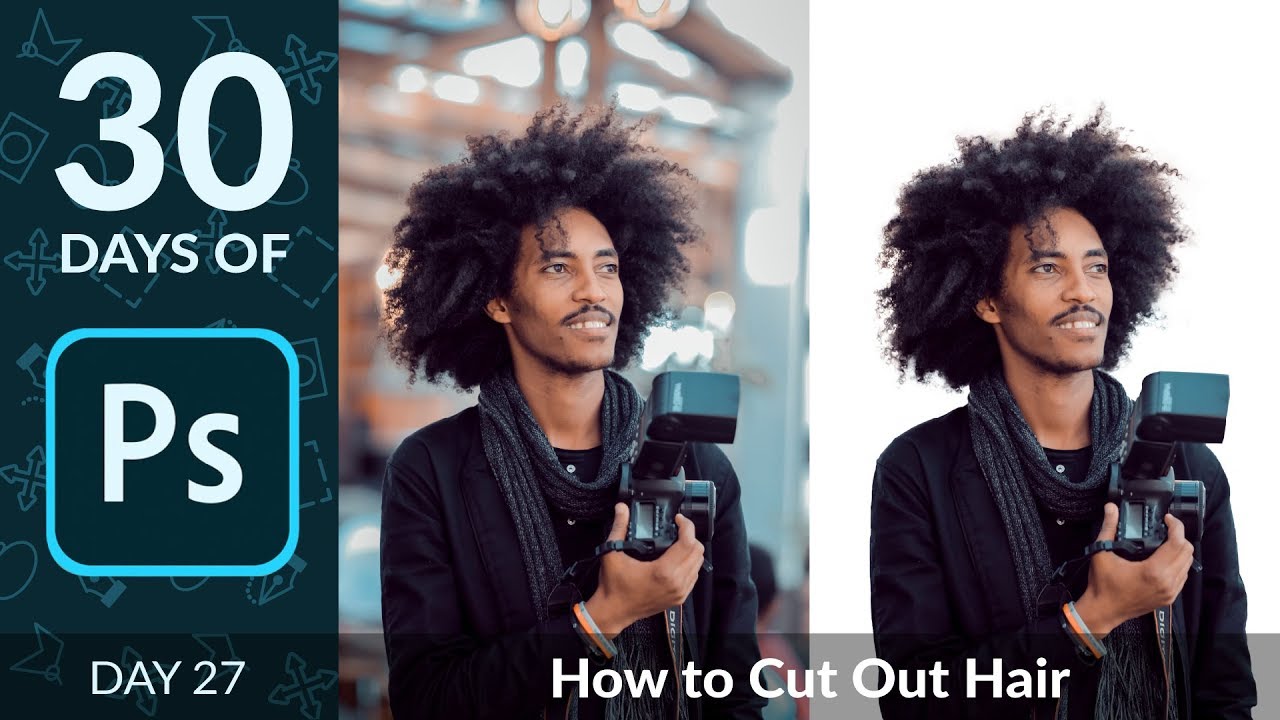
Cutting Out Hair in Photoshop Without Losing Your Mind (or Your Deadline)

Cutting Out Hair in Photoshop Without Losing Your Mind (or Your Deadline)

Hair has humbled me more times than I care to admit. Early in my freelance career I spent the better part of an afternoon trying to manually cut a model’s curly hair from a busy background using the Lasso tool, like some kind of digital caveman chipping away at stone. The result looked like someone had taken hedge clippers to her head. The client was polite about it. I was not polite to myself.

Turn Off This One Photoshop Checkbox Before It Ruins Your Day

Turn Off This One Photoshop Checkbox Before It Ruins Your Day

There’s a specific kind of Photoshop frustration that doesn’t come from complicated techniques or steep learning curves. It comes from a checkbox. One tiny, innocent-looking checkbox that ships enabled by default and quietly drives people insane until they either stumble across the fix or give up and blame themselves. I’ve watched newer designers spin their wheels on this exact issue, convinced they were doing something fundamentally wrong. They weren’t. The checkbox was just doing its thing.

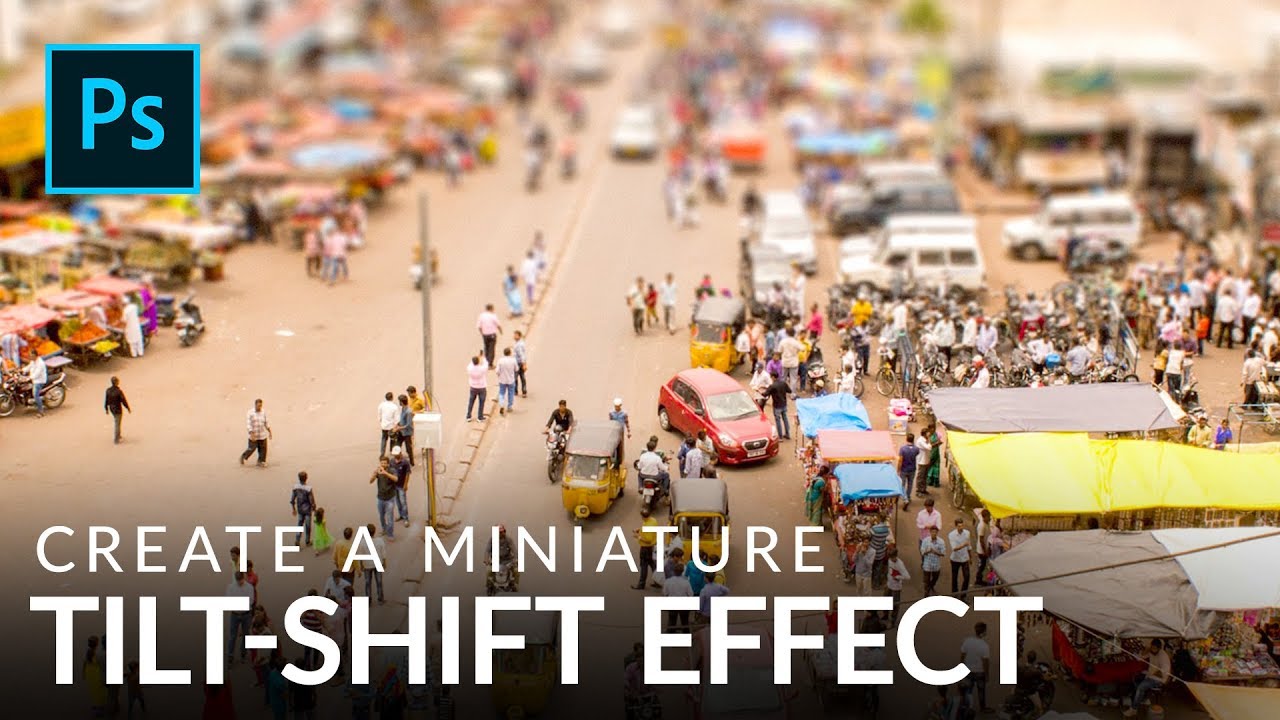
Fake a Tilt-Shift Lens in Photoshop Without Spending $2,000 on Glass

Fake a Tilt-Shift Lens in Photoshop Without Spending $2,000 on Glass

There’s a certain kind of photo that stops people mid-scroll. The city looks like a model train set. The crowd looks like a handful of tiny plastic people. Everything feels weirdly toy-like and satisfying. That’s the tilt-shift effect, and for years I assumed it required either an absurdly expensive specialty lens or some dark Photoshop sorcery I hadn’t been initiated into. Turns out it’s neither. It’s a gradient mask and a blur filter, and you can knock it out in under ten minutes once you know what you’re doing.

Stop Struggling With Manual Compositing – Photoshop's AI Just Changed the Game

Stop Struggling With Manual Compositing – Photoshop's AI Just Changed the Game

The Death of the Manual Composite Workflow Remember when combining two images in Photoshop meant spending an hour masking, dodging, and burning until your eyes crossed? Yeah, those days are basically over, and honestly, I’m not even mad about it. I’ve been playing around with Photoshop’s latest features, and the speed at which you can now merge multiple photos is genuinely wild. We’re talking removing backgrounds, matching lighting, and blending exposures in what used to take half your afternoon – now doable in minutes.

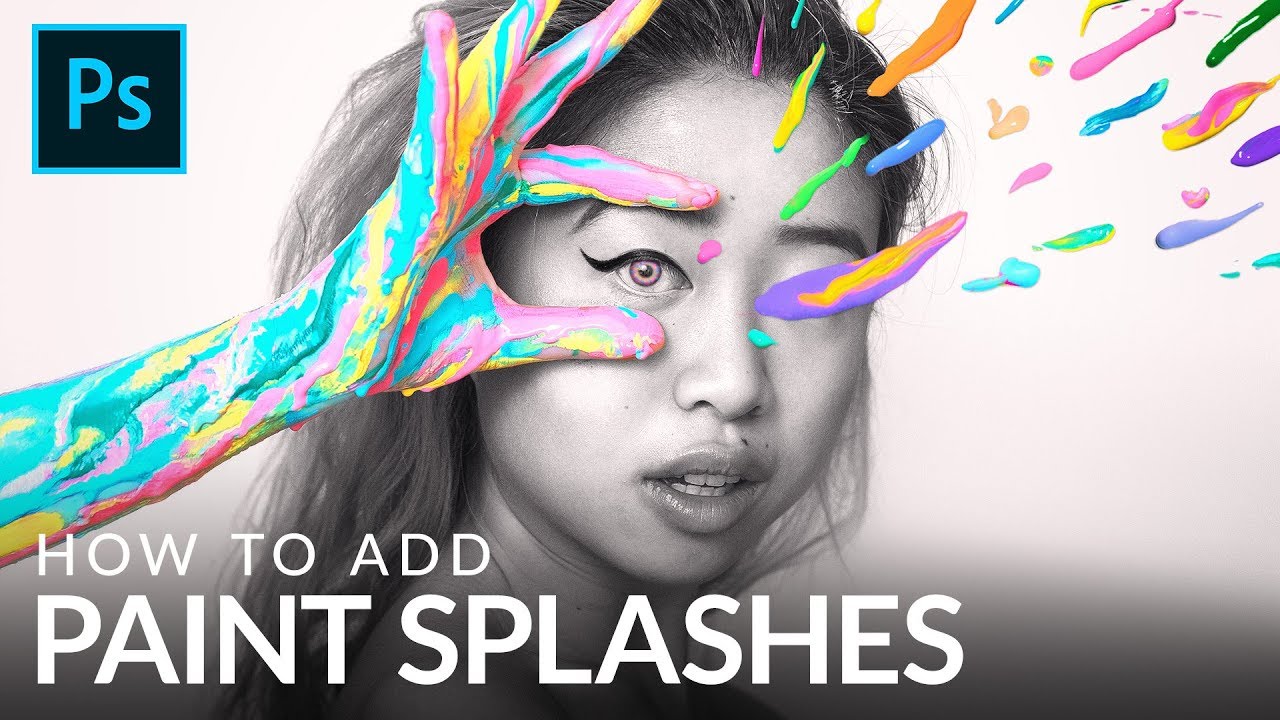
How to Cut Out and Composite Paint Splashes in Photoshop (Without Losing Your Mind)

How to Cut Out and Composite Paint Splashes in Photoshop (Without Losing Your Mind)

There’s a specific kind of composite work that looks wildly expensive and technically demanding but is actually just a few smart techniques stacked on top of each other. Paint splash effects are exactly that. I’ve scrolled past dozens of surrealist portraits where paint seems to explode off skin or cascade through a scene, and every time I assumed the photographer had some elaborate studio setup or a dedicated effects team. Turns out, a lot of those images come from someone with a wall, some borrowed lights, and a $4 can of paint.

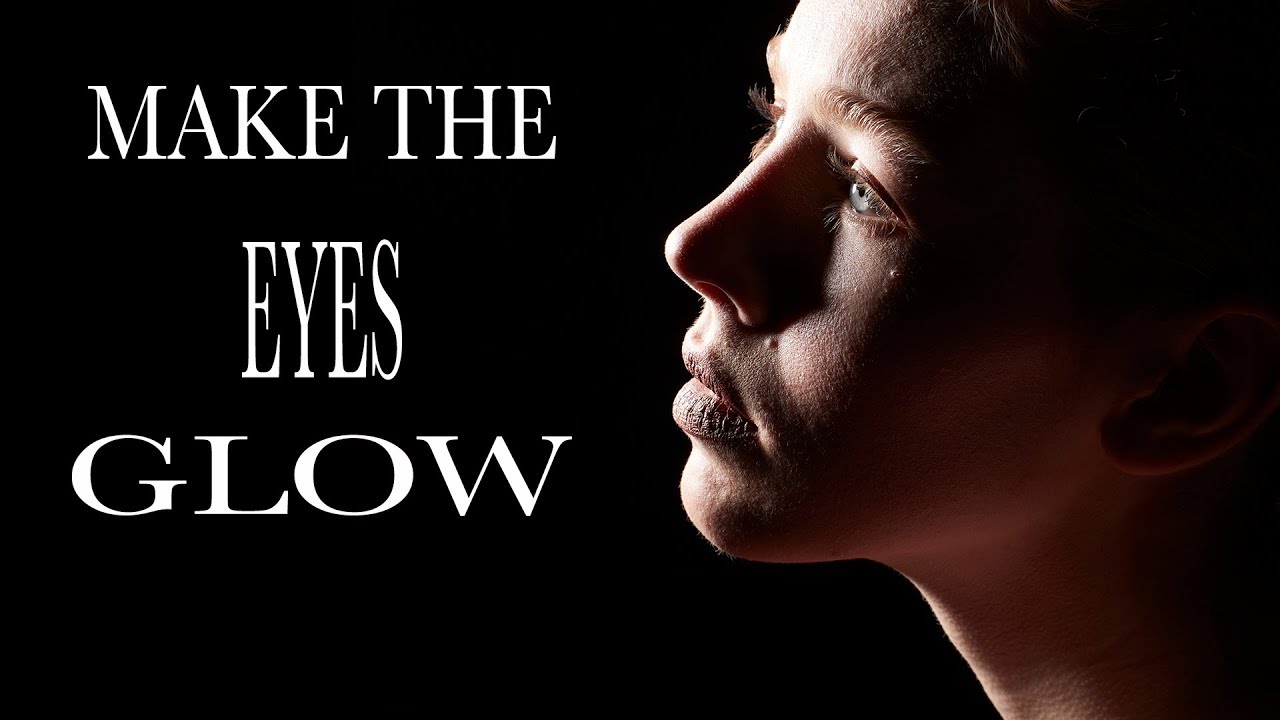
The Glowing Eye Effect You Can't Fake in Post (So Stop Trying)

The Glowing Eye Effect You Can't Fake in Post (So Stop Trying)

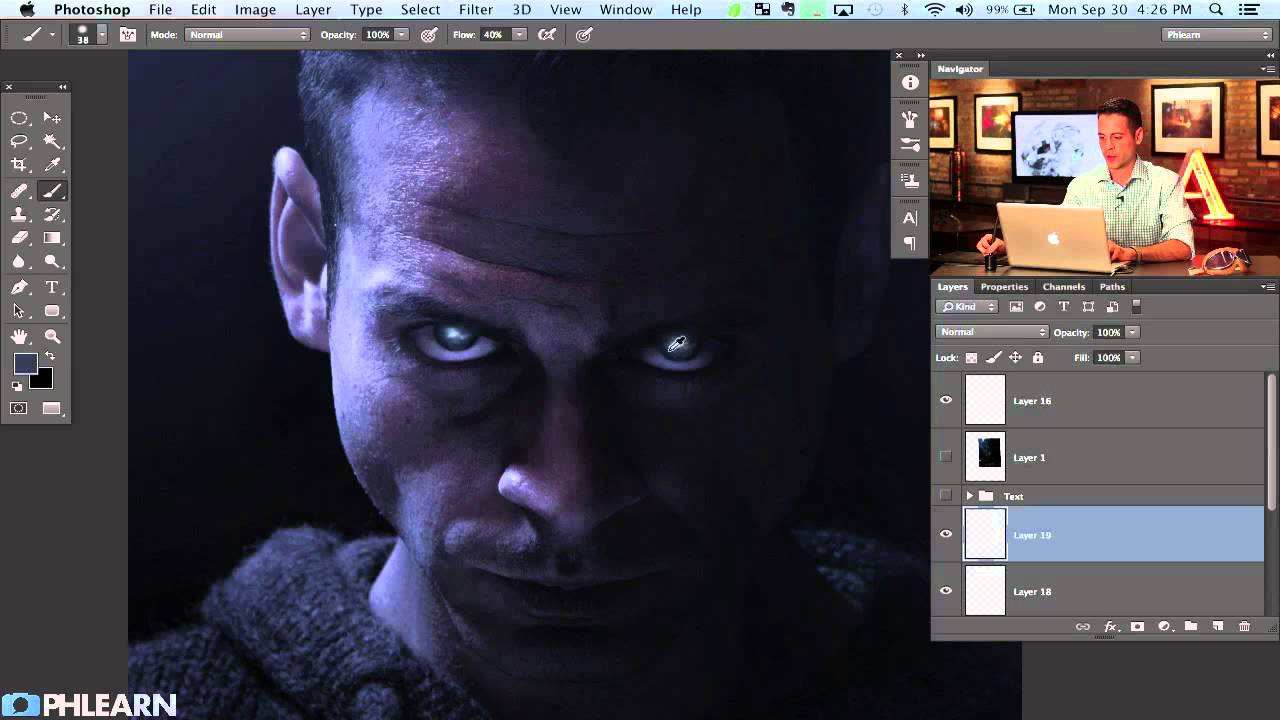
There’s a specific flavor of frustration I know well: spending twenty minutes in Photoshop pushing the iris brightness slider on a portrait, adding fake catchlights, maybe throwing a curves adjustment on a layer mask - and still ending up with eyes that look like they were lit by a refrigerator. The result is always a little off. A little dead. You can tell it was done in post, and so can your client.

How to Paint Glowing Sci-Fi Eyes and Nail Movie Poster Text in Photoshop

How to Paint Glowing Sci-Fi Eyes and Nail Movie Poster Text in Photoshop

There’s a specific kind of panic that sets in when a client asks you to “make it look cinematic.” They don’t mean anything precise by that. They just mean it should look like it costs more than it does. After years of freelancing, I’ve figured out that about 80% of “cinematic” comes down to two things: eyes that feel alive and type that feels intentional. Get those right and suddenly everything else reads as professional.

How to Fake a 3D Book Cover in Photoshop (No 3D Tools Required)

How to Fake a 3D Book Cover in Photoshop (No 3D Tools Required)

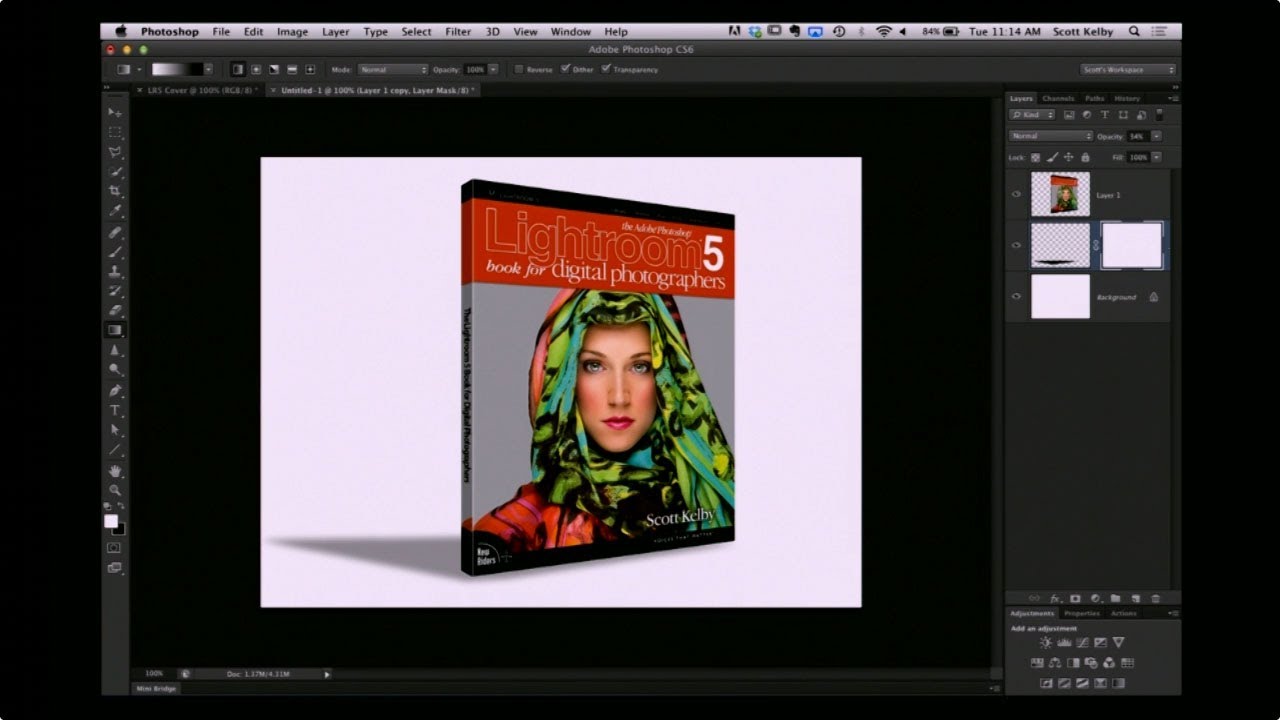
Every freelancer hits the moment where a client asks for a mockup and you have exactly one flat image, zero budget for a dedicated mockup tool, and a deadline measured in hours rather than days. That’s the situation I kept running into when clients wanted to see their book covers, product boxes, or packaging “in context” before going to print. I’d either be hunting through free mockup sites hoping something roughly matched the dimensions, or worse, trying to wrangle Photoshop’s actual 3D workspace, which – for a task this simple – is like renting a forklift to move a couch.

Stop Wrecking Your Colors When You Upload to the Web (A Save for Web Breakdown)

Stop Wrecking Your Colors When You Upload to the Web (A Save for Web Breakdown)

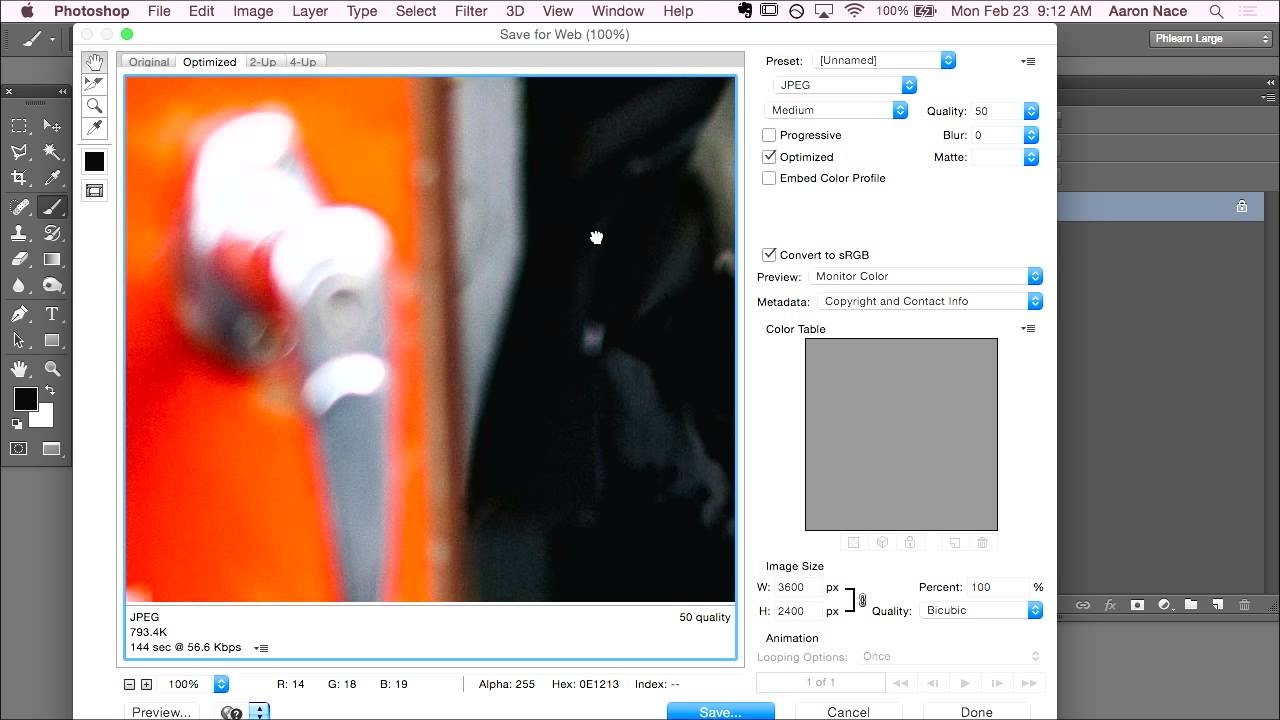
There’s a specific kind of frustration that hits when you’ve spent hours getting an image exactly right in Photoshop, colors dialed in, everything crisp and intentional, and then you upload it somewhere and it looks like a slightly sad version of itself. Washed out, weird, wrong. I ran into this constantly when I was starting out doing freelance work, mostly because I had no idea that the color space I was editing in and the color space browsers actually display are two completely different things.

Stop Settling for Boring Skies: Photoshop's Sky Replacement Tool Is Better Than You Think

Stop Settling for Boring Skies: Photoshop's Sky Replacement Tool Is Better Than You Think

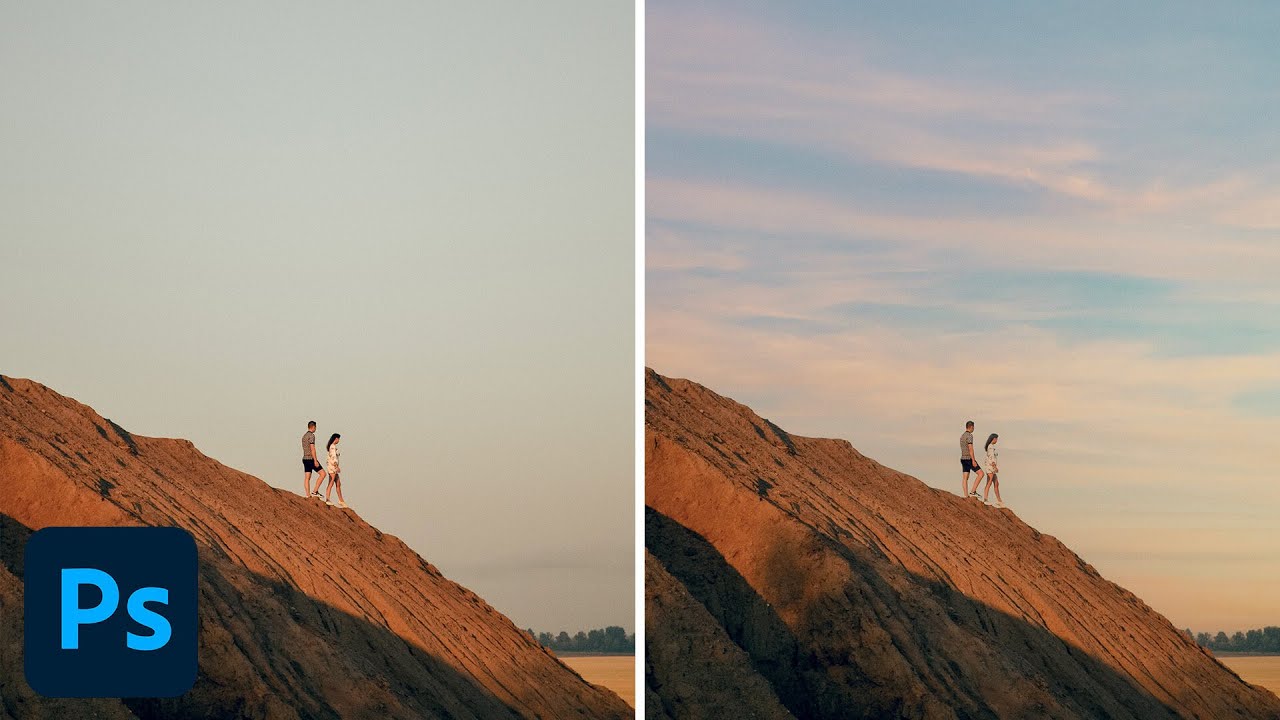
I used to spend embarrassing amounts of time hand-masking skies. We’re talking careful pen tool work, refine edge passes, the whole ritual. Then a friend watched me do it, said nothing, and later sent me a screenshot of a finished composite that took him 20 minutes. I had spent three days on mine. That specific kind of humiliation is what motivates me to actually learn the tools Photoshop has already built for me.

Stop Editing Photos One at a Time: How Batch Processing Saved My Freelance Sanity

Stop Editing Photos One at a Time: How Batch Processing Saved My Freelance Sanity

Last spring I picked up a product photography gig that seemed straightforward enough. Two hundred product shots, clean white background, consistent color grade, client needed them by Friday. I said yes, quoted a fair price, and sat down Monday morning at my usual corner table at Epoch Coffee with what I thought was plenty of time. By Tuesday afternoon I had edited 40 images by hand. Forty. In six hours. The math on that was not doing me any favors.