How to Build a Movie Trailer Concept in Photoshop (Lessons from a Fake Space Launch)

How to Build a Movie Trailer Concept in Photoshop (Lessons from a Fake Space Launch)

There’s a certain kind of tutorial that doesn’t look like a tutorial at all. It looks like a bit. A joke. A fully produced comedy sketch where someone is pitching a plan to be the first Photoshop guy in space. And then halfway through you realize you’ve been absorbing actual design workflow the whole time. That’s exactly what happened when I sat down with this KelbyOne Photoshop World 2021 promo, and I’m still a little annoyed it worked that well on me.

Lightroom vs. Photoshop: An Honest Look at When You Actually Need Both

Lightroom vs. Photoshop: An Honest Look at When You Actually Need Both

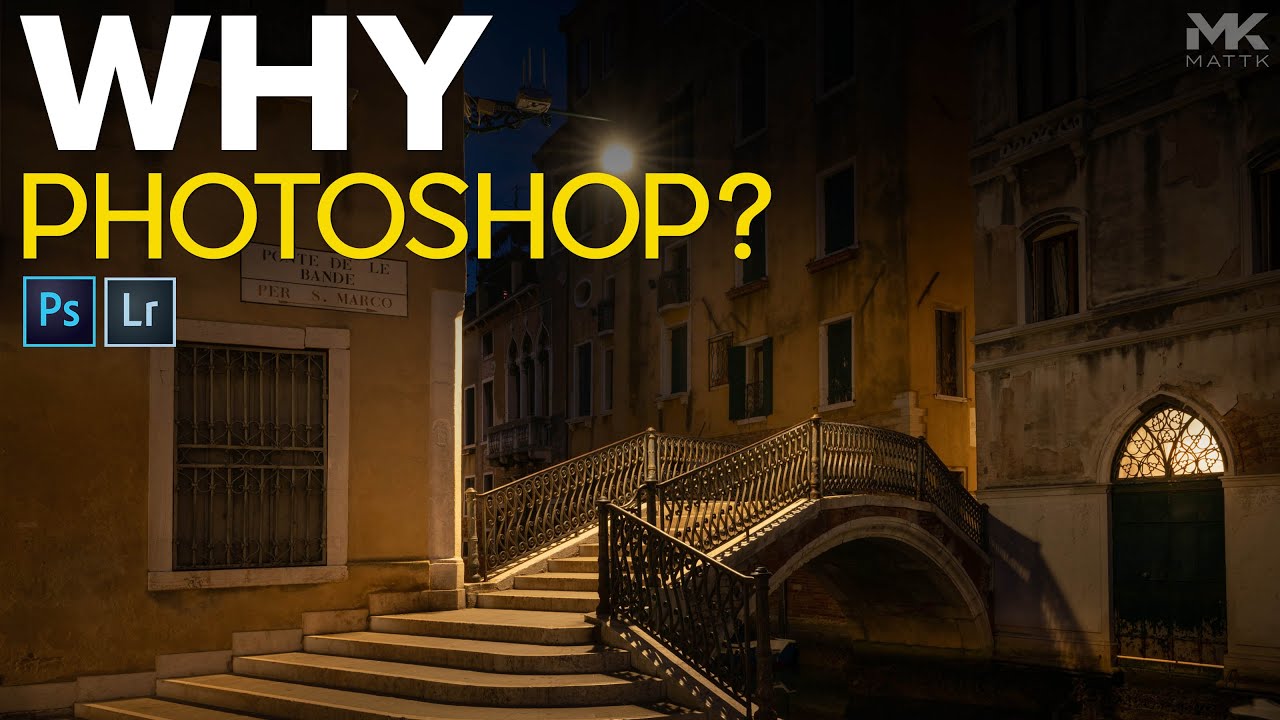
There’s a question that floats around photography forums like a bad smell: do you even need Photoshop, or is Lightroom enough? I used to roll my eyes at it. Now I think it’s actually worth sitting with for a minute, because the honest answer is more nuanced than either camp wants to admit. I came across this debate again while watching a tutorial from Matt Kloskowski, where he responds to a viewer comment suggesting that photos edited only in Lightroom are somehow lesser, more basic, not serious work.

Stop Losing Assets Between Projects: How Photoshop Libraries Actually Work

Stop Losing Assets Between Projects: How Photoshop Libraries Actually Work

I used to email myself PSDs. Not proud of it. We’re talking dragging files into Gmail like some kind of digital cave person, because I had no reliable system for moving assets between machines or sharing them with collaborators. Fonts would go missing, logo files would live in seventeen different folders named “final,” “final_v2,” and “ACTUAL_FINAL,” and every new project started with a twenty-minute archaeological dig through my desktop. Turns out, Photoshop had been quietly solving this problem for years and I just wasn’t paying attention.

Fake a Stunning Sunset in Photoshop (Without Waiting for Golden Hour)

Fake a Stunning Sunset in Photoshop (Without Waiting for Golden Hour)

There’s a specific kind of client email that used to stress me out. The one that goes: “We love this shot but can it feel more… golden hour?” And the photo in question was taken at 2pm in flat Texas sunlight. Not exactly magic hour material. For years I’d either reshoot or apologize. Then I started actually learning what’s possible with Photoshop’s adjustment layers and gradient tools, and that panic evaporated.

Why I've Been Sleeping on Physical Filters (And What Finally Changed My Mind)

Why I've Been Sleeping on Physical Filters (And What Finally Changed My Mind)

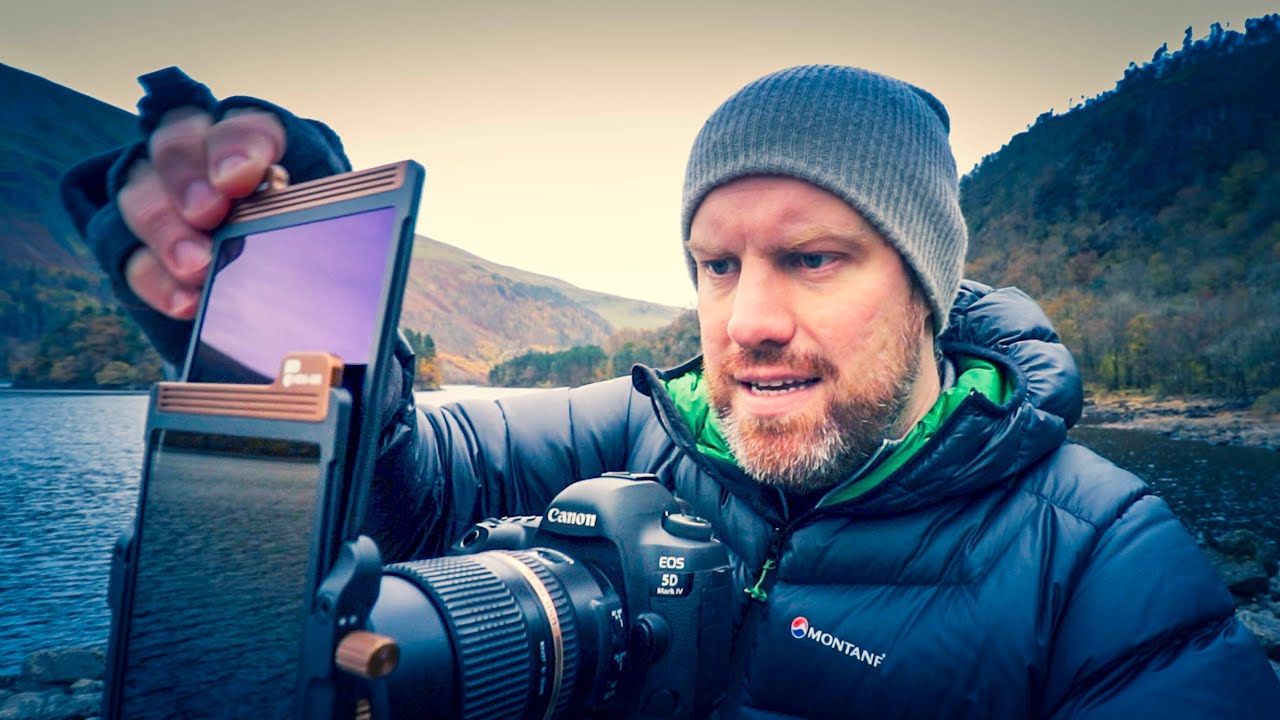
I’ll be honest: I’ve spent more time fixing color casts in Photoshop than I care to admit. You know the ones. That sickly green or magenta tint that creeps into a long exposure shot because you slapped a cheap ND filter on your lens and hoped for the best. Then you’re back at your desk in whatever coffee shop you’ve claimed for the day, burning 20 minutes with Hue/Saturation layers trying to un-ruin what was otherwise a perfectly good shot.

Puppet Warp in Photoshop: How to Repose Subjects Without a Reshoot

Puppet Warp in Photoshop: How to Repose Subjects Without a Reshoot

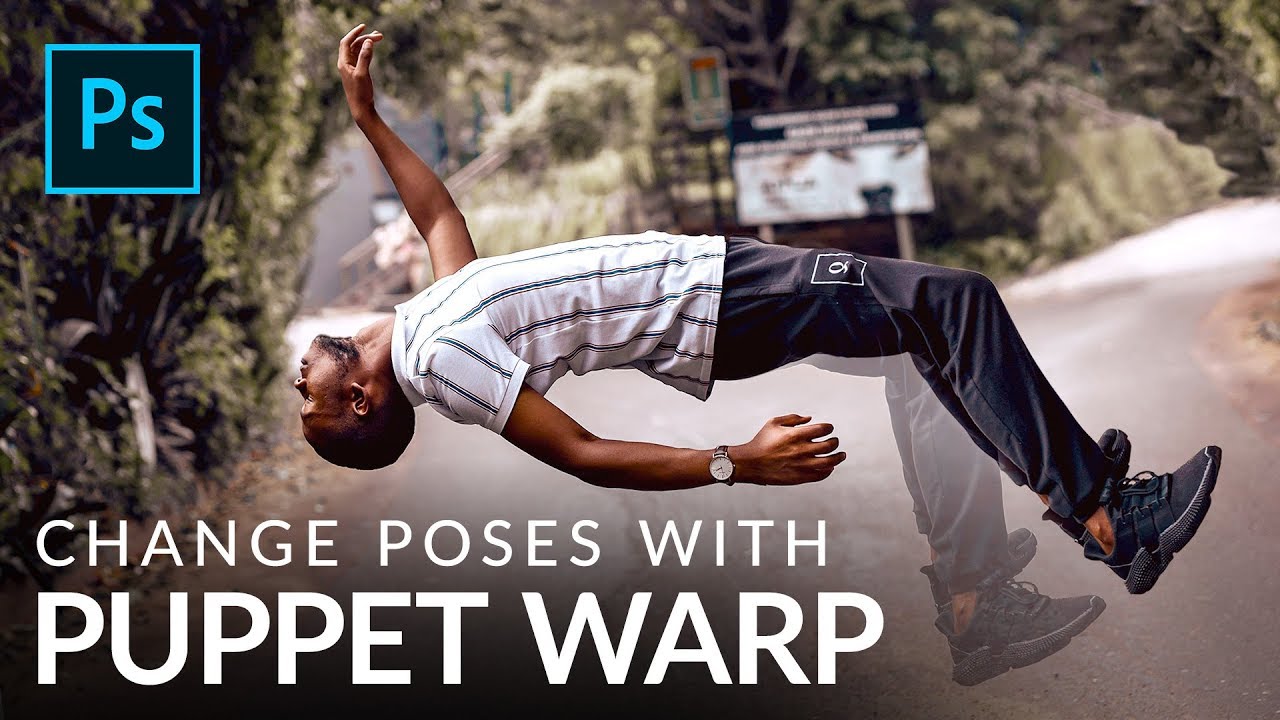
There’s a specific kind of client pain that every retoucher knows. The shoot went great, everyone’s happy, and then someone in the approval chain asks why the subject’s arms look “a little stiff” or why the legs don’t quite read as dynamic. You stare at the photo. They’re not wrong. But going back for a reshoot isn’t happening, and liquify feels like the wrong tool for anything beyond a gentle nudge.

Turn Any Photo Into an Illustrated Design Asset in Under 5 Minutes

Turn Any Photo Into an Illustrated Design Asset in Under 5 Minutes

There’s a specific kind of client panic I know well. You’ve got a photo that’s technically fine but creatively boring, a design layout that needs something, and a deadline that does not care about your feelings. I’ve been there more times than I’d like to admit, sitting in a coffee shop on my second Americano, staring at a stock photo wondering how to make it not look like a stock photo.

Stop Guessing Which Selection Tool to Use — Here's the Cheat Sheet You Actually Need

Stop Guessing Which Selection Tool to Use — Here's the Cheat Sheet You Actually Need

If selections aren’t clicking for you in Photoshop, I promise it’s not because you’re bad at software. It’s because there are about a dozen different ways to make a selection and nobody ever explains when to use which one. I spent the better part of my early freelance years defaulting to whatever tool I’d used last, regardless of whether it was the right call. Spoiler: it usually wasn’t. Getting a better grip on selection tools is genuinely one of those skill-ups that changes how fast you work, not just how well.

Liquify in Photoshop: The Tool You're Probably Underusing (And How to Fix That)

Liquify in Photoshop: The Tool You're Probably Underusing (And How to Fix That)

I’ll be honest with you. For way too long, I treated the Liquify tool like that one kitchen gadget you only pull out for a specific recipe once a year. I knew it existed. I’d used it in a panic to fix something weird in a portrait. Then I’d close the dialog and pretend it never happened. It wasn’t until I started digging into Aaron Nace’s work over at PHLEARN that I realized I was barely scratching the surface of what this thing can actually do.

How to Wrap Textures on 3D Objects in Photoshop (Without Losing Your Mind)

How to Wrap Textures on 3D Objects in Photoshop (Without Losing Your Mind)

I’ll be honest with you. The first time I tried to texture a 3D object in Photoshop, I spent about 45 minutes dragging things into places where they didn’t belong, watching textures stretch across geometry like a grocery bag over a basketball, and ultimately just giving up and going back to flat design. Nobody talks about how disorienting Photoshop’s 3D workflow can be when you first get into it. There are panels everywhere, nothing behaves the way your muscle memory expects, and the relationship between your texture file and your 3D object feels weirdly indirect.

How to Rescue a Damaged Old Photo in Photoshop: Plan First, Clone Second

How to Rescue a Damaged Old Photo in Photoshop: Plan First, Clone Second

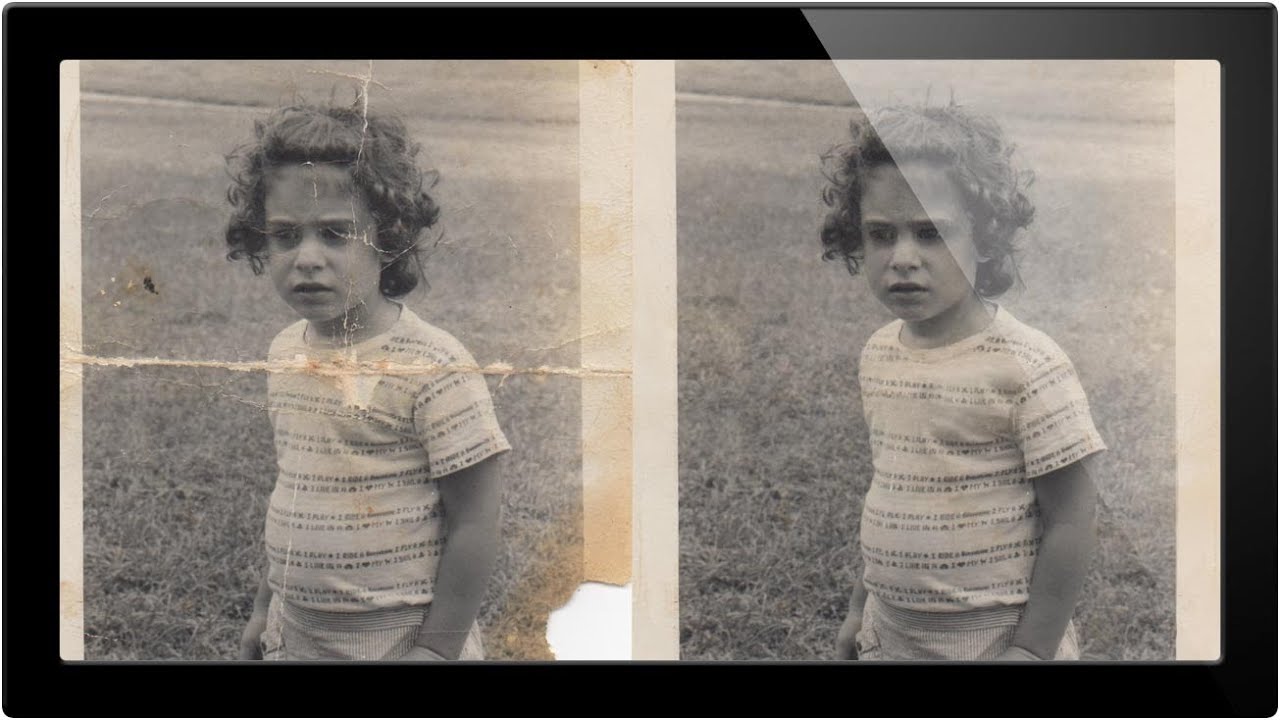
Client work will humble you fast. Early in my freelance run, someone handed me a scanned family photo that looked like it had survived a move, a flood, and a toddler with a crayon. I opened it in Photoshop and immediately started clone-stamping like a maniac, no plan, no structure, just vibes. Two hours later I had a mess that somehow looked worse than the original. That experience stuck with me, mostly because I invoiced for it anyway, but also because it taught me that photo restoration has a correct order of operations and I had been ignoring it.

Build a 3D Wireframe Globe in Photoshop (Without Destroying Your Computer)

Build a 3D Wireframe Globe in Photoshop (Without Destroying Your Computer)

There’s a certain kind of Photoshop project that looks impossibly complicated from the outside but is actually built on two or three clever decisions made early on. A wireframe globe is exactly that kind of project. It looks like something you’d need a dedicated 3D application to pull off, but Photoshop handles it surprisingly well if you know which tools to reach for and, more importantly, which workflow traps to avoid.