Turn a City Photo into a Watercolor Painting Using HDR Toning (Yes, Really)

Turn a City Photo into a Watercolor Painting Using HDR Toning (Yes, Really)

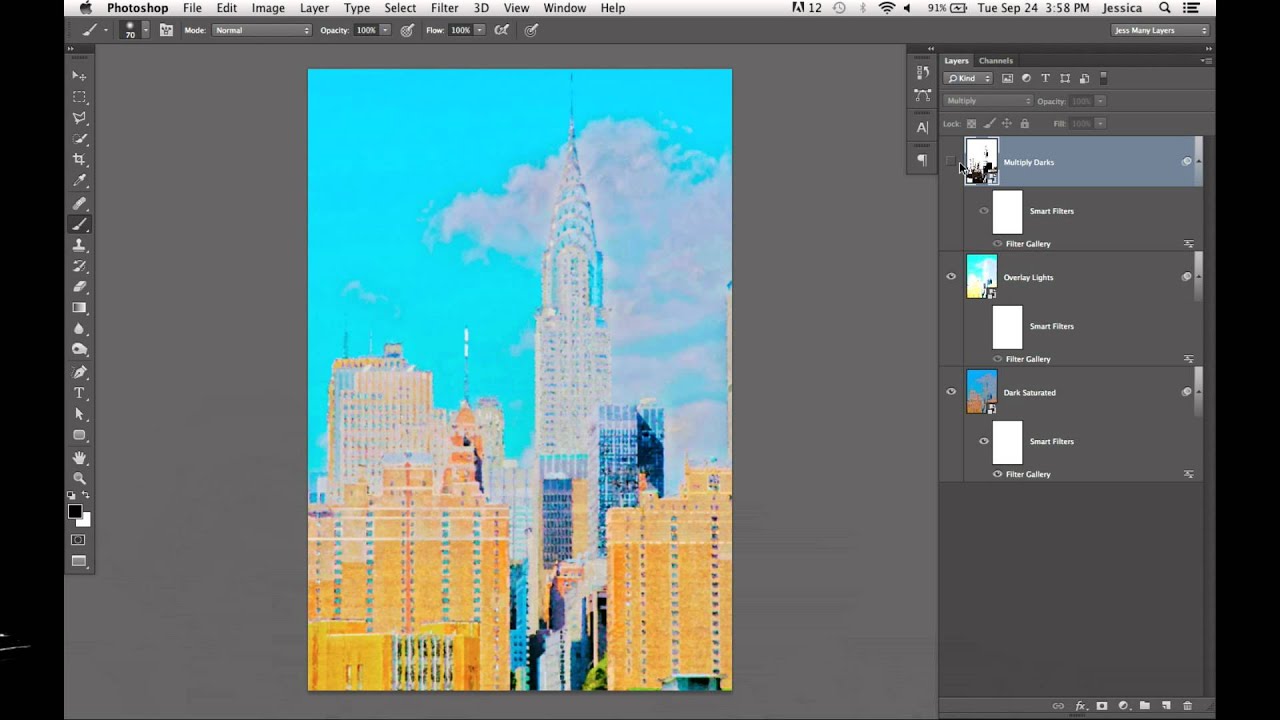
Client asks for something “painterly.” You stare at the Artistic submenu in the Filter Gallery, slap a Watercolor filter on a photo, and the result looks like a kindergarten project that got rained on. We’ve all been there. The problem isn’t the filter itself — it’s the approach. Dropping a single filter on a flat image is like seasoning food after it’s already on the plate. You need to build the effect into the image from the ground up.
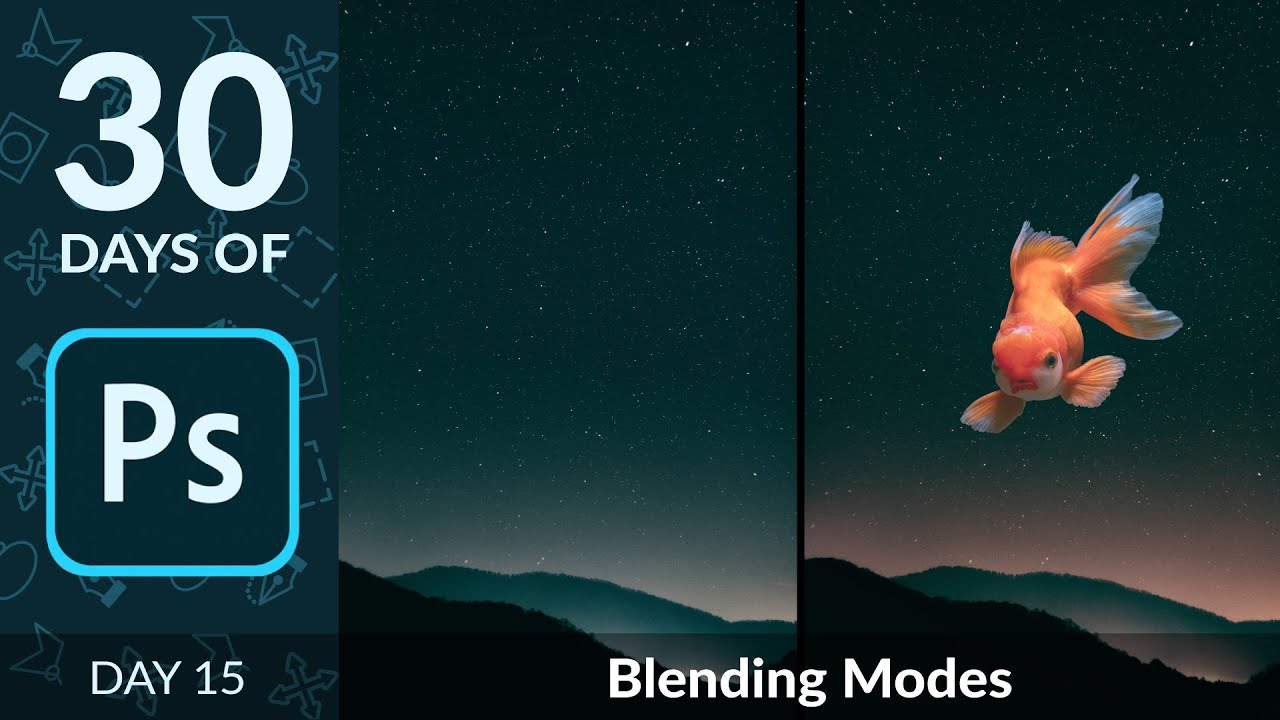

Blending Modes Demystified: How to Build a Composite in Minutes Without Masking

Blending Modes Demystified: How to Build a Composite in Minutes Without Masking

A few years back, I spent three days wrestling with a composite that a more experienced designer later rebuilt in about twenty minutes using a technique I’d completely overlooked. That technique was blending modes. I’d used Normal, maybe occasionally Multiply when I wanted to darken a shadow layer, but I’d never really understood the logic underneath them. They felt like magic spells you either knew or didn’t. Turns out the logic is pretty simple once someone breaks it down correctly.

Why Your Photo Composites Look Fake (And the Luminosity Trick That Fixes It)

Why Your Photo Composites Look Fake (And the Luminosity Trick That Fixes It)

I once spent three days on a composite. Three full days, multiple oat milk lattes, two different coffee shops, and one very dramatic Spotify playlist. I was proud of it. I sent it to a designer friend for feedback and he replied with a voice memo, which is never a good sign. Turns out he’d recreated something cleaner in about 20 minutes using a luminosity-based matching workflow I had never once considered.

Tattoo Be Gone: A Three-Step Photoshop Removal Workflow That Actually Holds Up

Tattoo Be Gone: A Three-Step Photoshop Removal Workflow That Actually Holds Up

I do a fair amount of portrait retouching for clients — headshots, lifestyle stuff, the occasional album cover for a band that takes itself way too seriously. And every so often someone slides into my inbox asking if I can “just remove” a tattoo from a photo. Sometimes it’s for a corporate headshot. Sometimes it’s for a family portrait where grandma is going to lose her mind if she sees it.

Rough, Fast, and Good Enough: How to Composite in Photoshop Without Losing Your Mind

Rough, Fast, and Good Enough: How to Composite in Photoshop Without Losing Your Mind

A few years back, I spent three full days on a composite. Three days of careful pen tool paths, obsessive masking, color matching that made my eyes water. A friend looked at it, nodded, then sat down and knocked out something that looked equally convincing in about twenty minutes using a workflow I’d never even considered. I wanted to flip my desk. Instead, I went home, opened YouTube, and started paying closer attention to how people who actually move fast think about this stuff.

Painting Away Beards in Photoshop: The Manual Method That Actually Works

Painting Away Beards in Photoshop: The Manual Method That Actually Works

Retouching facial hair is one of those jobs that sounds simple until you’re forty-five minutes deep and your subject looks like they lost a fight with a rubber eraser. I’ve had clients send me portraits where the brief is something like “can you just clean him up a bit” - and that phrase, “clean him up,” almost always means removing a beard, a patch of stubble, or some combination of both.

Blending Modes Are Doing Half Your Compositing Work — You're Just Not Using Them

Blending Modes Are Doing Half Your Compositing Work — You're Just Not Using Them

A few years back, I spent the better part of three days building a composite that a photographer friend of mine looked at, sat down, and rebuilt in about twenty minutes using techniques I had genuinely never considered. That moment broke something loose in my brain. I had been doing things the hard way, masking and erasing and cutting, when blending modes were sitting right there in the Layers panel like a cheat code I’d never bothered to read.

Can Fiverr Photoshop Pros Out-Edit a YouTube Legend? Here's What Actually Happened

Can Fiverr Photoshop Pros Out-Edit a YouTube Legend? Here's What Actually Happened

There’s a special kind of humbling that comes from looking at your own Photoshop work and realizing it’s just… not good. I know that feeling well. I spent three days on a composite once - mountain, moody sky, the whole thing - only to have a friend casually recreate something better in twenty minutes using a blending technique I’d never even heard of. So when Peter McKinnon put his own work on the chopping block and paid strangers to improve it, I was immediately invested.

Photoshop's Hidden Flame Filter Is Doing the Heavy Lifting You Didn't Know You Needed

Photoshop's Hidden Flame Filter Is Doing the Heavy Lifting You Didn't Know You Needed

There’s a specific kind of embarrassment that hits when you’ve spent an hour sourcing fire stock images, masking them, blending them, and fighting with blend modes — only to realize Photoshop had a built-in flame generator the entire time. That happened to me on a concert poster project a while back. I ended up with a passable result, but it was a grind. So when I came across Watch the full tutorial on YouTube from Aaron Nace over at PHLEARN, I sat up a little straighter.

How to Cut Out and Composite Paint Splashes in Photoshop (Without Losing Your Mind)

How to Cut Out and Composite Paint Splashes in Photoshop (Without Losing Your Mind)

There’s a specific kind of composite work that looks wildly expensive and technically demanding but is actually just a few smart techniques stacked on top of each other. Paint splash effects are exactly that. I’ve scrolled past dozens of surrealist portraits where paint seems to explode off skin or cascade through a scene, and every time I assumed the photographer had some elaborate studio setup or a dedicated effects team. Turns out, a lot of those images come from someone with a wall, some borrowed lights, and a $4 can of paint.

Photoshop Compositing Isn't Magic — It's Just Planning (Plus These Specific Techniques)

Photoshop Compositing Isn't Magic — It's Just Planning (Plus These Specific Techniques)

I spent three days on a composite once. Three full days, mostly at a coffee shop on South Congress, burning through oat milk lattes and my own patience. A friend looked at it, asked if I’d tried a specific blending technique, and rebuilt something better in about twenty minutes. I had not tried that technique. I did not know that technique existed. That experience basically rewired how I approach learning compositing — I now seek out people who clearly know things I don’t, and I pay close attention.

Why Your Photo Composites Look Fake (And the Luminosity Trick That Fixes Them)

Why Your Photo Composites Look Fake (And the Luminosity Trick That Fixes Them)

I spent three days on a composite last year. Three days. The brief was simple enough: put a model into a moody, overcast cityscape. I rebuilt the sky twice, ran probably forty iterations of color grading, and kept feeling like something was off in a way I couldn’t name. The edges were fine. The colors were close. But the model looked like a cardboard cutout someone had glued onto a postcard.