The Dark Art of Photo Manipulation: Making People Look Better Than They Actually Are

The Dark Art of Photo Manipulation: Making People Look Better Than They Actually Are

The Dark Art of Photo Manipulation: Making People Look Better Than They Actually Are Let’s be honest—we’re all here because reality is sometimes disappointing. Your client’s product photos are too dark. Your portrait subject has a mysterious third chin they swear isn’t usually there. The sunset you drove two hours to photograph looks about as inspiring as a spreadsheet. Enter photo manipulation: the noble art of making things look better without making them look obviously fake.

The Art of Not Getting Caught: Photo Manipulation Done Right

The Art of Not Getting Caught: Photo Manipulation Done Right

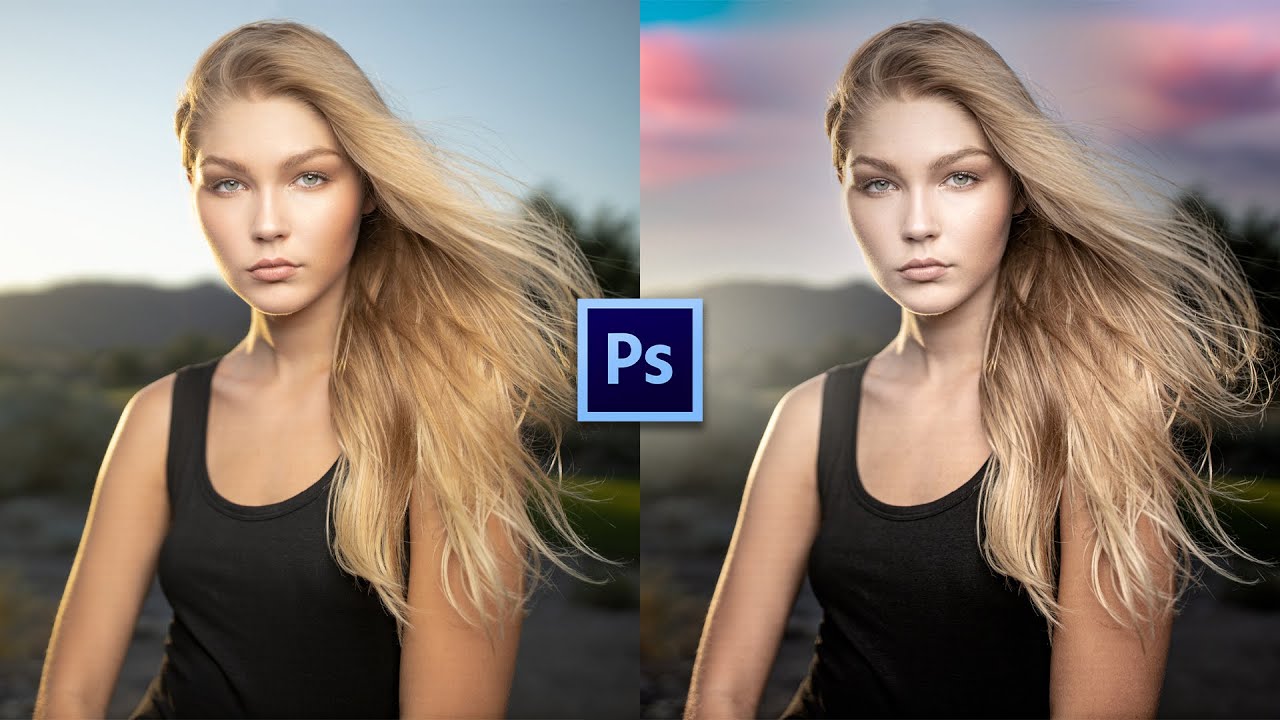
The Art of Not Getting Caught: Photo Manipulation Done Right Look, I’m going to be straight with you: photo manipulation gets a bad rap. Everyone’s suddenly a purist who swears they “don’t edit their photos” while conveniently forgetting about that Instagram filter they applied. The truth? Good manipulation is invisible. Bad manipulation makes people look like plastic aliens. I’m here to help you be in the first camp. The Golden Rule: Subtlety is Your Best Friend The biggest mistake I see is people treating Photoshop like a sledgehammer when they should be using it like a scalpel.

Master Dramatic Water Reflections in Photoshop: A Free Lesson From Kelvin Designs

Master Dramatic Water Reflections in Photoshop: A Free Lesson From Kelvin Designs

There’s a specific kind of frustration that hits when you’re staring at a photo that’s almost great. The composition is solid, the light is decent, but something about it feels flat and forgettable. For me, that problem shows up constantly with landscape and water shots. I’d spend time color grading, maybe dodging and burning a little, and still end up with something that looked like stock photo filler. Turns out I was skipping a step that takes maybe five minutes and makes a genuinely dramatic difference.