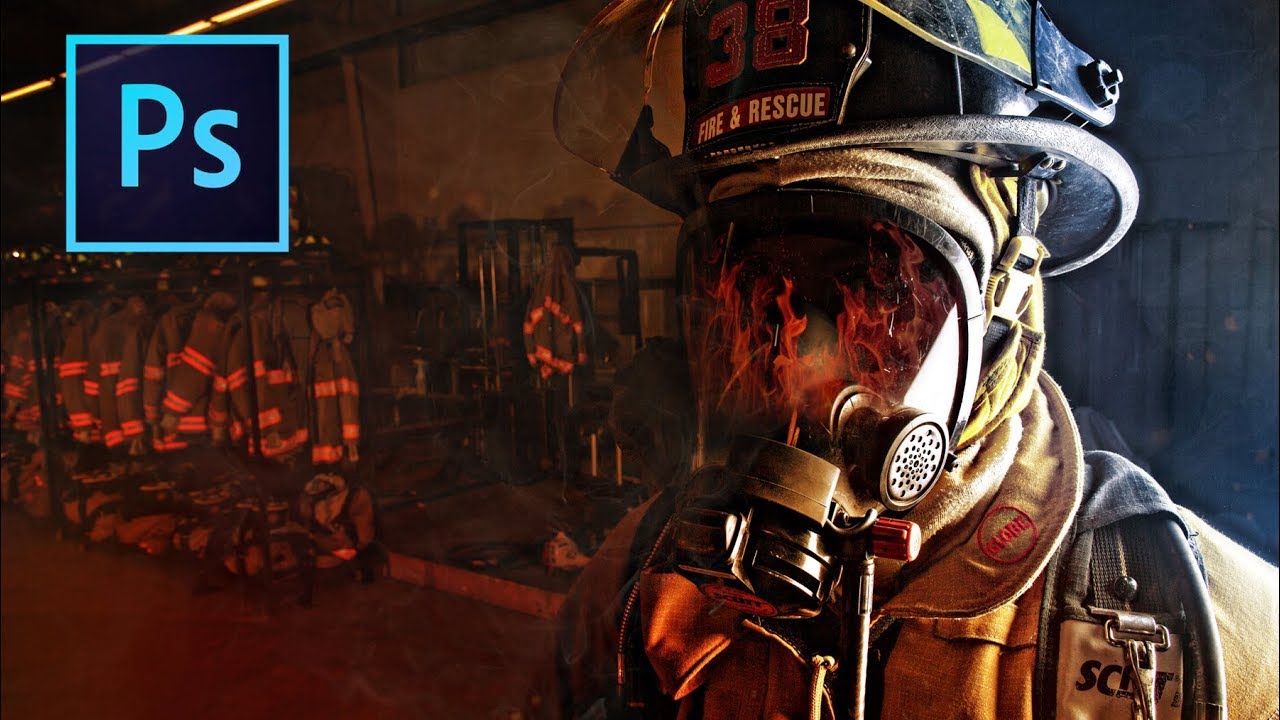
Fake the Light You Wish You Had: Color Gradient Enhancement in Photoshop

Fake the Light You Wish You Had: Color Gradient Enhancement in Photoshop

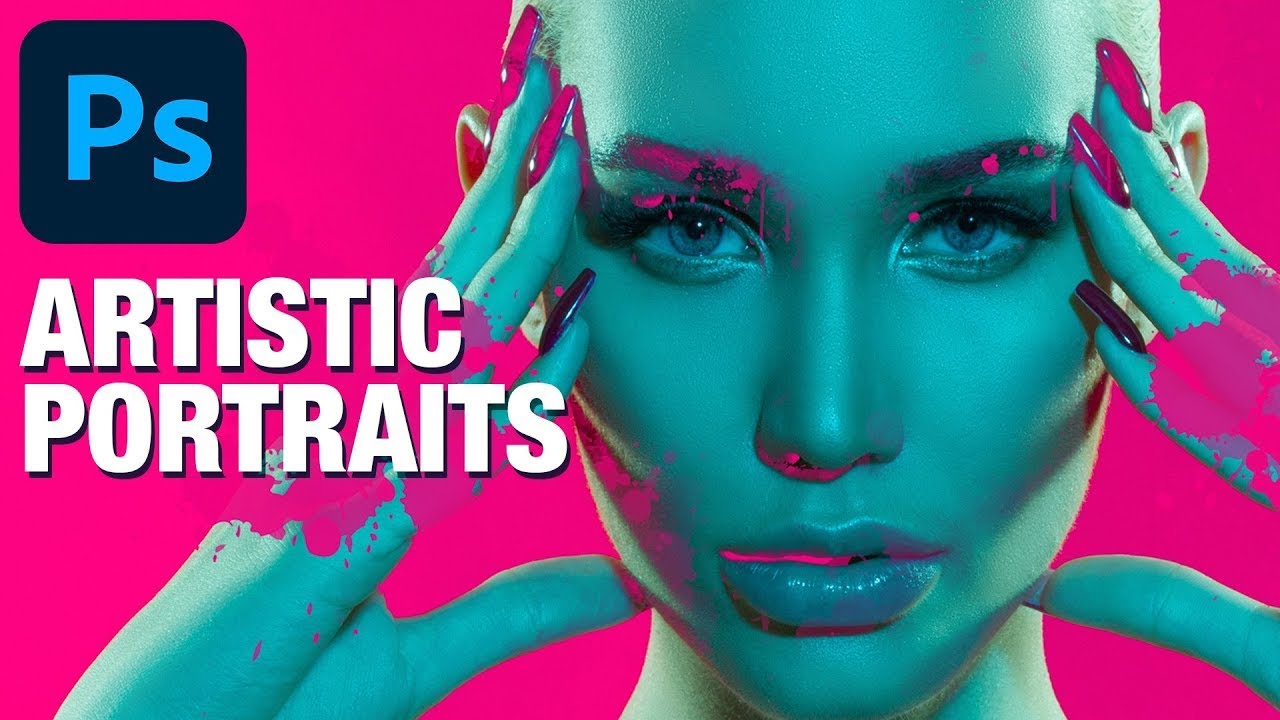
There’s a specific flavor of frustration that comes from shooting a solid portrait in flat, boring light and knowing the subject deserved better. The photo is technically fine. Exposure is good. Focus is sharp. And yet it looks like a LinkedIn headshot when it should look like a movie poster. I’ve been there more times than I care to admit, usually sitting in whatever coffee shop I’ve claimed as my office that week, staring at a Lightroom catalog full of “technically fine” images.
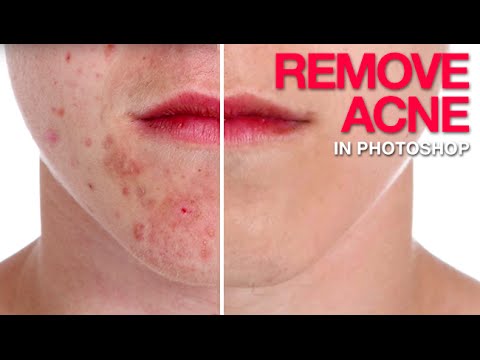

Bye-Bye Blemishes: A Practical Photoshop Guide to Removing Acne Without Destroying Skin

Bye-Bye Blemishes: A Practical Photoshop Guide to Removing Acne Without Destroying Skin

I do a lot of freelance portrait work. Not high-fashion editorial stuff, just real people who want to look their best in headshots, event photos, and the occasional engagement shoot. And one request comes up constantly: “Can you clean up my skin a little?” That’s polite for “I had a breakout and I hate this photo of myself.” For years, my go-to was just hammering the Spot Healing Brush until something resembling a face appeared.

How to Actually Fix a Backlit Candid Portrait (Without Lugging Around Studio Gear)

How to Actually Fix a Backlit Candid Portrait (Without Lugging Around Studio Gear)

There’s a specific kind of photo that shows up in everyone’s catalog and causes a small amount of existential dread: the backlit candid. You know the one. The light is beautiful, the moment is real, and the subject looks like they’re being interviewed in a witness protection program. I have folders full of these from outdoor events, and for a long time my solution was to either slap a Lightroom preset on them and hope for the best, or just quietly move them to trash.

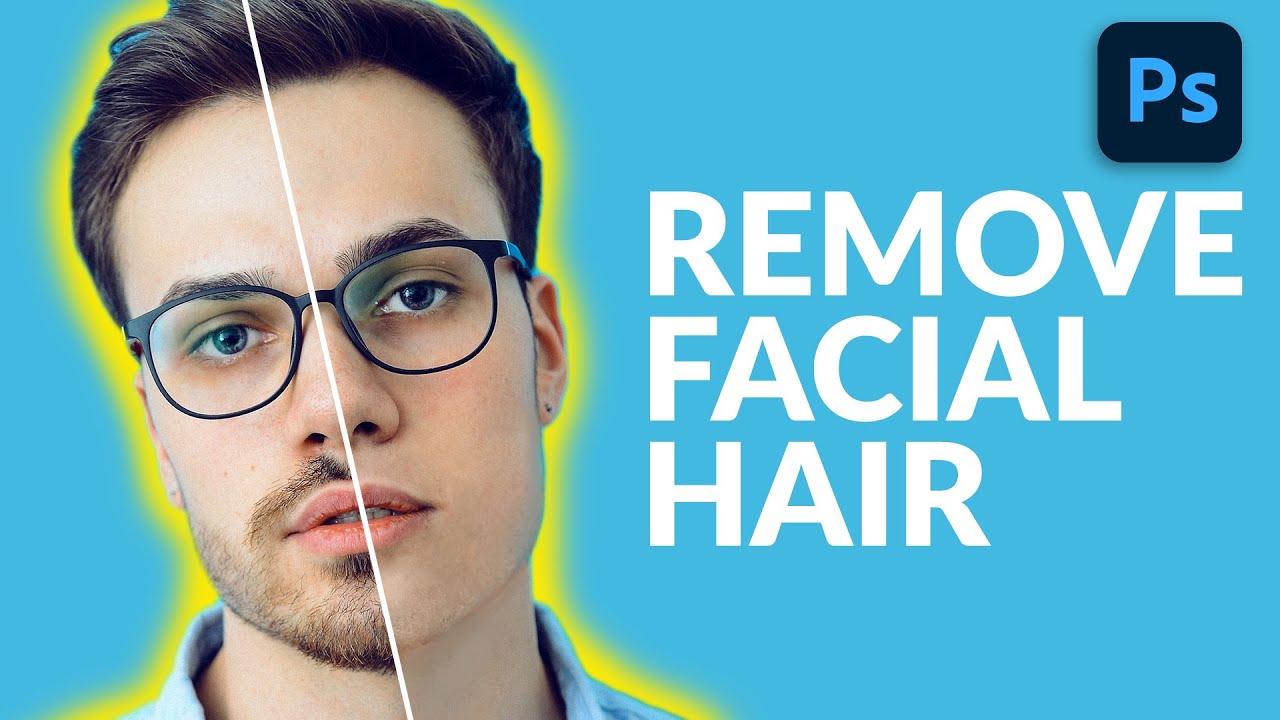
Painting Away Beards in Photoshop: The Manual Method That Actually Works

Painting Away Beards in Photoshop: The Manual Method That Actually Works

Retouching facial hair is one of those jobs that sounds simple until you’re forty-five minutes deep and your subject looks like they lost a fight with a rubber eraser. I’ve had clients send me portraits where the brief is something like “can you just clean him up a bit” - and that phrase, “clean him up,” almost always means removing a beard, a patch of stubble, or some combination of both.

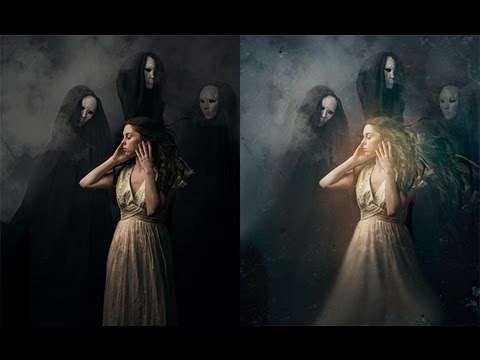
Smudge Tool Redemption: How to Add Moody Atmosphere to a Portrait in Photoshop

Smudge Tool Redemption: How to Add Moody Atmosphere to a Portrait in Photoshop

There’s a particular kind of client image that sits in my queue and stresses me out: the one that’s technically perfect but feels weirdly flat. Sharp, well-exposed, good composition. And yet something about it just doesn’t breathe. I’ve wasted more hours than I’d like to admit throwing adjustment layers at that problem, hoping a curves tweak or a color grade would somehow inject life into a photograph that needs something more textural.

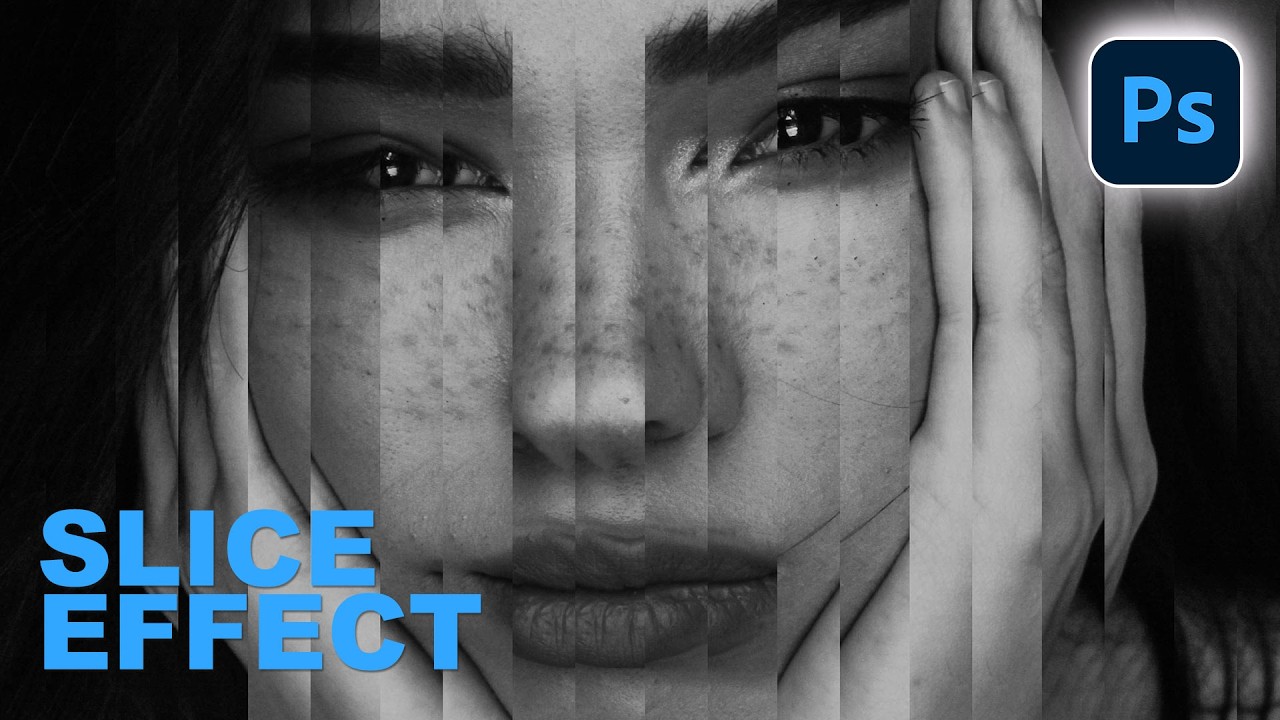
The Step and Repeat Slice Effect That Made Me Feel Like a Photoshop Insider

The Step and Repeat Slice Effect That Made Me Feel Like a Photoshop Insider

There’s a specific kind of embarrassment that hits when someone shows you a technique you’ve never heard of and you realize you’ve been doing it the hard way for years. I’ve been freelancing in Photoshop long enough that I thought I had a pretty solid handle on the non-destructive workflow stuff. Then I watched Aaron Nace’s latest PHLEARN tutorial on building a portrait slice effect from scratch and immediately learned about “step and repeat,” a technique I had somehow never encountered.

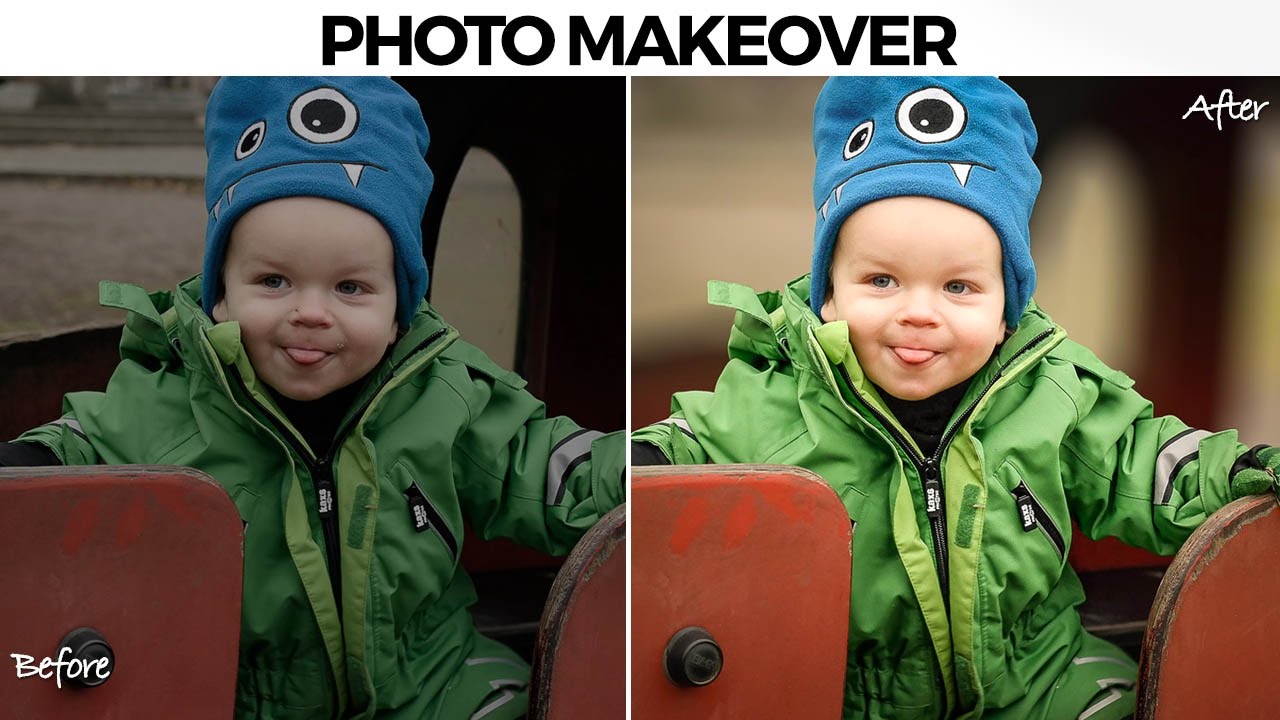
How to Actually Separate a Subject from a Busy Background (Without Losing Your Mind)

How to Actually Separate a Subject from a Busy Background (Without Losing Your Mind)

There’s a specific kind of job that used to make me quietly dread opening my inbox. A parent, a friend, someone’s aunt, sends you a candid photo of a kid with a genuinely great expression, and the background is just… a gray wall of visual noise. The subject is good. The light is okay. But nothing separates the person from everything behind them, and the whole thing reads as flat. I used to either spend way too long on it or hand it back with minimal changes and feel vaguely embarrassed about it.

Stop Blending Modes, Start Using Channels: The Smarter Way to Overlay Graphics on Portraits

Stop Blending Modes, Start Using Channels: The Smarter Way to Overlay Graphics on Portraits

There’s a specific kind of Photoshop frustration that hits when you drop a graphic element onto a portrait, slap on Multiply or Screen, and think “okay, close enough.” It works, sort of, but the colors are off, the opacity feels wrong, and the whole thing looks like you gave up halfway through. I’ve shipped work like that. Not proud of it, but I’ve done it. The problem isn’t the blending mode itself.

How to Add Cinematic Light Blur Effects to Portraits Without Destroying Your Original Image

How to Add Cinematic Light Blur Effects to Portraits Without Destroying Your Original Image

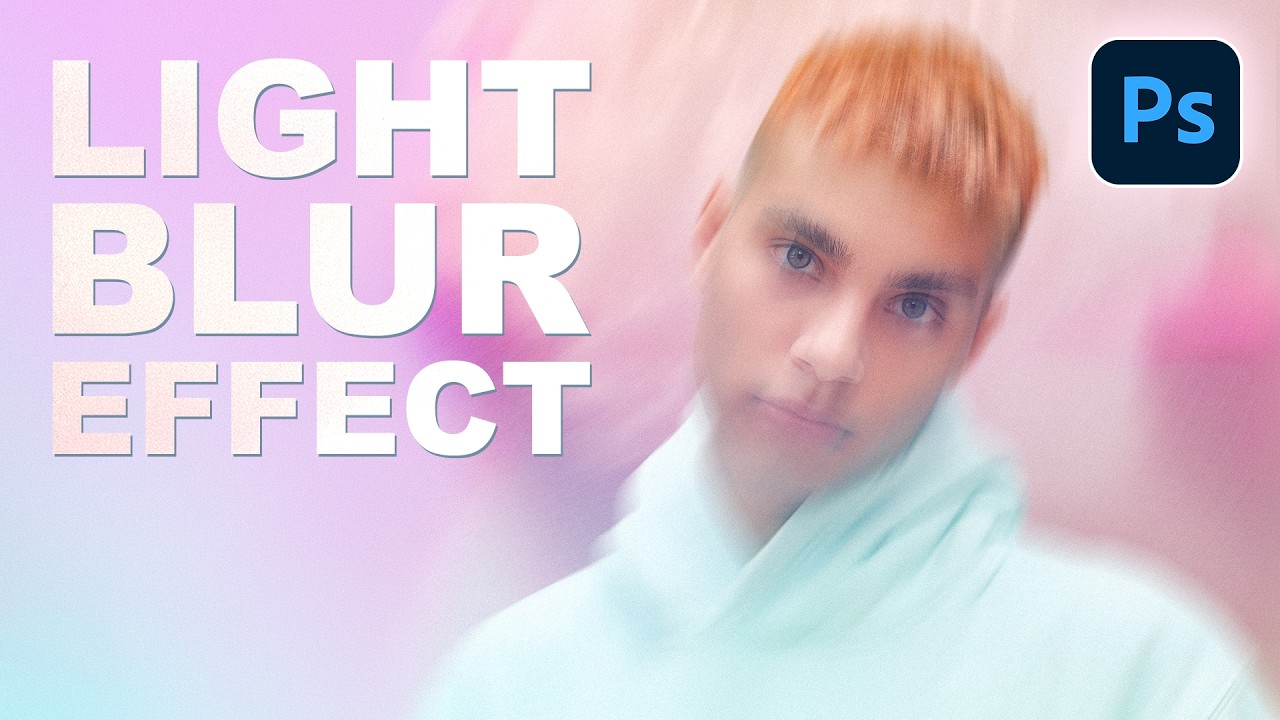
There’s a specific kind of composite that shows up constantly in editorial photography, album covers, and high-end portrait work. The subject is sharp, the background is this gorgeous smear of color and light, and the whole thing feels cinematic without trying too hard. For a long time I was faking that look with Gaussian Blur and hoping nobody noticed. It always looked a little flat, a little lazy. Then I watched this PHLEARN tutorial and realized I’d been ignoring one of Photoshop’s most underrated tools.

The Art of Making People Look Better Than They Actually Are (Legally)

The Art of Making People Look Better Than They Actually Are (Legally)

The Art of Making People Look Better Than They Actually Are (Legally) Let’s be honest: everyone wants to look better in photos. Your job as a Photoshop wizard is to deliver results that make people say “wow, you look amazing!” rather than “did you use a filter from 2009?” There’s a fine line between enhancement and looking like a plastic action figure, and I’m here to help you walk it.

The Dark Art of Photo Manipulation: Making People Look Better Than They Have Any Right To

The Dark Art of Photo Manipulation: Making People Look Better Than They Have Any Right To

The Dark Art of Photo Manipulation: Making People Look Better Than They Have Any Right To Look, I’m not going to pretend that photo manipulation is some noble pursuit. It’s basically digital lying. But it’s fun lying, and honestly, everyone’s doing it. Your Instagram influencer crush? Manipulated. That family photo where everyone actually looks happy? Manipulated. That picture of your breakfast that got 47 likes? Okay, probably not manipulated, but it should have been.

Stop Nuking Eye Color: A Better Way to Change Eyes in Photoshop

Stop Nuking Eye Color: A Better Way to Change Eyes in Photoshop

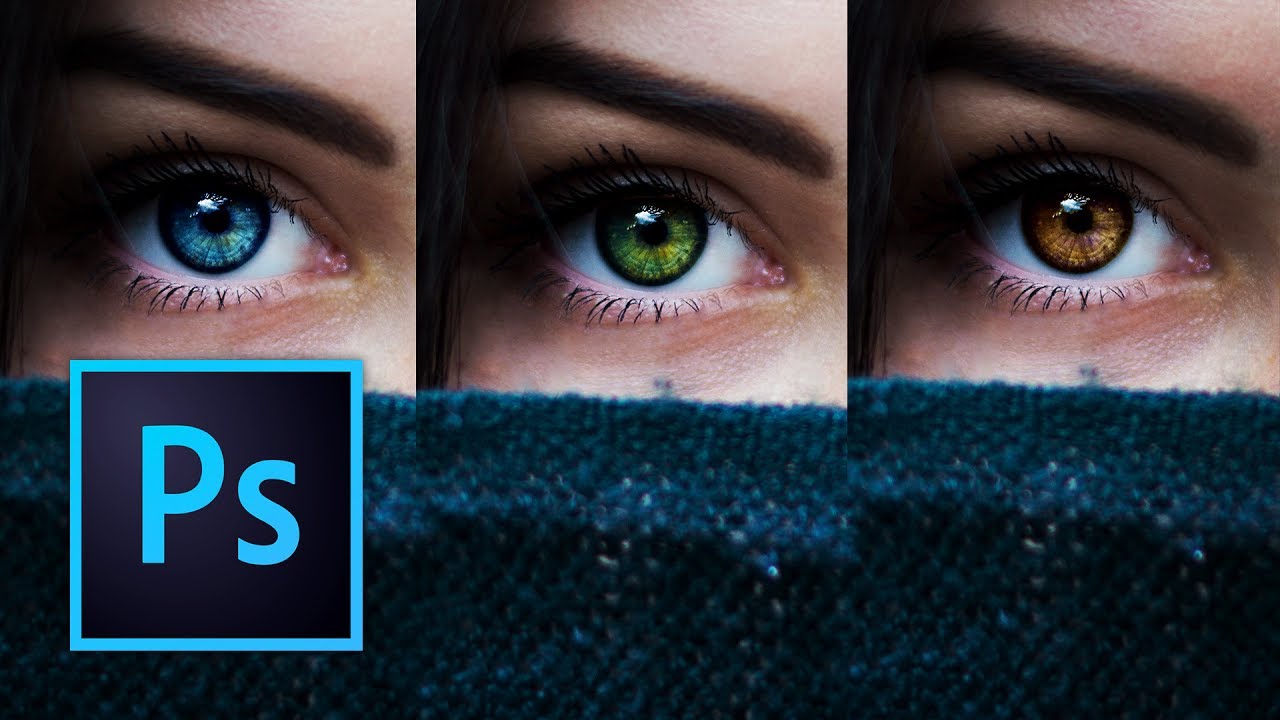
I used to change eye color in Photoshop the lazy way. Hue/Saturation adjustment layer, clip it, drag the slider, call it a day. It works, technically. It also looks like you swapped someone’s eyes with a cartoon character’s. Clients notice. You notice. And then you spend twenty minutes trying to dial it back until it looks passably human, which mostly defeats the purpose. The smarter approach involves a more deliberate mask and a color-mixing method that actually respects how eyes catch light.