Stop Guessing Which Selection Tool to Use — Here's the Cheat Sheet You Actually Need

Stop Guessing Which Selection Tool to Use — Here's the Cheat Sheet You Actually Need

If selections aren’t clicking for you in Photoshop, I promise it’s not because you’re bad at software. It’s because there are about a dozen different ways to make a selection and nobody ever explains when to use which one. I spent the better part of my early freelance years defaulting to whatever tool I’d used last, regardless of whether it was the right call. Spoiler: it usually wasn’t. Getting a better grip on selection tools is genuinely one of those skill-ups that changes how fast you work, not just how well.
Photoshop at 35: What Happens When You Actually Use Version 1.0 in 2025

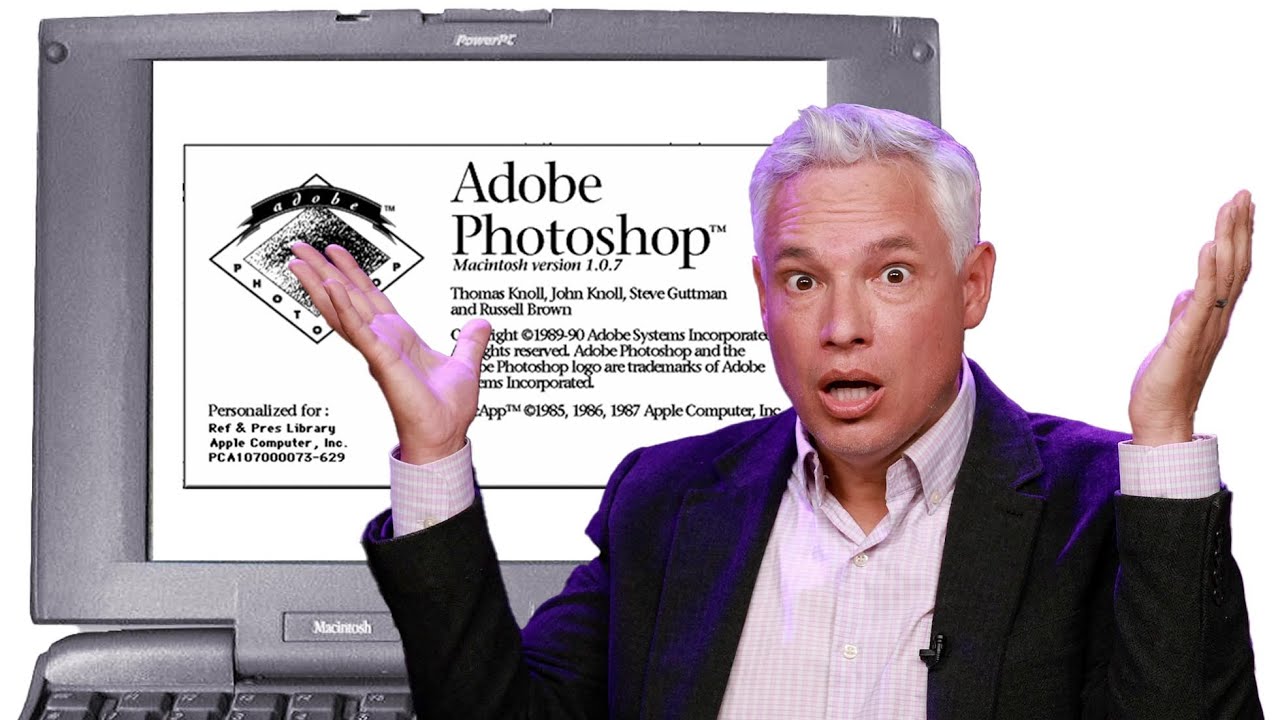
Photoshop at 35: What Happens When You Actually Use Version 1.0 in 2025

I started making graphics in MS Paint. Terrible, pixelated, deeply embarrassing stuff - word art on birthday cards, memes with white borders because I didn’t know how to crop. So when I finally got my hands on Photoshop, it felt like going from a tricycle to a sports car. I still feel that way, honestly. But it’s easy to forget just how far the software has actually traveled when you’re living inside the current version every day.

Open, Edit, Save: The Photoshop Workflow That Actually Sticks (Day 2 Breakdown)

Open, Edit, Save: The Photoshop Workflow That Actually Sticks (Day 2 Breakdown)

There’s a particular kind of embarrassment that comes from being a working designer and realizing you’ve been opening files the slow way for years. Not wrong, just slow. Inefficient in that quiet, compounding way that costs you ten seconds here, thirty seconds there, until one day you’re watching someone else work and they pull off three steps in the time it took you to reach for your mouse. That was me, earlier in my career, and honestly it still catches me off guard when I stumble onto a faster method.

Stop Fighting the Magic Wand Tool — It's Actually Good (When You Use It Right)

Stop Fighting the Magic Wand Tool — It's Actually Good (When You Use It Right)

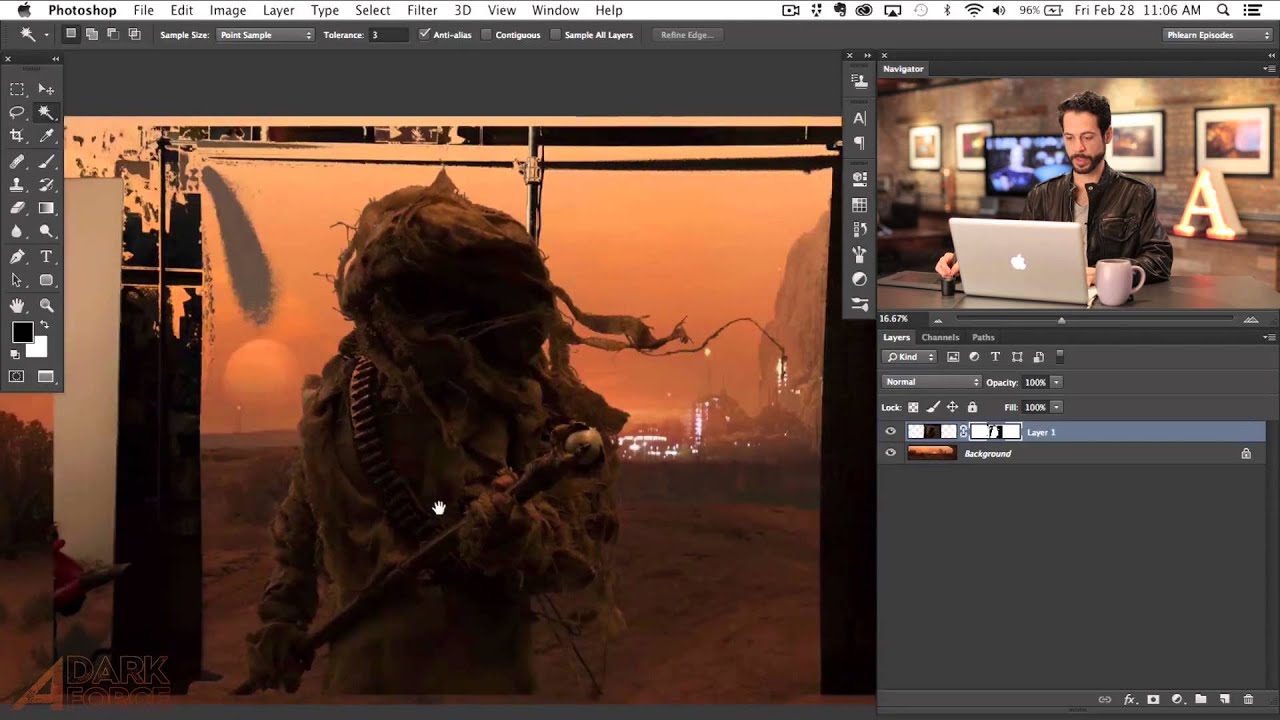
Compositing is where Photoshop either saves your project or humiliates you. I’ve been on both ends of that. There was a period where I spent three full days on a composite, painstakingly painting out a background pixel by pixel, only to have a friend glance at it, ask why I wasn’t using a smarter selection workflow, and then rebuild the whole thing in about twenty minutes while I sat there questioning my life choices.

Stop Guessing With Color: A Practical Guide to Hue/Saturation in Photoshop

Stop Guessing With Color: A Practical Guide to Hue/Saturation in Photoshop

Color adjustments are where most beginners torch their files and don’t realize it until three saves later. I know because I spent years doing exactly that, flattening hue shifts directly onto background layers and then wondering why I couldn’t refine anything without starting over. The whole workflow felt fragile, like editing in pen instead of pencil. In this Aaron Nace (PHLEARN) tutorial, he walks through the Hue/Saturation tool from the ground up, and what makes it worth your time isn’t just the “move slider, color changes” part.

How to Open, Edit, and Save in Photoshop Without Destroying Your Work (Or Your Sanity)

How to Open, Edit, and Save in Photoshop Without Destroying Your Work (Or Your Sanity)

Early in my freelance career, I had a bad habit of editing directly on original files. No layers, no backup copies, just reckless confidence and a fast save button. You can probably guess how that story ends. I lost work, I re-did edits I’d already done, and I spent an embarrassing amount of time explaining to clients why their “finished” photos needed to be “finished” again. The fix was stupidly simple, and it came down to understanding one concept: non-destructive editing.

Stop Clicking Around: How to Actually Choose the Right Selection Tool in Photoshop

Stop Clicking Around: How to Actually Choose the Right Selection Tool in Photoshop

I had a client ask me to cut out a model from a white studio background last year. Simple job. Twenty seconds, maybe. I watched the file come through, opened it, and instinctively reached for the Quick Selection tool out of habit. Four minutes later I was still cleaning up jagged edges around flyaway hair and quietly hating myself. The Object Selection tool with a quick mask refinement would have had it done in under a minute.

Stop Using the Wrong Selection Tool (Yes, You)

Stop Using the Wrong Selection Tool (Yes, You)

Stop Using the Wrong Selection Tool (Yes, You) I’m going to say something controversial: most people use the Rectangular Select tool for everything, and it’s ruining their life. Look, I get it. It’s right there at the top of the toolbox, it’s simple, and it does something. But Photoshop has an entire arsenal of selection tools, and using the wrong one is like trying to cut steak with a spoon. Technically possible.

Stop Flattening Your Images: A Beginner's Guide to Layer Mastery

Stop Flattening Your Images: A Beginner's Guide to Layer Mastery

Stop Flattening Your Images: A Beginner’s Guide to Layer Mastery Look, I get it. You’re working in Photoshop, things are happening, and suddenly you hit “Image > Flatten Image” because you panicked. I’ve been there. The difference is, I don’t do that anymore—and neither should you. Layers aren’t just organizational tools for people who like things neat (though they are that). They’re literally the difference between a non-destructive workflow and crying over a permanently destroyed masterpiece.

Stop Drowning in Buttons: The Honest Guide to Your First Week With Photoshop

Stop Drowning in Buttons: The Honest Guide to Your First Week With Photoshop

I’ve watched countless people open Photoshop for the first time, and their reaction is almost always the same: a thousand-yard stare followed by “what the heck am I looking at?” I get it. Adobe’s masterpiece looks like someone threw every conceivable tool into a digital toolbox, shook it violently, and then scattered the contents across your screen in seemingly random locations. It’s not beginner-friendly. It’s barely professional-friendly. But here’s the thing—you don’t need to learn all of it to get started.

Master Photoshop's Selection Tools (Without Losing Your Mind)

Master Photoshop's Selection Tools (Without Losing Your Mind)

Master Photoshop’s Selection Tools (Without Losing Your Mind) Look, I’m going to level with you: selection tools are probably the most boring-sounding feature in Photoshop. And yet they’re absolutely crucial. It’s like talking about a good foundation in a house — nobody gets excited about it, but everything falls apart without it. The good news? Once you stop treating all selection tools like they’re interchangeable and actually match the tool to the job, your entire workflow speeds up.

Master Photoshop's Selection Tools: Stop Wasting Time and Start Selecting Like a Pro

Master Photoshop's Selection Tools: Stop Wasting Time and Start Selecting Like a Pro

Master Photoshop’s Selection Tools: Stop Wasting Time and Start Selecting Like a Pro Look, I get it. Selection tools seem boring. You’d rather jump straight to filters and effects. But here’s the thing—mastering selections is the difference between looking like you know Photoshop and actually knowing Photoshop. Plus, I’m going to show you which tools matter and which ones you can safely ignore. The Rectangle and Ellipse Tools: Your Daily Drivers Let’s start with the obvious stuff, because honestly, the Rectangle Select Tool handles about 60% of real work.