How to Fake a Dramatic Water Reflection in Photoshop (And Actually Make It Look Real)

How to Fake a Dramatic Water Reflection in Photoshop (And Actually Make It Look Real)

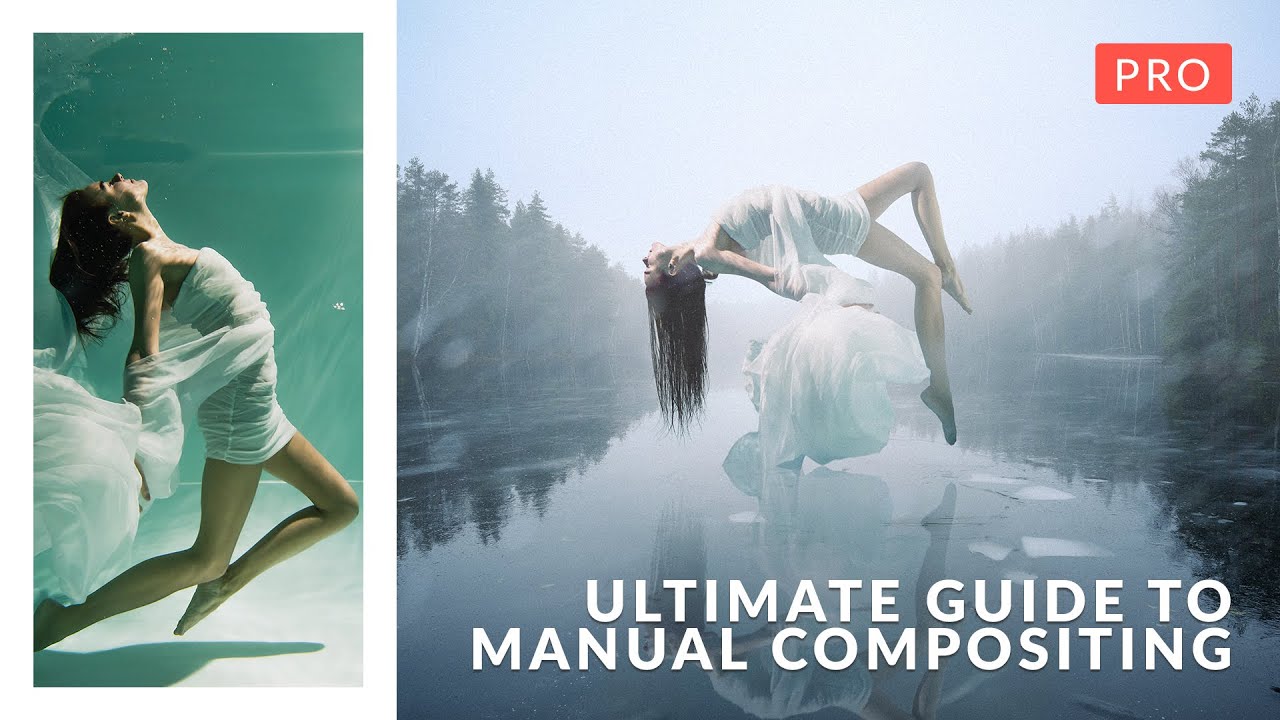
The Composite That Broke My Confidence A while back I spent the better part of a week on a cityscape composite. Client wanted drama. Moody sky, golden hour, the works. I delivered it, felt good about it, and then saw another designer’s version of basically the same brief pop up on Behance. Their image had a foreground water reflection that made the whole thing sing. Mine looked like a postcard.

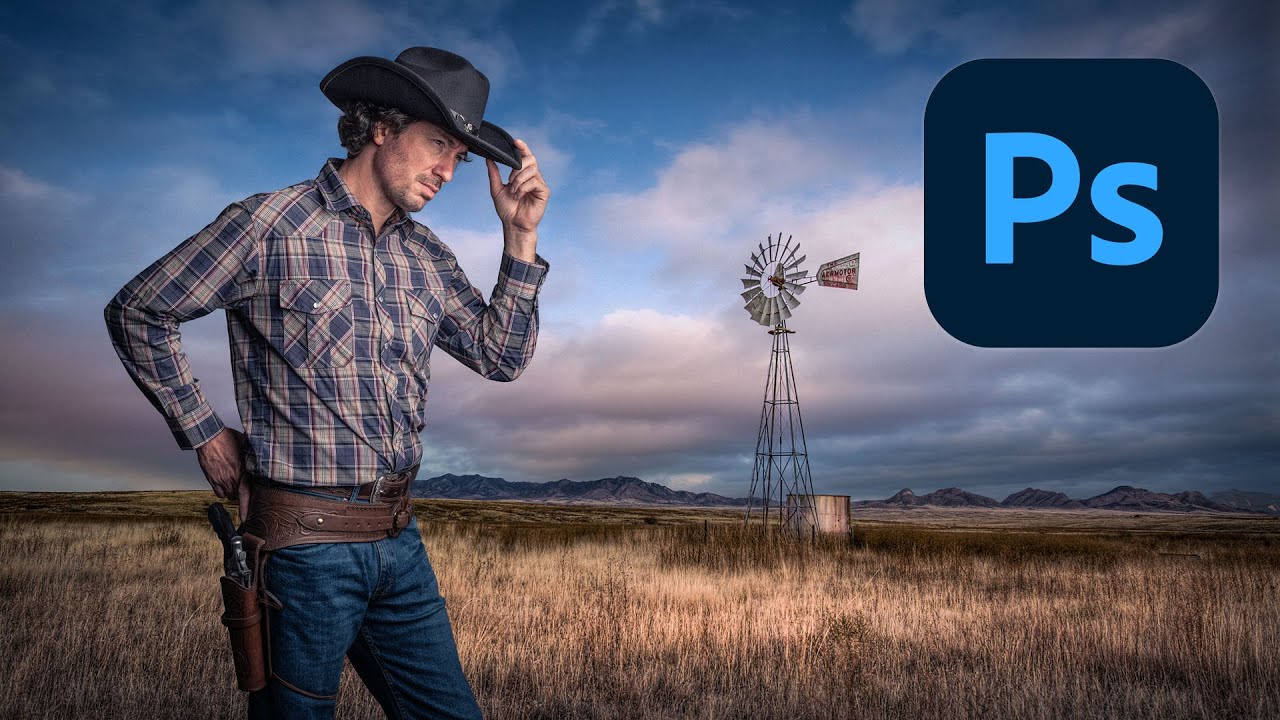
Cutting Out Cowboys and Making Composites Actually Look Real in Photoshop

Cutting Out Cowboys and Making Composites Actually Look Real in Photoshop

Compositing is one of those skills that separates the people who use Photoshop from the people who know Photoshop. I learned that the uncomfortable way a few years back when a friend sat down at my machine, looked at a composite I’d spent three days on, and rebuilt something better in about twenty minutes using techniques I’d never seen. That stung. A lot. Since then I’ve made it a point to watch how other working designers approach the problem, even when I think I’ve got it figured out.

Fake Shadows That Actually Fool People: What I Learned From Kelvin Designs

Fake Shadows That Actually Fool People: What I Learned From Kelvin Designs

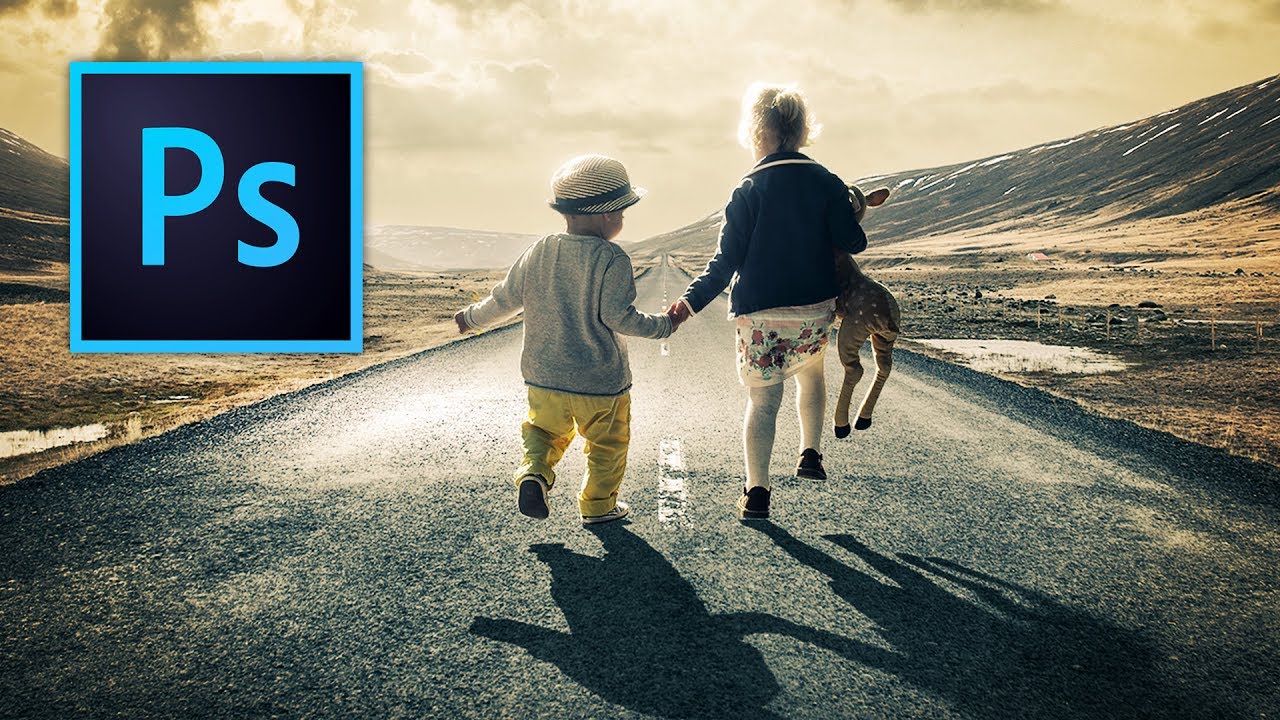
Shadows are the thing that exposes a bad composite faster than anything else. Not the color grading, not the edge masking, not even the resolution mismatch. The shadow. Or more precisely, the missing shadow, or the one that’s slightly wrong and you can’t put your finger on why until someone points it out and then you can never unsee it. I’ve lost count of how many times I’ve placed a subject into a scene, done genuinely solid masking work, and still had the whole thing feel like a bad magazine cutout.

The Art of Making People Look Better Than They Actually Are

The Art of Making People Look Better Than They Actually Are

The Art of Making People Look Better Than They Actually Are Listen, we’ve all been there. Your friend sends you a photo from their vacation and asks if you can “just fix it up a little bit.” What they really mean is: “Can you make me look like I haven’t been awake for 36 hours and surviving on airport snacks?” Photo manipulation gets a bad rap—mostly from people who’ve seen those aggressively filtered Instagram pics where someone’s skin looks like a porcelain doll that came to life in a horror movie.

The Art of Making People Look Better Than They Actually Are (Legally)

The Art of Making People Look Better Than They Actually Are (Legally)

The Art of Making People Look Better Than They Actually Are (Legally) Let’s be honest: everyone wants to look better in photos. Your job as a Photoshop wizard is to deliver results that make people say “wow, you look amazing!” rather than “did you use a filter from 2009?” There’s a fine line between enhancement and looking like a plastic action figure, and I’m here to help you walk it.

The Dark Art of Photo Manipulation: Making People Look Better Than They Have Any Right To

The Dark Art of Photo Manipulation: Making People Look Better Than They Have Any Right To

The Dark Art of Photo Manipulation: Making People Look Better Than They Have Any Right To Look, I’m not going to pretend that photo manipulation is some noble pursuit. It’s basically digital lying. But it’s fun lying, and honestly, everyone’s doing it. Your Instagram influencer crush? Manipulated. That family photo where everyone actually looks happy? Manipulated. That picture of your breakfast that got 47 likes? Okay, probably not manipulated, but it should have been.

The Dark Art of Photo Manipulation: Making People Look Better Than They Actually Are

The Dark Art of Photo Manipulation: Making People Look Better Than They Actually Are

The Dark Art of Photo Manipulation: Making People Look Better Than They Actually Are Let’s be honest—we’re all here because reality is sometimes disappointing. Your client’s product photos are too dark. Your portrait subject has a mysterious third chin they swear isn’t usually there. The sunset you drove two hours to photograph looks about as inspiring as a spreadsheet. Enter photo manipulation: the noble art of making things look better without making them look obviously fake.

The Art of Not Getting Caught: Photo Manipulation Done Right

The Art of Not Getting Caught: Photo Manipulation Done Right

The Art of Not Getting Caught: Photo Manipulation Done Right Look, I’m going to be straight with you: photo manipulation gets a bad rap. Everyone’s suddenly a purist who swears they “don’t edit their photos” while conveniently forgetting about that Instagram filter they applied. The truth? Good manipulation is invisible. Bad manipulation makes people look like plastic aliens. I’m here to help you be in the first camp. The Golden Rule: Subtlety is Your Best Friend The biggest mistake I see is people treating Photoshop like a sledgehammer when they should be using it like a scalpel.

Master Dramatic Water Reflections in Photoshop: A Free Lesson From Kelvin Designs

Master Dramatic Water Reflections in Photoshop: A Free Lesson From Kelvin Designs

I’ll be honest—when I first heard about creating “dramatic reflections in water,” I expected some convoluted mess involving layer masks, blend modes, and three cups of coffee. Turns out, it’s refreshingly straightforward. In this excellent tutorial, Kelvin Designs shows you a technique that’s so simple you’ll wonder why you didn’t think of it yourself (and then feel slightly annoyed about that fact). This free lesson from Kelvin’s new Photoshop Workflow Course is exactly the kind of practical, no-BS content I love: quick, effective, and actually useful for real-world design work.