Lightroom's Radial Filter Is Doing Way More Work Than You Think

Lightroom's Radial Filter Is Doing Way More Work Than You Think

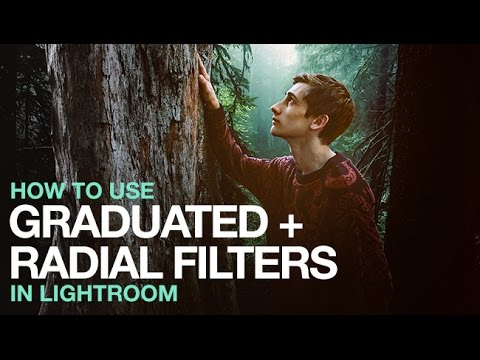
I’ll be honest with you. For an embarrassingly long time, I used Lightroom’s Radial Filter for exactly one thing: drawing a circle and darkening the outside of it. That’s it. That was my whole relationship with the tool. I was basically using a Swiss Army knife to open envelopes. Then I stumbled onto a tutorial by landscape photographer Nigel Danson where he runs through five distinct things you can do with the Radial Filter, and I had one of those “okay I’ve been doing this wrong” moments that I usually only get from accidentally breaking something expensive.

Lightroom First, Photoshop Second: Why Your Edit Order Is Wrecking Your Photos

Lightroom First, Photoshop Second: Why Your Edit Order Is Wrecking Your Photos

There’s a version of me from a few years ago who would open every photo straight in Photoshop. Raw file, JPEG, screenshot of a meme — didn’t matter. Photoshop was the big tool, so obviously that’s where the real work happened, right? Wrong. It took embarrassingly long for me to figure out that jumping past Lightroom (or Camera Raw) wasn’t a power move. It was leaving quality on the table before I’d even started.

Stop Fighting Your Colors: How Color Range Masking Gives You Surgical Control

Stop Fighting Your Colors: How Color Range Masking Gives You Surgical Control

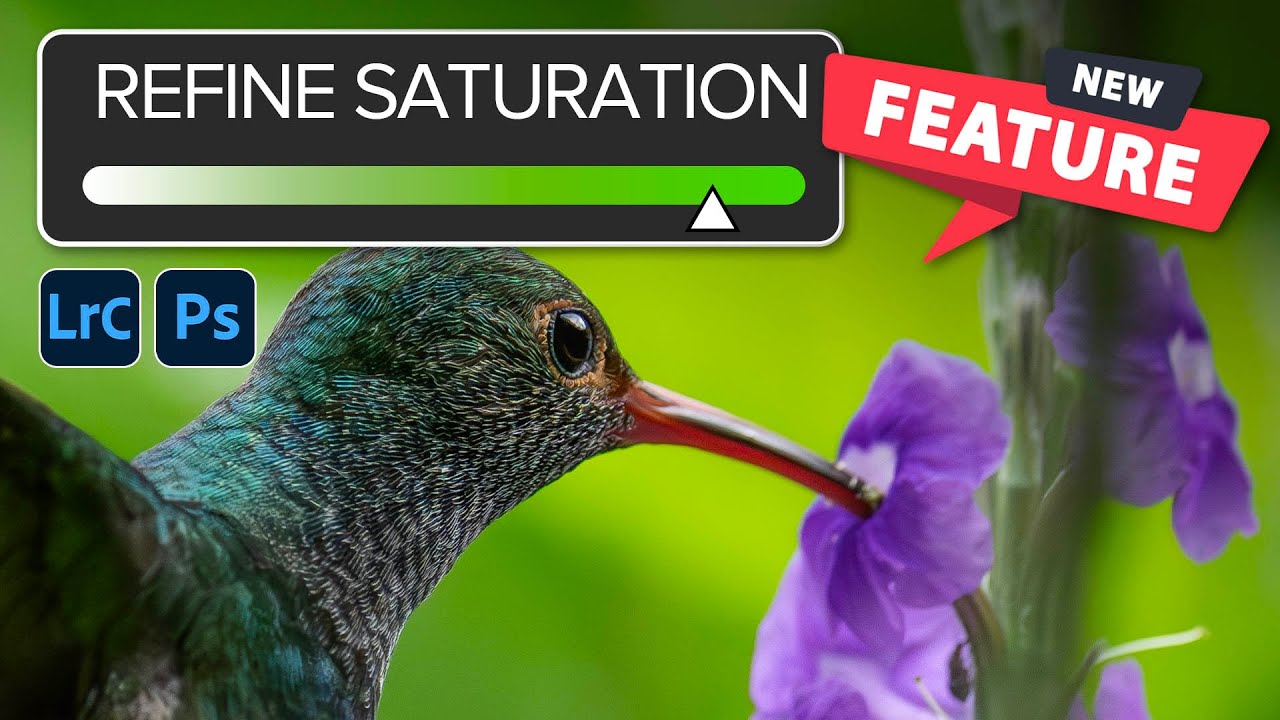
There’s a specific flavor of frustration I know too well: you brighten a photo, and suddenly everything looks like it’s been left out in the Texas sun for three days. The thing you actually wanted to pop, say a product, a piece of clothing, a neon sign, gets lost in the wash because you were editing the whole image instead of just the part that needed it. For a long time, my answer was to mess around with the HSL panel, nudge a slider, and hope for the best.

Adobe's AI Noise Reduction is Here and It's Kind of a Big Deal

Adobe's AI Noise Reduction is Here and It's Kind of a Big Deal

I shoot a lot of work late in coffee shops. Bad lighting, available light, high ISO, the whole disaster. So noise has always been my nemesis, sitting there in my shadows like an uninvited guest who refuses to leave. For years I dealt with it through a mix of manual sliders in Lightroom and a third-party plugin that worked well but added time to every job. Then Adobe dropped their AI-powered Denoise feature in Lightroom Classic and Adobe Camera Raw, and suddenly a lot of photographers started asking whether the plugin era is over.

AI Snow Masking in Photoshop and Lightroom Just Changed How I Edit Winter Shots

AI Snow Masking in Photoshop and Lightroom Just Changed How I Edit Winter Shots

Winter landscape photos have always been a mild headache for me. Snow blows out highlights, the sky goes flat, and the trees end up looking like sad gray sticks. I’d usually spend way too long painting manual masks just to bring some texture back into the snow without torching everything else in the frame. Not anymore. Adobe just dropped an update to their AI Landscape masking tool, and it now detects snow as its own separate, editable region.

Generative Credits in Photoshop & Lightroom: What Costs You and What Doesn't

Generative Credits in Photoshop & Lightroom: What Costs You and What Doesn't

Here’s a situation I’ve been in more than once: I’m halfway through a client job, I’ve been leaning on Photoshop’s AI tools like they’re going out of style, and then I get that little notification that my generative credits are running low. Cue mild panic, a lot of Googling, and the realization that I had absolutely no idea which tools were burning through credits and which ones were free. Turns out, I’d been playing the game without reading the rules.

How to Fake Dramatic Light on a Flat, Overcast Photo Using Lightroom and Photoshop

How to Fake Dramatic Light on a Flat, Overcast Photo Using Lightroom and Photoshop

There’s a specific kind of frustration that comes from having a technically solid photo that just… sits there. Good composition, decent exposure, interesting subject. But the light was flat because it was an overcast Tuesday and the sky didn’t care about your shoot. I’ve been in that situation more times than I can count, and my usual move was to slap a preset on it and call it a day. That worked until clients started asking for something that actually looked intentional.

From Negatives to Digital: How to Scan Film at Home Using Your Camera and Lightroom

From Negatives to Digital: How to Scan Film at Home Using Your Camera and Lightroom

I got into photography the wrong way. Started with memes in MS Paint, graduated to Photoshop, and somewhere along the line developed an unhealthy obsession with film. The problem is that film and digital don’t naturally talk to each other. You shoot a roll, get it developed, and then you’re holding a strip of negatives that you can’t post, print digitally, or do anything useful with unless you either pay someone to scan them or drop serious cash on a dedicated film scanner.

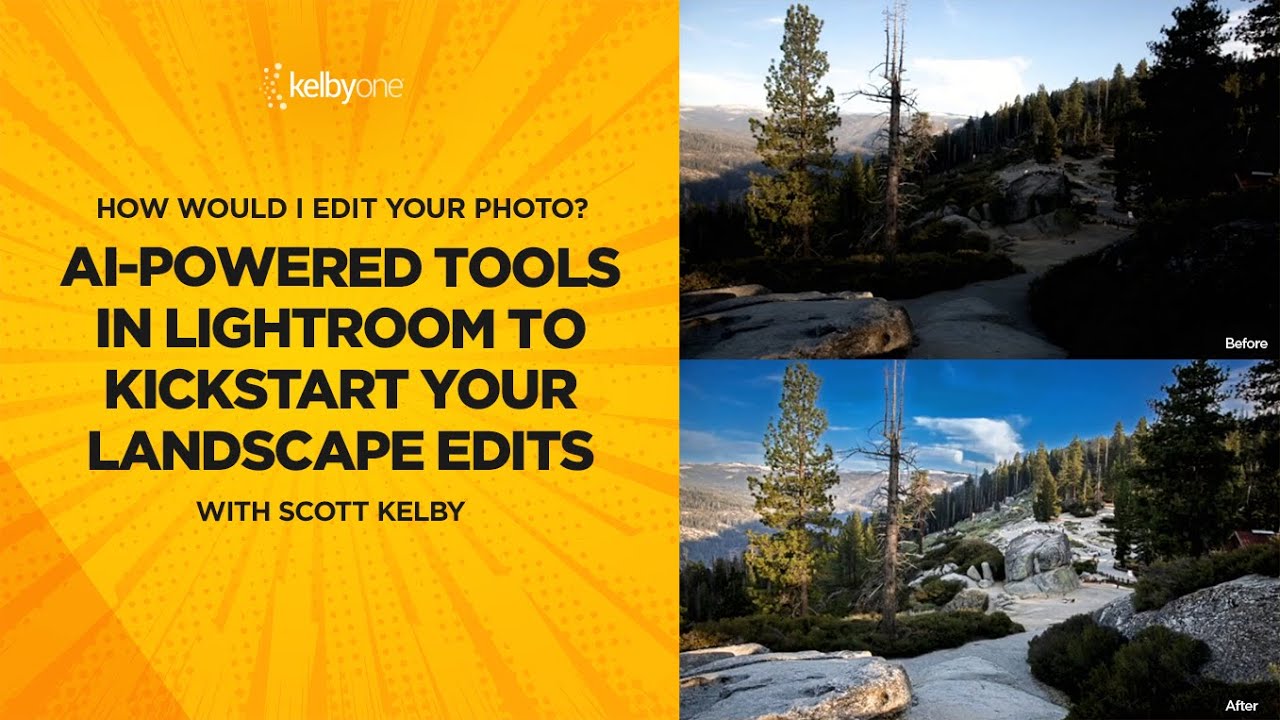
From Flat to Finished: Scott Kelby's Intermediate Lightroom Workflow (With a Photoshop Assist)

From Flat to Finished: Scott Kelby's Intermediate Lightroom Workflow (With a Photoshop Assist)

There’s a specific kind of photo that lives on every photographer’s hard drive. Not the hero shot. Not the portfolio piece. The “I was walking by and this looked interesting” shot. The one you almost delete but don’t, because something about it nags at you. I have a folder full of those, and for a long time I treated them as lost causes, spending all my energy on the obvious winners and ignoring everything else.

Your Landscape Photos Look Flat Because You're Ignoring Atmospheric Perspective (Here's the Fix)

Your Landscape Photos Look Flat Because You're Ignoring Atmospheric Perspective (Here's the Fix)

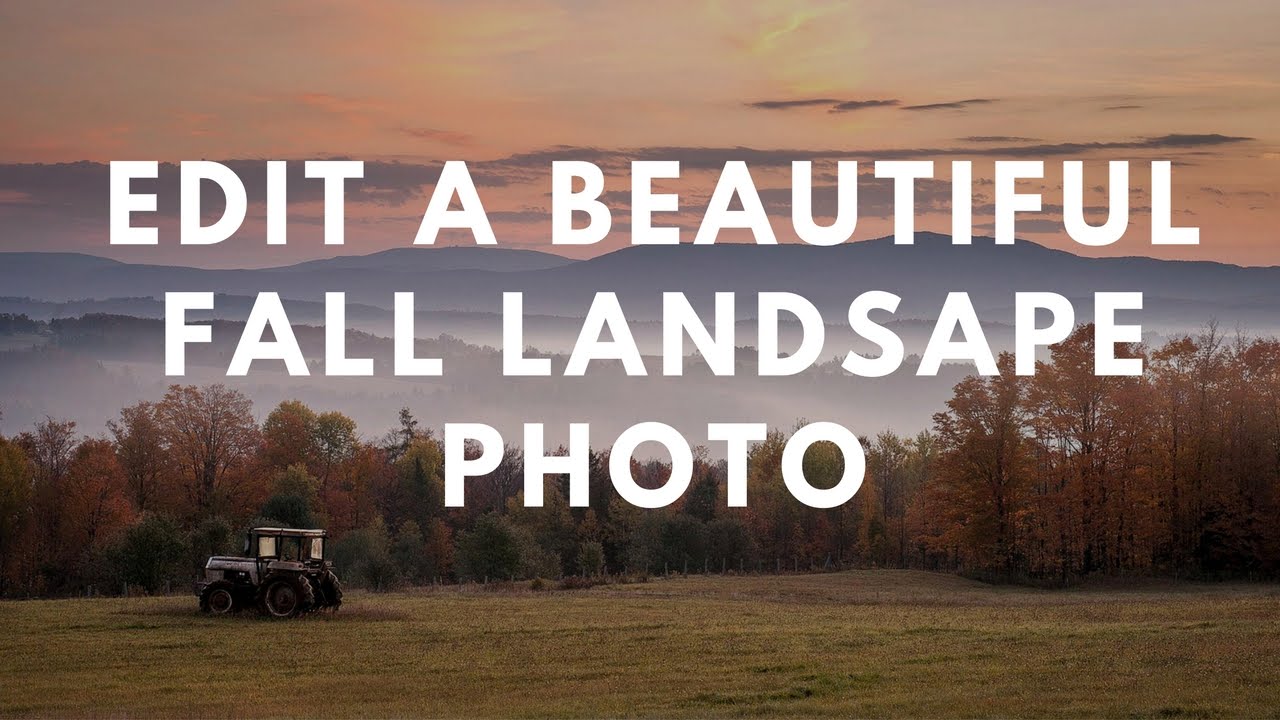
There’s a specific kind of disappointment that hits when you open a photo that felt incredible to shoot and it just… sits there on your screen looking lifeless. No drama, no depth, nothing pulling you in. I’ve been there more times than I’d like to admit, and for a long time I blamed the light, or the lens, or some vague cosmic unfairness. Turns out the problem was usually in how I was processing the file, specifically the fact that I was treating the whole image as one flat thing instead of a scene with actual distance in it.

Stop Telling Beginners They Need Photoshop (They Really Don't)

Stop Telling Beginners They Need Photoshop (They Really Don't)

Stop Telling Beginners They Need Photoshop (They Really Don’t) I spent years watching the same tired advice get recycled in every photography forum on the internet. A nervous beginner posts their first edit, asks for constructive feedback, and without fail, some keyboard warrior responds with: “You need to learn Photoshop if you want to be a real photographer.” I used to believe this myself. Back in 2012, it felt like gospel truth.