Behind the Curtain at Photoshop World: Gear, Tablets, and Why the Conference Floor Is a Better Classroom Than YouTube

Behind the Curtain at Photoshop World: Gear, Tablets, and Why the Conference Floor Is a Better Classroom Than YouTube

There’s a version of learning Photoshop where you sit alone in a dark room watching tutorials at 1.5x speed, and then there’s learning it the way the pros actually do it: by being in a room where the product managers, the gear vendors, and the working photographers are all within shouting distance of each other. I didn’t discover that second version until embarrassingly late in my career. Most of what I know came from coffee shop WiFi and YouTube rabbit holes.
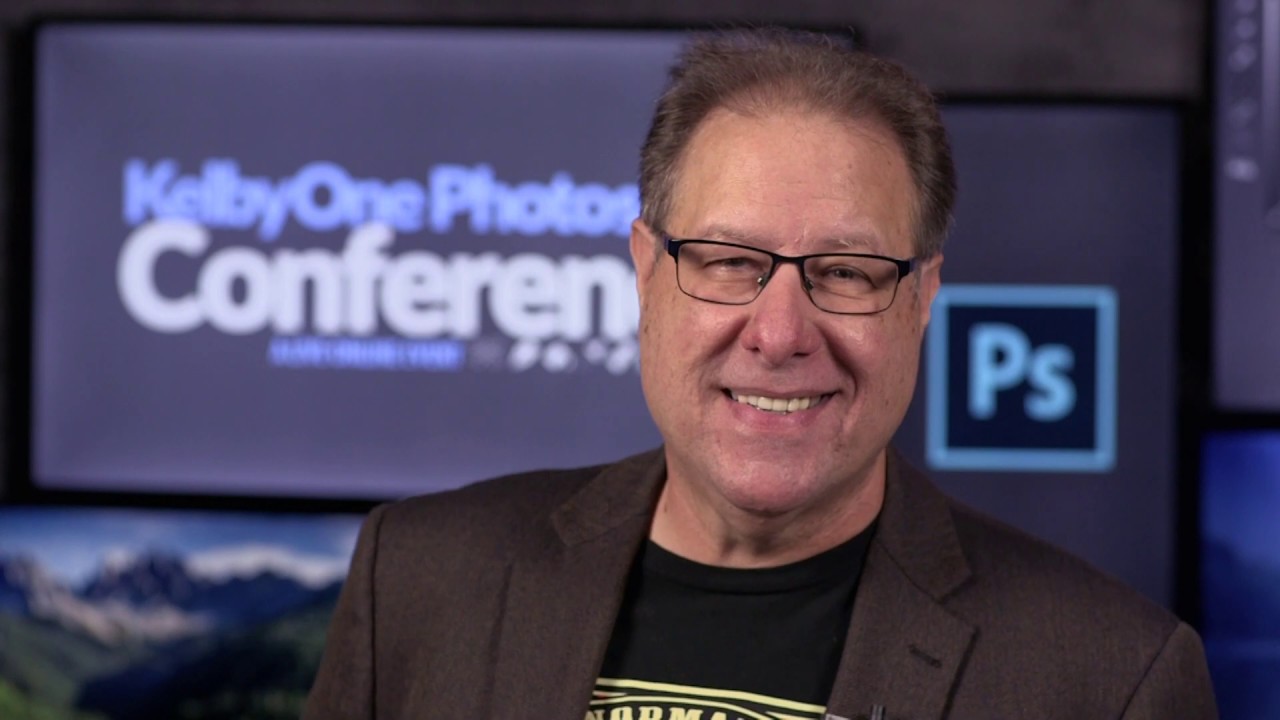
Puppet Warp for Retouching: The Tool I Wrote Off That Changed How I Work

Puppet Warp for Retouching: The Tool I Wrote Off That Changed How I Work

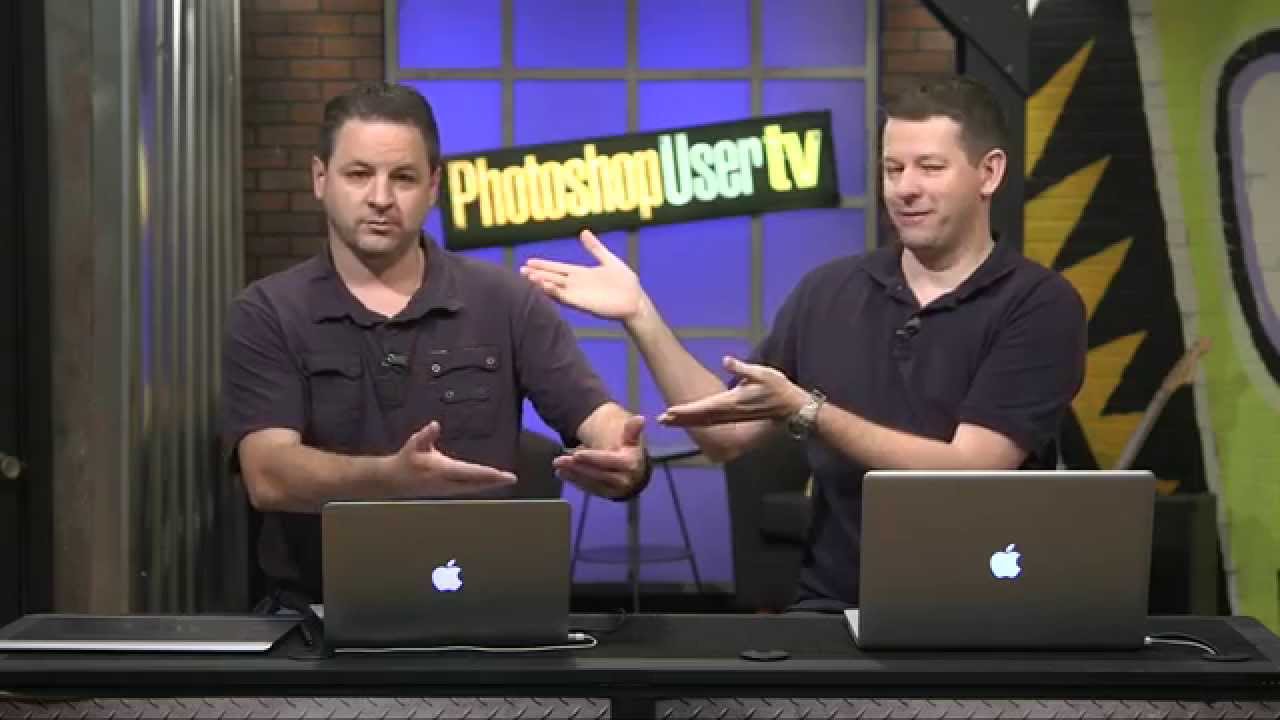
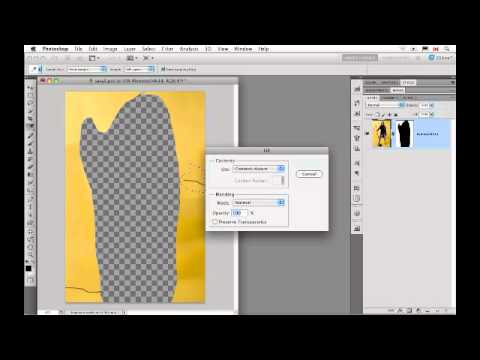
I’ll be honest with you. When I first heard about Puppet Warp, I did what a lot of people did: I watched someone use it to contort a cartoon character, thought “that’s a gimmick,” and went back to my liquify-everything workflow. It sat in my menu like a piece of gym equipment I kept promising myself I’d use. Then I watched a segment from a KelbyOne tutorial, specifically episode 282 of Photoshop User TV hosted by Scott Kelby and his crew, and one throwaway comment stopped me cold.

Two Days to Actually Get Good at Photoshop? KelbyOne Thinks So — and Here's Why I'm Paying Attention

Two Days to Actually Get Good at Photoshop? KelbyOne Thinks So — and Here's Why I'm Paying Attention

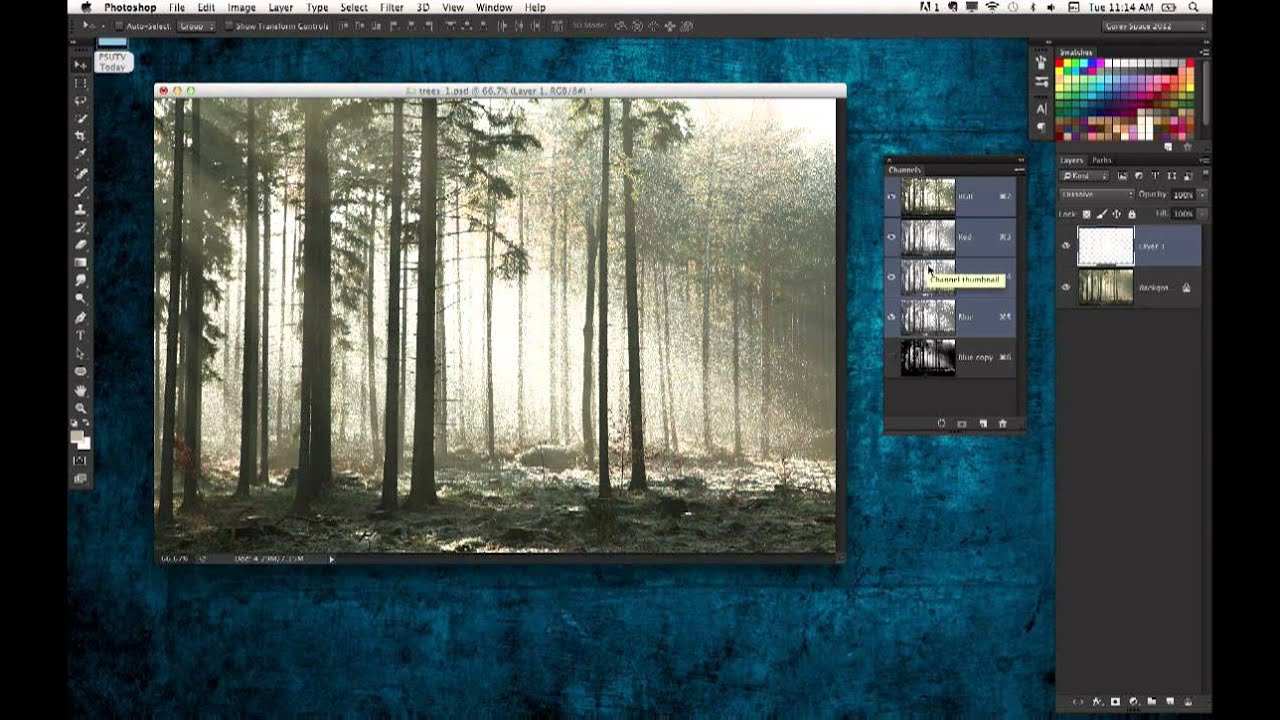
There’s a specific kind of embarrassment that comes from watching a colleague recreate something in 20 minutes that took you three days. I know it intimately. I once spent the better part of a long weekend building a composite I was genuinely proud of, only to have a friend glance at it and say “oh, did you just use the blend-if sliders?” Reader, I did not. I had never heard of blend-if sliders.

Why Photoshop World Ruined My Comfortable Online-Only Learning Habit (In the Best Way)

Why Photoshop World Ruined My Comfortable Online-Only Learning Habit (In the Best Way)

I’ll be honest with you. For a long time, I was completely convinced I could learn everything I needed from video tutorials alone. I started out making terrible graphics in MS Paint, eventually found Photoshop, and basically used the internet as my entire design school. That worked fine for a while. Then I kept running into that specific wall where I’d hit a technique I couldn’t quite crack from a video, and I’d just… sit there, rewinding the same 30 seconds, increasingly frustrated, with nobody to ask.

How to Build a Movie Trailer Concept in Photoshop (Lessons from a Fake Space Launch)

How to Build a Movie Trailer Concept in Photoshop (Lessons from a Fake Space Launch)

There’s a certain kind of tutorial that doesn’t look like a tutorial at all. It looks like a bit. A joke. A fully produced comedy sketch where someone is pitching a plan to be the first Photoshop guy in space. And then halfway through you realize you’ve been absorbing actual design workflow the whole time. That’s exactly what happened when I sat down with this KelbyOne Photoshop World 2021 promo, and I’m still a little annoyed it worked that well on me.

Build a 3D Wireframe Globe in Photoshop (Without Destroying Your Computer)

Build a 3D Wireframe Globe in Photoshop (Without Destroying Your Computer)

There’s a certain kind of Photoshop project that looks impossibly complicated from the outside but is actually built on two or three clever decisions made early on. A wireframe globe is exactly that kind of project. It looks like something you’d need a dedicated 3D application to pull off, but Photoshop handles it surprisingly well if you know which tools to reach for and, more importantly, which workflow traps to avoid.

The Hidden Photoshop Type Trick That's Been Right Under Your Nose

The Hidden Photoshop Type Trick That's Been Right Under Your Nose

There’s a specific kind of frustration that comes from doing something the slow way for years and then watching someone fix it in about twelve seconds. I’ve been there more times than I’d like to admit. I once spent three days rebuilding a composite by hand only to have a friend redo the whole thing in twenty minutes using a technique I’d never even heard of. That’s basically the feeling Dave Cross delivers in this episode of PhotoshopUser TV, a show that ran out of the KelbyOne camp and was genuinely one of the better free Photoshop education resources of its era.

Stop Painting Every Pixel: Photoshop's Focus Area Selection Does the Heavy Lifting

Stop Painting Every Pixel: Photoshop's Focus Area Selection Does the Heavy Lifting

There’s a specific kind of Tuesday afternoon misery that comes from manually painting a selection around a subject with a detailed, wispy, complicated edge. Hair. Fur. Wedding veils. If you’ve spent forty-five minutes with the Quick Selection tool only to end up with a result that looks like your subject was cut out with safety scissors, you know exactly what I’m talking about. The good news is that if your source photo has a blurred background, caused by shallow depth of field, you’re sitting on a selection shortcut that most people scroll right past in the Select menu.

How to Build a Lego Man Head in Photoshop 3D (Without Losing Your Mind)

How to Build a Lego Man Head in Photoshop 3D (Without Losing Your Mind)

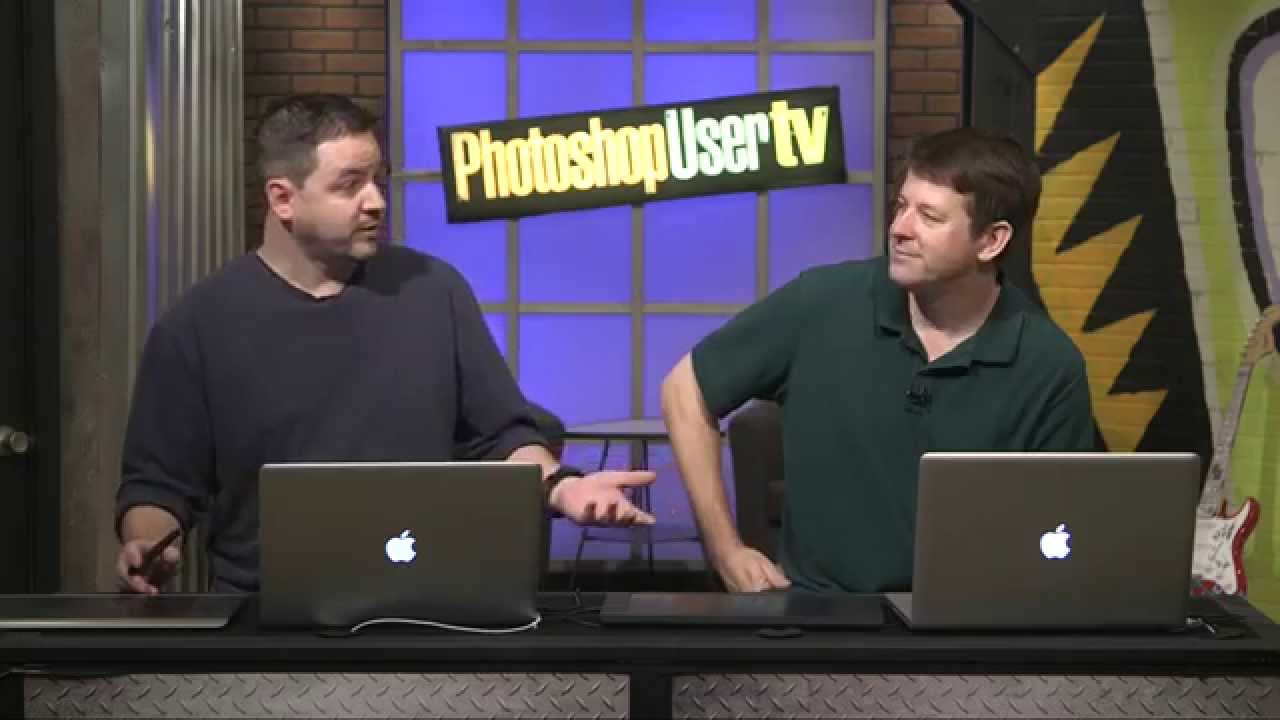
I’ll be straight with you: I avoided Photoshop’s 3D tools for an embarrassingly long time. Every time I cracked open that menu it felt like I’d wandered into someone else’s software. Then I watched Cory Barker work through a Lego man build on Photoshop User TV and something finally clicked. Not because the technique is simple, exactly, but because he frames it around shapes you already understand. Cylinders. Rounded boxes. Half-profiles that get spun into full objects.

Why Your Long Exposure Shots Look Terrible (And the $30 Fix That Actually Works)

Why Your Long Exposure Shots Look Terrible (And the $30 Fix That Actually Works)

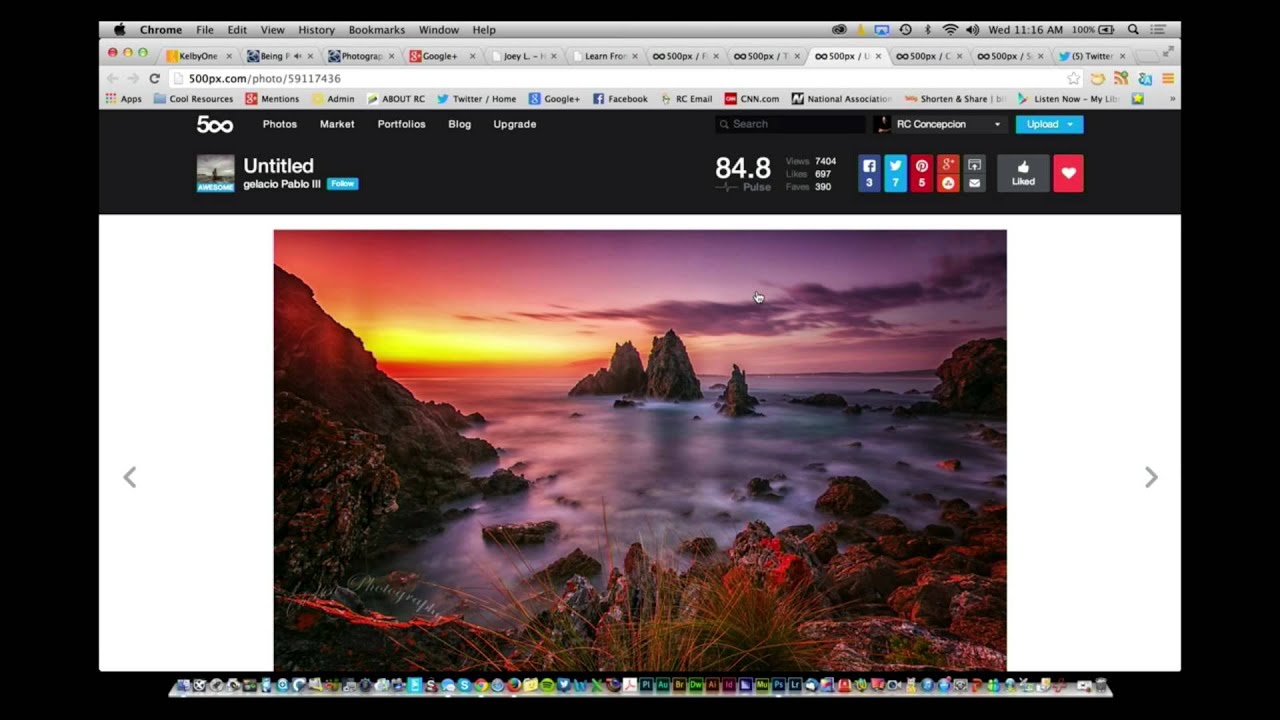
There’s a specific kind of frustration that hits when you’re standing next to a beautiful moving river, you know exactly what the shot should look like, and your camera just… refuses to cooperate. You want that silky, blurred water effect you’ve seen everywhere. Instead you get a sharp, flat, completely unromantic snapshot that looks like you were in a hurry to catch a bus. I’ve been there. Most photographers have.

Stop Mousing Around: Layer Mask Shortcuts That Actually Save You Time

Stop Mousing Around: Layer Mask Shortcuts That Actually Save You Time

I’ll be honest: for an embarrassingly long time, I was that person clicking through every layer mask operation like I had all the time in the world. Click to add the mask, click to select it, click to disable it, click to view it. My mouse hand was getting a workout my brain wasn’t. It wasn’t until I watched Dave Cross walk through his layer mask shortcut workflow in this KelbyOne episode of Photoshop User TV that I realized how much friction I’d been building into my own process.

What Photoshop World Actually Looks Like When You Show Up for the First Time (And Why You Should Go)

What Photoshop World Actually Looks Like When You Show Up for the First Time (And Why You Should Go)

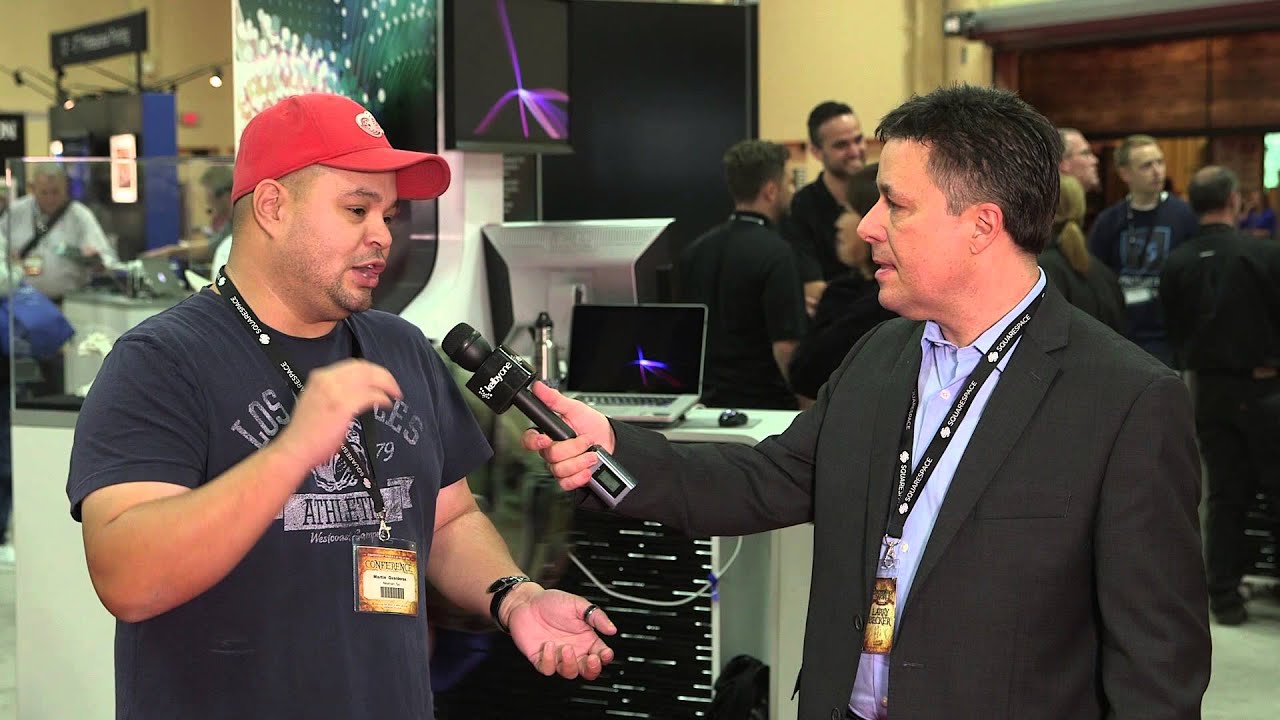
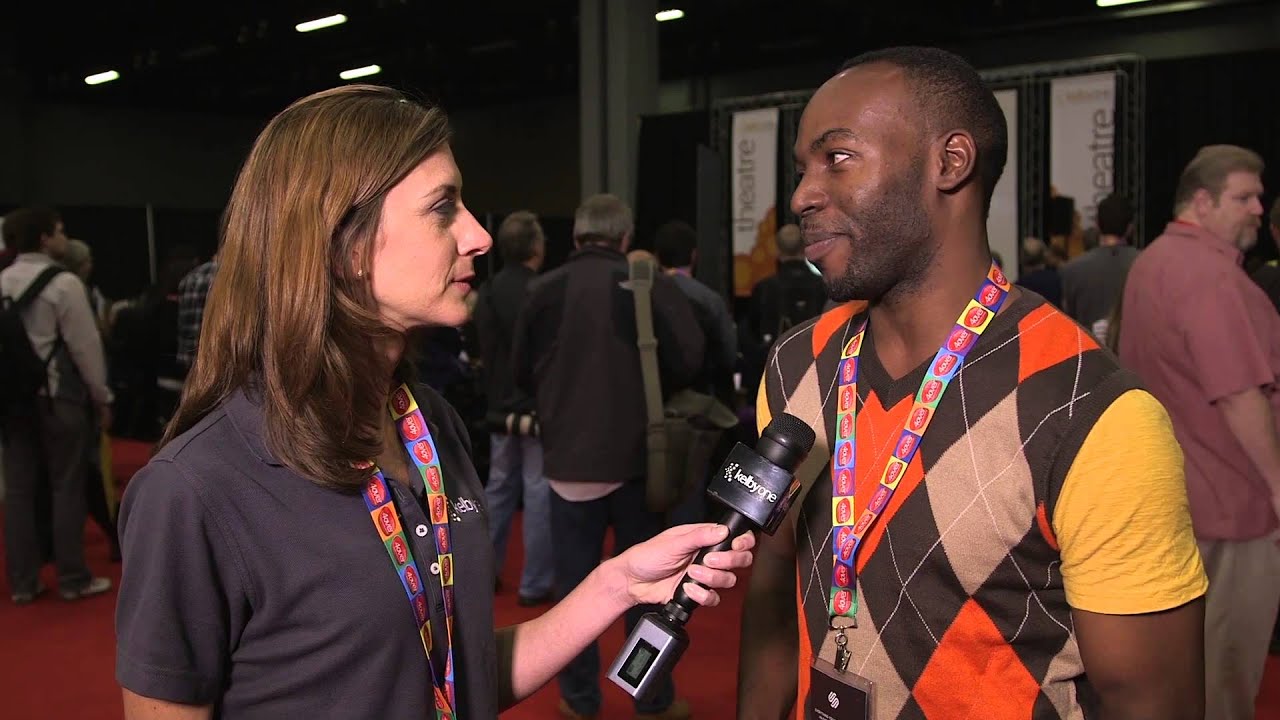
There’s a specific kind of overwhelm that hits you when you walk into a room full of people who are all dramatically better at your craft than you are. It’s equal parts terrifying and addictive. I felt it the first time I stumbled into a design meetup in Austin, surrounded by people casually discussing techniques I’d never heard of, and I’ve been chasing that feeling ever since. That’s exactly what comes through in Watch the full tutorial on YouTube - a short but genuinely compelling interview from KelbyOne featuring Kim Roy White, a freelance photographer who showed up to Photoshop World for the first time and somehow left with a Canon 5D Mark III.