There’s a specific kind of embarrassment that comes from watching a colleague recreate something in 20 minutes that took you three days. I know it intimately. I once spent the better part of a long weekend building a composite I was genuinely proud of, only to have a friend glance at it and say “oh, did you just use the blend-if sliders?” Reader, I did not. I had never heard of blend-if sliders. I went home and watched tutorials for four hours straight.
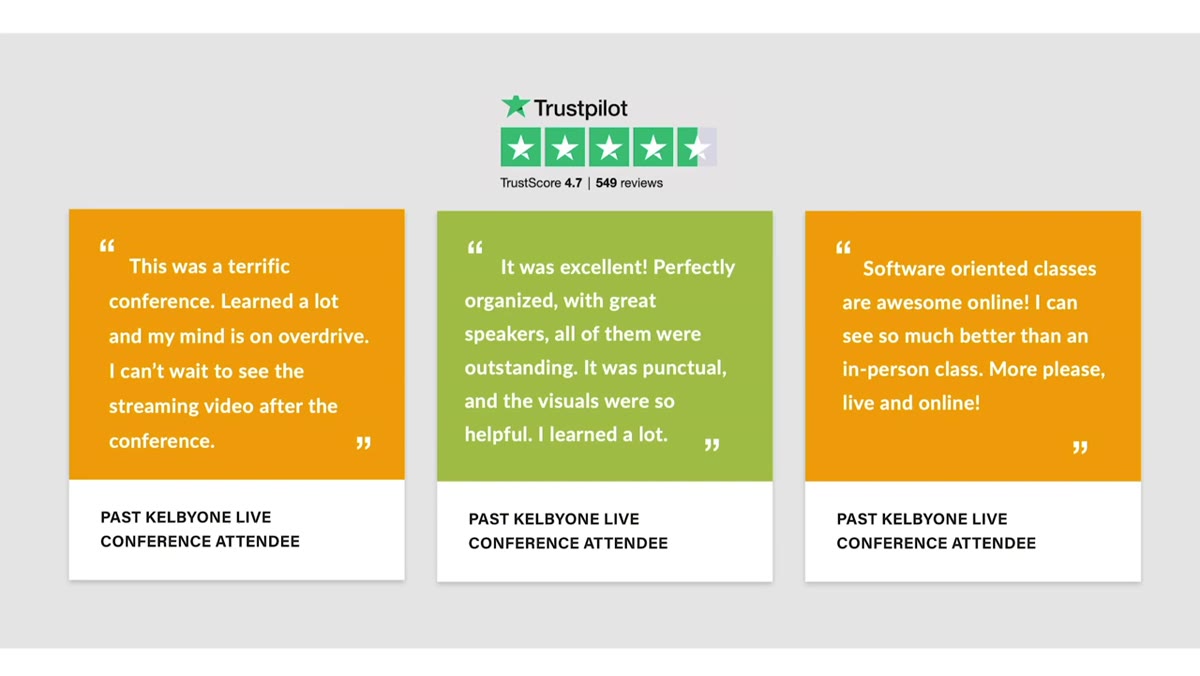
That moment is exactly why something like the KelbyOne Photoshop Conference exists, and why it caught my attention. Watch the full tutorial on YouTube — it’s a short promo, but the pitch is worth hearing directly. The core idea is that most people using Photoshop fall into one of two camps: either they’re brand new and a little lost, or they’ve been using it for years and quietly hit a ceiling they can’t seem to get through. A focused, structured two-day event taught by people who do this for a living is a genuinely useful answer to both problems.
What sold me wasn’t the sales pitch itself. It was the lineup and the format. This isn’t a random collection of YouTube creators throwing a Zoom party. These are the people behind Photoshop User Magazine, the same crew who ran in-person Photoshop World conferences going back to the 1990s. That’s not nothing. They know how to build a curriculum that actually moves people forward, not just one that looks impressive on a landing page.
Step 1: Understand What You’re Actually Signing Up For
 Conference overview slide showing two-day multitrack format
This is a live, two-day, multitrack online conference, which means it’s not a single long webinar you’ll fall asleep in front of. Multitrack means there are simultaneous sessions happening, and you choose which ones to attend based on your skill level and interests. Think of it like a music festival, but for Photoshop nerds, and nobody’s sunburned.
Conference overview slide showing two-day multitrack format
This is a live, two-day, multitrack online conference, which means it’s not a single long webinar you’ll fall asleep in front of. Multitrack means there are simultaneous sessions happening, and you choose which ones to attend based on your skill level and interests. Think of it like a music festival, but for Photoshop nerds, and nobody’s sunburned.
The whole thing runs online, so you’re attending from whatever coffee shop or home setup works for you. No travel, no hotel, no conference lanyard you’ll lose by day two. If you’ve been waiting for a reason to actually carve out dedicated learning time, the built-in structure of a live event is surprisingly useful for staying accountable.
Step 2: Know Who’s Teaching Before You Commit
 Instructor lineup names appearing on screen
The instructor list here does real work. Names like Terry White, Serge Ramelli, Mark Heaps, and Adobe’s own Brian O’Neill Hughes aren’t filler. These are people who teach Photoshop as a serious craft, not as a side hustle. Victoria Pavlov and Tracy Sweeney round out a roster that covers a genuinely wide range of styles and specialties.
Instructor lineup names appearing on screen
The instructor list here does real work. Names like Terry White, Serge Ramelli, Mark Heaps, and Adobe’s own Brian O’Neill Hughes aren’t filler. These are people who teach Photoshop as a serious craft, not as a side hustle. Victoria Pavlov and Tracy Sweeney round out a roster that covers a genuinely wide range of styles and specialties.
When you’re choosing a learning event, the instructors matter more than almost anything else. The same technique taught by a boring presenter and a great one produces completely different retention rates. Before you register for anything, look up at least two or three of the instructors on YouTube and see if their teaching style actually clicks for you. In this case, I’d start with Terry White if you want methodical and thorough, or dig into Mark Heaps if you lean toward the creative and compositional side of things.
Step 3: Use the Pre-Conference Crash Course If You’re New
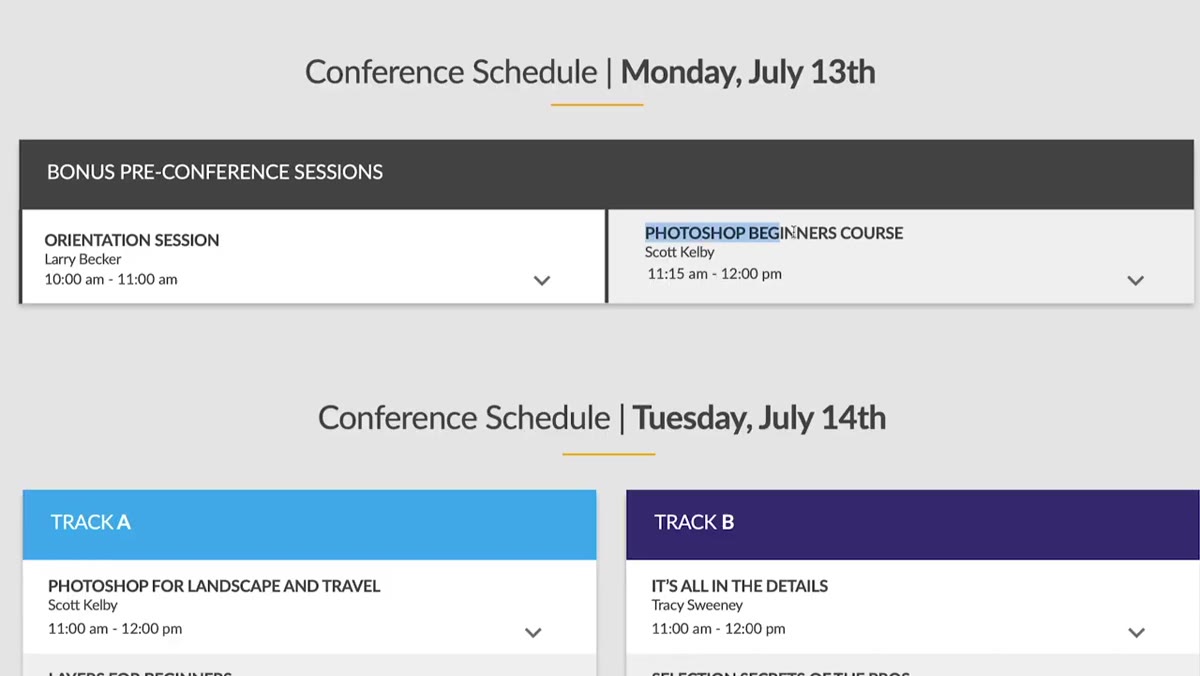 Crash course mention for beginners before the main event
If you’re earlier in your Photoshop journey, the day before the conference includes a dedicated crash course designed to get you functional fast. This isn’t a full beginner curriculum jammed into a few hours. It’s specifically scoped to make sure you can follow along during the main event without feeling like everyone else speaks a language you don’t.
Crash course mention for beginners before the main event
If you’re earlier in your Photoshop journey, the day before the conference includes a dedicated crash course designed to get you functional fast. This isn’t a full beginner curriculum jammed into a few hours. It’s specifically scoped to make sure you can follow along during the main event without feeling like everyone else speaks a language you don’t.
The smart move here is to go in with specific questions rather than hoping everything will magically click. Before the crash course, write down three things in Photoshop that currently confuse or slow you down. Layers panel behavior, masking logic, whatever your particular sticking point is. Having that list means you’re hunting for answers instead of passively absorbing.
Step 4: Take Advantage of the On-Demand Replay Access
 On-demand replay access mentioned for post-event viewing
One of the most practically useful things about this setup is that you get on-demand access to the entire conference afterward. This matters more than it might seem at first. Live learning is great for engagement, but terrible for retention if you’re trying to absorb everything in real time. Knowing you can rewatch any session changes how you take notes during the live event.
On-demand replay access mentioned for post-event viewing
One of the most practically useful things about this setup is that you get on-demand access to the entire conference afterward. This matters more than it might seem at first. Live learning is great for engagement, but terrible for retention if you’re trying to absorb everything in real time. Knowing you can rewatch any session changes how you take notes during the live event.
My actual recommendation: during the live sessions, don’t try to follow along in Photoshop simultaneously. Just watch, take rough notes on techniques you want to revisit, and use the replay to do the hands-on practice afterward. You’ll retain more and stress less. Trying to pause a live stream to recreate a layer mask while the instructor has already moved on is a fast way to miss the next three things they teach.
Step 5: Plan Your Session Schedule Around Your Actual Gaps
 Multitrack class selection and schedule overview
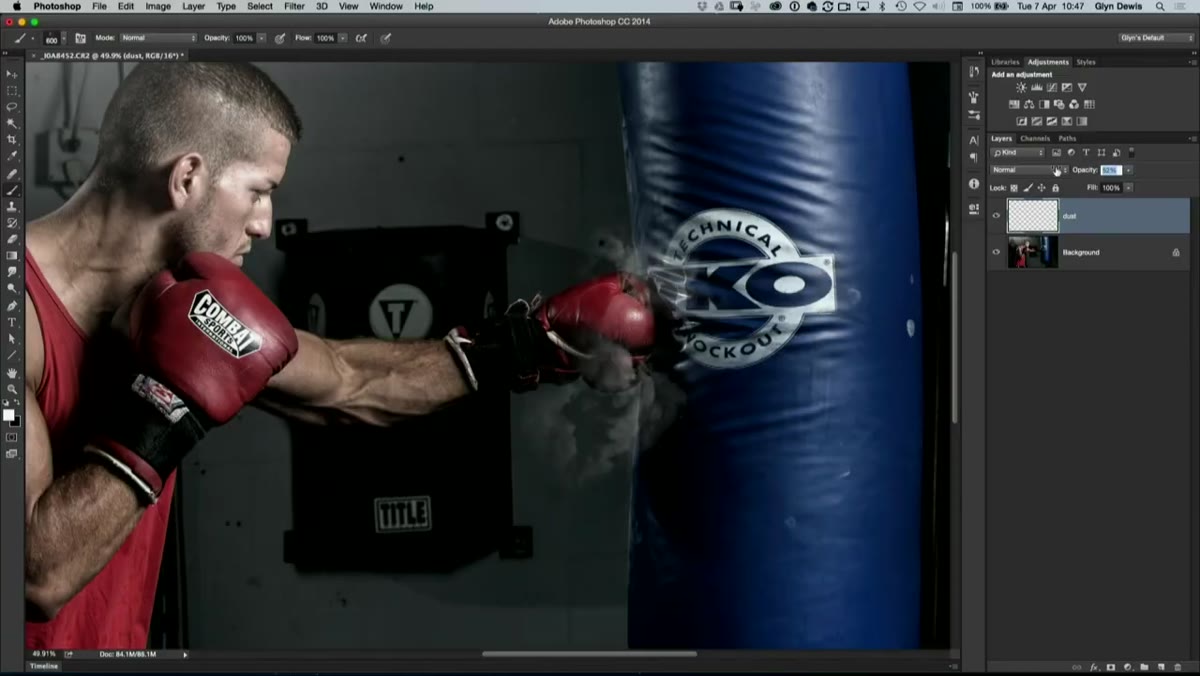
Because it’s a multitrack event, you’ll have choices to make about which sessions to attend when they overlap. Don’t just pick the ones with the most impressive titles. Go through the schedule and honestly identify where your real weaknesses are. If you’re already solid on selections but shaky on color grading, that’s your answer.
Multitrack class selection and schedule overview
Because it’s a multitrack event, you’ll have choices to make about which sessions to attend when they overlap. Don’t just pick the ones with the most impressive titles. Go through the schedule and honestly identify where your real weaknesses are. If you’re already solid on selections but shaky on color grading, that’s your answer.
The late-night plugin sessions and one-on-one Q&A time with instructors are worth flagging specifically. Plugin knowledge is one of those areas where most people either know way too much or almost nothing, and a curated rundown from someone who uses this stuff professionally is a faster path than piecing it together from random Reddit threads. The Q&A access is rare for a conference at this price point, so actually prepare a real question rather than showing up empty-handed.
Why the Two-Day Format Works Better Than Drip-Feed Learning
I’ve bought plenty of self-paced Photoshop courses. Some of them are genuinely excellent. And I’ve finished almost none of them. The accountability problem with self-paced learning is real, and nobody talks about it enough. A live event with a fixed schedule and instructors who are actually present creates a kind of productive pressure that drip-feed course platforms can’t replicate.
The two-day window also forces a kind of immersion that accelerates pattern recognition. When you spend concentrated time inside one tool, concepts start connecting in ways they don’t when you watch one tutorial a week for six months. It’s the same reason language immersion works better than 15 minutes a day on a vocabulary app. If you’ve been coasting on the same set of Photoshop skills for a year or more, two focused days with the right teachers can genuinely reset your ceiling.
The single most important thing this kind of event gives you isn’t any specific technique. It’s a recalibrated sense of what’s actually possible in Photoshop, taught by people for whom those possibilities are just a normal Tuesday. Once you’ve seen something done live, it stops being intimidating.
Watch the full tutorial on YouTube and see the full pitch from KelbyOne directly. If a structured two-day push sounds like what your Photoshop skills have been waiting for, this is a solid place to make that investment.
Comments
Leave a Comment