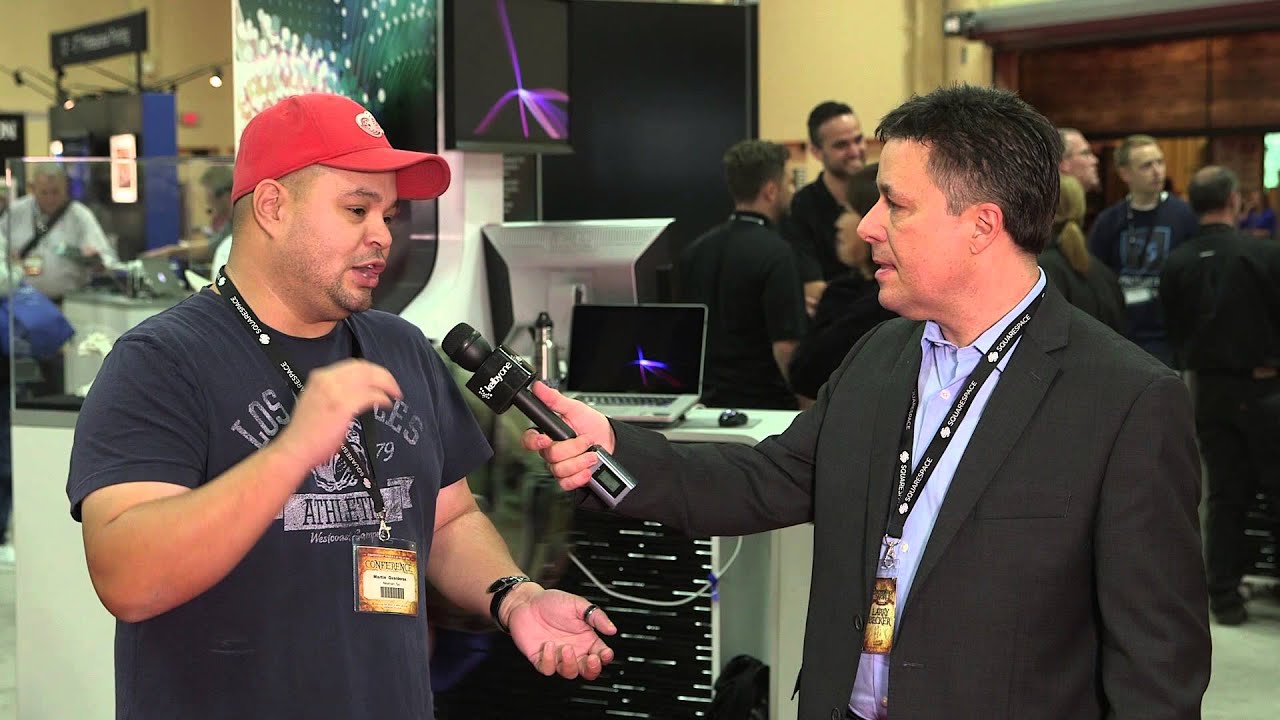
I’ll be honest with you. For a long time, I was completely convinced I could learn everything I needed from video tutorials alone. I started out making terrible graphics in MS Paint, eventually found Photoshop, and basically used the internet as my entire design school. That worked fine for a while. Then I kept running into that specific wall where I’d hit a technique I couldn’t quite crack from a video, and I’d just… sit there, rewinding the same 30 seconds, increasingly frustrated, with nobody to ask. That’s the gap this KelbyOne testimonial from Photoshop World 2014 Las Vegas actually addresses head-on, and it’s a more useful conversation than it might look at first glance.
Watch the full tutorial on YouTube
In this KelbyOne video, host Larry Becker catches up with a photographer named Martin on the Photoshop World show floor in Las Vegas. Martin’s story is surprisingly relatable. He taught himself photography and post-processing almost entirely through online video because formal education wasn’t financially on the table. KelbyOne was his training program. Then he made the jump to live events, and everything shifted. The framework he lays out for how to actually use an event like Photoshop World is worth unpacking properly, because there’s a transferable strategy here for anyone trying to level up their Photoshop skills, whether you’re attending a conference or just trying to get more out of the resources you already have.
Step 1: Start With the Online Foundation Before You Show Up
 Martin describing video-only learning before attending live events
Martin is clear that video training was not a stepping stone he’s embarrassed about. It was genuinely his primary education. The move is to treat your online library, whether that’s KelbyOne, YouTube, or wherever you learn, as a serious curriculum rather than casual browsing. Before you attend any live event or even a webinar, watch the available content from instructors you want to learn from. Build a baseline so you’re not spending your limited live time on fundamentals you could have absorbed at home.
Martin describing video-only learning before attending live events
Martin is clear that video training was not a stepping stone he’s embarrassed about. It was genuinely his primary education. The move is to treat your online library, whether that’s KelbyOne, YouTube, or wherever you learn, as a serious curriculum rather than casual browsing. Before you attend any live event or even a webinar, watch the available content from instructors you want to learn from. Build a baseline so you’re not spending your limited live time on fundamentals you could have absorbed at home.
This also applies to how you use tutorial sites day to day. If you’re watching a Photoshop technique video and you pick up a new tool like, say, a GoPro, Martin’s instinct is immediately to check if there’s a course on it. That’s the right reflex. Don’t just poke around in a new feature hoping something clicks. Find structured instruction first, then experiment.
Step 2: Identify Specific Gaps, Not Just General Topics
 Martin naming frequency separation as an example of a targeted question
One of the sharpest things Martin says is that when he has a question about a specific technique, like frequency separation, he knows exactly who to find and exactly what to ask. That level of precision doesn’t happen by accident. Before any learning session, live or recorded, you need to know what you don’t know. That sounds obvious but most people skip it.
Martin naming frequency separation as an example of a targeted question
One of the sharpest things Martin says is that when he has a question about a specific technique, like frequency separation, he knows exactly who to find and exactly what to ask. That level of precision doesn’t happen by accident. Before any learning session, live or recorded, you need to know what you don’t know. That sounds obvious but most people skip it.
The practical version of this: after you finish a project, write down the two or three moments where you felt stuck, improvised badly, or just brute-forced something that should have been cleaner. Those are your real questions. Those are what you bring to a class, a forum, or a comment section. Vague curiosity gets vague answers. Specific problems get solutions you can actually use.
Step 3: Grow Your Learning Alongside Your Skill Level
 Martin explaining how Photoshop World content matches different experience levels
Martin makes a point that Photoshop World works because there are entry points at every skill level. You start with lighting basics and composition fundamentals, and then as your work gets more technical, the available sessions grow with you. You’re not locked into beginner content forever, and you’re not thrown into advanced compositing theory before you’re ready.
Martin explaining how Photoshop World content matches different experience levels
Martin makes a point that Photoshop World works because there are entry points at every skill level. You start with lighting basics and composition fundamentals, and then as your work gets more technical, the available sessions grow with you. You’re not locked into beginner content forever, and you’re not thrown into advanced compositing theory before you’re ready.
Apply this to your own learning path. If you’ve been using Photoshop for a year and you still haven’t deliberately studied layer masks, that’s your next step before you touch anything in the Neural Filters panel. Chasing advanced techniques before the fundamentals are solid is how you end up with a workflow that’s half shortcuts and half workarounds. Build vertically before you go wide.
Step 4: Talk to the Instructors. Actually Do It.
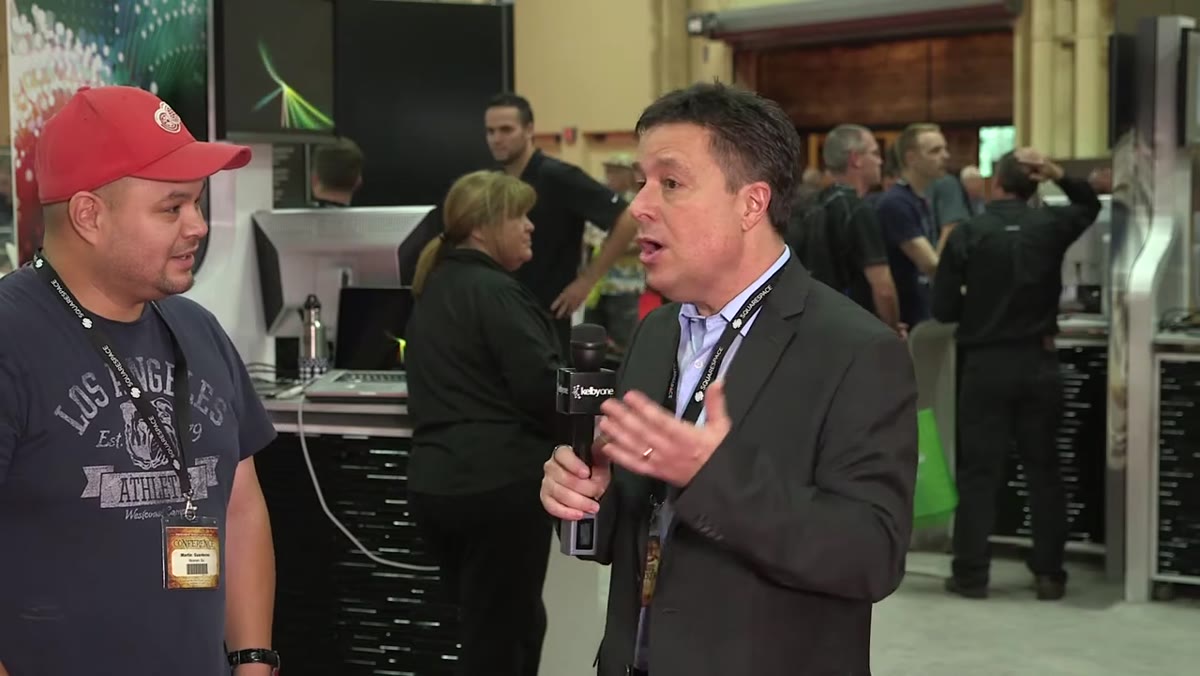 Martin encouraging attendees to approach instructors directly
Martin laughs a little when he talks about this one because apparently he has to actively convince people that yes, you are allowed to walk up and talk to the professionals teaching the classes. Peter Hurley, Lindsay Adler, Scott Kelby, these people are at the event to engage. Martin’s experience is that they’ll sit down with you and answer your question directly, no performance of expertise, just a straight answer.
Martin encouraging attendees to approach instructors directly
Martin laughs a little when he talks about this one because apparently he has to actively convince people that yes, you are allowed to walk up and talk to the professionals teaching the classes. Peter Hurley, Lindsay Adler, Scott Kelby, these people are at the event to engage. Martin’s experience is that they’ll sit down with you and answer your question directly, no performance of expertise, just a straight answer.
If you’re not at a live event, this principle still applies. Most instructors have active social media, email lists, or community forums. A well-formed, specific question sent to an educator is not a burden to them. It’s the whole point. The people who make progress fastest are usually the ones who are slightly too comfortable asking for help.
Step 5: Use Location and Community as a Career Tool
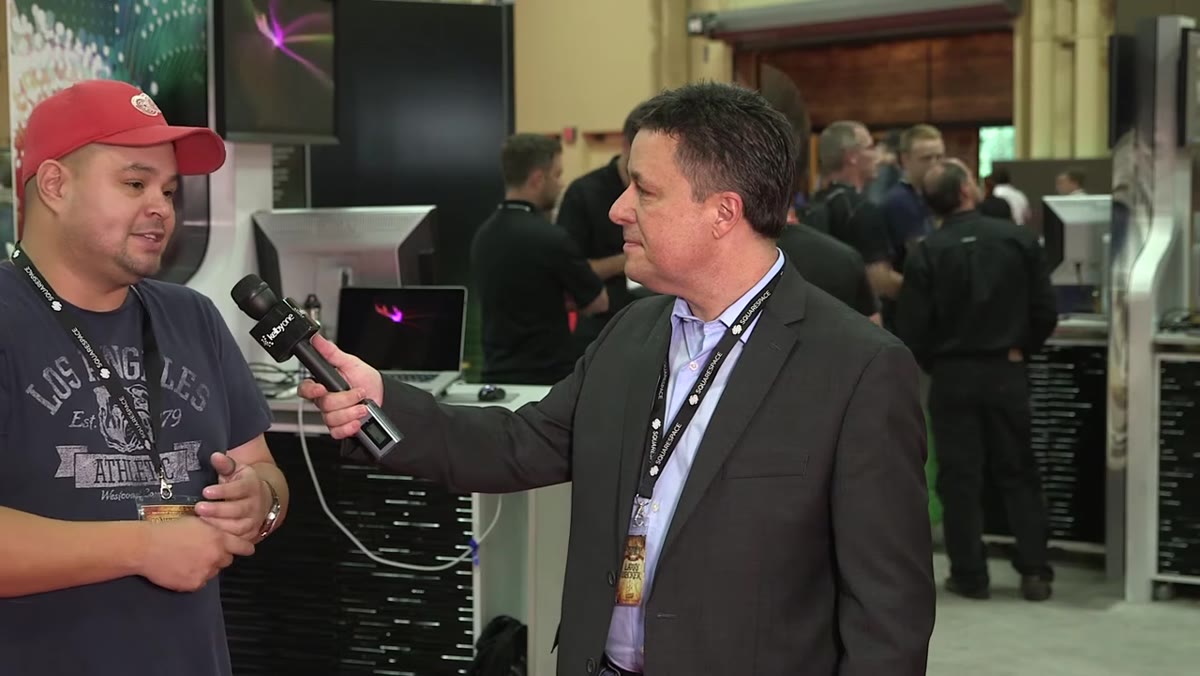 Martin describing the professional network he found after moving to Atlanta
This one surprised me when Martin mentioned it. After years of building his photography career in Alaska, he relocated to Atlanta partly because of career logistics. What he found there was a cluster of photographers and creatives he’d admired from afar, people he could now actually run into, assist, and learn from in real life. He treats the geography of the creative industry as something worth thinking about strategically.
Martin describing the professional network he found after moving to Atlanta
This one surprised me when Martin mentioned it. After years of building his photography career in Alaska, he relocated to Atlanta partly because of career logistics. What he found there was a cluster of photographers and creatives he’d admired from afar, people he could now actually run into, assist, and learn from in real life. He treats the geography of the creative industry as something worth thinking about strategically.
You don’t have to move cities. But you can map your own version of this. Who in your local creative scene is doing work you respect? What communities, online or in person, have people at the level you’re trying to reach? The photographers who grow fastest are almost always the ones who’ve figured out how to be near better photographers regularly.
What I’d Add From My Own Experience
The video doesn’t go into this, but there’s a version of the “specific question” principle that applies to solo video learning too. When I’m working through a tutorial and something doesn’t land, I’ll pause and actually write out what I expected to happen versus what I’m seeing on screen. Half the time, just writing it out surfaces what I missed. The other half, I’ve got a precise enough question that a quick forum search or a comment actually gets answered. The trap with video learning is passive watching. The people I know who genuinely improve from tutorials are treating them more like a class than a Netflix queue.
The single most important thing Martin’s story points to is this: the format of your learning matters less than the intentionality you bring to it. Video, live event, one-on-one session. All of it works when you show up with specific questions and a clear sense of where your current skills have a ceiling. All of it is a slow slog when you’re just hoping something useful will stick.
Watch the full tutorial on YouTube and hear Martin’s full breakdown directly. The conversation is short but the framework he’s describing is one worth building into how you approach every learning resource you use.
Comments
Leave a Comment