Cinemagraphs in Photoshop: How to Make the Internet Stop Scrolling

Cinemagraphs in Photoshop: How to Make the Internet Stop Scrolling

Client work comes in waves. One week you’re doing banner ads, the next someone slides into your DMs asking if you can make “something that moves but also doesn’t really move.” That’s a cinemagraph. And the first time I tried to figure one out on my own, I wasted an afternoon producing a GIF that looked less like art and more like a broken webpage. What I needed was someone to walk me through both sides of the problem: what you do on set before you touch Photoshop, and what you actually do inside Photoshop to make the loop work.

Photoshop Selections Explained: The One Skill That Makes Everything Else Click

Photoshop Selections Explained: The One Skill That Makes Everything Else Click

Here’s a confession: for an embarrassingly long time, I was just painting over things I didn’t want in my images. Like, literally using a brush and hoping for the best. My early freelance work looked fine on screen and absolutely fell apart the second a client zoomed in. The problem wasn’t my eye for design. It was that I had no real grip on selections, which meant every edit I made was either global (affecting the whole image) or a crime scene.

Adobe Camera Raw in Photoshop Is Doing Heavy Lifting I Used to Do Manually (And I Feel Foolish)

Adobe Camera Raw in Photoshop Is Doing Heavy Lifting I Used to Do Manually (And I Feel Foolish)

I spent the better part of three years doing things the hard way in Photoshop. Manually painting masks for background blur. Dragging Hue/Saturation sliders trying to isolate a sky without torching the rest of the image. Stacking adjustment layers like I was building a skyscraper out of toothpicks. It worked, mostly, but it was slow and fragile. One wrong move and the whole thing collapsed. That’s actually how I learned about smart objects, after accidentally flattening a client’s project file and spending the next two hours trying to reconstruct it from a JPEG export.

One Click Photo Restoration: Photoshop's AI Neural Filters Actually Deliver

One Click Photo Restoration: Photoshop's AI Neural Filters Actually Deliver

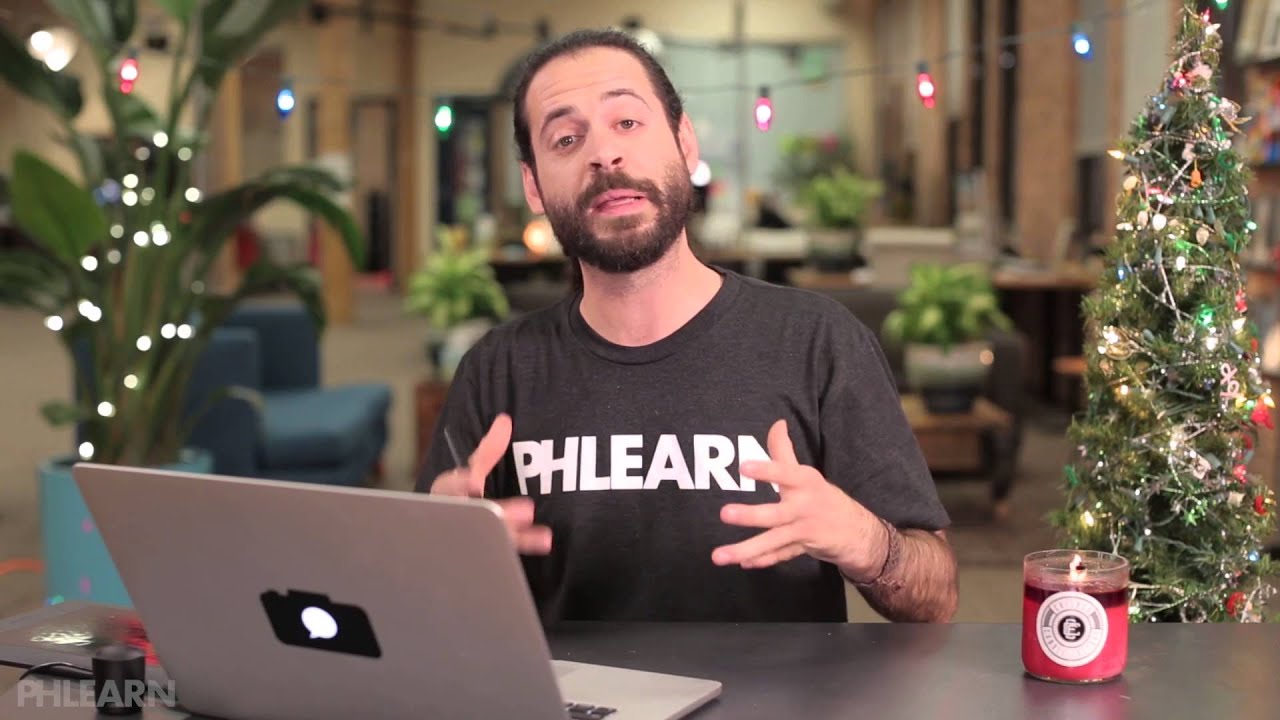
I have a folder on my hard drive called “someday” and it is exactly what it sounds like. Old scanned photos, damaged client images, faded family snapshots that someone emailed me hoping I’d “fix them up real quick.” I’ve been putting them off for years because the traditional route, clone stamp, healing brush, frequency separation, manual scratch removal, takes forever and never looks quite right on genuinely aged photographs. So when I came across this Aaron Nace (PHLEARN) tutorial on Photoshop’s new AI-powered Photo Restoration neural filter, I sat up a little straighter in my coffee shop chair.

Four Compositing Projects That Will Actually Teach You Photoshop (Not Just AI Crutches)

Four Compositing Projects That Will Actually Teach You Photoshop (Not Just AI Crutches)

There’s a specific kind of frustration that hits when you spend three days on a composite only to realize the light on your subject is pointing the wrong direction, the colors are from two different planets, and the whole thing looks like a bad movie poster from 2003. I’ve been there. More than once. And the honest problem isn’t talent or effort, it’s not having a repeatable process for blending subjects and backgrounds so they actually look like they belong together.