Photoshop 2026's Reference Image Feature Is the Wardrobe Swap Tool I Didn't Know I Needed

Photoshop 2026's Reference Image Feature Is the Wardrobe Swap Tool I Didn't Know I Needed

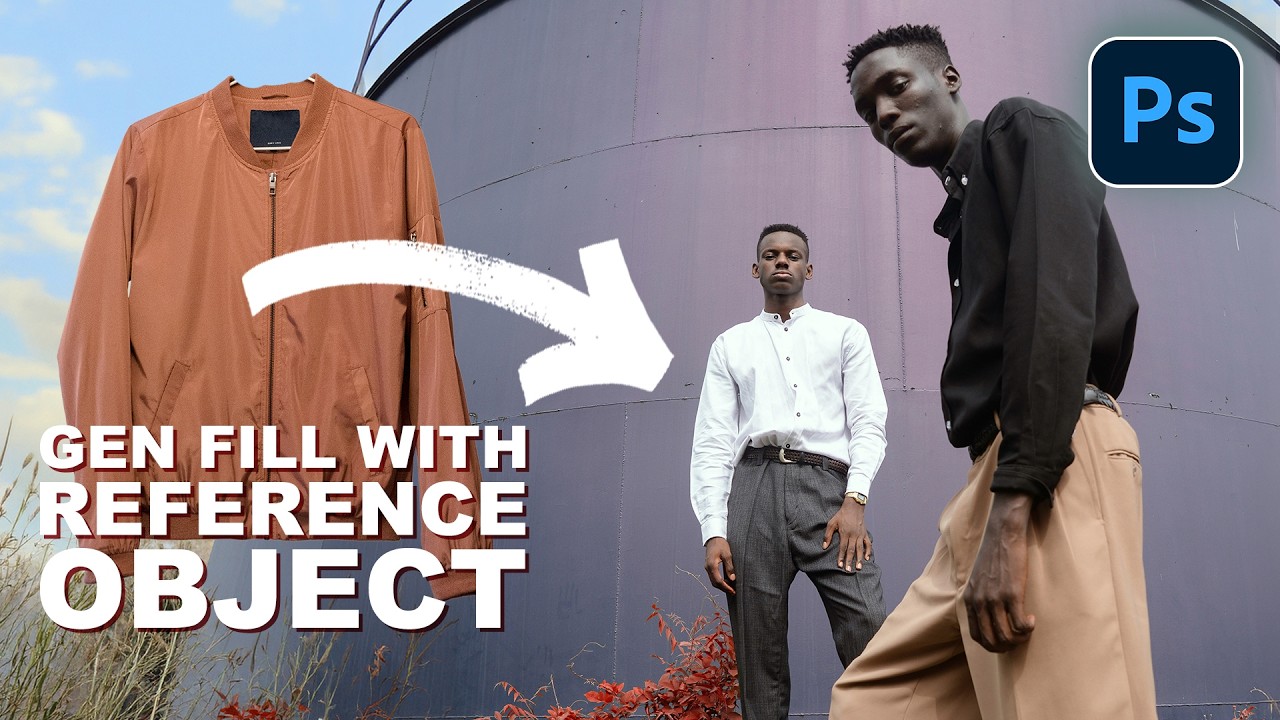
I do a decent amount of editorial and product-adjacent work, and one of the most tedious parts of that job has always been wardrobe. A client wants to see how a jacket looks on a model, or they need three versions of the same shot with different shirt colors, and suddenly what should be a quick edit turns into a multi-layer compositing nightmare. You’re cutting, masking, warping fabric, and praying the lighting doesn’t blow the whole illusion.

Photoshop 2021's Best New Features for Photographers (And Why You Should Actually Care)

Photoshop 2021's Best New Features for Photographers (And Why You Should Actually Care)

Hair. It’s the thing that has humbled every Photoshop user who ever thought they were good at this. I’ve spent embarrassing amounts of time trying to isolate a subject with flyaway strands against a busy background, painting around individual hairs with a brush like some kind of digital monk. It’s the kind of task that makes you question your career choices around hour two. So when Photoshop 2021 dropped during Adobe Max week in October 2020, I went straight for the selection improvements, because that’s where the pain lives.

The Content-Aware Fill Apply Button Is the Photoshop Update I Didn't Know I Desperately Needed

The Content-Aware Fill Apply Button Is the Photoshop Update I Didn't Know I Desperately Needed

There’s a specific kind of freelance misery that hits when you’re cleaning up a photo with six distracting elements in the background and you have to run the full Content-Aware Fill dialog separately for each one. Select, fill, click OK, exit, re-select, repeat. By object three you’re questioning your career choices. By object five you’re Googling “how to become a park ranger.” This is exactly the problem that a recent Matt Kloskowski tutorial on Photoshop 2020 addresses, and I’ll be honest, I watched it mostly out of habit and ended up genuinely relieved.

Photoshop 2020's Best New Tools for Photographers (The Ones Actually Worth Your Time)

Photoshop 2020's Best New Tools for Photographers (The Ones Actually Worth Your Time)

I’ll be honest with you: I am the person who ignores software update notes. I click “update” and then just go back to doing things the way I’ve always done them, completely oblivious to whatever Adobe just shipped. That habit has cost me hours. Hours I could have spent doing literally anything else, including staring at the wall, which I sometimes do between coffee refills at my usual spot on South Congress.

Stop Sleeping on Photoshop 2026's Game-Changing Features

Stop Sleeping on Photoshop 2026's Game-Changing Features

Look, I’ve been writing about Photoshop since before most of you were worried about your Instagram feed. Fifteen years of monthly tips columns will teach you what matters and what’s just Adobe adding buttons for the sake of it. But lately? The updates have been genuinely interesting, and I’m here to separate the wheat from the chaff. The Object Selection Tool is Criminally Underrated Here’s the thing nobody talks about: the Object Selection tool is a total workhorse, and most of you are probably ignoring it in favor of the flashier AI-powered features.

Camera Raw Just Got Focus Point Overlay and Bidirectional Gradients — Here's How to Use Them

Camera Raw Just Got Focus Point Overlay and Bidirectional Gradients — Here's How to Use Them

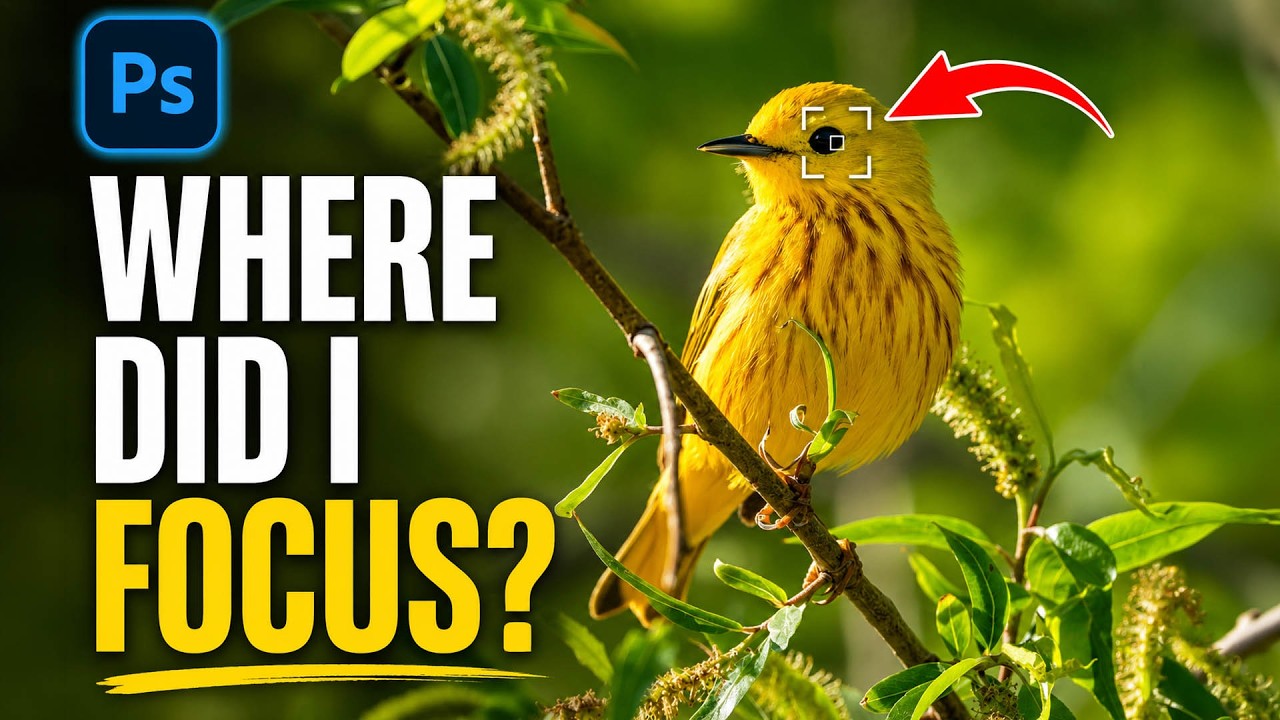
I’ll be honest about something embarrassing. I once delivered a batch of bird photos to a client, convinced I had nailed the focus on every single shot. Spoiler: I had not. The camera had decided a patch of blurry background grass was far more interesting than the actual bird, and I only found out after the client did. If I’d had a way to verify focus points inside my raw editor before exporting, that conversation never happens.

Photoshop 2025's Remove Tool Just Got a Serious Upgrade — Here's What Actually Changed

Photoshop 2025's Remove Tool Just Got a Serious Upgrade — Here's What Actually Changed

There’s a particular kind of freelance pain that comes from spending fifteen minutes cleaning up a busy background with the Clone Stamp tool, only to realize the result looks like a crime scene painted by someone who’s never seen grass before. The Remove Tool changed that for me when it first showed up, but it always had a ceiling. Big objects, complex backgrounds, anything that required more than a light touch — it would choke.

Photoshop's New Selection Brush Tool Is the One I Didn't Know I Was Missing

Photoshop's New Selection Brush Tool Is the One I Didn't Know I Was Missing

I have a complicated relationship with Photoshop selections. Quick Mask, the Pen Tool, Select and Mask, Subject Selection – I’ve used them all, argued with them all, and occasionally rage-quit because of them all. Most of the time I’m in a coffee shop trying to hit a deadline, and the last thing I need is to spend 20 minutes coaxing a lasso selection into behaving like a reasonable piece of software.

PiXimperfect Just Showed Us the Craziest Photoshop Tool of 2025

PiXimperfect Just Showed Us the Craziest Photoshop Tool of 2025

Photoshop Just Got a Dimension Upgrade Alright, I’ll admit it — when I first saw Unmesh from PiXimperfect pop up with a video titled about rotating photos in 3D, I almost scrolled past. I figured it was some gimmicky warp trick or maybe a Generative Fill hack dressed up for clicks. But no. This is a genuinely useful tool that Adobe has quietly slipped into Photoshop, and Unmesh does a brilliant job of showing exactly how deep it goes.