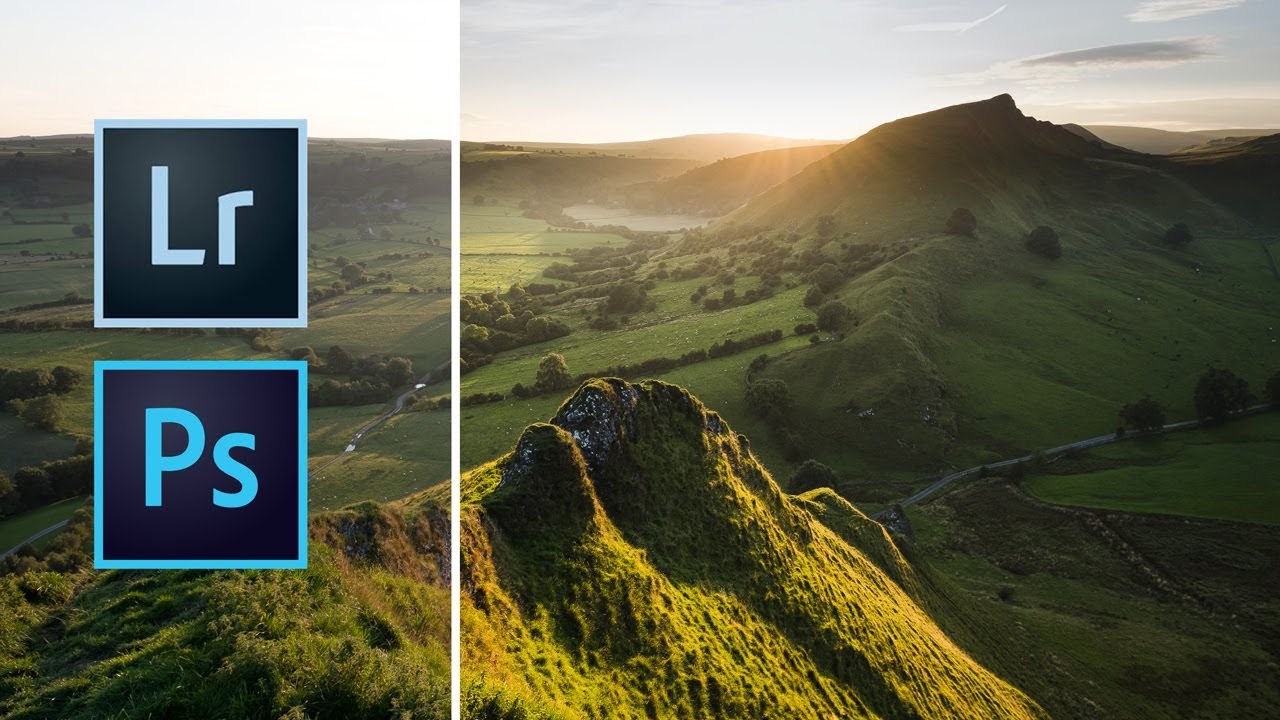
Lightroom's Radial Filter Is Doing Way More Work Than You Think

Lightroom's Radial Filter Is Doing Way More Work Than You Think

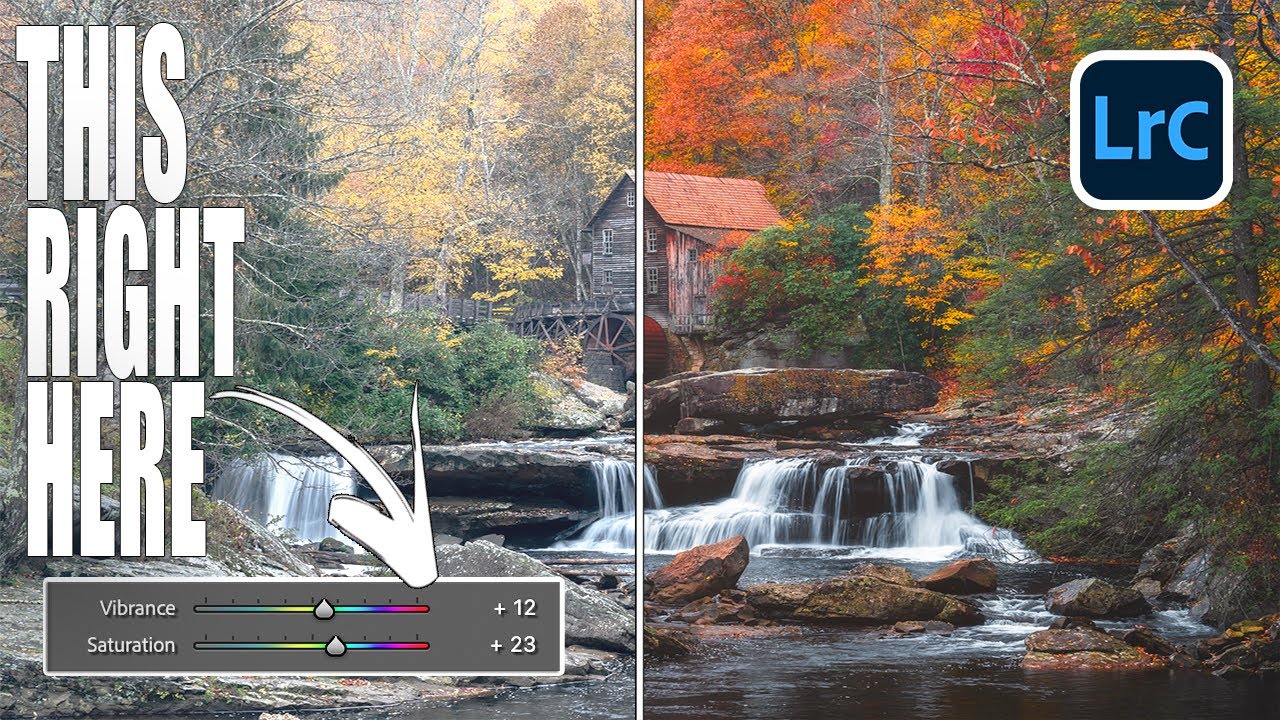
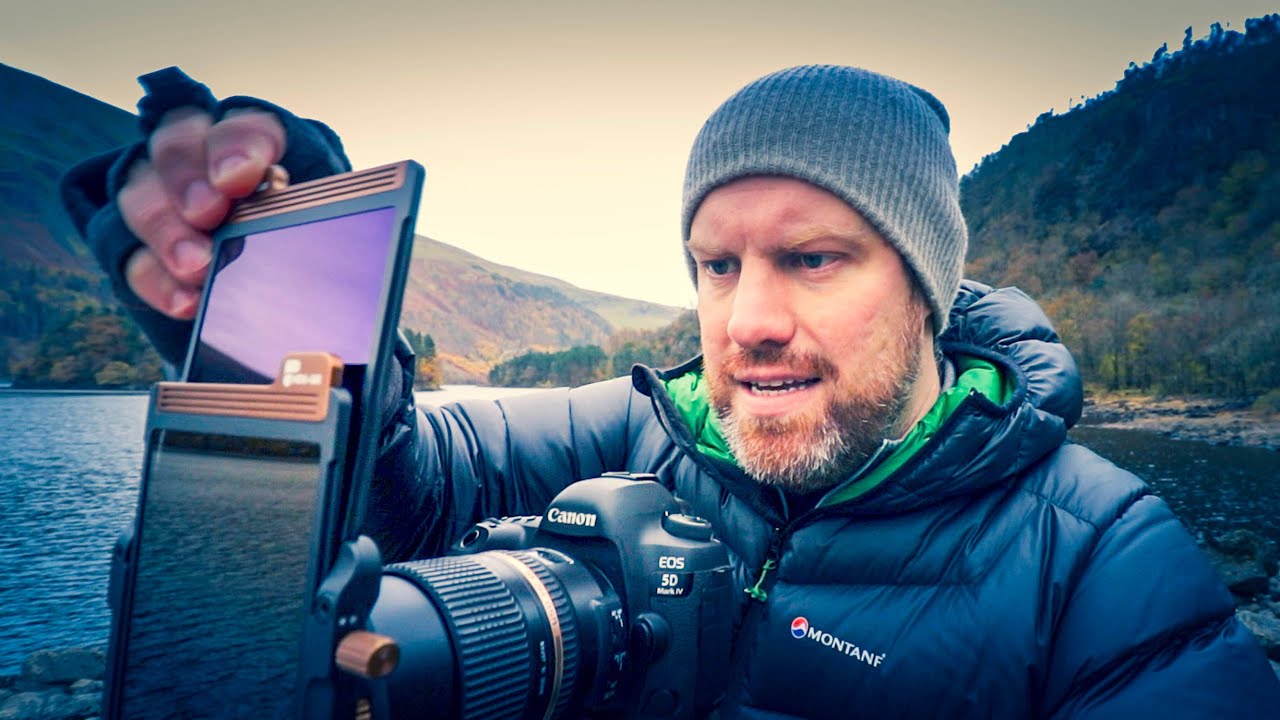
I’ll be honest with you. For an embarrassingly long time, I used Lightroom’s Radial Filter for exactly one thing: drawing a circle and darkening the outside of it. That’s it. That was my whole relationship with the tool. I was basically using a Swiss Army knife to open envelopes. Then I stumbled onto a tutorial by landscape photographer Nigel Danson where he runs through five distinct things you can do with the Radial Filter, and I had one of those “okay I’ve been doing this wrong” moments that I usually only get from accidentally breaking something expensive.

AI Snow Masking in Photoshop and Lightroom Just Changed How I Edit Winter Shots

AI Snow Masking in Photoshop and Lightroom Just Changed How I Edit Winter Shots

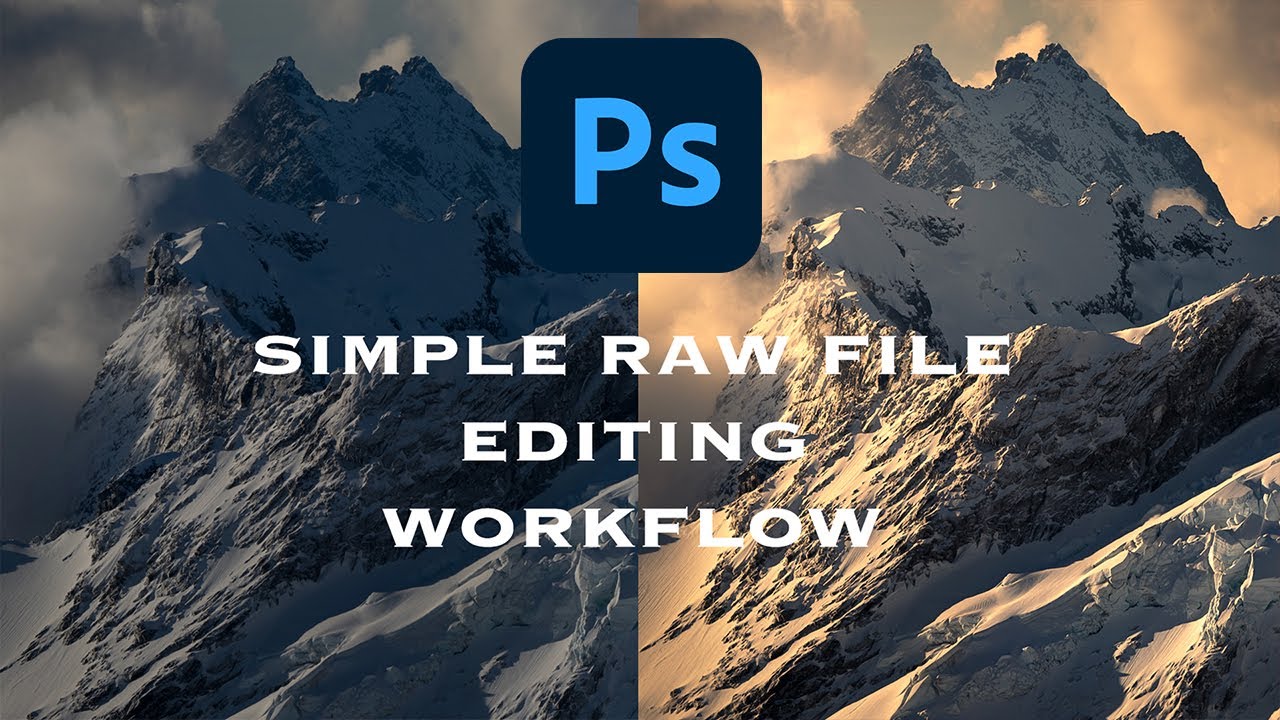
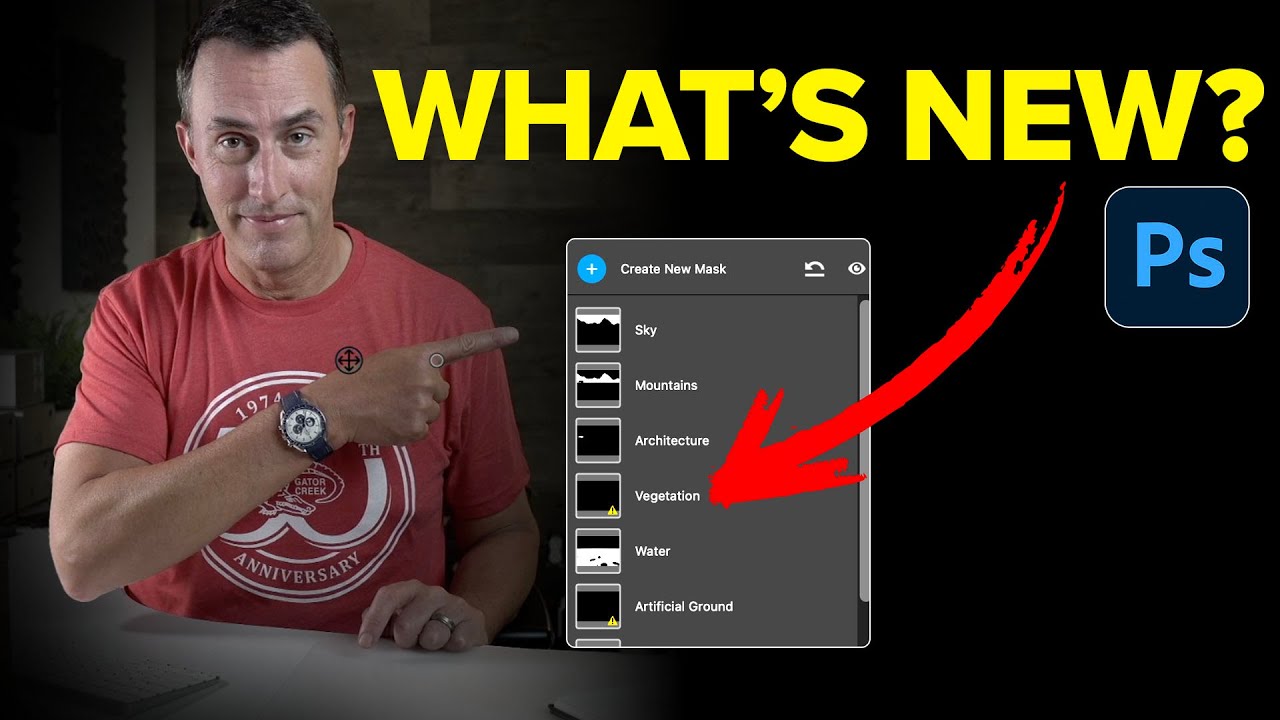
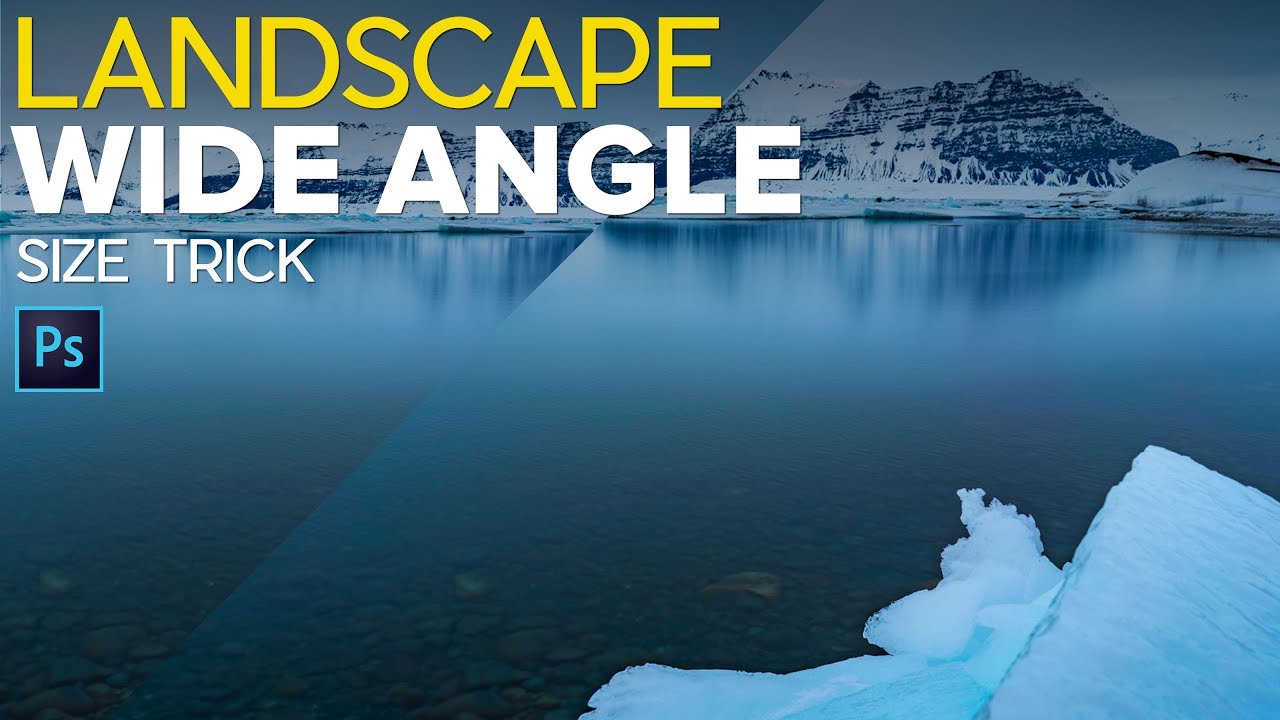
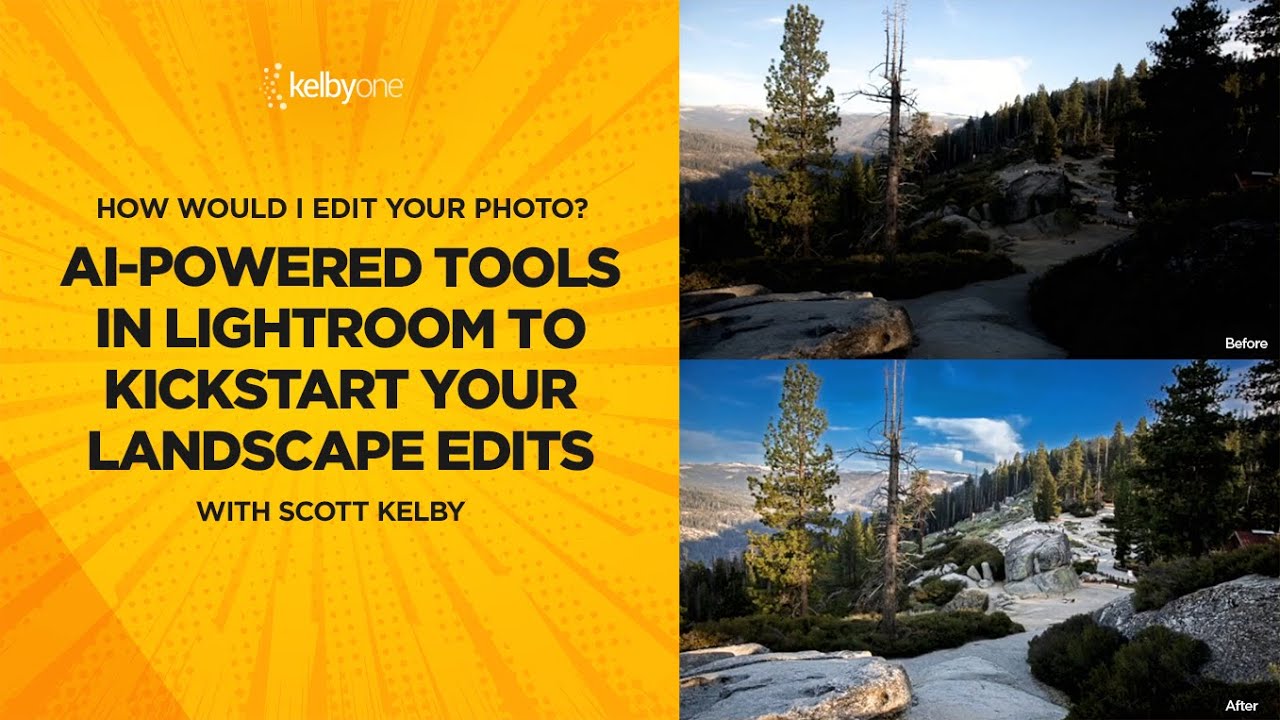
Winter landscape photos have always been a mild headache for me. Snow blows out highlights, the sky goes flat, and the trees end up looking like sad gray sticks. I’d usually spend way too long painting manual masks just to bring some texture back into the snow without torching everything else in the frame. Not anymore. Adobe just dropped an update to their AI Landscape masking tool, and it now detects snow as its own separate, editable region.

Black Mist Filters: The One Piece of Glass That Changed How I Think About Light

Black Mist Filters: The One Piece of Glass That Changed How I Think About Light

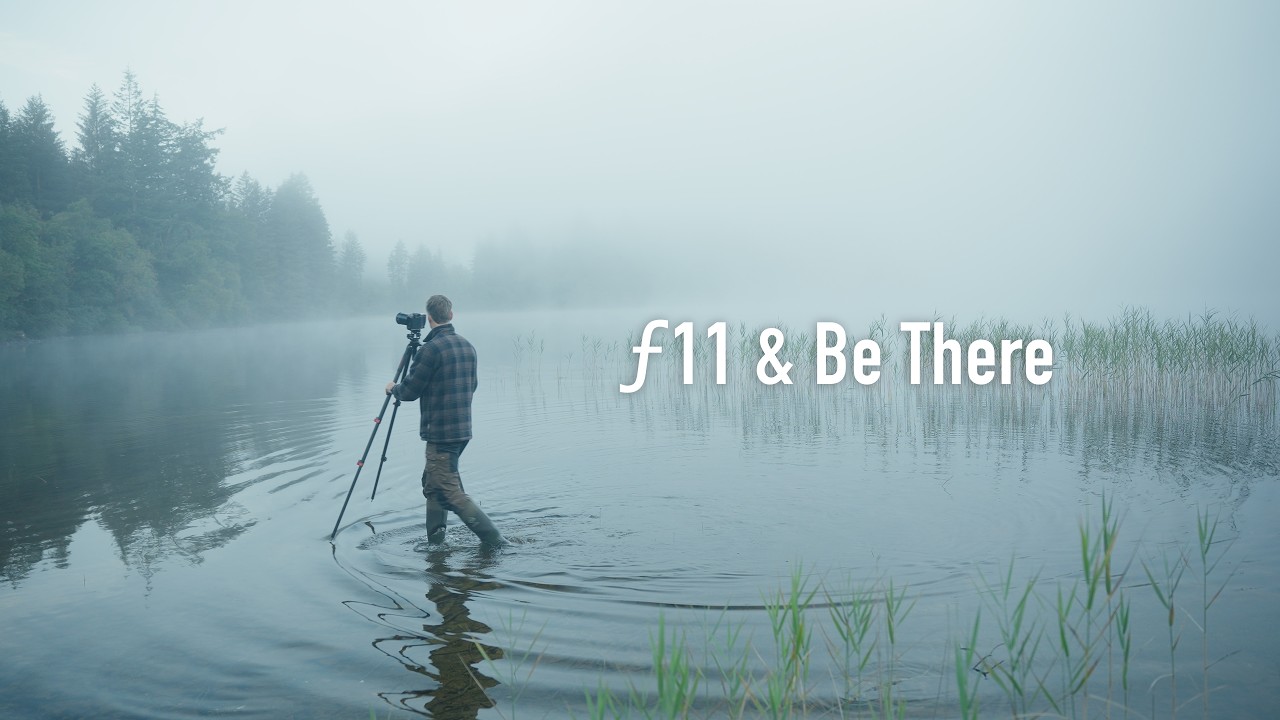
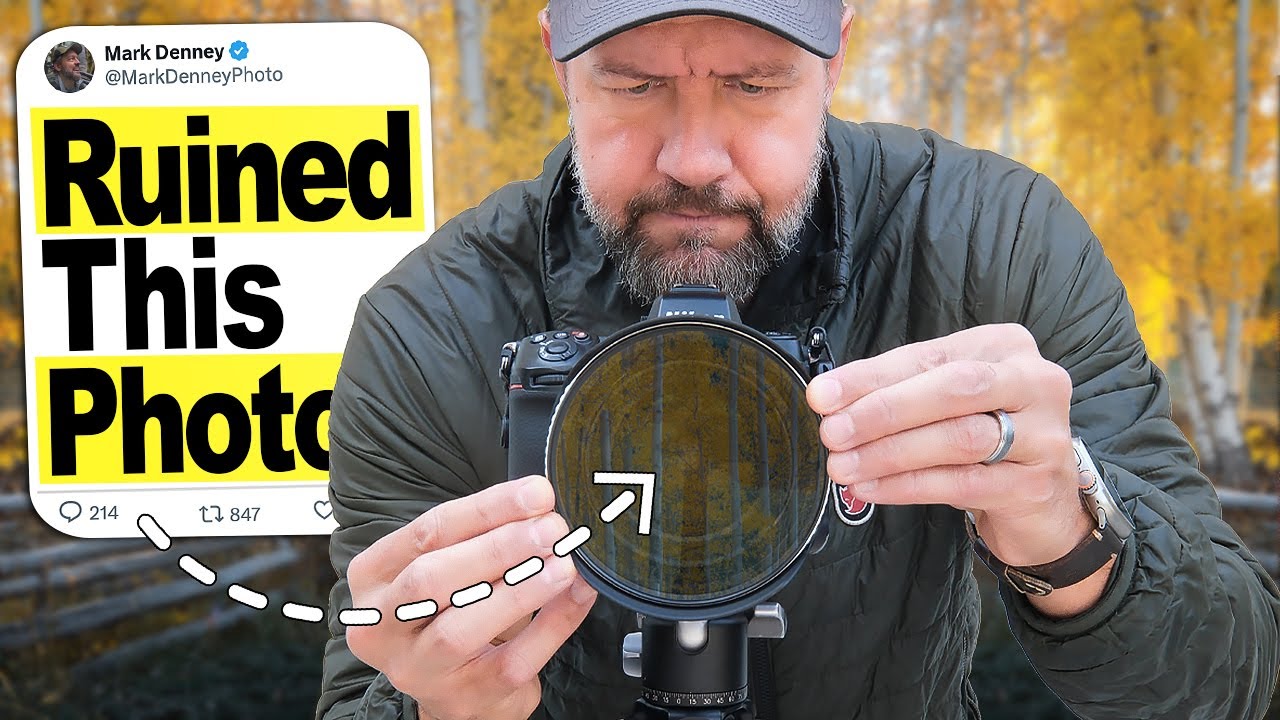
I’ve spent an embarrassing amount of time in Photoshop trying to manufacture atmosphere. Glows, diffusion, contrast lifts, lifted blacks, the Orton effect… you name it, I’ve layered it into a PSD at some point. And while you can absolutely get somewhere with that approach, there’s always been this nagging feeling that the result looks slightly cooked. Like a photo that’s trying too hard to feel dreamy. So when I came across Watch the full tutorial on YouTube from landscape photographer Mark Denney, I sat up a little straighter in my coffee shop chair.

How to Photograph Frozen Trees Like a Pro (Lessons from a Minus 30°C Arctic Road Trip)

How to Photograph Frozen Trees Like a Pro (Lessons from a Minus 30°C Arctic Road Trip)

There’s a particular kind of photography problem I run into constantly as someone who mostly works in digital design: I can make anything look incredible in Photoshop, but I sometimes forget that the real work happens before you ever open the app. Getting the shot right in-camera, in conditions that are actively trying to kill you, is a skill set of its own. That’s why I keep coming back to field photographers like Thomas Heaton, whose work is less about post-processing wizardry and more about showing up, reading light, and committing to the moment.

How to Actually Find and Shoot Waterfall Photos (Instead of Just Driving to Obvious Ones)

How to Actually Find and Shoot Waterfall Photos (Instead of Just Driving to Obvious Ones)

Most of my Photoshop work lives in the post-processing phase. I’m the guy who gets handed a raw file and is expected to make something beautiful out of it, which means I’ve developed a pretty warped view of photography. I tend to underestimate how much the shot itself matters because, hey, I can fix it in post, right? Wrong. Embarrassingly wrong, actually. The more time I spend working on landscape files, the more I realize that the photographers who give me the cleanest, most intentional raw files to work with are the ones who thought hard about composition before they ever touched a shutter button.

Your Landscape Photos Look Flat Because You're Ignoring Atmospheric Perspective (Here's the Fix)

Your Landscape Photos Look Flat Because You're Ignoring Atmospheric Perspective (Here's the Fix)

There’s a specific kind of disappointment that hits when you open a photo that felt incredible to shoot and it just… sits there on your screen looking lifeless. No drama, no depth, nothing pulling you in. I’ve been there more times than I’d like to admit, and for a long time I blamed the light, or the lens, or some vague cosmic unfairness. Turns out the problem was usually in how I was processing the file, specifically the fact that I was treating the whole image as one flat thing instead of a scene with actual distance in it.

Stop Waiting for Perfect Light — Shoot Wide Open Instead

Stop Waiting for Perfect Light — Shoot Wide Open Instead

There’s a specific kind of creative block I run into about once a month. I’ve got a shoot, I’ve got a location, and nothing looks interesting. I’m staring at perfectly fine subject matter thinking “this is fine” while producing work that is, in fact, extremely fine. Mediocre. Safe. The kind of stuff that fills a hard drive and never sees the light of a portfolio. The fix, more often than not, isn’t a new plugin or a fancier Photoshop technique.

Stop Blowing Out Your Skies: How to Blend Exposures in Photoshop Like a Landscape Pro

Stop Blowing Out Your Skies: How to Blend Exposures in Photoshop Like a Landscape Pro

There’s a specific kind of frustration that comes with shooting a waterfall. You either get the water looking like liquid silk with a slow shutter speed, and your rocks and leaves turn into a motion-blurred mess, or you freeze everything sharp and the water looks like it’s made of plastic. For the longest time I thought the only fix was “get better at picking one.” Turns out the real fix is about five minutes of Photoshop work, and I’d been ignoring it because “exposure blending” sounded more complicated than it is.

Stop Compromising on Sunrise Shots: My Go-To HDR Technique for Impossible Lighting

Stop Compromising on Sunrise Shots: My Go-To HDR Technique for Impossible Lighting

The Problem Nobody Talks About Here’s the dirty truth: your camera’s sensor, no matter how fancy or expensive, will choke on a dramatic sunrise over the ocean. That gorgeous golden light hitting the water while the sky transitions from deep purple to pink? Yeah, your camera sees that and essentially throws up its hands in defeat. You’ve got three lousy options: accept crushed black shadows that look like voids, blow out the sky into a blown-out white mess, or slap a graduated ND filter on your lens and hope for the best.