Why Your Photoshop Text Effects Look Cheap (And the Layer Style Habits That Fix Them)

Why Your Photoshop Text Effects Look Cheap (And the Layer Style Habits That Fix Them)

I spent the first two years of my freelance career absolutely torturing text in Photoshop. Drop shadows on everything. Bevels so thick they looked like the letters were crawling off the screen. I once handed a client a logo treatment where the text had a glow, a stroke, an inner shadow, AND a color overlay all stacked on top of each other. The client loved it. I look back on it now and feel a kind of physical pain.
Make Your Mountains Look Massive: The Landscape Resize Trick I Wish I'd Known Years Ago

Make Your Mountains Look Massive: The Landscape Resize Trick I Wish I'd Known Years Ago

There’s a specific kind of disappointment that hits when you get home from a hike, pull up your photos, and realize that incredible mountain you were staring at all day looks like a small grey smudge in the background. You were right there. It was massive. And yet your wide-angle lens decided to shove it into the corner of the frame and make the dirt in the foreground the star of the show.

Can Fiverr Photoshop Pros Out-Edit a YouTube Legend? Here's What Actually Happened

Can Fiverr Photoshop Pros Out-Edit a YouTube Legend? Here's What Actually Happened

There’s a special kind of humbling that comes from looking at your own Photoshop work and realizing it’s just… not good. I know that feeling well. I spent three days on a composite once - mountain, moody sky, the whole thing - only to have a friend casually recreate something better in twenty minutes using a blending technique I’d never even heard of. So when Peter McKinnon put his own work on the chopping block and paid strangers to improve it, I was immediately invested.

Stop Slapping Lens Flares on Everything: Here's the Right Way to Do It in Photoshop

Stop Slapping Lens Flares on Everything: Here's the Right Way to Do It in Photoshop

There’s a specific kind of embarrassment that comes from sending a client a composite, feeling pretty good about yourself, and then getting back a response that says “cool… but what’s that weird light blob?” I’ve been there. For a long time, lens flares were something I’d throw into a photo the way a 15-year-old throws hot sauce on everything - liberally and without much thought. It took me an embarrassingly long time to understand that a lens flare isn’t decoration.

The Photoshop Shortcuts I Actually Use Every Day (And the Ones You're Probably Skipping)

The Photoshop Shortcuts I Actually Use Every Day (And the Ones You're Probably Skipping)

Last Tuesday I watched a designer on YouTube spend 45 seconds hunting through the Image menu to adjust canvas size. Forty-five seconds. I timed it. That might not sound like much, but if you’re billing by the hour and touching that option ten times a session, you’ve just donated about eight minutes to the Photoshop menu system. Do that every day for a year and you’ve lost over 48 hours. I’m not great at math, but I know that’s real money.

Stop Guessing at Color Grades: How Gradient Maps Give You Actual Control

Stop Guessing at Color Grades: How Gradient Maps Give You Actual Control

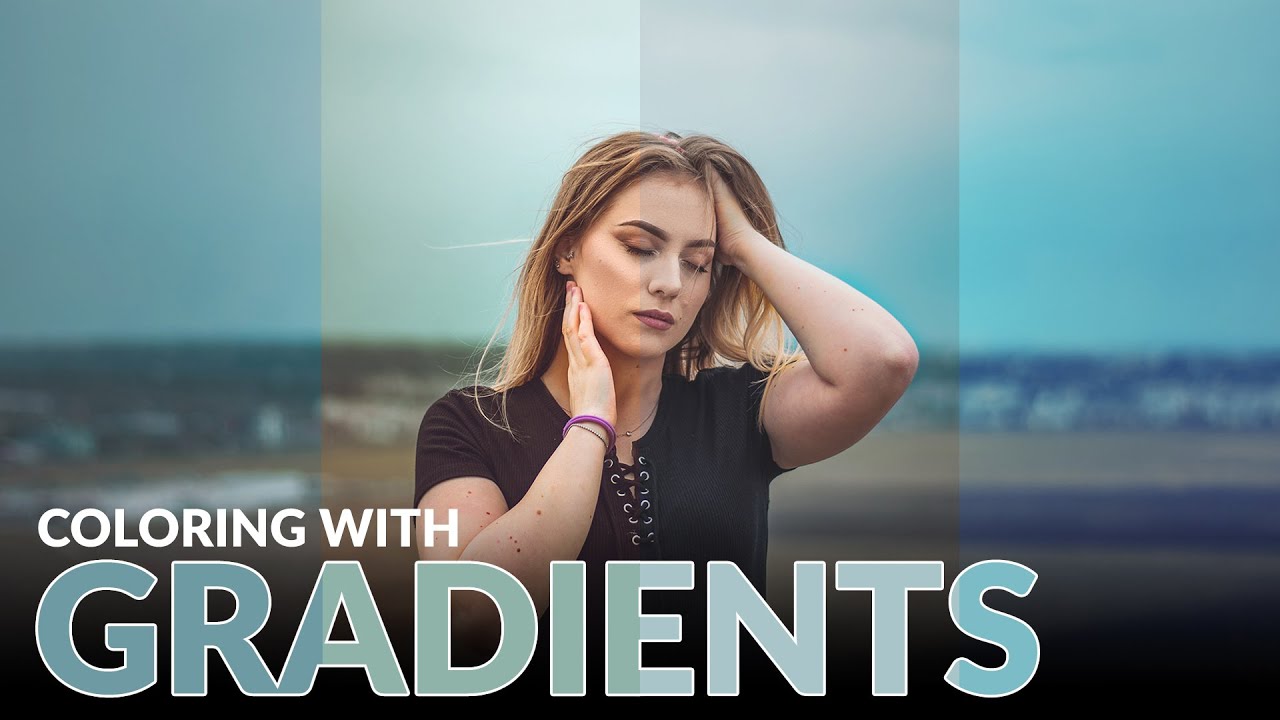
Color grading used to be the part of my workflow where I’d just… vibe and hope for the best. I’d push a Curves layer around, add some Color Balance on top of that, and then wonder why everything looked like a bruised peach. It worked out maybe half the time, and the other half I’d just tell the client “it’s a stylistic choice” and pray they didn’t push back. The real problem was I had no meaningful control over shadows, midtones, and highlights independently, at least not in any way that felt intuitive.

Ditch the Saturation Slider: A Better Way to Color Grade Your Landscape Photos in Lightroom

Ditch the Saturation Slider: A Better Way to Color Grade Your Landscape Photos in Lightroom

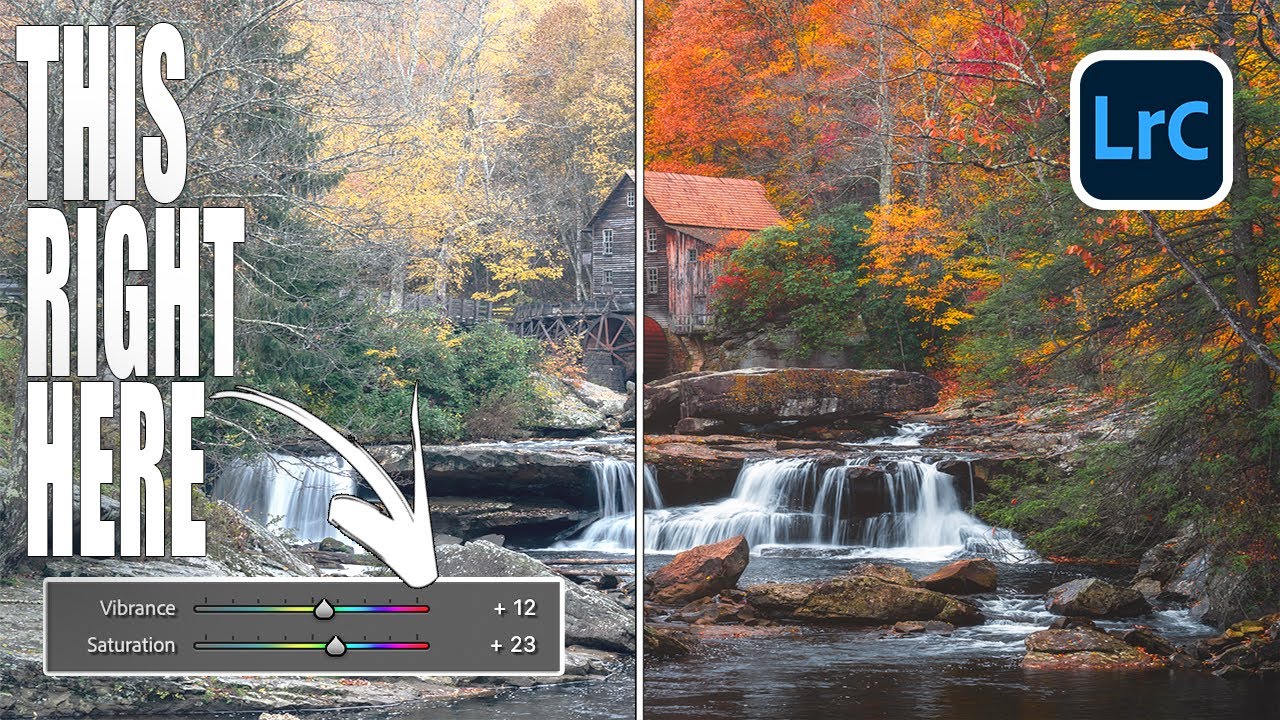
I’ll be honest - for the longest time, my color editing workflow was embarrassingly simple. Photo comes in flat? Drag Saturation up. Still looks dull? Nudge Vibrance. Call it done, collect the paycheck. It worked well enough that I never questioned it, which is exactly the kind of comfortable laziness that keeps you from getting better. Then I watched Mark Denney’s tutorial where he edits the same fall landscape photo twice - once using every color tool in Lightroom except Saturation and Vibrance, and once using only those two sliders - and the results genuinely stopped me mid-sip of my oat milk latte.

Photoshop 2026's Reference Image Feature Is the Wardrobe Swap Tool I Didn't Know I Needed

Photoshop 2026's Reference Image Feature Is the Wardrobe Swap Tool I Didn't Know I Needed

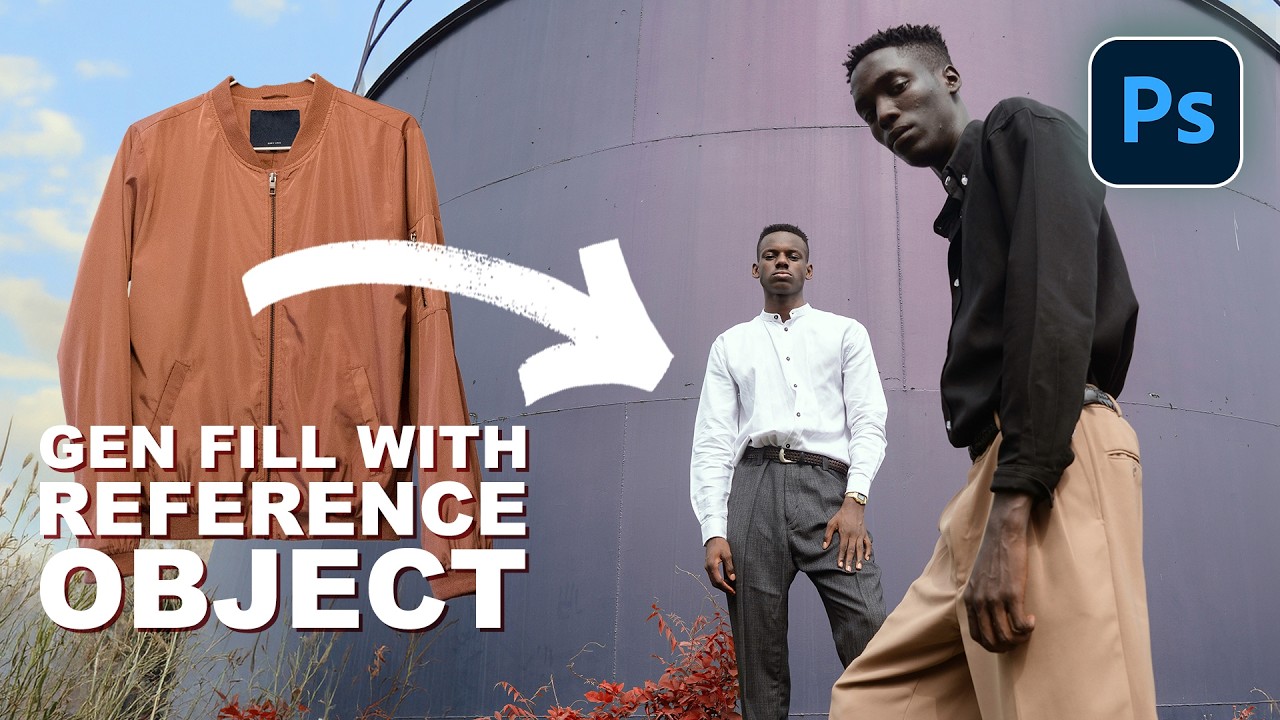
I do a decent amount of editorial and product-adjacent work, and one of the most tedious parts of that job has always been wardrobe. A client wants to see how a jacket looks on a model, or they need three versions of the same shot with different shirt colors, and suddenly what should be a quick edit turns into a multi-layer compositing nightmare. You’re cutting, masking, warping fabric, and praying the lighting doesn’t blow the whole illusion.

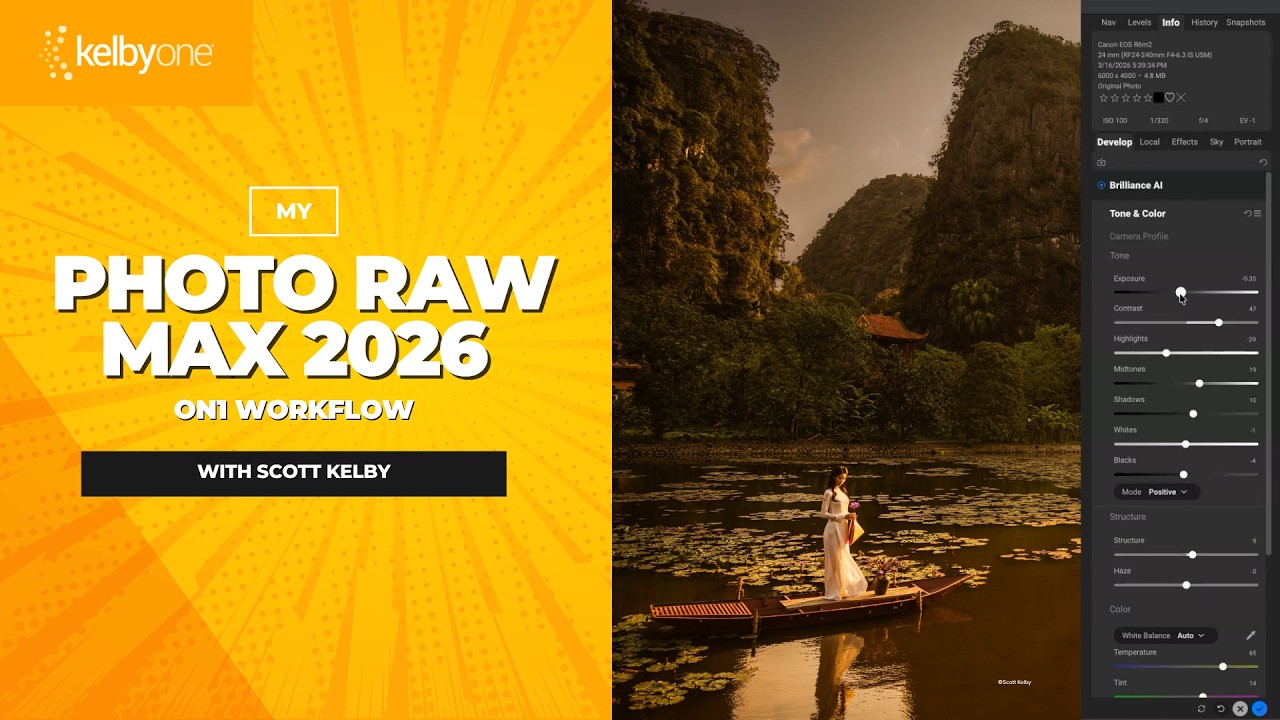
Scott Kelby's ON1 Photo RAW Max Workflow: The Order That Actually Makes Sense

Scott Kelby's ON1 Photo RAW Max Workflow: The Order That Actually Makes Sense

There’s a particular kind of creative paralysis that hits when you open a new piece of software and stare at seventeen panels you don’t understand. I’ve been there with ON1 Photo RAW more than once. I knew it could do impressive things. I’d seen the demo videos. But every time I launched it alongside my usual Lightroom and Photoshop setup, I’d poke around for twenty minutes, feel mildly confused, and go back to what I knew.

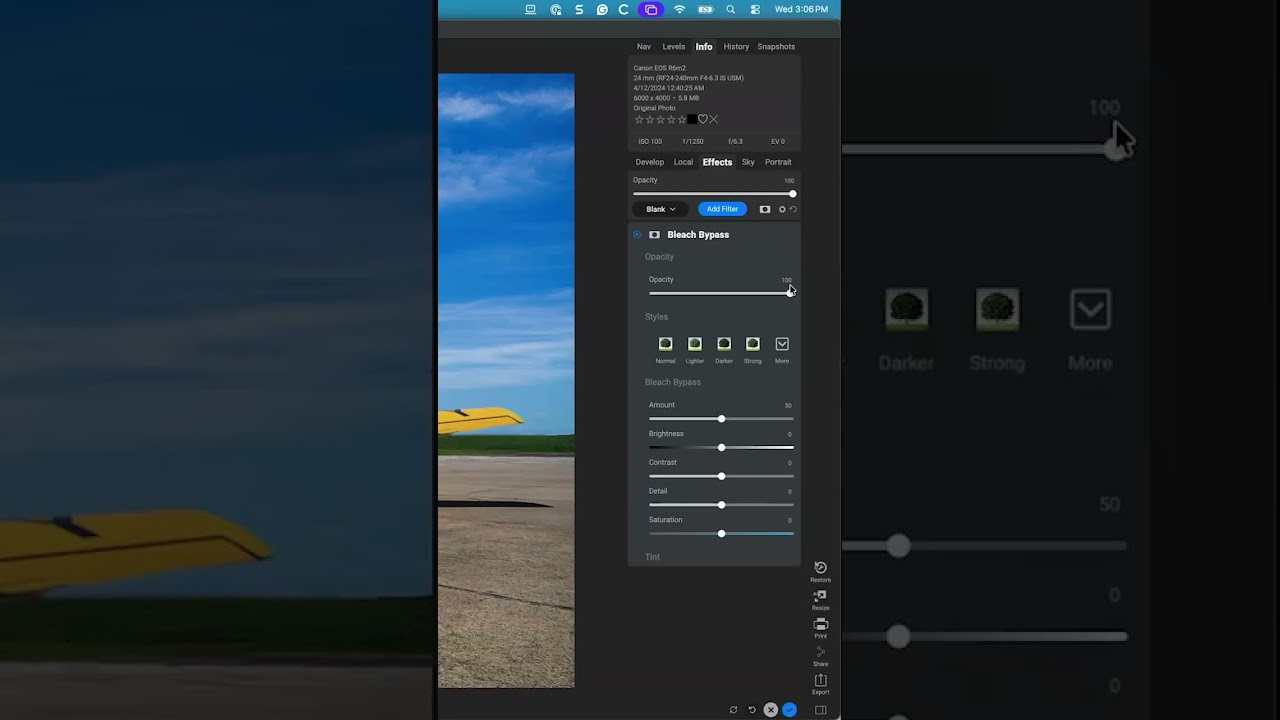
The Bleach Bypass Filter is Still in ON1 Photo RAW MAX — You Just Have to Know Where to Look

The Bleach Bypass Filter is Still in ON1 Photo RAW MAX — You Just Have to Know Where to Look

I have a complicated relationship with software updates. Half the time they add something genuinely useful. The other half, they quietly bury a tool I relied on and replace it with nothing, leaving me clicking around menus like I’m searching for my keys at 2am. That’s exactly what happened to me recently with ON1 Photo RAW MAX and the Bleach Bypass filter. I knew it existed. I’d used it before. And then one day it just… wasn’t in the filter list anymore.

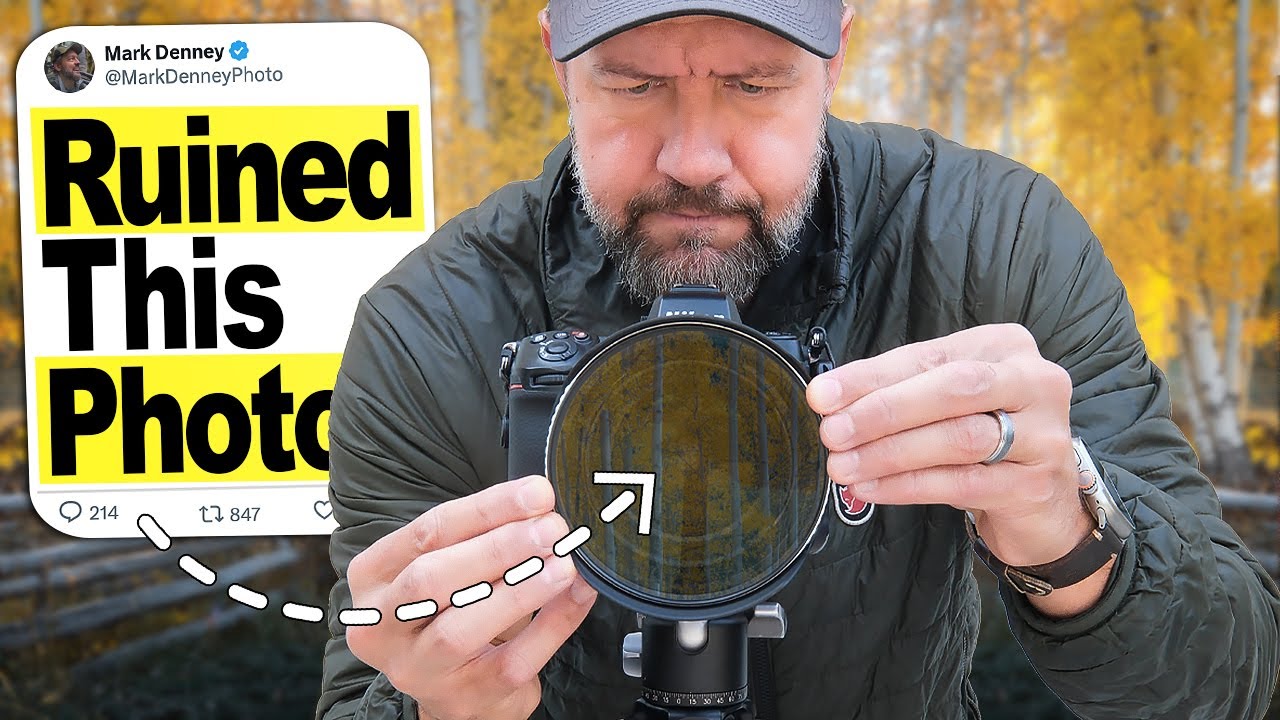
Stop Maxing Out Your Circular Polarizer — It's Killing Your Fall Shots

Stop Maxing Out Your Circular Polarizer — It's Killing Your Fall Shots

I’ll be honest: I am not primarily a landscape photographer. My wheelhouse is design work, composites, the occasional product shoot. But fall rolls around every year and something happens to me. I grab my camera, I drive somewhere with trees, and I try to make something that doesn’t look like a tourist snapshot. For years I leaned on my circular polarizer like it was a magic wand, cranking it all the way and assuming that more polarization meant better photos.

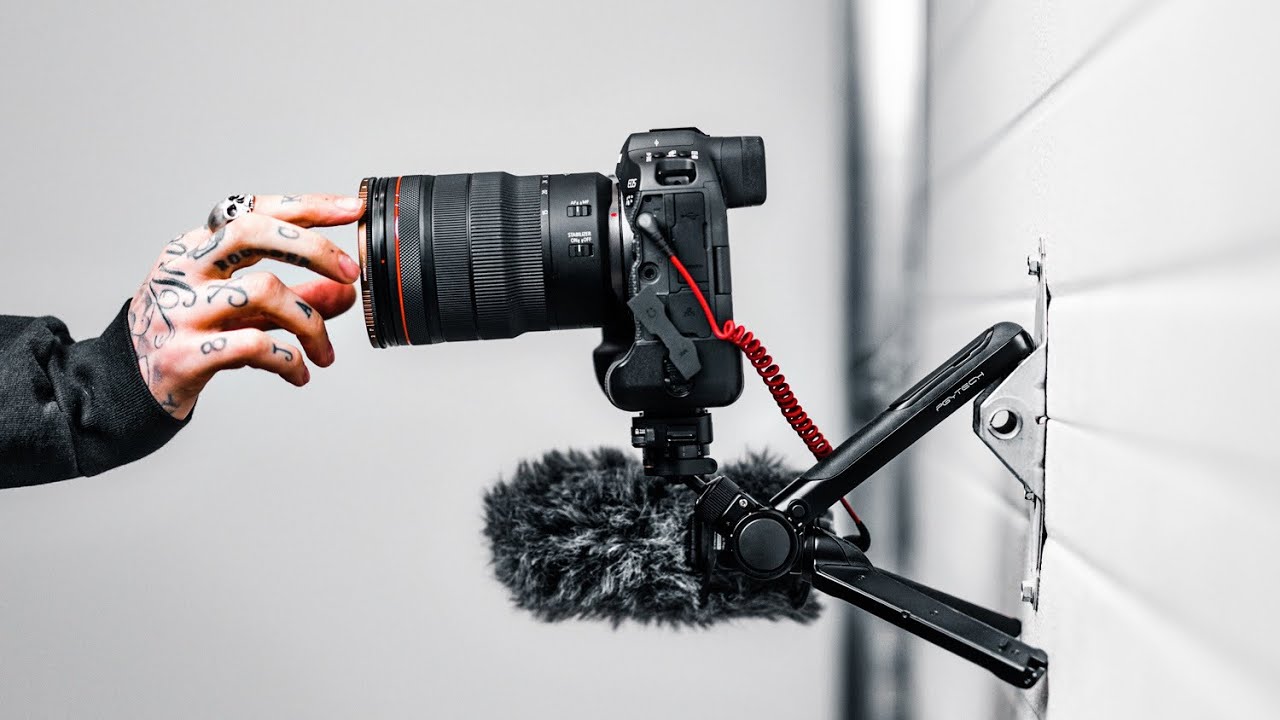
The Mantis Pod Is the Swiss Army Knife of Camera Support (And Why I'm Obsessed With It)

The Mantis Pod Is the Swiss Army Knife of Camera Support (And Why I'm Obsessed With It)

I have a bad habit of overcomplicating my kit. I’ll spend forty minutes setting up a C-stand for a shot that needed a tripod for thirty seconds, then wonder why I’m still at the coffee shop at midnight. What I actually need more often than not is something small, fast, and clever enough to handle whatever weird surface or angle I’m working around. That’s the gap this tutorial fills. In this Peter McKinnon video, he walks through the PGyTech Mantis Pod, a compact tripod that he calls his favorite new piece of kit.