AI Dust Removal Is Here and It'll Save You Hours of Clone Stamp Hell

AI Dust Removal Is Here and It'll Save You Hours of Clone Stamp Hell

There’s a specific kind of freelance photographer pain that I only discovered after delivering a batch of landscape shots to a client and getting an email back asking about “all the little circles.” I had no idea what they were talking about. Zoomed in. Dust spots. Everywhere. On every single image. From a dirty sensor I hadn’t thought to clean. I spent the better part of an afternoon cloning them out one by one like some kind of medieval monk illuminating a manuscript, except less dignified and with more swearing.

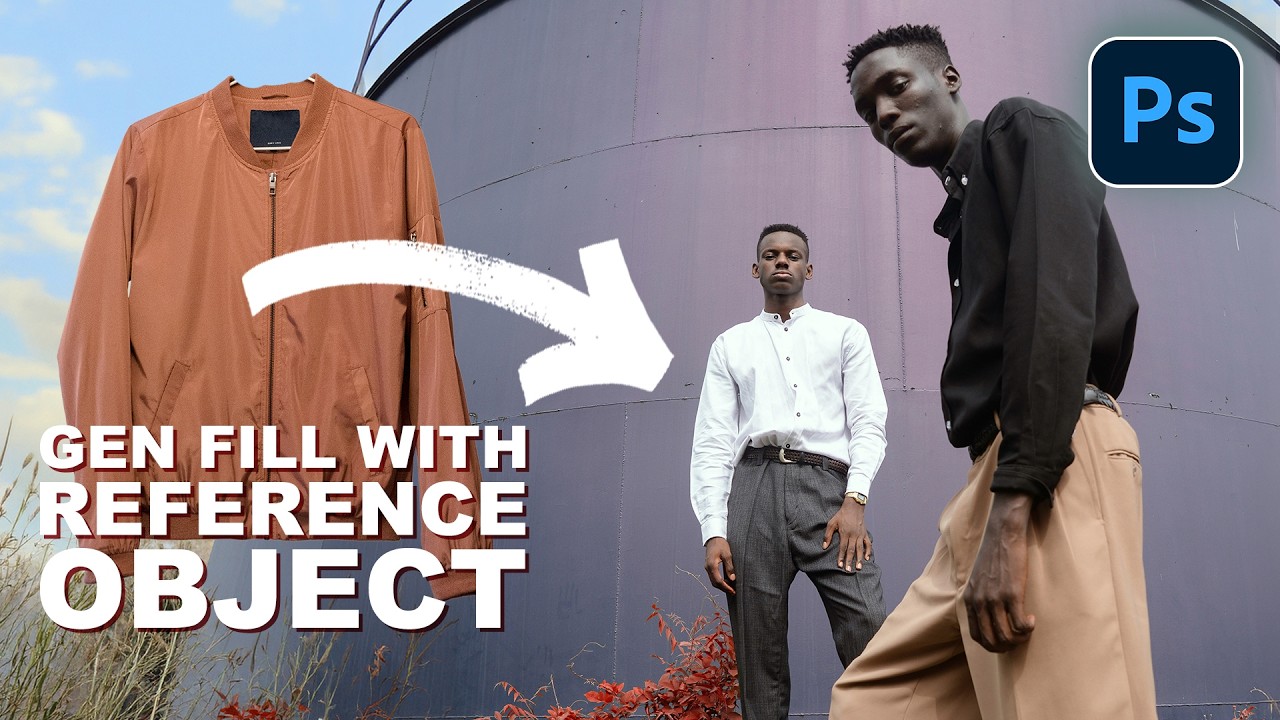
Photoshop 2026's Reference Image Feature Is the Wardrobe Swap Tool I Didn't Know I Needed

Photoshop 2026's Reference Image Feature Is the Wardrobe Swap Tool I Didn't Know I Needed

I do a decent amount of editorial and product-adjacent work, and one of the most tedious parts of that job has always been wardrobe. A client wants to see how a jacket looks on a model, or they need three versions of the same shot with different shirt colors, and suddenly what should be a quick edit turns into a multi-layer compositing nightmare. You’re cutting, masking, warping fabric, and praying the lighting doesn’t blow the whole illusion.

Stop Struggling With Manual Compositing – Photoshop's AI Just Changed the Game

Stop Struggling With Manual Compositing – Photoshop's AI Just Changed the Game

The Death of the Manual Composite Workflow Remember when combining two images in Photoshop meant spending an hour masking, dodging, and burning until your eyes crossed? Yeah, those days are basically over, and honestly, I’m not even mad about it. I’ve been playing around with Photoshop’s latest features, and the speed at which you can now merge multiple photos is genuinely wild. We’re talking removing backgrounds, matching lighting, and blending exposures in what used to take half your afternoon – now doable in minutes.

Stop Fighting Lightroom's Auto Button - Let the AI Do the Heavy Lifting First

Stop Fighting Lightroom's Auto Button - Let the AI Do the Heavy Lifting First

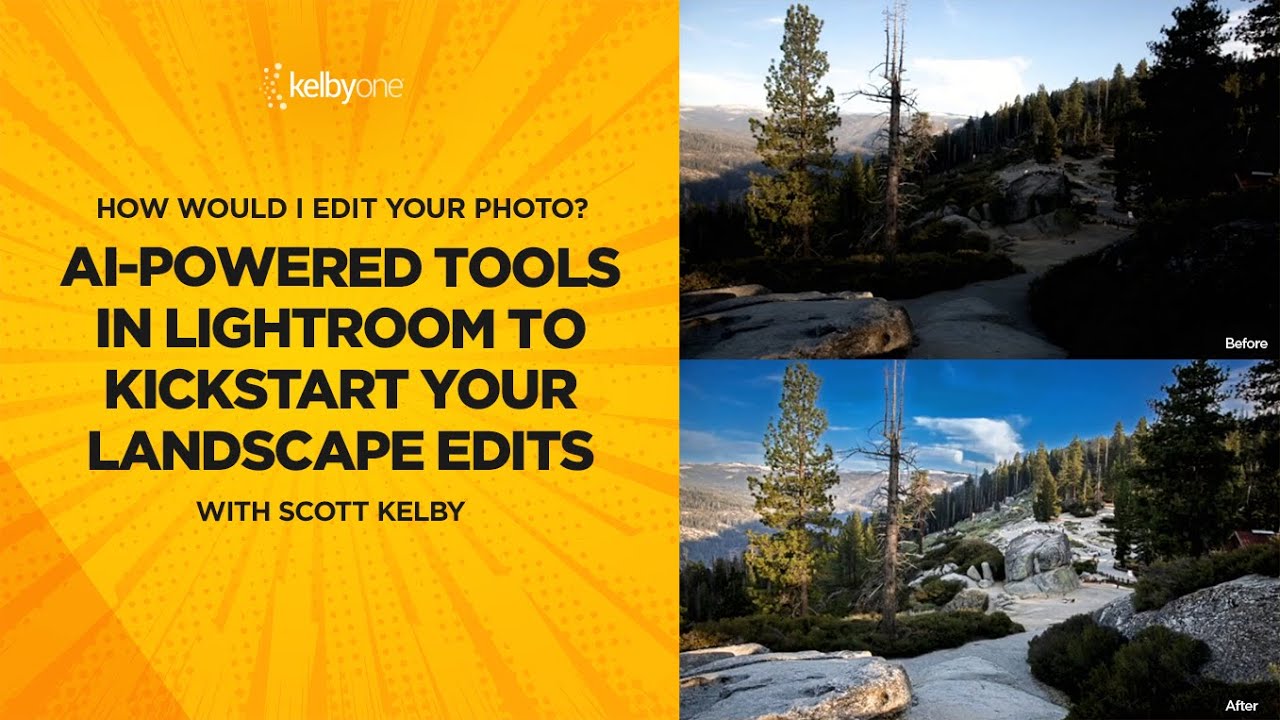
There’s a certain type of editor who loves suffering. They open a raw file, every slider sitting at zero, and they start manually nudging exposure up by 0.35, then shadows up a little, then back down, then highlights, and forty-five minutes later they have something that looks roughly like what the AI would’ve given them in two seconds. I was that editor. I thought manually touching every slider meant I was being a real craftsman.

Adobe's AI Noise Reduction is Here and It's Kind of a Big Deal

Adobe's AI Noise Reduction is Here and It's Kind of a Big Deal

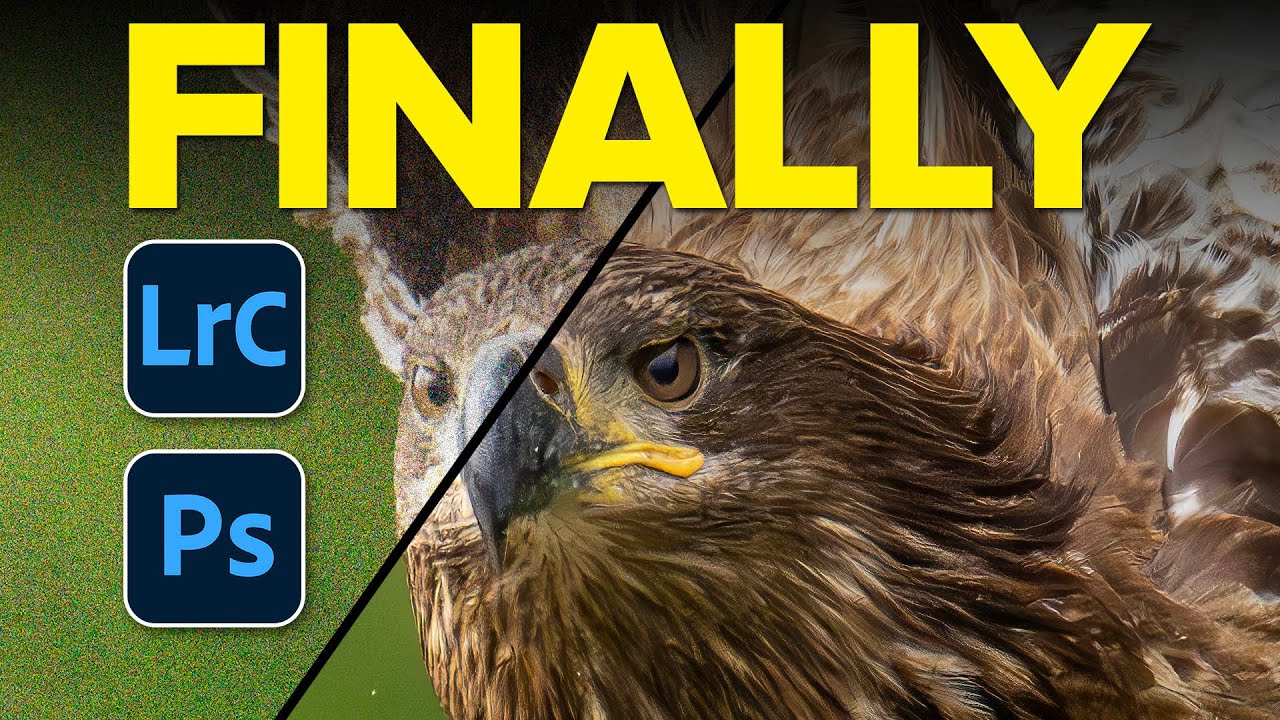
I shoot a lot of work late in coffee shops. Bad lighting, available light, high ISO, the whole disaster. So noise has always been my nemesis, sitting there in my shadows like an uninvited guest who refuses to leave. For years I dealt with it through a mix of manual sliders in Lightroom and a third-party plugin that worked well but added time to every job. Then Adobe dropped their AI-powered Denoise feature in Lightroom Classic and Adobe Camera Raw, and suddenly a lot of photographers started asking whether the plugin era is over.

Generative Credits in Photoshop & Lightroom: What Costs You and What Doesn't

Generative Credits in Photoshop & Lightroom: What Costs You and What Doesn't

Here’s a situation I’ve been in more than once: I’m halfway through a client job, I’ve been leaning on Photoshop’s AI tools like they’re going out of style, and then I get that little notification that my generative credits are running low. Cue mild panic, a lot of Googling, and the realization that I had absolutely no idea which tools were burning through credits and which ones were free. Turns out, I’d been playing the game without reading the rules.

Photoshop Just Got Multiple AI Brains — Here's How to Actually Use Them

Photoshop Just Got Multiple AI Brains — Here's How to Actually Use Them

There’s a specific kind of freelance misery that comes from a client sending you a product photo at 11pm with “can you just clean up the logo on the shirt and make the sky look less depressing?” Like, sure, no problem. I’ll just fire up my selection tools, wrestle with Generative Fill, make a sky that looks vaguely cinematic, and call it a Tuesday. That workflow has been fine. Fine. But fine is not a word I use to describe my coffee, my shortcuts, or ideally my tools.

Photoshop's Generative Fill Is Absurdly Good — Here's What It Actually Does

Photoshop's Generative Fill Is Absurdly Good — Here's What It Actually Does

I’ll be honest with you. The first time someone told me Photoshop had shipped an AI fill tool that could generate entirely new content from a text prompt, I assumed it was the usual Adobe overpromise. I’ve been burned before. I sat through the Neural Filters rollout with genuine excitement and walked away using maybe one of them semi-regularly. So when Generative Fill started making the rounds in the beta version of Photoshop, I kept my expectations low and my skepticism high.

Stop Fighting Perspective in Photoshop — The 2026 Composite Workflow That Actually Works

Stop Fighting Perspective in Photoshop — The 2026 Composite Workflow That Actually Works

I spent three days on a composite once. Three full days, four cold coffees at the same coffee shop table, and more manual warp adjustments than I care to admit, trying to get a product shot to sit convincingly on a surface that was shot from a completely different angle. My client thought it looked great. I knew it looked like a PNG dropped on a photo because, well, it was.