Stop Opening RAW Files Wrong in Photoshop (This Setting Changes Everything)

Stop Opening RAW Files Wrong in Photoshop (This Setting Changes Everything)

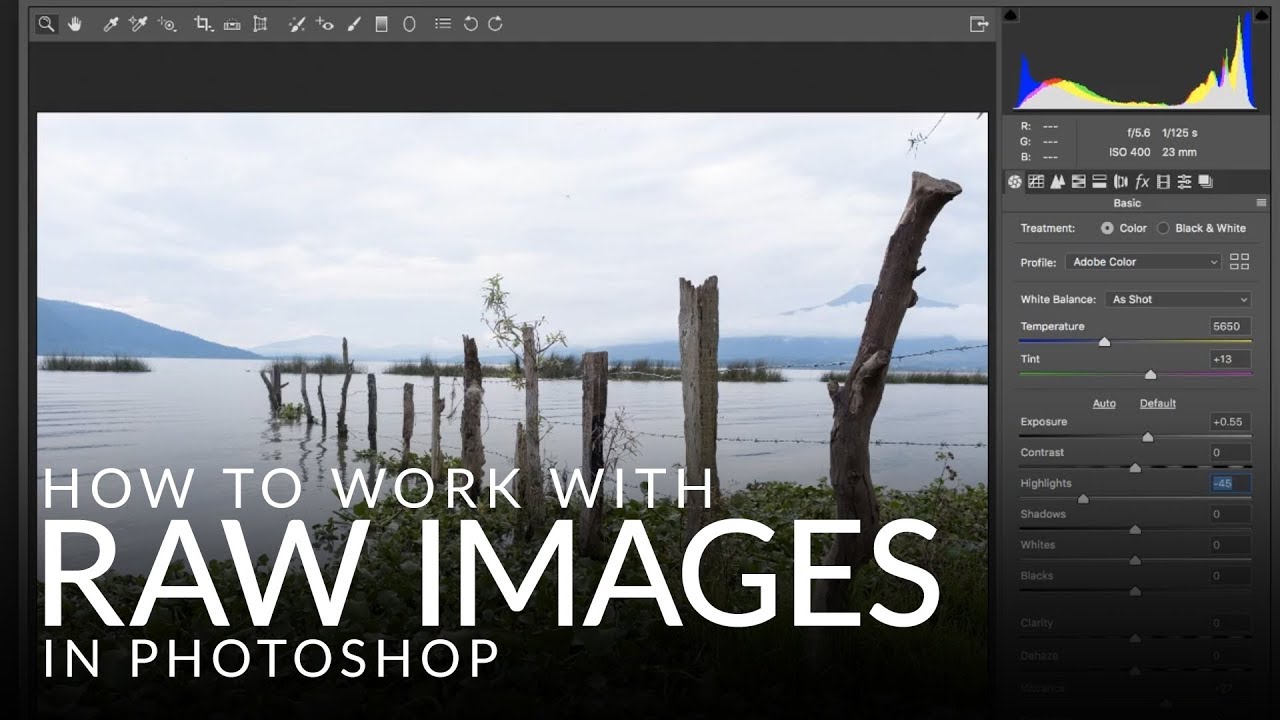
There’s a specific kind of pain that comes from finishing a Photoshop edit, sending it to a client, and then realizing you need to go back and change the exposure on the original RAW file. If you opened that file the wrong way, you’re basically starting over. I learned this the hard way early in my freelance career, and it cost me hours I didn’t have sitting in a coffee shop at 11pm with a deadline breathing down my neck.

Fake the Y2K Digicam Look in Photoshop (No eBay Required)

Fake the Y2K Digicam Look in Photoshop (No eBay Required)

Client work comes in waves. One week everyone wants clean, minimal, modern. The next week, someone slides into your DMs asking for that “y’know, that old digital camera vibe” and you’re suddenly staring at a perfectly exposed, beautifully lit photo wondering how to make it look worse on purpose. It’s a real skill. I mean that without irony. The digicam look, that punchy, slightly cold, flash-blasted aesthetic from early-2000s point-and-shoot cameras, is everywhere right now.

Stop Guessing Your White Balance — Here's How to Fix It in Photoshop (Even on JPEGs)

Stop Guessing Your White Balance — Here's How to Fix It in Photoshop (Even on JPEGs)

Color is the thing that separates a photo that looks off from one that stops the scroll. I’ve handed clients deliverables that were technically sharp, technically exposed, and technically terrible because the white balance was just slightly too cold and it made everyone look like they were photographed inside a hospital. Not great. White balance is one of those adjustments that sounds fussy and technical until you realize it’s basically the difference between “warm afternoon in Mexico” and “fluorescent break room at a DMV.

Adobe Snuck a Reflection Remover Into Camera Raw and It Actually Works

Adobe Snuck a Reflection Remover Into Camera Raw and It Actually Works

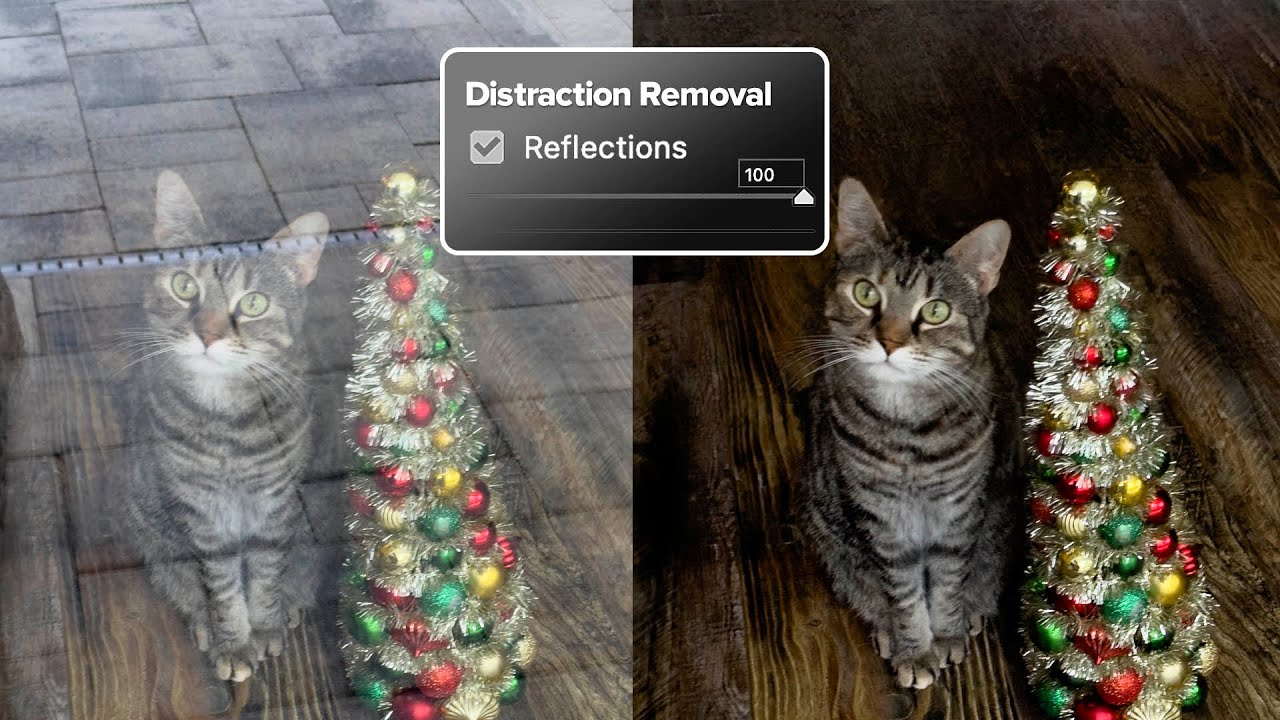
There’s a specific kind of photograph that lives rent-free in my head: the one that’s almost perfect. Good light, good composition, and then a big fat window reflection smeared right across the subject like the universe is personally trolling you. I’ve got a few of those buried in old client folders from my early freelance days, back when I was still figuring out that “I’ll fix it in post” is mostly a cope.

Adobe's AI Noise Reduction is Here and It's Kind of a Big Deal

Adobe's AI Noise Reduction is Here and It's Kind of a Big Deal

I shoot a lot of work late in coffee shops. Bad lighting, available light, high ISO, the whole disaster. So noise has always been my nemesis, sitting there in my shadows like an uninvited guest who refuses to leave. For years I dealt with it through a mix of manual sliders in Lightroom and a third-party plugin that worked well but added time to every job. Then Adobe dropped their AI-powered Denoise feature in Lightroom Classic and Adobe Camera Raw, and suddenly a lot of photographers started asking whether the plugin era is over.

Finally! Adobe Camera Raw Shows You Exactly Where Your Camera Focused

Finally! Adobe Camera Raw Shows You Exactly Where Your Camera Focused

Stop Blaming Your Camera (Or Start, Confidently) You know that moment? You’re editing a batch of photos, stumble across a blurry shot, and immediately think, “My camera’s autofocus is broken!” Before you rage-tweet at Canon or Nikon, Adobe just gave you a way to actually prove it—or eat humble pie. The latest version of Adobe Camera Raw (18.4.1) quietly dropped a feature I’ve been waiting for since roughly the invention of autofocus itself: the ability to see exactly where your camera focused.

Adobe Camera Raw in Photoshop Is Doing Heavy Lifting I Used to Do Manually (And I Feel Foolish)

Adobe Camera Raw in Photoshop Is Doing Heavy Lifting I Used to Do Manually (And I Feel Foolish)

I spent the better part of three years doing things the hard way in Photoshop. Manually painting masks for background blur. Dragging Hue/Saturation sliders trying to isolate a sky without torching the rest of the image. Stacking adjustment layers like I was building a skyscraper out of toothpicks. It worked, mostly, but it was slow and fragile. One wrong move and the whole thing collapsed. That’s actually how I learned about smart objects, after accidentally flattening a client’s project file and spending the next two hours trying to reconstruct it from a JPEG export.

Adobe Camera Raw Just Quietly Got Way Better at Complex Edges (And Nobody's Talking About It)

Adobe Camera Raw Just Quietly Got Way Better at Complex Edges (And Nobody's Talking About It)

The Update Nobody’s Celebrating Yet I stumbled onto something in Adobe Camera Raw last week that made me genuinely excited—which, let’s be honest, doesn’t happen often with software updates. While everyone’s been distracted by whatever shiny new feature Adobe’s marketing team is pushing, two legitimately useful masking tools snuck into the latest version, and I’m convinced they’re about to change how we approach selective adjustments. Here’s the thing: these aren’t revolutionary in concept, but they’re revolutionary in execution.

RAW Brushes in Photoshop Are Doing Work I Didn't Know I Was Missing

RAW Brushes in Photoshop Are Doing Work I Didn't Know I Was Missing

I’ll be honest: for a long time I treated Adobe Camera Raw like a waiting room. You know, the place you sit in before you get to the “real” work in Photoshop. Open file, nudge exposure, click “Open Image,” never look back. It wasn’t until I watched a friend turn around a badly lit portrait in about eight minutes, entirely inside Camera Raw, that I started paying closer attention to what that workspace could actually do.