The Step and Repeat Slice Effect That Made Me Feel Like a Photoshop Insider

The Step and Repeat Slice Effect That Made Me Feel Like a Photoshop Insider

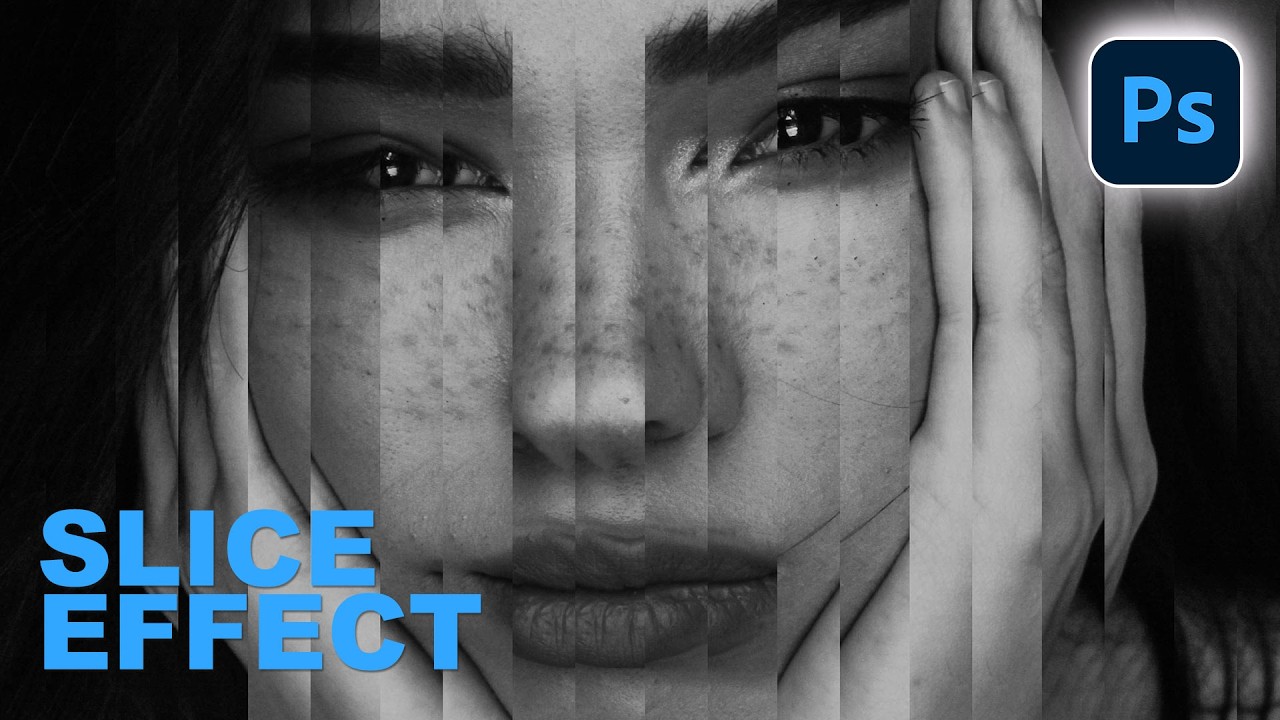
There’s a specific kind of embarrassment that hits when someone shows you a technique you’ve never heard of and you realize you’ve been doing it the hard way for years. I’ve been freelancing in Photoshop long enough that I thought I had a pretty solid handle on the non-destructive workflow stuff. Then I watched Aaron Nace’s latest PHLEARN tutorial on building a portrait slice effect from scratch and immediately learned about “step and repeat,” a technique I had somehow never encountered.

The 5-Minute Dreamy Photo Effect That Actually Works (No Orton Effect Required)

The 5-Minute Dreamy Photo Effect That Actually Works (No Orton Effect Required)

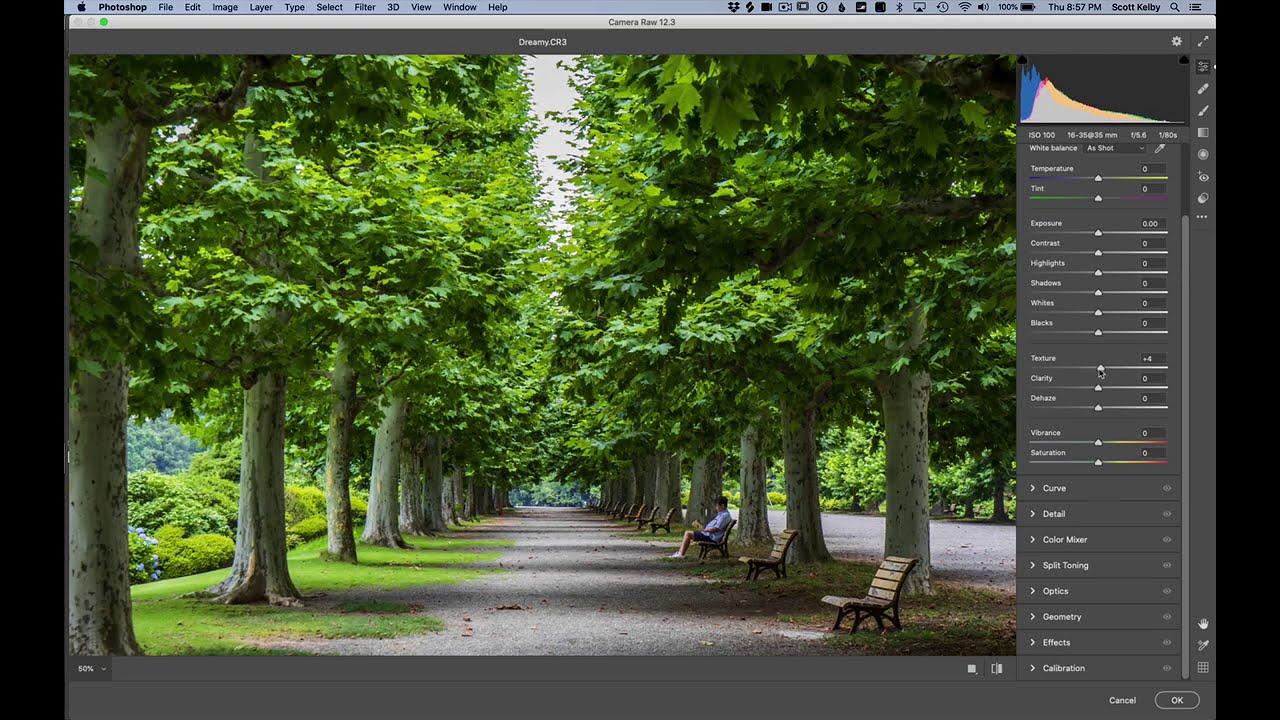
There’s a certain kind of client request that used to make me quietly groan into my coffee. “Can you make it look… softer? Like dreamy? You know, that look?” I did not always know that look. And my first instinct was usually to reach for some overcomplicated multi-layer Orton effect tutorial I’d bookmarked three years ago and never fully understood. Twenty minutes later I’d have something that looked like a fever dream, not a photograph.

The Pixel Stretch Effect Nobody Taught Me (But Aaron Nace Did)

The Pixel Stretch Effect Nobody Taught Me (But Aaron Nace Did)

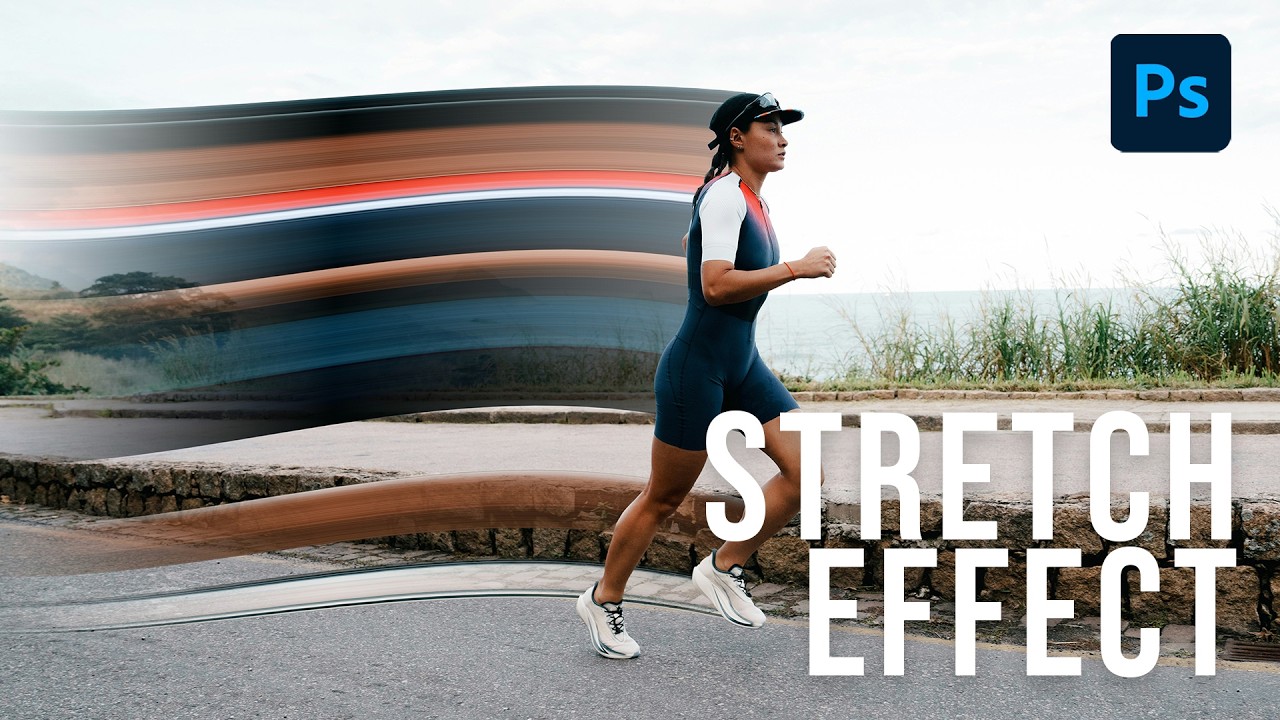
I’ve been making graphics professionally long enough that I should be embarrassed by how many Photoshop tools I’ve flat-out ignored. The single-column marquee tool was one of them. I knew it existed the way I know my gym membership exists – technically present, never used. Then I watched Aaron Nace’s pixel stretch tutorial over at PHLEARN and felt that specific flavor of frustration where a technique is so simple and so good that you’re annoyed you didn’t already know it.

The Paper Slit Effect: A Clever Holiday Photoshop Trick You Can Pull Off in 15 Minutes

The Paper Slit Effect: A Clever Holiday Photoshop Trick You Can Pull Off in 15 Minutes

Every December I end up scrambling for last-minute holiday graphics. Social posts, promo banners, gift guides, you name it. And every year I default to the same tired snowflake overlays and gradient red backgrounds that look like everyone else’s work. So when I came across this Scott Kelby tutorial, I stopped scrolling pretty fast. The technique is deceptively simple: you make it look like a gift card or product is physically peeking through a slit cut into paper.

Black Mist Filters: The One Piece of Glass That Changed How I Think About Light

Black Mist Filters: The One Piece of Glass That Changed How I Think About Light

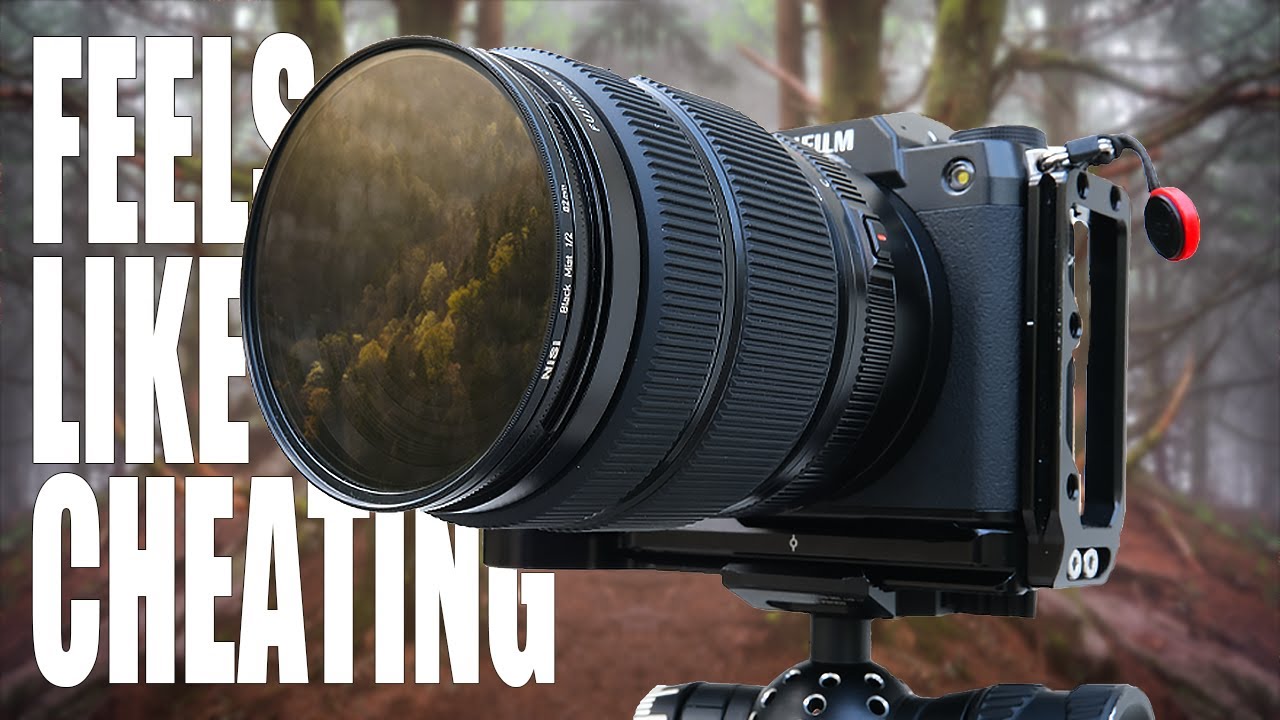
I’ve spent an embarrassing amount of time in Photoshop trying to manufacture atmosphere. Glows, diffusion, contrast lifts, lifted blacks, the Orton effect… you name it, I’ve layered it into a PSD at some point. And while you can absolutely get somewhere with that approach, there’s always been this nagging feeling that the result looks slightly cooked. Like a photo that’s trying too hard to feel dreamy. So when I came across Watch the full tutorial on YouTube from landscape photographer Mark Denney, I sat up a little straighter in my coffee shop chair.

Fake Light Rays That Actually Look Real: A Photoshop Walkthrough

Fake Light Rays That Actually Look Real: A Photoshop Walkthrough

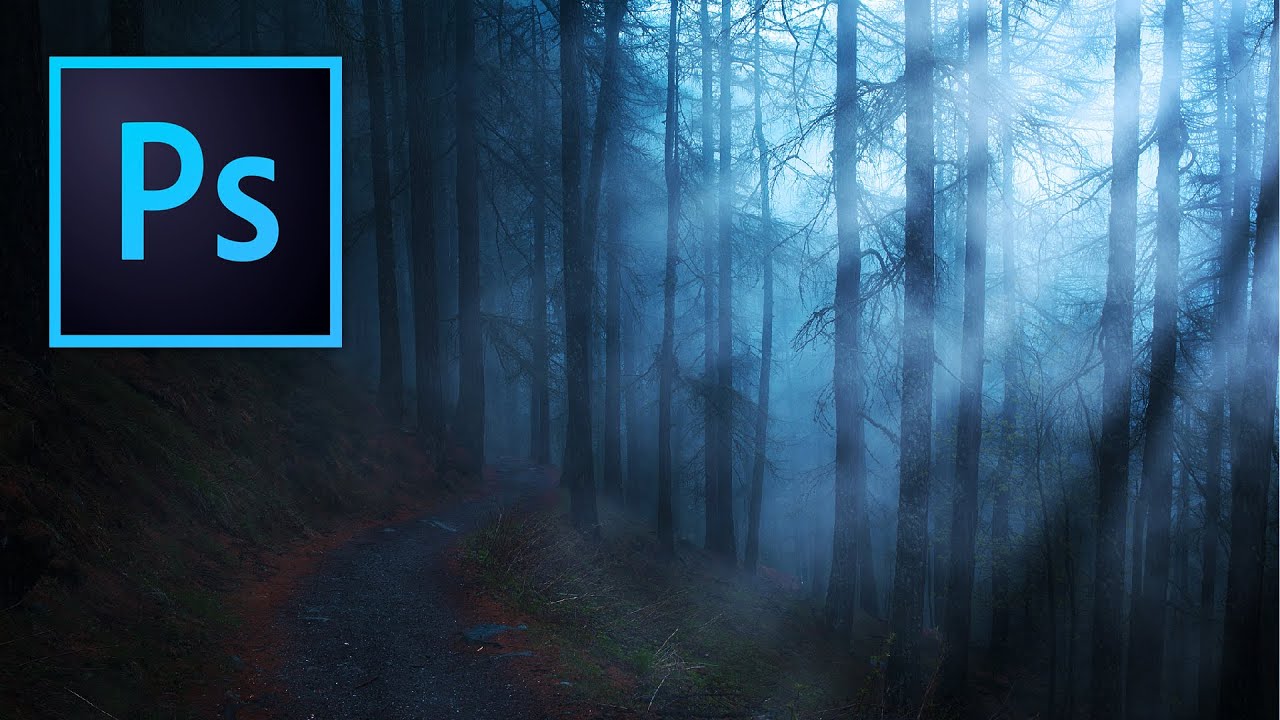
There’s a certain kind of photo that stops people mid-scroll. You know the one: shafts of light breaking through trees, or that golden haze pouring through a window like someone hired a cinematographer. Clients ask me for that look constantly, and for a while I was either hunting for the perfect stock photo or spending way too long faking it badly. Then I stumbled onto a Kelvin Designs tutorial that reframed the whole thing for me.