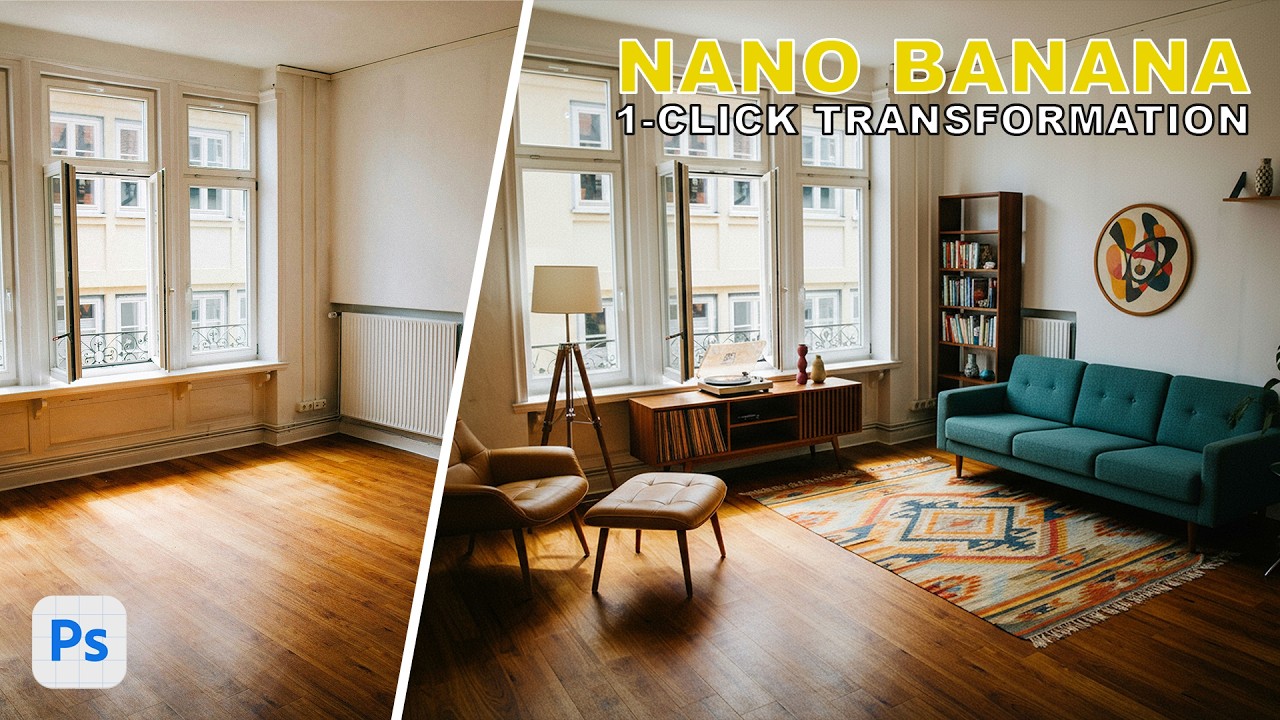
The Real Cost of Generative Fill: Why Your Photoshop Shortcuts Are Someone Else's Stolen Work

The Real Cost of Generative Fill: Why Your Photoshop Shortcuts Are Someone Else's Stolen Work

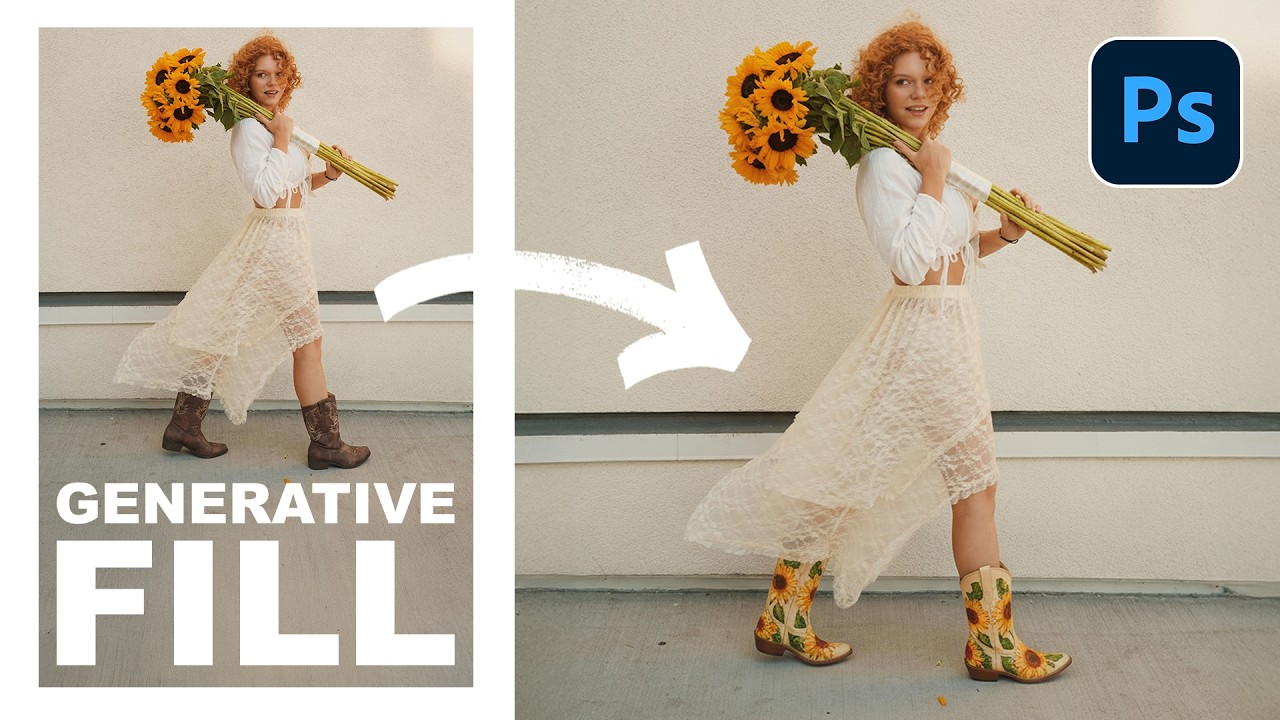
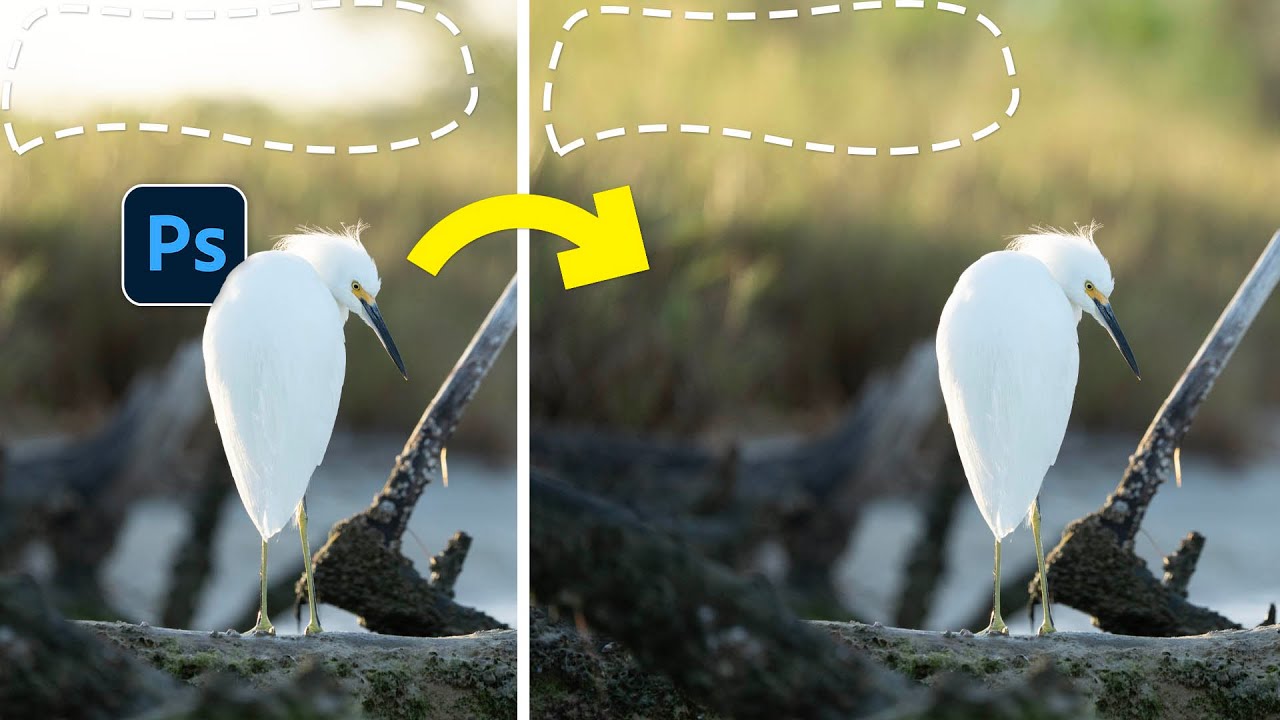
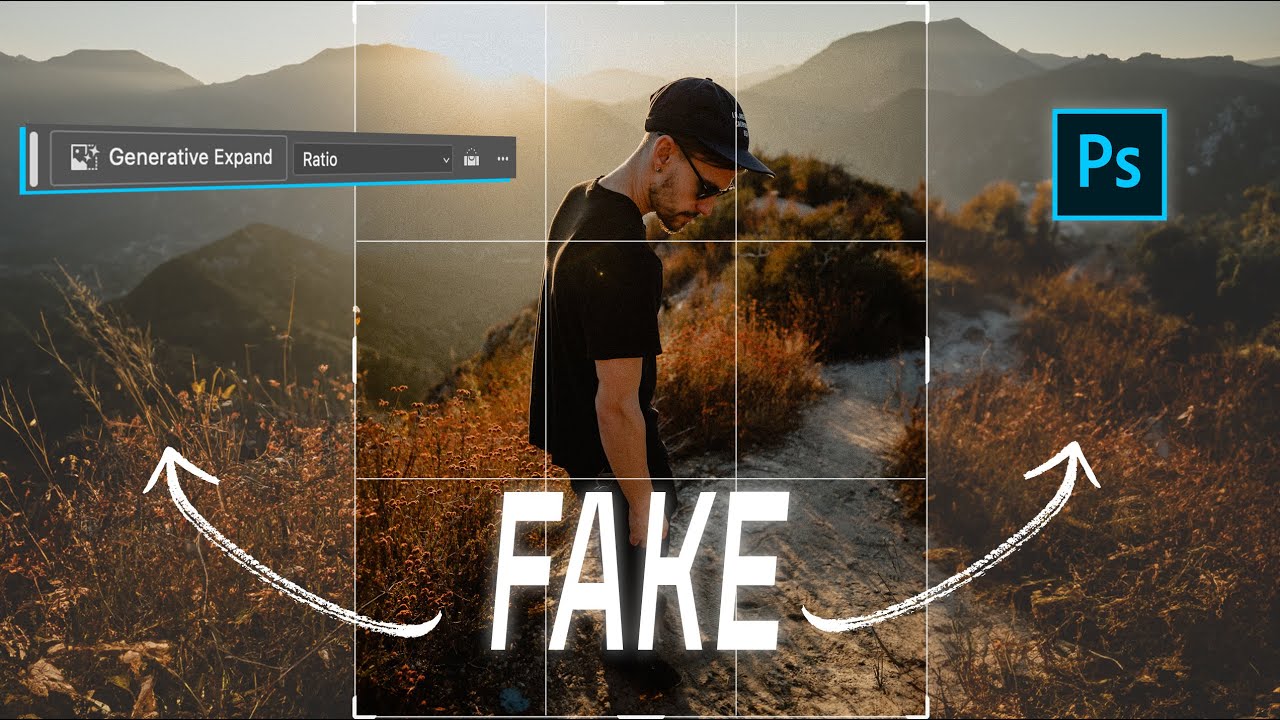
I love Generative Fill. There, I said it. When Adobe dropped it into Photoshop a couple years back, I immediately used it to remove a coffee cup from a client shot, fix some awkward shadows, and extend a landscape that was framed just slightly wrong. It took seconds. It worked beautifully. It made me more efficient, and my client was thrilled. But here’s the thing that’s been nagging at me ever since: I have no idea whose work trained that tool to do those things.

Transform Your Empty Rooms: Master Photoshop's Generative Fill for Interior Design Magic

Transform Your Empty Rooms: Master Photoshop's Generative Fill for Interior Design Magic

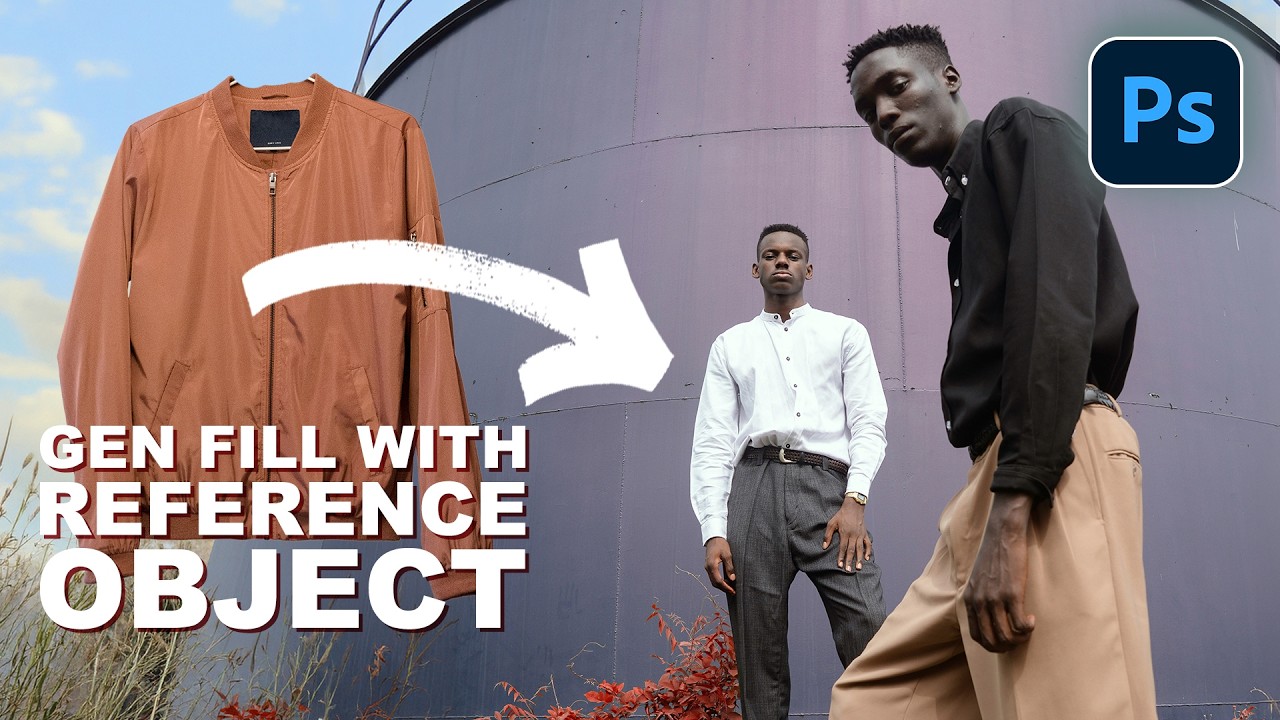
Stop Guessing About Your Redesign I’ve been watching Photoshop’s AI capabilities evolve, and honestly, the latest Generative Fill update is a game-changer for anyone who’s ever stared at an empty room and thought, “I have no idea what goes here.” Whether you’re a designer, homeowner, or content creator, this tool just saved you from making expensive decorating mistakes. The Real Game-Changer: Five Features That Actually Matter Adobe didn’t just slap a fresh coat of paint on Generative Fill—they built something genuinely useful.