The Curves Fix You Didn't Know You Needed: Refine Saturation in Lightroom and Camera Raw

The Curves Fix You Didn't Know You Needed: Refine Saturation in Lightroom and Camera Raw

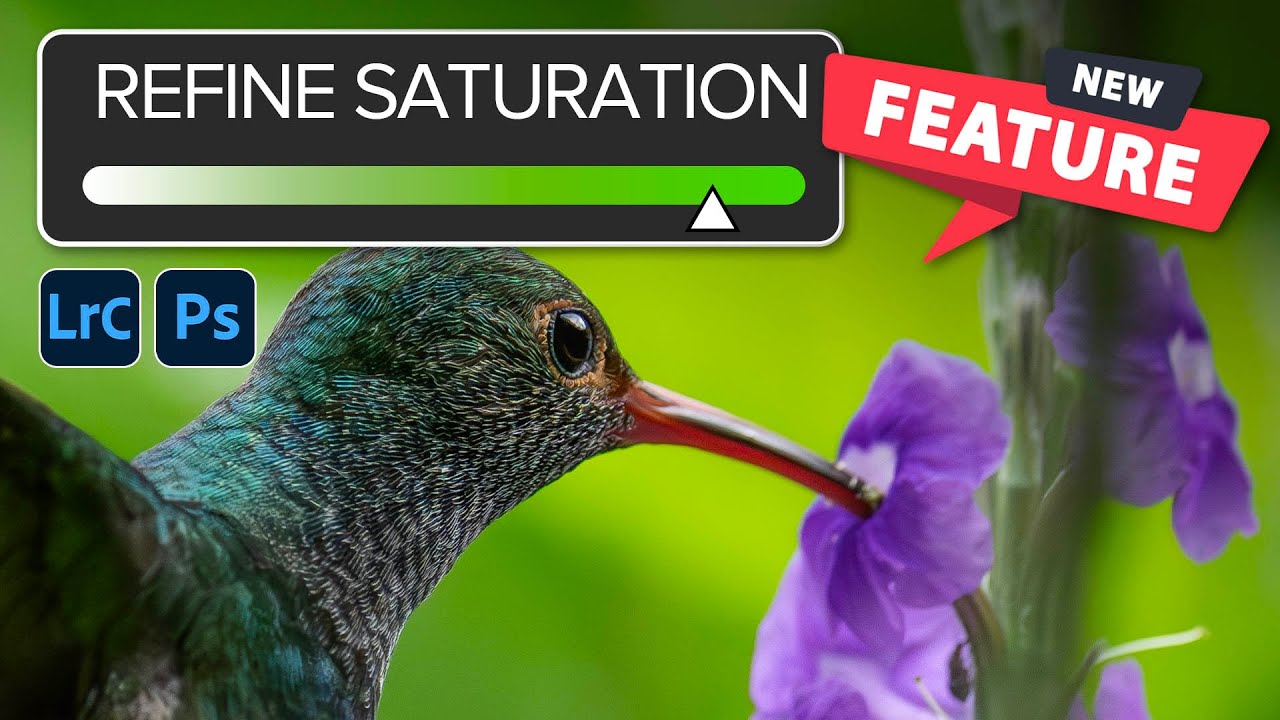
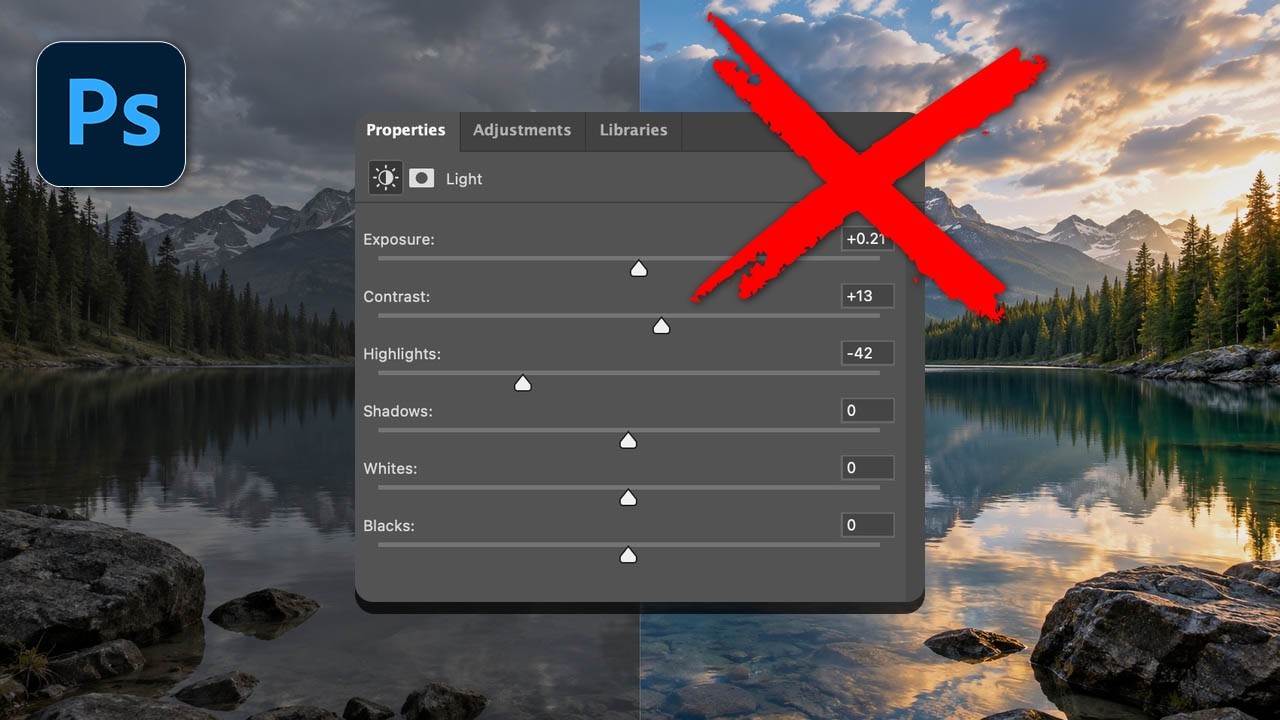
If you’ve ever pulled down the black point on a Curves adjustment and watched your greens go full radioactive swamp, congratulations - you’ve met one of the most quietly frustrating quirks in Lightroom and Camera Raw. You want punchy shadows. You get a photo that looks like it was color-graded by someone who really, really loves saturated tones. The fix used to be a compromise: back off the curve until the colors calm down and accept a softer black point, or sit with the over-saturation and pretend it’s a creative choice.

Adobe's August 2026 Update: What's New in Lightroom and Camera RAW

Adobe's August 2026 Update: What's New in Lightroom and Camera RAW

Adobe’s August 2026 Update: What’s New in Lightroom and Camera RAW I’ve been digging into the latest August 2026 update for both Lightroom Classic and Adobe Camera RAW, and let me tell you—there’s some genuinely useful stuff here that’ll make your editing life easier. Adobe clearly listened to what users actually need rather than just adding complexity for complexity’s sake. The Feature Shuffle (And Why It Matters) Here’s what I’m noticing with Adobe’s release strategy lately: they’re rolling out new features in Camera RAW first, then letting them percolate for a bit before bringing them into Lightroom Classic.

The Lightroom Color Tool You've Been Scrolling Past (And Why That's a Mistake)

The Lightroom Color Tool You've Been Scrolling Past (And Why That's a Mistake)

A few months ago I spent the better part of an afternoon trying to warm up a landscape shot using nothing but the Temperature slider. The result was technically warmer, sure, but it also looked like someone had smeared Velveeta across the sky. Everything shifted. The rocks, the shadows, the parts I didn’t even want touched. I ended up with a photo that looked like it was shot through a jaundiced window.

Photoshop's June 2025 Update Just Made Background Removal Actually Good

Photoshop's June 2025 Update Just Made Background Removal Actually Good

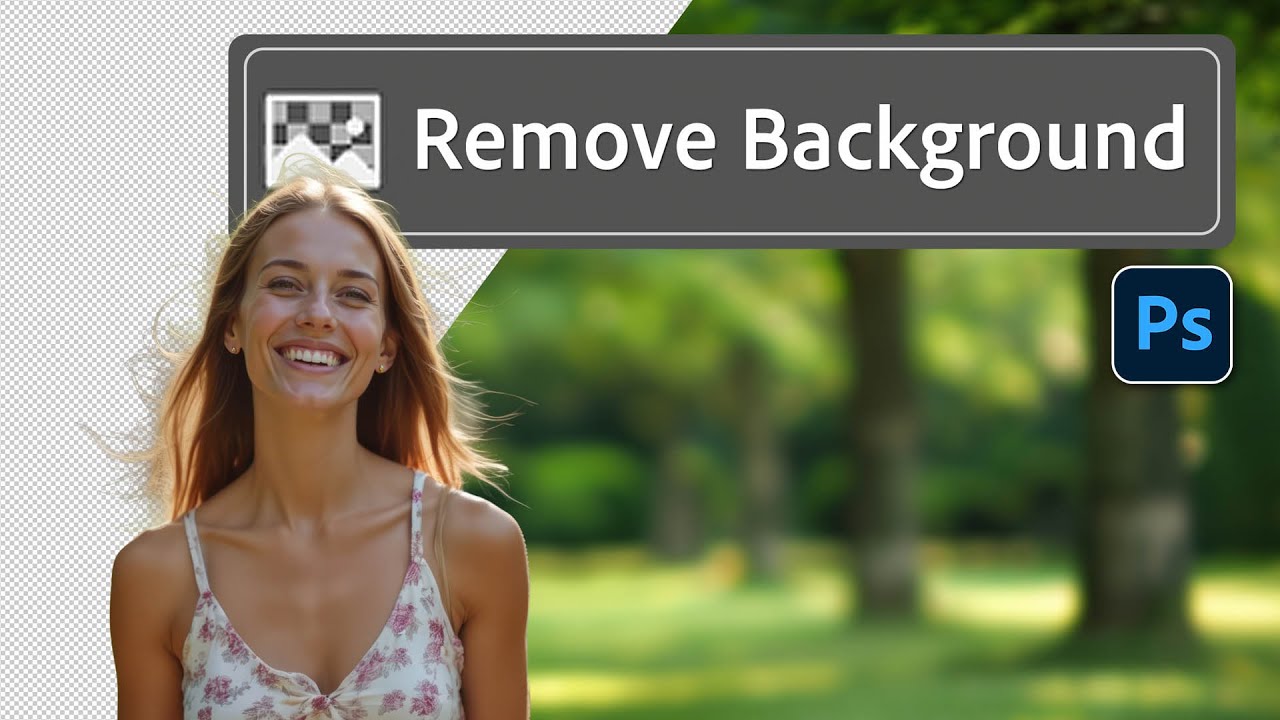
There’s a specific flavor of client nightmare I’ve lived through more times than I’d like to admit. Someone sends over a photo with a person they love, shot in front of a background they hate, and they want that person dropped onto something completely different. Fine. Except the subject has flyaway hair, or wispy strands catching the light, or some other detail that makes a clean cutout feel like defusing a bomb.

Stop Adjusting Black & White Sliders Blindly — Camera Raw Has a Better Way

Stop Adjusting Black & White Sliders Blindly — Camera Raw Has a Better Way

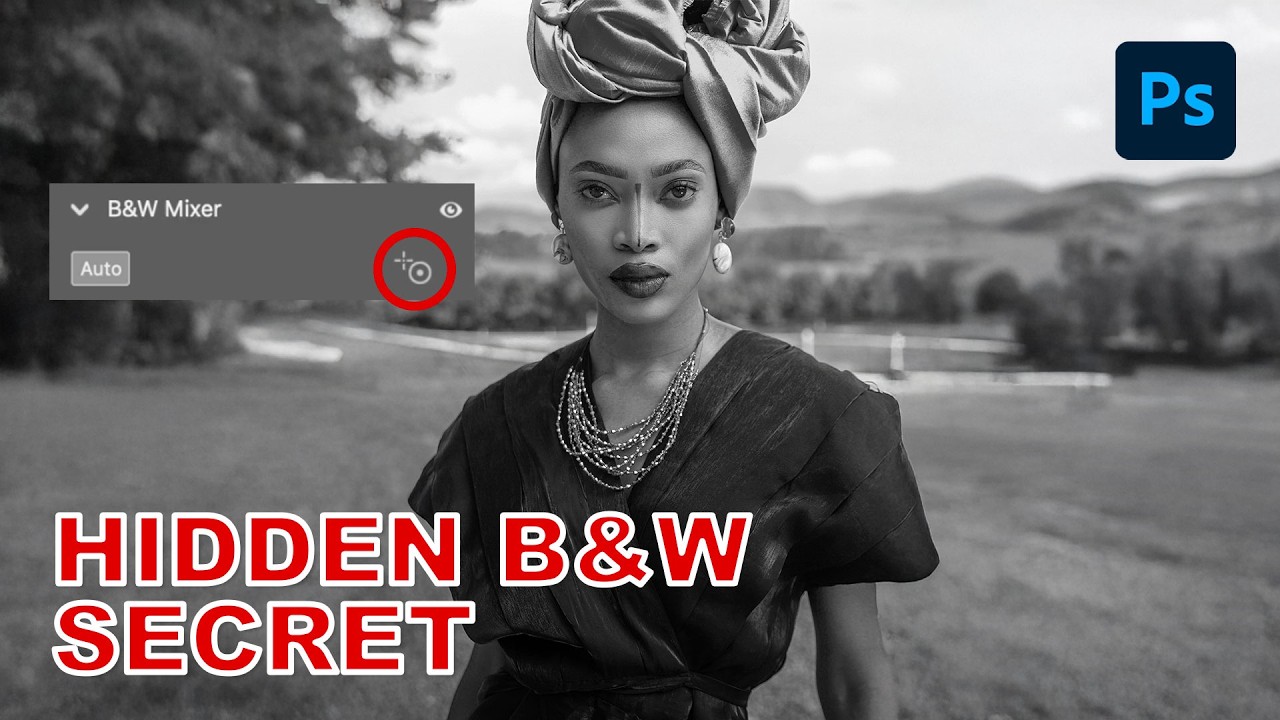
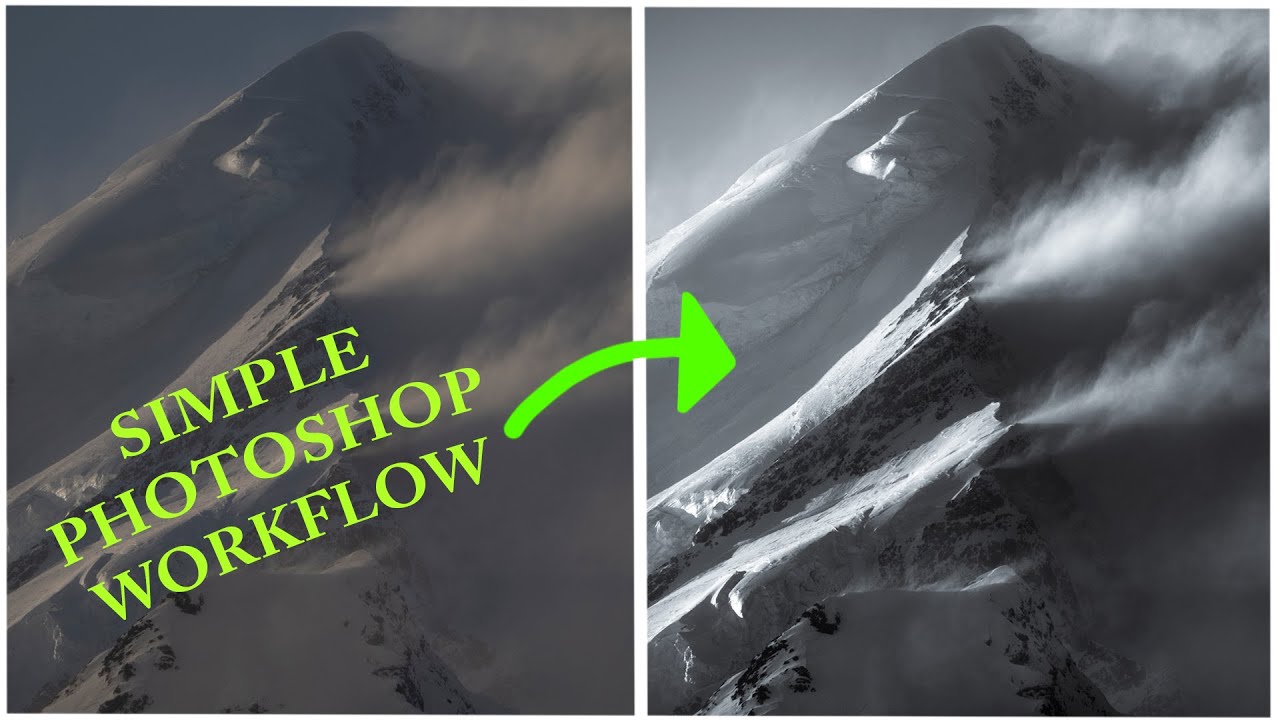
I used to convert images to black and white the same way I did everything else when I was starting out: wrong, but confidently. Desaturate the layer, maybe drag a few sliders around in Hue/Saturation, call it a day. The results looked flat, the contrast was muddy, and I had no way to go back and fix anything without starting over. I learned about non-destructive editing the hard way – the very hard way, involving a client project and a save that couldn’t be undone – and it changed how I approach basically everything in Photoshop now.

How to Make Dramatic Black & White Photos in Photoshop (Without Guessing)

How to Make Dramatic Black & White Photos in Photoshop (Without Guessing)

There’s a particular kind of black and white photo that stops you mid-scroll. Deep shadows, bright highlights, real tension between the two. Then there’s the other kind, which is just a color photo with the saturation turned off and a vague sense of disappointment. For a long time, most of what I was producing fell into that second category. I’d desaturate, maybe nudge the contrast slider, call it done. The results looked flat, lifeless, and honestly kind of embarrassing given how much time I’d spent on them.

Stop Guessing Your Exposure: A Camera Raw Workflow That Actually Works

Stop Guessing Your Exposure: A Camera Raw Workflow That Actually Works

Exposure problems are the dirty secret of a lot of client work. You get a great shot, the composition is solid, the subject looks fantastic, and then you open it in Photoshop and realize half the image is either blown out or buried in shadows. I’ve been there more times than I care to admit. The temptation is to reach for Curves or Levels and start dragging things around until it looks “good enough” — which usually means you’ve overcorrected the highlights trying to save the shadows, or vice versa.

Rescuing a Wrecked Brochure Photo in Photoshop: A Real-World Walkthrough

Rescuing a Wrecked Brochure Photo in Photoshop: A Real-World Walkthrough

Client sends you a photo taken on an iPhone, under bad lighting, of a bent, faded, color-cast piece of paper. No raw file. No scanner. Just that. If you’ve been doing design or photo work for any length of time, you’ve been here. I’ve been here more times than I’d like to admit, usually sitting in a coffee shop trying to work miracles on someone’s terrible source material before a deadline hits.

AI Snow Masking in Photoshop and Lightroom Just Changed How I Edit Winter Shots

AI Snow Masking in Photoshop and Lightroom Just Changed How I Edit Winter Shots

Winter landscape photos have always been a mild headache for me. Snow blows out highlights, the sky goes flat, and the trees end up looking like sad gray sticks. I’d usually spend way too long painting manual masks just to bring some texture back into the snow without torching everything else in the frame. Not anymore. Adobe just dropped an update to their AI Landscape masking tool, and it now detects snow as its own separate, editable region.

Camera Raw Just Got Focus Point Overlay and Bidirectional Gradients — Here's How to Use Them

Camera Raw Just Got Focus Point Overlay and Bidirectional Gradients — Here's How to Use Them

I’ll be honest about something embarrassing. I once delivered a batch of bird photos to a client, convinced I had nailed the focus on every single shot. Spoiler: I had not. The camera had decided a patch of blurry background grass was far more interesting than the actual bird, and I only found out after the client did. If I’d had a way to verify focus points inside my raw editor before exporting, that conversation never happens.

Fake Rain, Real Reflections: How to Add a Water Reflection in Photoshop

Fake Rain, Real Reflections: How to Add a Water Reflection in Photoshop

There’s a certain kind of photo that looks fine on its own but becomes genuinely cinematic with one extra ingredient: a puddle reflection. You’ve seen it. The city street shot where the skyline doubles itself in a millimeter of rainwater. The architecture photo that suddenly has atmosphere. That effect used to feel like something only people with actual rain and actual puddles could pull off. Turns out, you can fake it entirely in Photoshop, and fake it convincingly.

Your Landscape Photos Look Flat Because You're Ignoring Atmospheric Perspective (Here's the Fix)

Your Landscape Photos Look Flat Because You're Ignoring Atmospheric Perspective (Here's the Fix)

There’s a specific kind of disappointment that hits when you open a photo that felt incredible to shoot and it just… sits there on your screen looking lifeless. No drama, no depth, nothing pulling you in. I’ve been there more times than I’d like to admit, and for a long time I blamed the light, or the lens, or some vague cosmic unfairness. Turns out the problem was usually in how I was processing the file, specifically the fact that I was treating the whole image as one flat thing instead of a scene with actual distance in it.