Joel Grimes' Dramatic Black & White Portrait Technique (And Why I Wish I'd Known This Sooner)

Joel Grimes' Dramatic Black & White Portrait Technique (And Why I Wish I'd Known This Sooner)

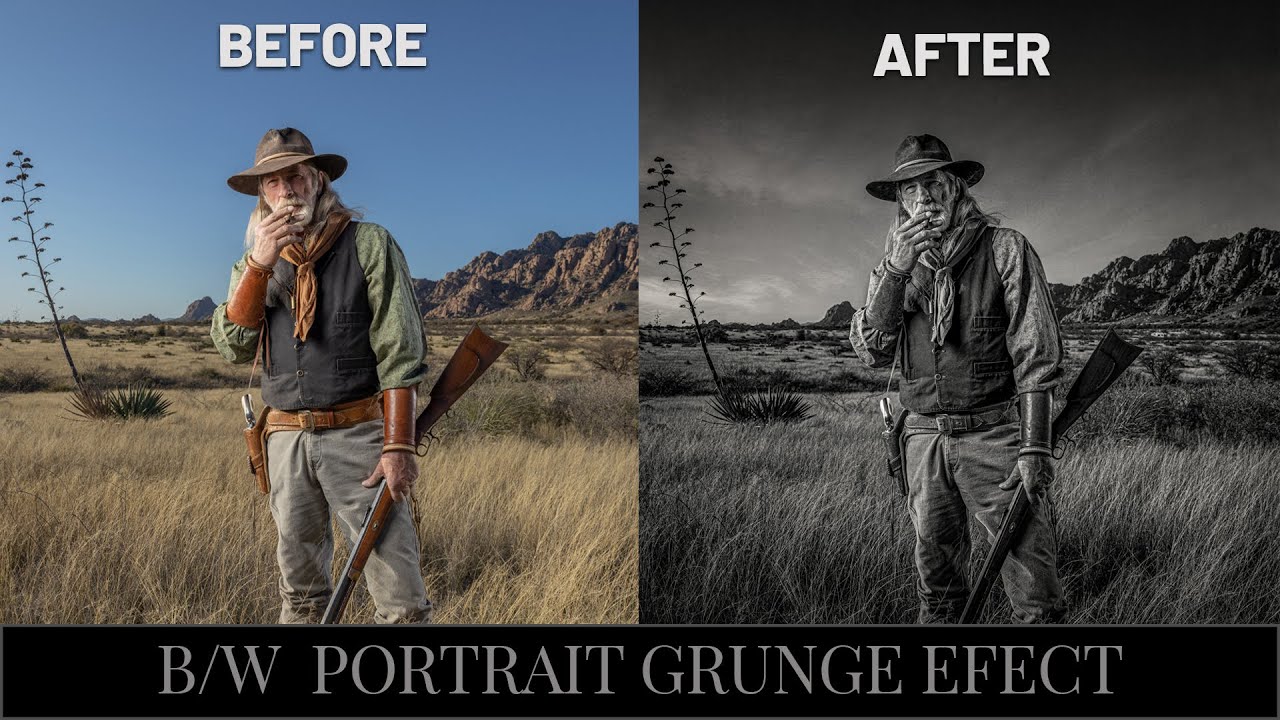
There’s a specific kind of frustration that comes from knowing your black and white portrait should look cinematic and instead looks like a desaturated snapshot from a 2009 Facebook album. I’ve been there more times than I’d like to admit. The problem usually isn’t the photo itself. It’s the conversion process. Most people hit Image > Desaturate, squint at the result, and then wonder why it looks flat. The answer is that dramatic B&W isn’t a one-step thing.

Sky Replacement in Photoshop: What Every Single Setting Actually Does

Sky Replacement in Photoshop: What Every Single Setting Actually Does

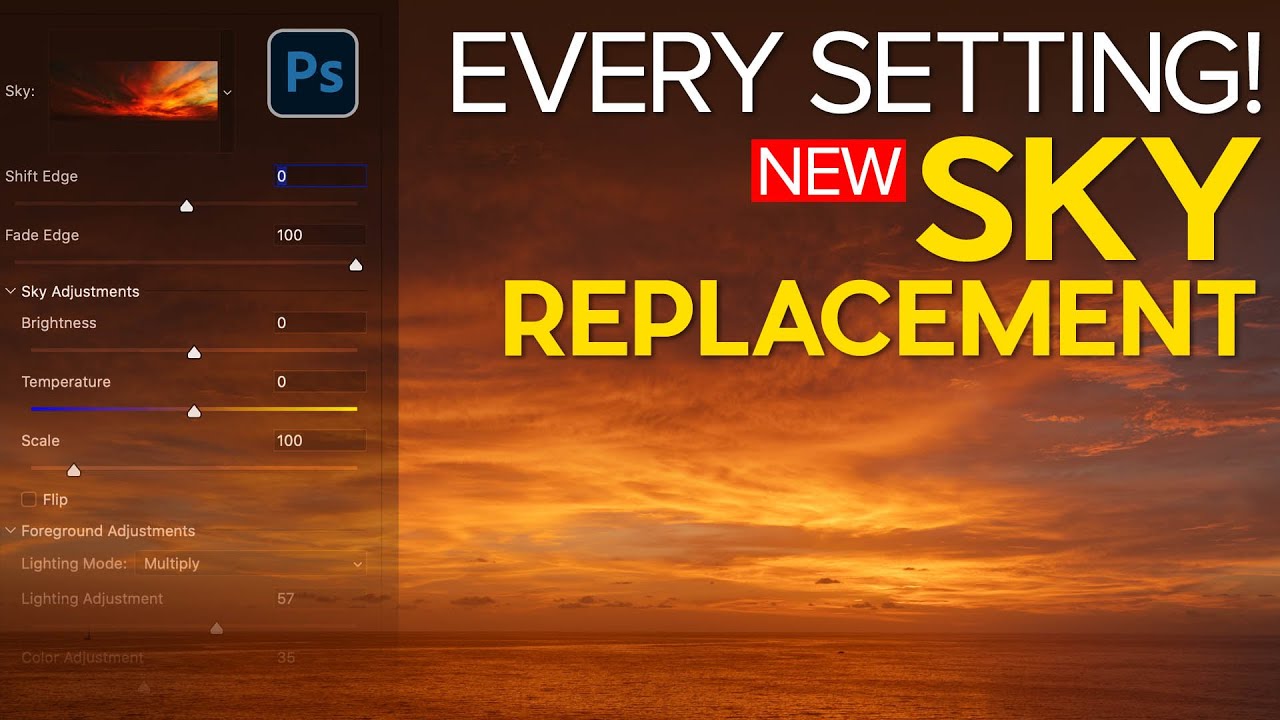
There’s a specific kind of frustration that hits when you know a tool exists, you’ve poked at it a few times, and it still produces results that look like a bad green-screen audition. Sky Replacement in Photoshop is exactly that tool for a lot of people. The feature showed up in Photoshop and everyone got excited, slapped a dramatic sunset behind a gray overcast shot, and then quietly closed the file when the edges looked like someone cut them out with kindergarten scissors.

How to Add Cinematic Drama to a Portrait in Photoshop (Joel Grimes' 3-Trick Workflow)

How to Add Cinematic Drama to a Portrait in Photoshop (Joel Grimes' 3-Trick Workflow)

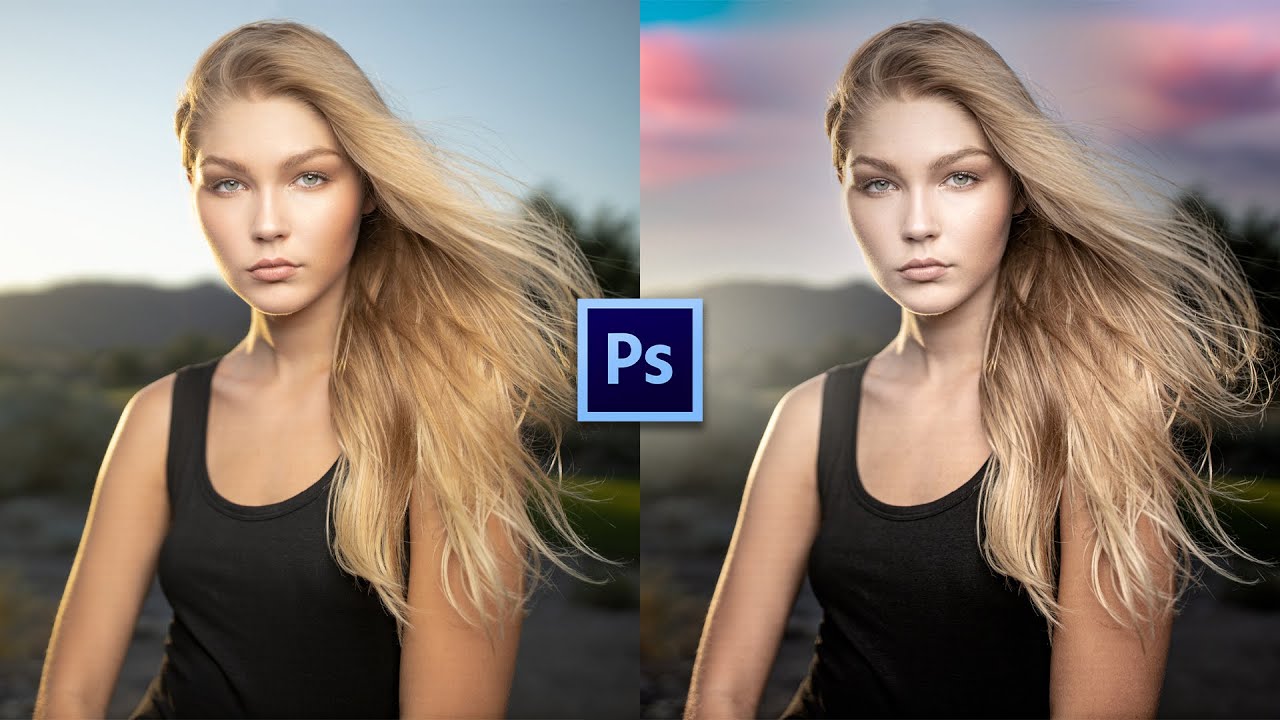
There’s a specific kind of disappointment that hits when you’ve got a technically solid portrait shot outdoors, good light on the subject, decent exposure, sharp eyes, and then you look at the background and it’s just… a flat blue nothing. The subject is doing all the heavy lifting and the rest of the image is coasting. I’ve sent images like that to clients and watched them nod politely. You know the nod.

Stop Butchering Sky Replacements: Master Photoshop's Basic Selection Tools First

Stop Butchering Sky Replacements: Master Photoshop's Basic Selection Tools First

There’s a specific kind of embarrassment that comes from spending three days on a composite that looks like garbage, only to have someone show you a simpler technique you completely overlooked. I’ve been there. Sky replacements were one of those things I kept overcomplicating, reaching for complex masking workflows before I’d even thought about whether a cleaner, faster approach existed. Turns out, sometimes the humble selection tools you skipped past in week one of learning Photoshop are doing more heavy lifting than you gave them credit for.

Stop Ruining Your Composites: How to Kill Halos and Fringes in Photoshop

Stop Ruining Your Composites: How to Kill Halos and Fringes in Photoshop

There’s a special kind of frustration reserved for spending an hour on a composite, stepping back to admire your work, and realizing there’s a glowing halo around every single tree. I’ve been there more times than I want to admit. You nail the selection, you paste in the new sky, and then that thin bright ring shows up like your Photoshop is personally trying to embarrass you. It’s one of those problems that’s easy to miss at 50% zoom and impossible to unsee once you spot it.

Stop Settling for Boring Skies: A Practical Photoshop Sky Swap Walkthrough

Stop Settling for Boring Skies: A Practical Photoshop Sky Swap Walkthrough

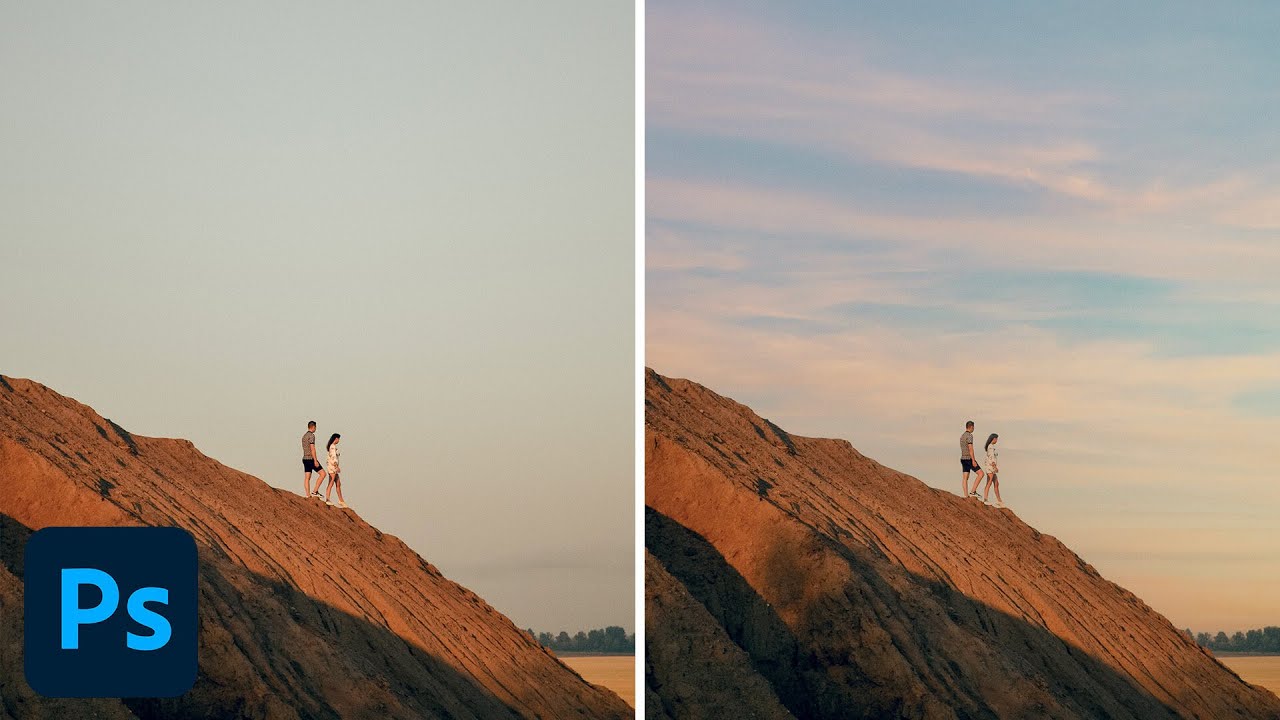
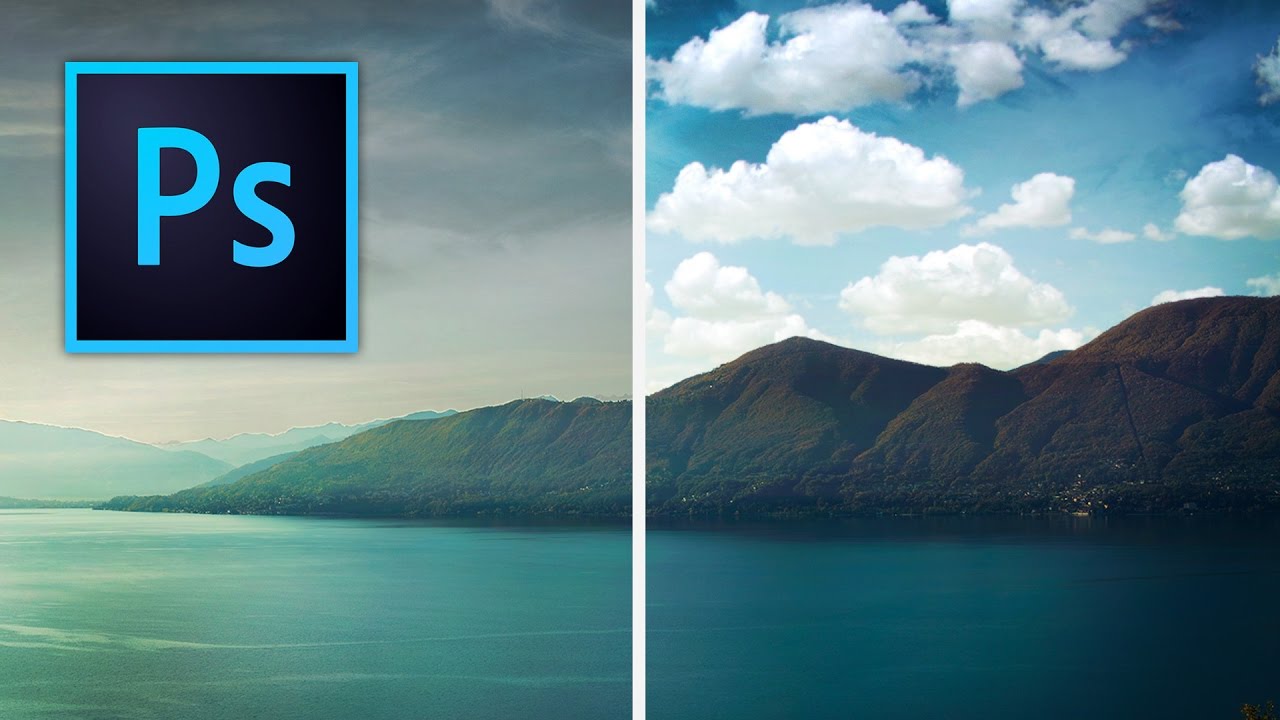
A few years back I spent the better part of a Tuesday stressing over a landscape composite for a client. The photo was solid — good light, interesting subject — but the sky was that flat, washed-out grey that makes everything look like it was shot in a Walmart parking lot. I knew the fix existed somewhere in Photoshop. I just didn’t know the clean way to do it without spending three hours masking individual clouds by hand like some kind of caffeinated monk.

Sky Replacement: Does the AI Actually Work?

Sky Replacement: Does the AI Actually Work?

When Adobe added Sky Replacement to Photoshop, reactions ranged from “this changes everything” to “this is the end of honest photography.” Having used it extensively over two years, my take is more boring: it’s a useful tool that works well about 70% of the time. Let’s look at what it actually does and where it breaks. How It Works Edit > Sky Replacement opens a panel where you select from preset skies or load your own.