How to Build a Lego Man Head in Photoshop 3D (Without Losing Your Mind)

How to Build a Lego Man Head in Photoshop 3D (Without Losing Your Mind)

I’ll be straight with you: I avoided Photoshop’s 3D tools for an embarrassingly long time. Every time I cracked open that menu it felt like I’d wandered into someone else’s software. Then I watched Cory Barker work through a Lego man build on Photoshop User TV and something finally clicked. Not because the technique is simple, exactly, but because he frames it around shapes you already understand. Cylinders. Rounded boxes. Half-profiles that get spun into full objects.

Fake It Till You Make It: How to Paint Realistic Hair and Beards in Photoshop

Fake It Till You Make It: How to Paint Realistic Hair and Beards in Photoshop

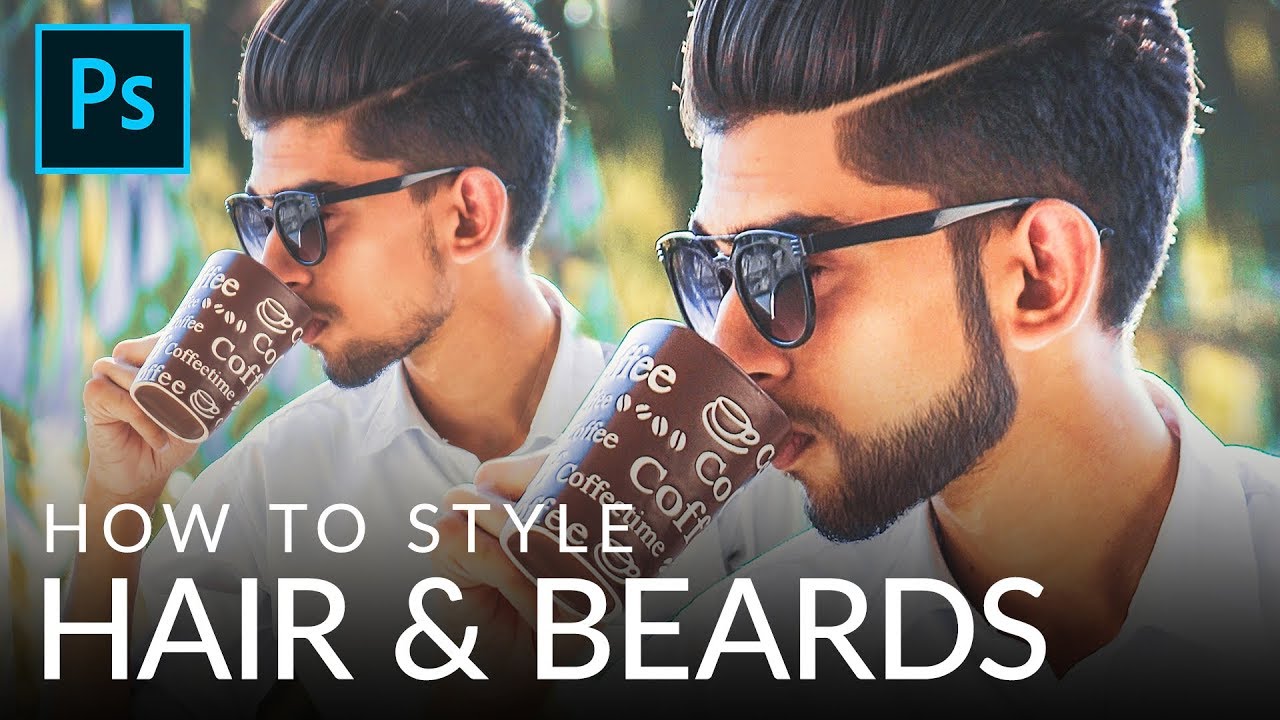
I’ve taken on enough portrait retouching gigs to know that hair is the thing that separates “pretty good” from “actually professional.” Skin? Frequency separation handles most of it. Eyes? A little dodging and burning. But hair, and especially beards, will absolutely expose you if you don’t know what you’re doing. Patchy beards, thin hairlines, awkward shapes that don’t match the light in the scene. Clients notice, even if they can’t articulate why something looks off.

How to Fill In Eyebrows in Photoshop (And Make Them Look Like Real Hair)

How to Fill In Eyebrows in Photoshop (And Make Them Look Like Real Hair)

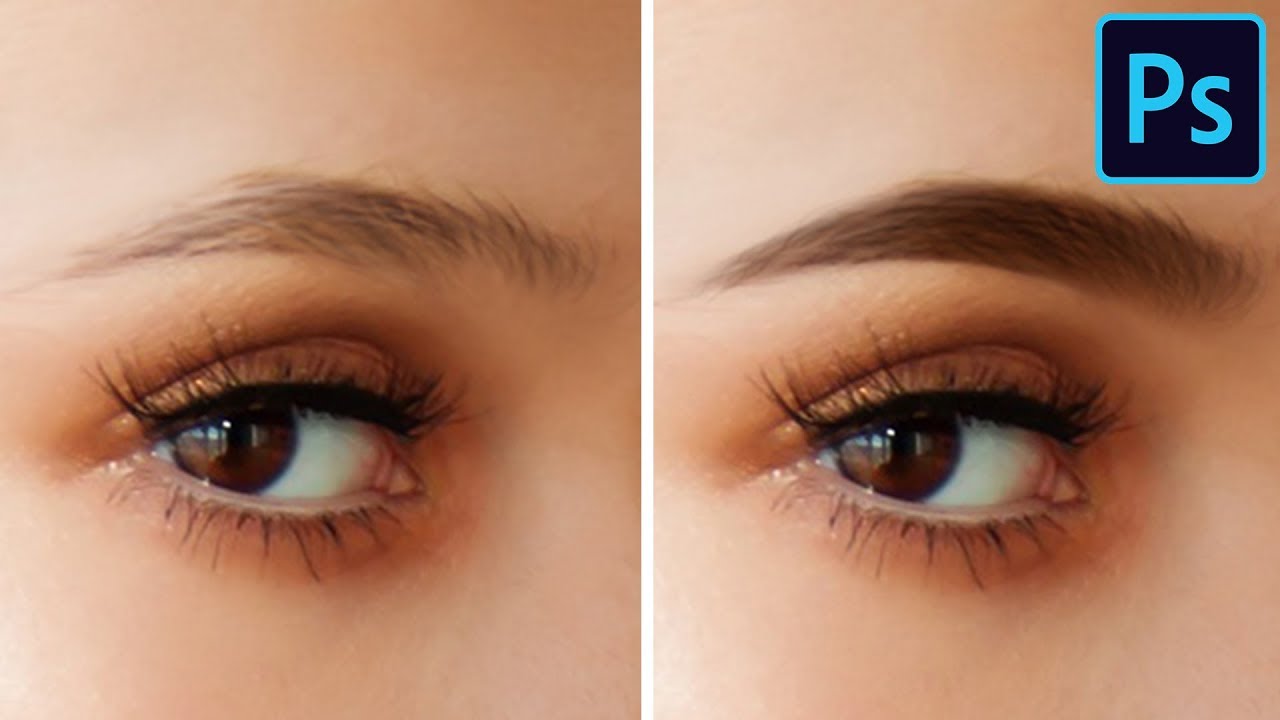
Portrait retouching has a way of humbling you fast. You can nail the skin, the dodge and burn, the color grade, and then the eyebrows sit there looking like someone drew them on with a Sharpie and called it a day. I’ve handed back work that I was genuinely proud of, only to get feedback that the brows looked “off,” which is the polite version of “you made my client look like a cartoon villain.

Stop Fighting the Pen Tool: A Smarter Way to Cut Out Planes, Cars, and Anything With Hard Edges

Stop Fighting the Pen Tool: A Smarter Way to Cut Out Planes, Cars, and Anything With Hard Edges

There’s a specific kind of frustration that comes from spending forty-five minutes on a selection, zooming out, and realizing the edges look like you traced the thing with a bar of soap. Quick Select is great. Magic Wand has its moments. But when you’re cutting out something with hard, defined edges, like a car, a plane, a pair of glasses, a product shot, the fuzzy selection tools will consistently let you down.

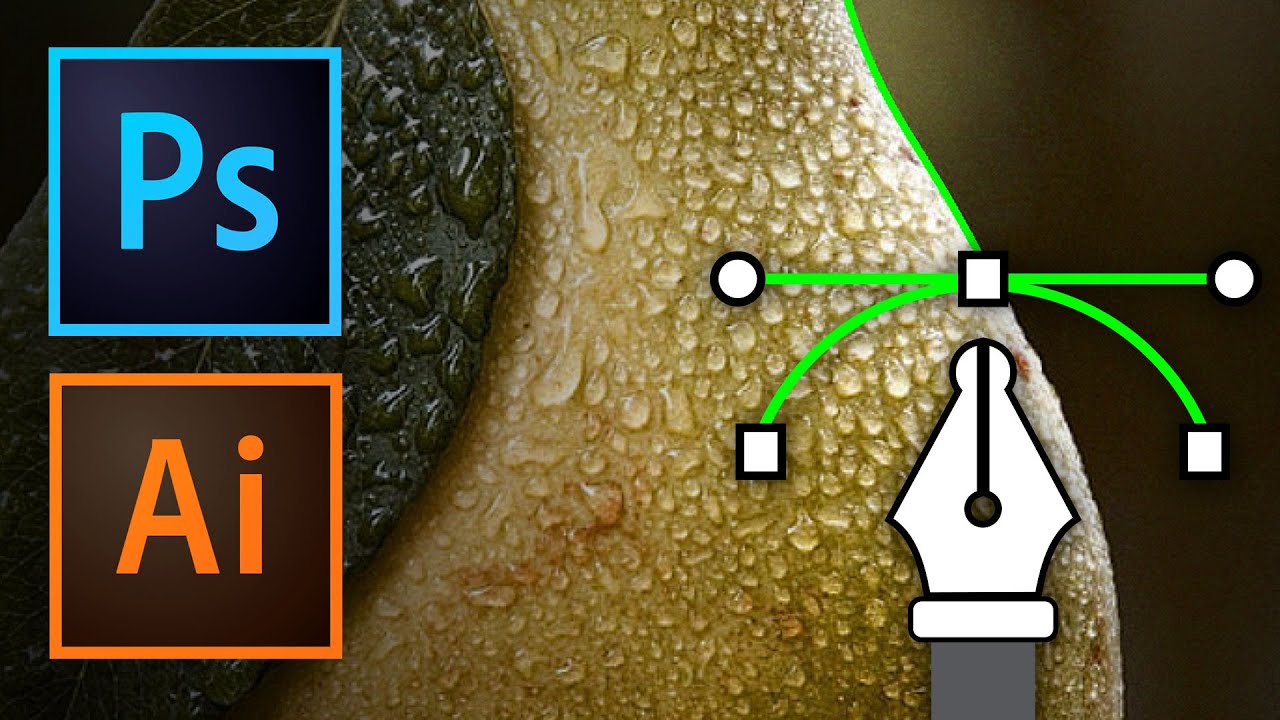
Stop Fearing the Pen Tool: A Practical Walkthrough for Photoshop and Illustrator

Stop Fearing the Pen Tool: A Practical Walkthrough for Photoshop and Illustrator

I spent an embarrassing amount of time avoiding the pen tool. Like, years. I’d use Quick Selection, Magic Wand, even painstakingly hand-erase backgrounds rather than sit down and learn the thing properly. My workarounds worked well enough until they didn’t, and the day a client asked me to cleanly isolate a product shot with a ton of curved edges, I finally had to face the music. The pen tool is the professional standard for outlining and masking complex shapes, and every hour you spend avoiding it is an hour you’re leaving quality on the table.