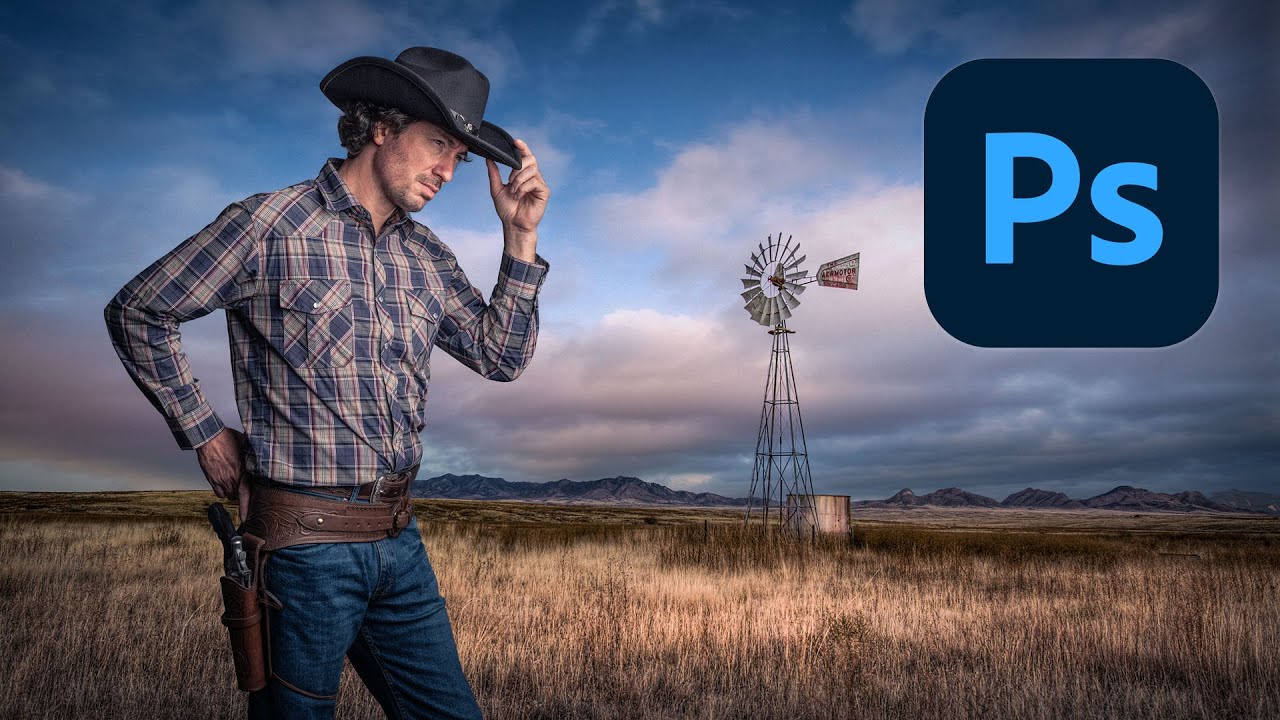
Cutting Out Cowboys and Making Composites Actually Look Real in Photoshop

Cutting Out Cowboys and Making Composites Actually Look Real in Photoshop

There’s a specific kind of embarrassment reserved for the moment a friend watches you work in Photoshop and says, “wait, why are you doing it that way?” I know this feeling intimately. I once spent three days on a composite, obsessing over edge detail and color matching, only to have someone show me a cleaner approach in about twenty minutes. The culprit both times: I was rushing the foundational stuff. Bad selection, no smart objects, baked-in adjustments I couldn’t undo.

Adobe Camera Raw Just Quietly Got Way Better at Complex Edges (And Nobody's Talking About It)

Adobe Camera Raw Just Quietly Got Way Better at Complex Edges (And Nobody's Talking About It)

The Update Nobody’s Celebrating Yet I stumbled onto something in Adobe Camera Raw last week that made me genuinely excited—which, let’s be honest, doesn’t happen often with software updates. While everyone’s been distracted by whatever shiny new feature Adobe’s marketing team is pushing, two legitimately useful masking tools snuck into the latest version, and I’m convinced they’re about to change how we approach selective adjustments. Here’s the thing: these aren’t revolutionary in concept, but they’re revolutionary in execution.

Stop Hating Selection Tools: A Practical Guide to Actually Using Them

Stop Hating Selection Tools: A Practical Guide to Actually Using Them

Stop Hating Selection Tools: A Practical Guide to Actually Using Them Look, I get it. Selection tools are boring. They’re not glamorous like filters or layer blends. But here’s the thing: learning to use them properly will cut your editing time in half and make you actually enjoy using Photoshop instead of rage-quitting at 11 PM. I used to hate selections too. I’d spend twenty minutes wrestling with the Magic Wand, watching it select everything except what I wanted.

Stop Flattening Your Images: A Beginner's Guide to Layer Mastery

Stop Flattening Your Images: A Beginner's Guide to Layer Mastery

Stop Flattening Your Images: A Beginner’s Guide to Layer Mastery Look, I get it. You’re working in Photoshop, things are happening, and suddenly you hit “Image > Flatten Image” because you panicked. I’ve been there. The difference is, I don’t do that anymore—and neither should you. Layers aren’t just organizational tools for people who like things neat (though they are that). They’re literally the difference between a non-destructive workflow and crying over a permanently destroyed masterpiece.