Photoshop's Find Distractions Tool Is Doing the Cleanup Work I Used to Dread

Photoshop's Find Distractions Tool Is Doing the Cleanup Work I Used to Dread

There’s a specific kind of dread that hits when a client sends you a gorgeous location shot and you zoom in to find power lines threading across the sky, a rogue delivery truck parked in the background, and graffiti on a wall that was definitely not in the brief. I’ve been there more times than I want to count, usually at 11pm in some coffee shop with a deadline breathing down my neck.
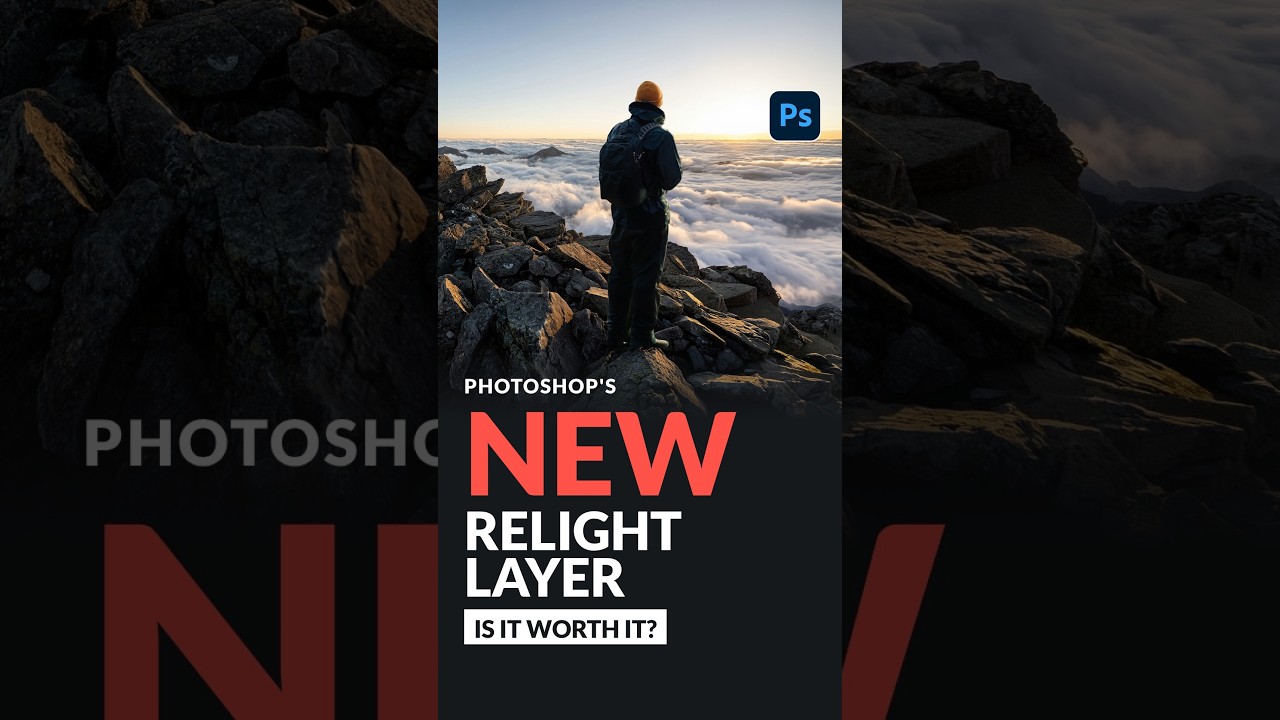
Photoshop's Relight Layer: I Tested It So You Can Decide If 30 Credits Is a Steal or a Scam

Photoshop's Relight Layer: I Tested It So You Can Decide If 30 Credits Is a Steal or a Scam

Compositing is where the job gets humbling fast. You spend an hour cutting out a subject, carefully placing them into a new background, and then you zoom out and realize the lighting is completely wrong. Your subject is flat and cloudy-day soft, but the background is bathed in warm golden-hour sun. The whole thing looks pasted together, because it is. Fixing that mismatch used to mean either a lot of manual dodge and burn work or a series of careful blend-mode hacks that you’d have to rebuild every time the client asked for a revision.

Photoshop's Relight Layer Is the Compositing Cheat Code I've Been Waiting For

Photoshop's Relight Layer Is the Compositing Cheat Code I've Been Waiting For

Compositing has always had one brutal problem: you can cut a subject out perfectly, place them into a gorgeous background, and still have the whole thing look completely wrong because the light doesn’t match. The direction is off. The warmth is off. The whole image screams “I made this in Photoshop” in a way that isn’t a compliment. I’ve spent embarrassing amounts of time manually painting in light effects, duplicating layers, messing with blend modes, and praying that nobody zooms in.

10 Photoshop Tips That Made Me Feel Like I'd Been Doing This Wrong for Years

10 Photoshop Tips That Made Me Feel Like I'd Been Doing This Wrong for Years

There’s a specific kind of frustration that hits when someone shows you a technique in Photoshop that takes them 10 seconds to do something you’ve been spending 10 minutes on. I’ve been using this software long enough to feel embarrassed by how many of these moments I’ve had. Scrubbing handles around a giant image because I forgot I could just type a number. Burning generative credits on tools that apparently don’t even charge for them.

Photoshop 2025's Frame Tool Just Got a Serious Upgrade (Here's What's Actually New)

Photoshop 2025's Frame Tool Just Got a Serious Upgrade (Here's What's Actually New)

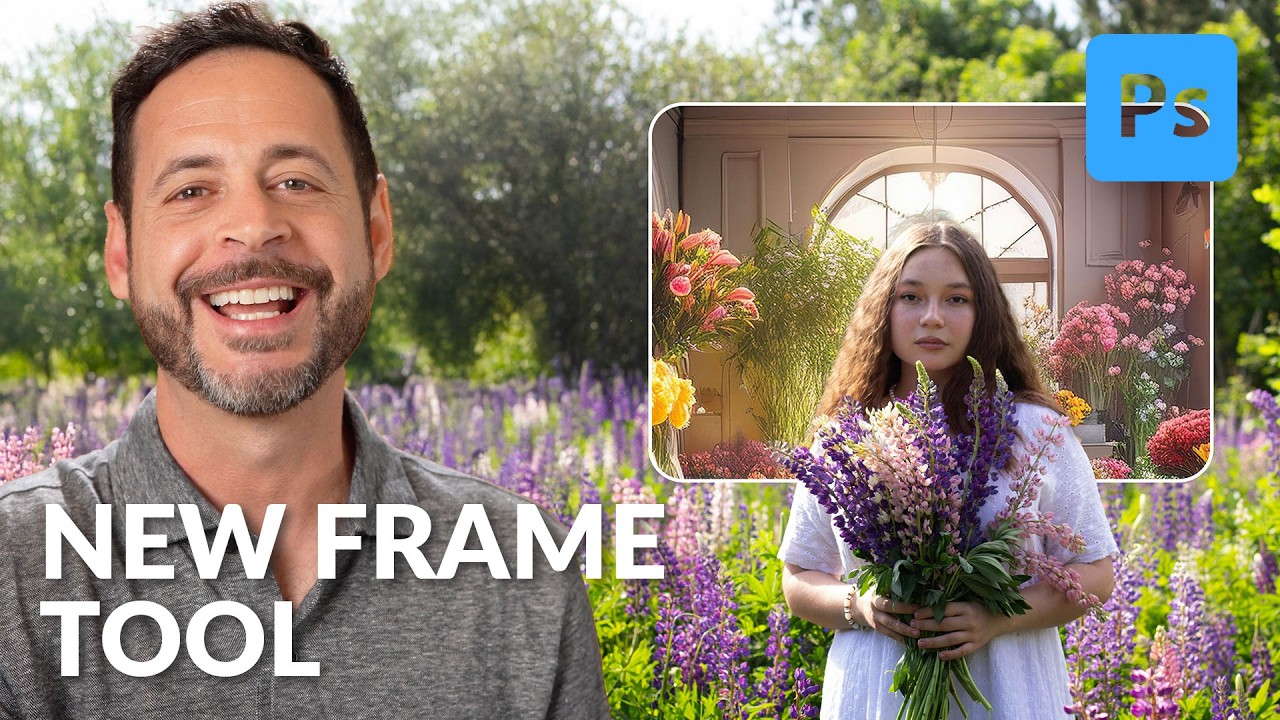
I’ll be honest with you. For most of my Photoshop life, the Frame Tool has lived in my toolbar the same way a treadmill lives in most apartments. I know it’s there. I appreciate the idea of it. I never really use it. That changed when I watched this Aaron Nace (PHLEARN) tutorial on the updated Frame Tool in Photoshop 2025. Watch the full tutorial on YouTube. The short version is this: the Frame Tool used to cap out at rectangles and ellipses, which made it useful for roughly two scenarios in a professional workflow.

Adobe Finally Added a Remove Button (And It's Better Than What We Had)

Adobe Finally Added a Remove Button (And It's Better Than What We Had)

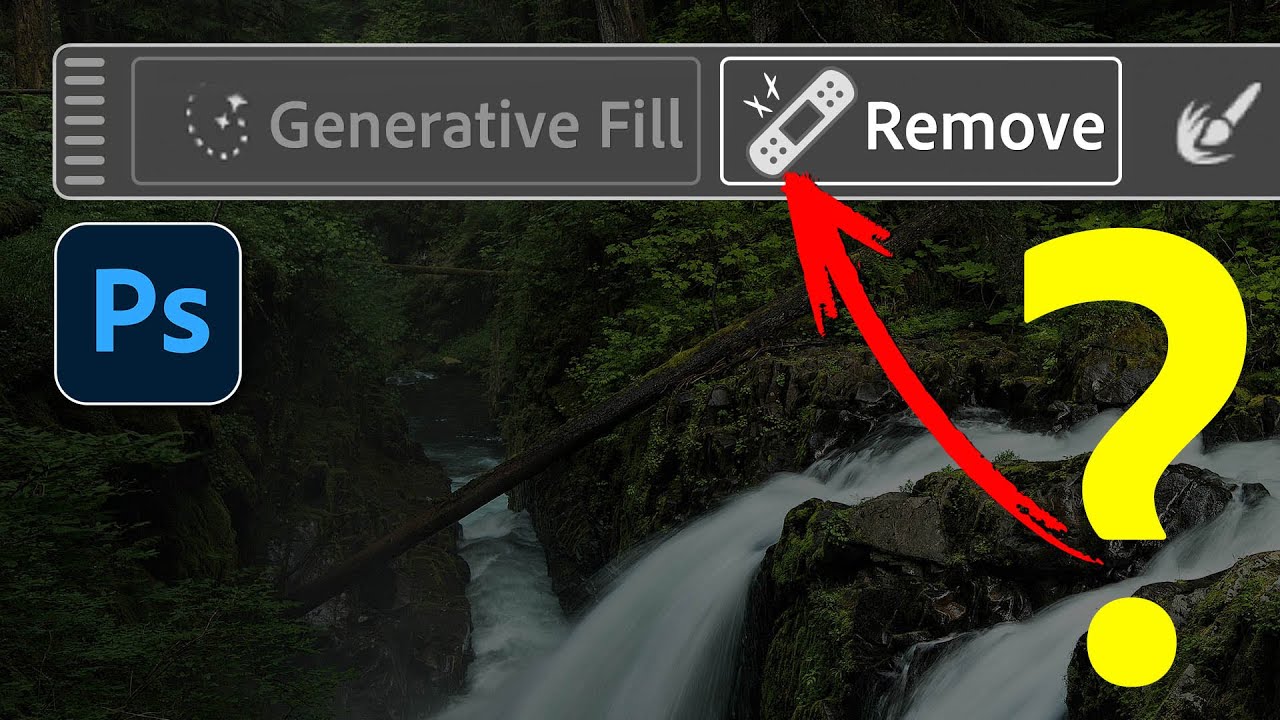
There’s a specific kind of frustration that lives in the gap between “I just want to delete this thing from my photo” and “Photoshop has added a mysterious object to my photo instead of deleting it.” I’ve burned through generative credits on this exact problem more times than I’d like to admit. You make a selection, leave the prompt blank, click Generate, and instead of a clean background you get… a slightly different version of the thing you were trying to remove.

Photoshop's Generative Upscale Tool Might Save Your Old Photos (And Your Print Jobs)

Photoshop's Generative Upscale Tool Might Save Your Old Photos (And Your Print Jobs)

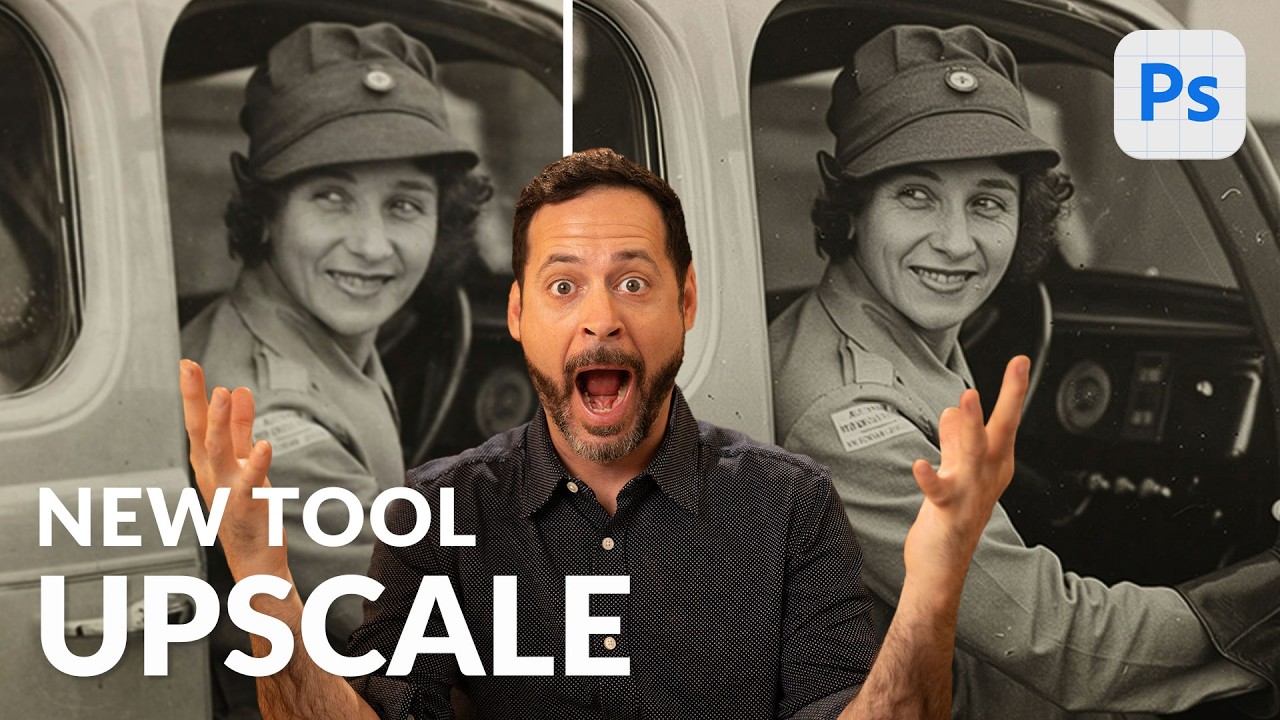
I have a folder on my hard drive called “Client Assets - HANDLE WITH CARE” and it is, genuinely, a disaster. Blurry product shots. Ancient family photos scanned at the wrong resolution. Images that looked fine on a phone screen but would print like a watercolor painting left in the rain. For years, my workaround was a combination of third-party upscaling apps, crossed fingers, and gently managing client expectations. Then Adobe quietly dropped a tool in Photoshop Beta that makes most of that song and dance completely unnecessary.

Photoshop 2025's Remove Tool Just Got a Serious Upgrade — Here's What Actually Changed

Photoshop 2025's Remove Tool Just Got a Serious Upgrade — Here's What Actually Changed

There’s a particular kind of freelance pain that comes from spending fifteen minutes cleaning up a busy background with the Clone Stamp tool, only to realize the result looks like a crime scene painted by someone who’s never seen grass before. The Remove Tool changed that for me when it first showed up, but it always had a ceiling. Big objects, complex backgrounds, anything that required more than a light touch — it would choke.

AI Disclosure Requirements Are Coming to Creative Software—Here's What It Means for You

AI Disclosure Requirements Are Coming to Creative Software—Here's What It Means for You

AI Disclosure Requirements Are Coming to Creative Software—Here’s What It Means for You I’ve been watching the generative AI landscape shift lately, and honestly? The transparency movement just hit a major turning point. About one-fifth of Steam Next Fest demos now include some form of AI disclosure, and this trend tells us something important about where creative software is headed. Why This Matters More Than You’d Think Here’s the thing: the gaming industry is essentially running an experiment right now.

The Hidden Cost Of AI-Generated Content In Photoshop And Digital Art

The Hidden Cost Of AI-Generated Content In Photoshop And Digital Art

I’ve been using Photoshop for almost two decades. I teach it. I write about it on this blog every week. And I want to be honest with you about something that’s been bothering me for a while, because I don’t think enough people in our craft are saying it out loud. The AI tools that shipped in Photoshop over the last two years are genuinely useful. Generative fill, generative expand, neural filters, Sky Replacement, content-aware masking.

Adobe Just Let You Clone Your Own Art Style (And It's Kind of Wild)

Adobe Just Let You Clone Your Own Art Style (And It's Kind of Wild)

Your Style, But Make It AI I’ve been watching Adobe’s Firefly tools evolve for a minute now, and honestly, they just crossed into territory that’s going to change how a lot of us think about our creative process. The company quietly rolled out Firefly Custom Models into beta, and the core idea is almost too good: you can now feed the AI your own work and have it learn your specific style.