Stop Making Flat Photos: How to Make Colors Actually Pop in Photoshop

Stop Making Flat Photos: How to Make Colors Actually Pop in Photoshop

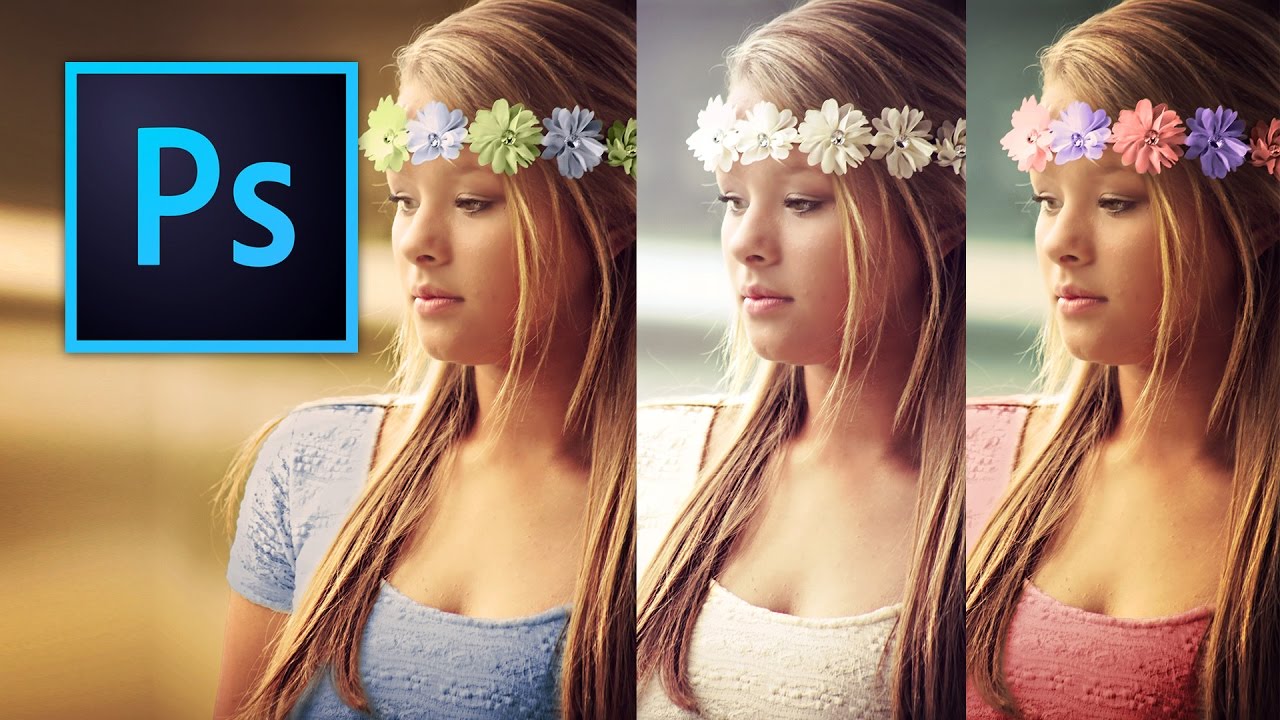
Client sends you a photo. Good composition, decent light, and somehow it looks like it was taken through a dirty window. You know the colors should be vibrant, but everything is sitting flat on the canvas like it’s given up on life. I’ve been there more times than I want to count, usually at 11pm in whatever coffee shop hasn’t kicked me out yet. That used to mean me throwing a Vibrance adjustment at the whole image, watching it look weird, undoing it, and repeating that cycle until I either fixed it or just accepted the mediocrity.

Stop Hating Selection Tools: A Practical Guide to Actually Using Them

Stop Hating Selection Tools: A Practical Guide to Actually Using Them

Stop Hating Selection Tools: A Practical Guide to Actually Using Them Look, I get it. Selection tools are boring. They’re not glamorous like filters or layer blends. But here’s the thing: learning to use them properly will cut your editing time in half and make you actually enjoy using Photoshop instead of rage-quitting at 11 PM. I used to hate selections too. I’d spend twenty minutes wrestling with the Magic Wand, watching it select everything except what I wanted.

The Quick Selection Tool vs Magic Wand: When to Use Which

The Quick Selection Tool vs Magic Wand: When to Use Which

The Quick Selection Tool and the Magic Wand sit in the same tool slot in Photoshop, but they work in fundamentally different ways. Choosing the right one for the job saves you from fighting with selections that never quite look right. How They Work Magic Wand selects pixels based on color similarity. You click a pixel, and it selects all connected pixels within a tolerance range of that color. It’s a purely mathematical tool — it doesn’t “understand” what’s in the image.