Stop Butchering Sky Replacements: Master Photoshop's Basic Selection Tools First

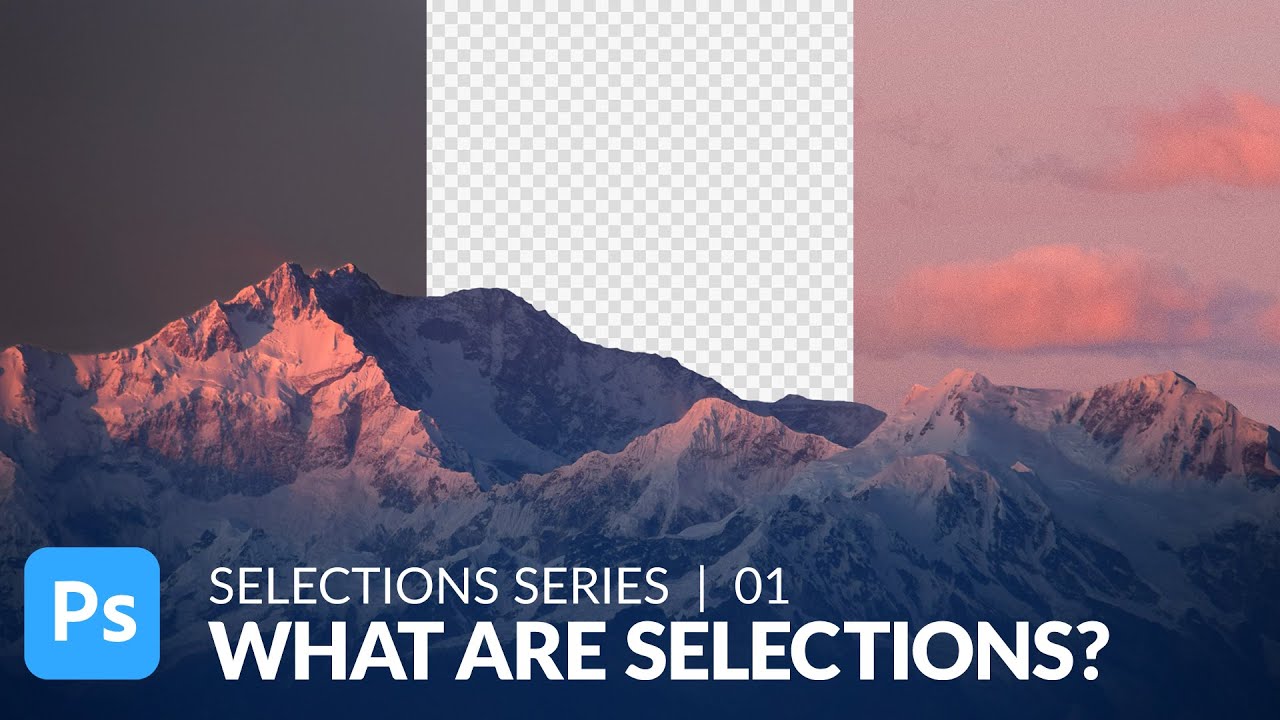
Stop Butchering Sky Replacements: Master Photoshop's Basic Selection Tools First

There’s a specific kind of embarrassment that comes from spending three days on a composite that looks like garbage, only to have someone show you a simpler technique you completely overlooked. I’ve been there. Sky replacements were one of those things I kept overcomplicating, reaching for complex masking workflows before I’d even thought about whether a cleaner, faster approach existed. Turns out, sometimes the humble selection tools you skipped past in week one of learning Photoshop are doing more heavy lifting than you gave them credit for.

Making Rain in Photoshop That Actually Looks Like Rain (Not TV Static)

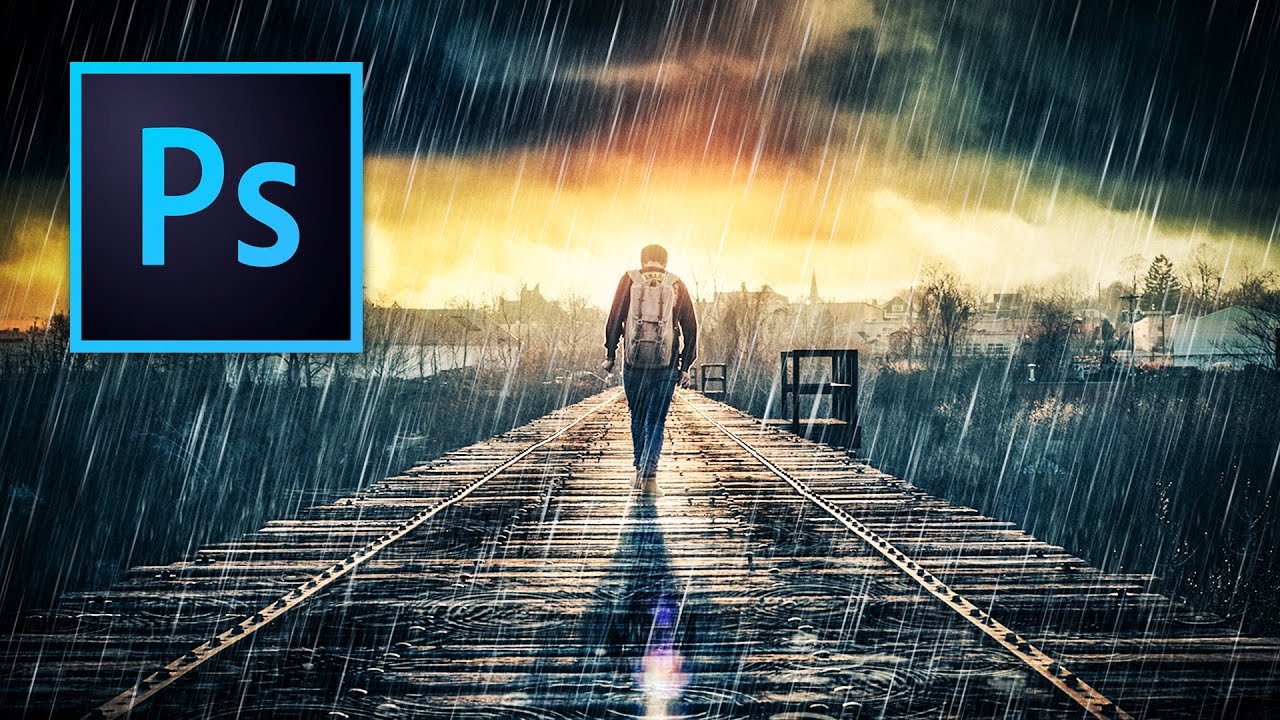
Making Rain in Photoshop That Actually Looks Like Rain (Not TV Static)

There’s a certain kind of client request that makes every freelance designer’s eye twitch a little: “Can you just make this photo look more dramatic?” No notes, no reference image, just vibes. I’ve been handed sunny, flat, completely unremarkable stock photos and asked to make them feel cinematic. Rain is one of the fastest ways to get there, and for a long time I was doing it the slow, ugly way.