Stop Painting Every Pixel: Photoshop's Focus Area Selection Does the Heavy Lifting

Stop Painting Every Pixel: Photoshop's Focus Area Selection Does the Heavy Lifting

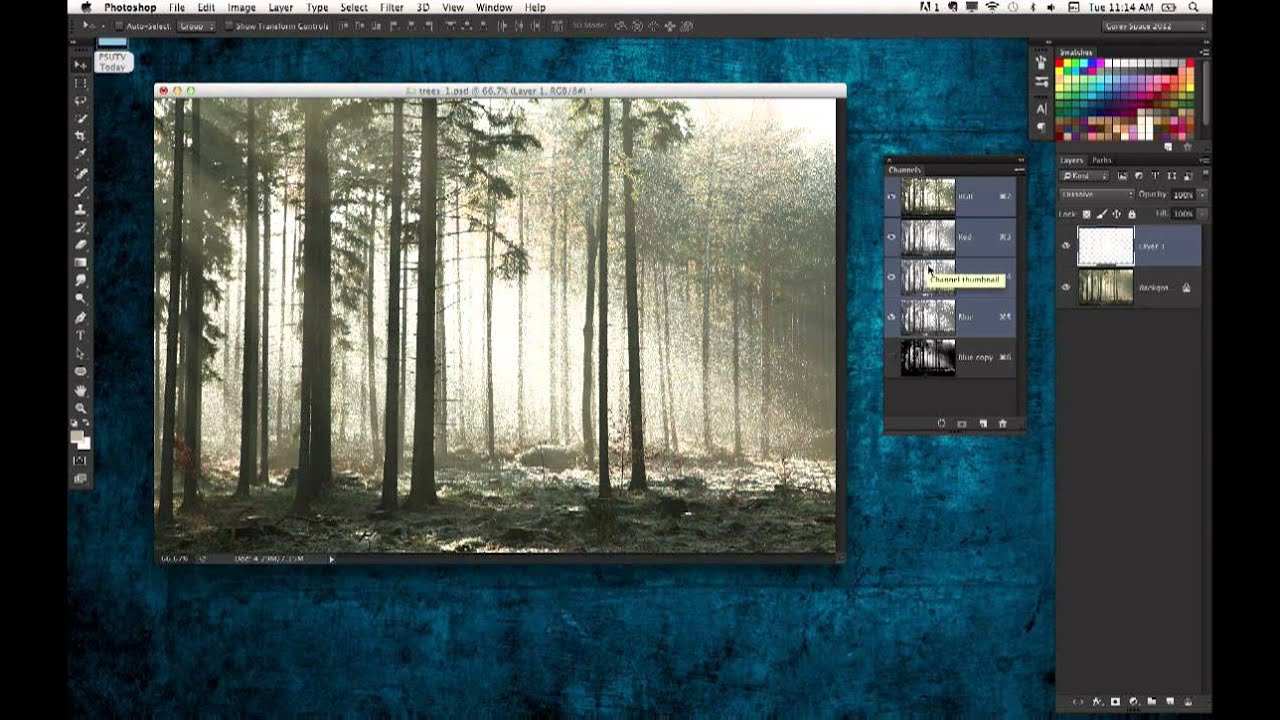
There’s a specific kind of Tuesday afternoon misery that comes from manually painting a selection around a subject with a detailed, wispy, complicated edge. Hair. Fur. Wedding veils. If you’ve spent forty-five minutes with the Quick Selection tool only to end up with a result that looks like your subject was cut out with safety scissors, you know exactly what I’m talking about. The good news is that if your source photo has a blurred background, caused by shallow depth of field, you’re sitting on a selection shortcut that most people scroll right past in the Select menu.
How to Build a Lego Man Head in Photoshop 3D (Without Losing Your Mind)

How to Build a Lego Man Head in Photoshop 3D (Without Losing Your Mind)

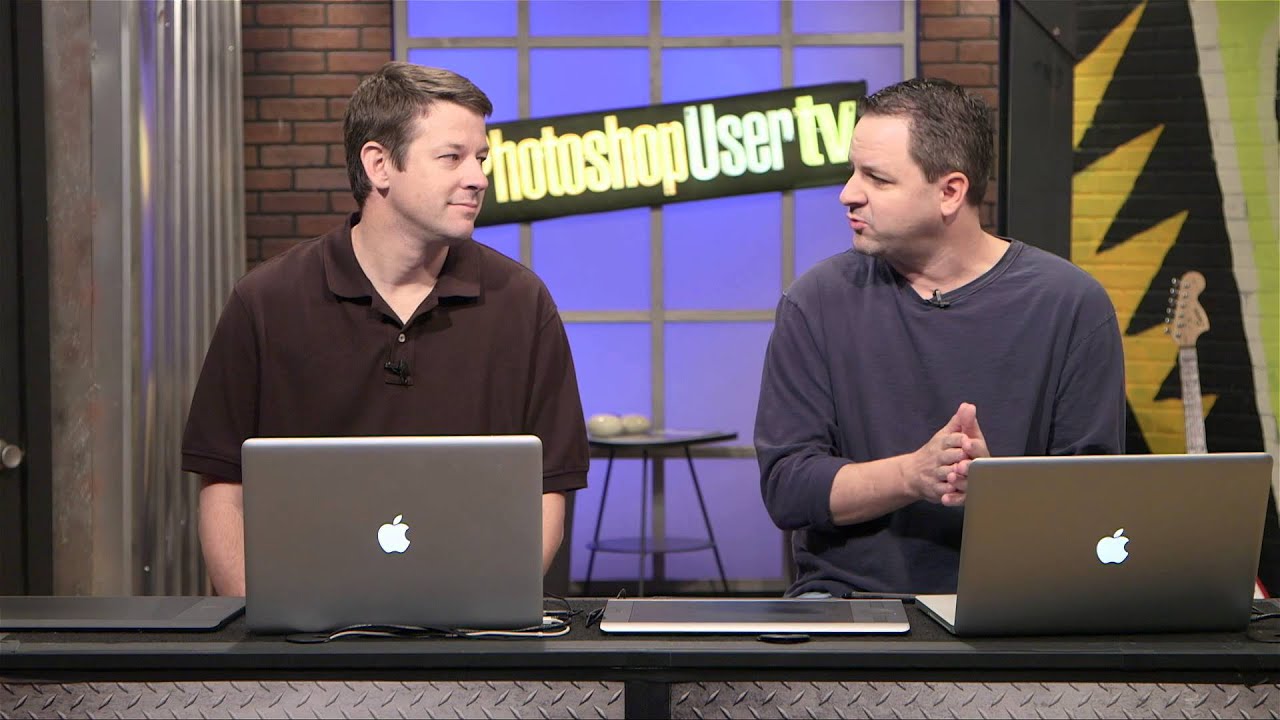
I’ll be straight with you: I avoided Photoshop’s 3D tools for an embarrassingly long time. Every time I cracked open that menu it felt like I’d wandered into someone else’s software. Then I watched Cory Barker work through a Lego man build on Photoshop User TV and something finally clicked. Not because the technique is simple, exactly, but because he frames it around shapes you already understand. Cylinders. Rounded boxes. Half-profiles that get spun into full objects.

Why Your Long Exposure Shots Look Terrible (And the $30 Fix That Actually Works)

Why Your Long Exposure Shots Look Terrible (And the $30 Fix That Actually Works)

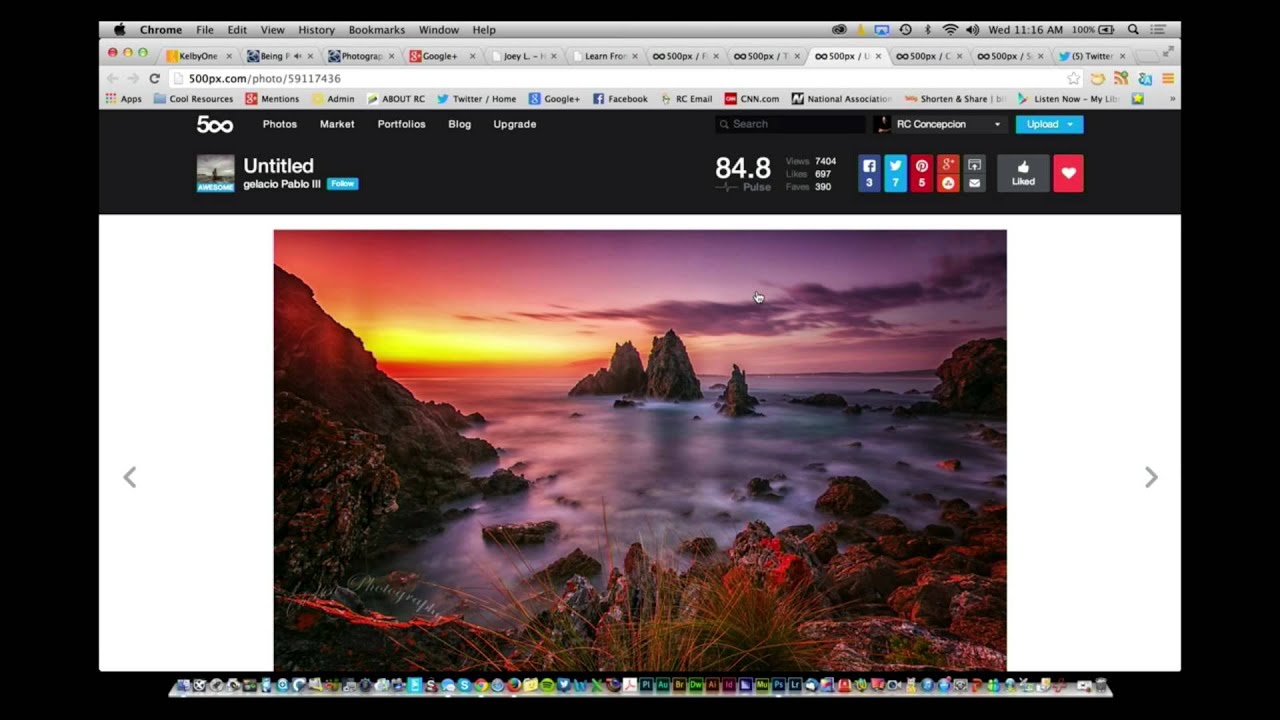
There’s a specific kind of frustration that hits when you’re standing next to a beautiful moving river, you know exactly what the shot should look like, and your camera just… refuses to cooperate. You want that silky, blurred water effect you’ve seen everywhere. Instead you get a sharp, flat, completely unromantic snapshot that looks like you were in a hurry to catch a bus. I’ve been there. Most photographers have.

Stop Mousing Around: Layer Mask Shortcuts That Actually Save You Time

Stop Mousing Around: Layer Mask Shortcuts That Actually Save You Time

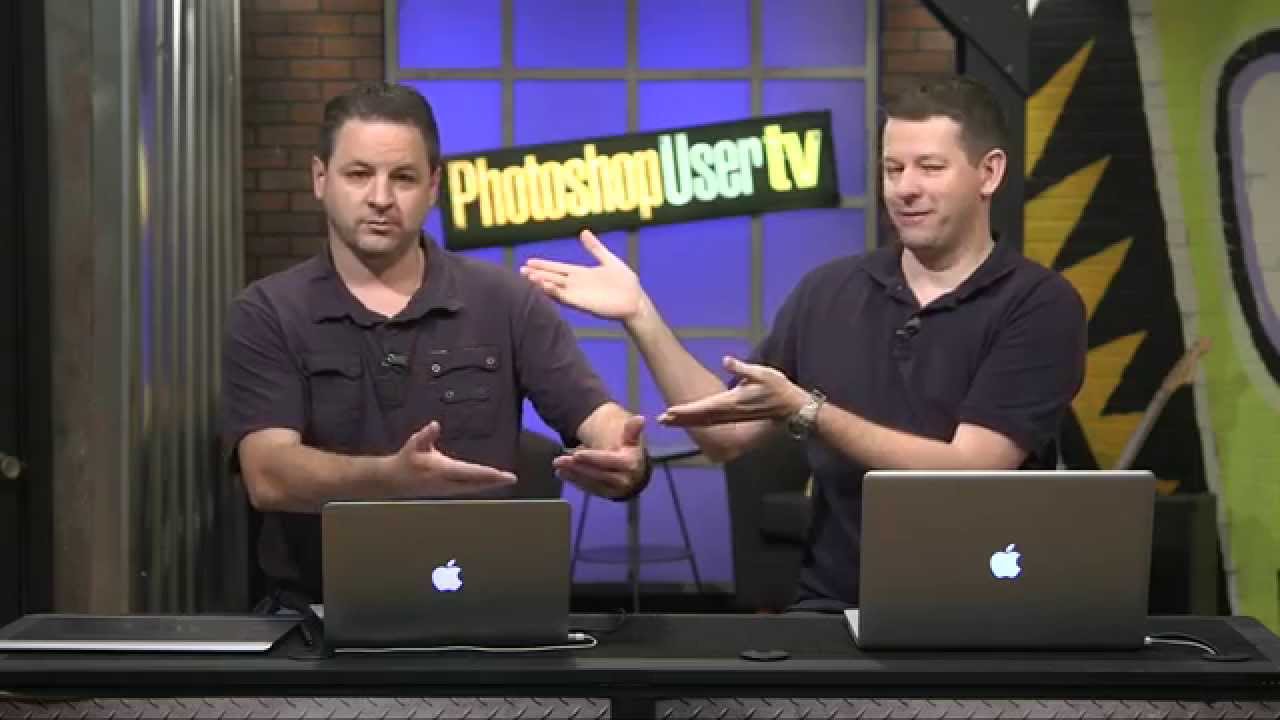
I’ll be honest: for an embarrassingly long time, I was that person clicking through every layer mask operation like I had all the time in the world. Click to add the mask, click to select it, click to disable it, click to view it. My mouse hand was getting a workout my brain wasn’t. It wasn’t until I watched Dave Cross walk through his layer mask shortcut workflow in this KelbyOne episode of Photoshop User TV that I realized how much friction I’d been building into my own process.

What Photoshop World Actually Looks Like When You Show Up for the First Time (And Why You Should Go)

What Photoshop World Actually Looks Like When You Show Up for the First Time (And Why You Should Go)

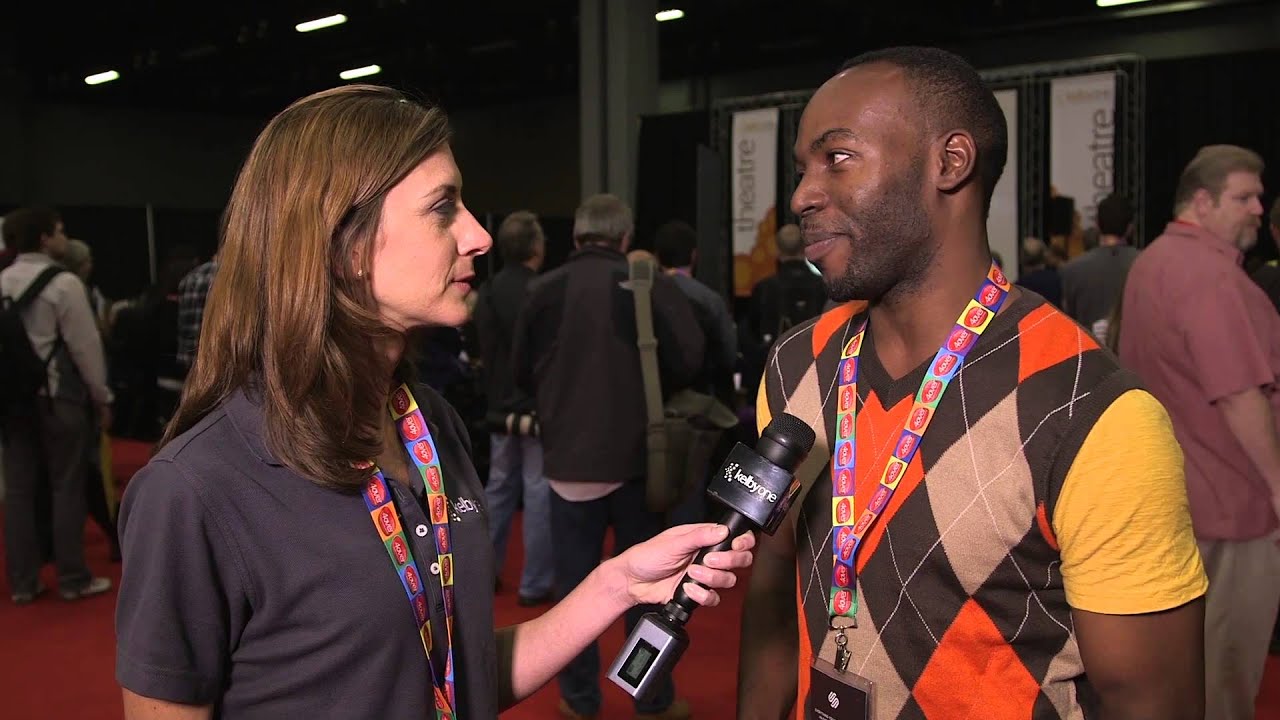
There’s a specific kind of overwhelm that hits you when you walk into a room full of people who are all dramatically better at your craft than you are. It’s equal parts terrifying and addictive. I felt it the first time I stumbled into a design meetup in Austin, surrounded by people casually discussing techniques I’d never heard of, and I’ve been chasing that feeling ever since. That’s exactly what comes through in Watch the full tutorial on YouTube - a short but genuinely compelling interview from KelbyOne featuring Kim Roy White, a freelance photographer who showed up to Photoshop World for the first time and somehow left with a Canon 5D Mark III.

Photoshop Already Knows How to Edit Video — You Just Haven't Asked It Yet

Photoshop Already Knows How to Edit Video — You Just Haven't Asked It Yet

Most of my work lives in still images. Logos, social graphics, the occasional print piece. But clients have a habit of throwing curveballs, and at some point someone’s going to slide a video file your way and ask you to “just clean it up a bit.” The first time that happened to me, I stared at my screen for a solid ten minutes before opening Premiere like a coward. Turns out I didn’t need to.