Stop Wasting AI Credits on Easy Fixes — The Clone Stamp Hack You're Probably Doing Wrong

Stop Wasting AI Credits on Easy Fixes — The Clone Stamp Hack You're Probably Doing Wrong

There’s a particular kind of freelance shame that comes from billing a client for a job you could have done faster with a tool you already own. I’ve been there more times than I’d like to admit. Lately I’ve noticed myself reaching for Photoshop’s Generative Fill on things that are genuinely too simple for it — small cracks in walls, stray wires, a smudge of graffiti on an otherwise clean background.

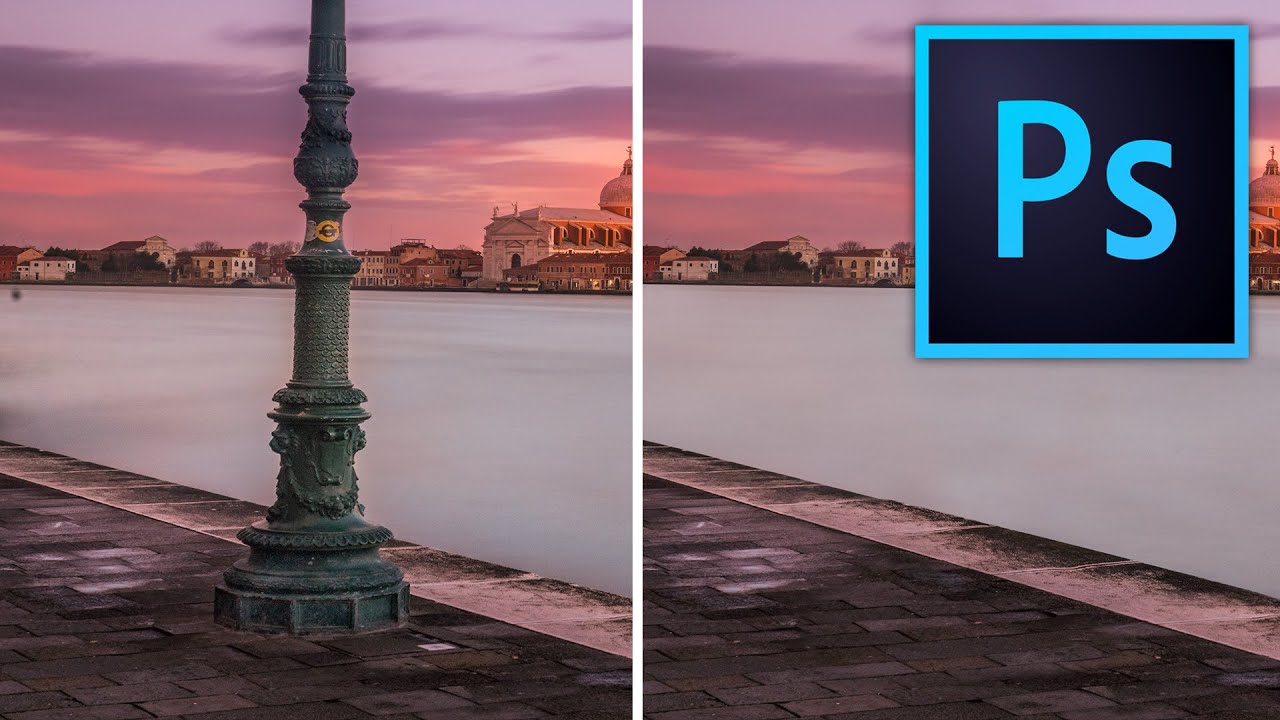
Stop Making Obvious Edits: How to Remove Objects in Photoshop Without the Telltale Clone Stamp Smear

Stop Making Obvious Edits: How to Remove Objects in Photoshop Without the Telltale Clone Stamp Smear

There’s a specific kind of embarrassment that comes from sending a client a retouched photo where you can clearly see where you removed something. The water ripples that suddenly repeat. The brick pattern that tiles like a bad desktop wallpaper from 2003. I know it well. Early in my freelance career I handed off a product shot with a background so obviously cloned that my client asked if the floor was “supposed to look like that.

Healing Brush vs Clone Stamp: A Practical Comparison

Healing Brush vs Clone Stamp: A Practical Comparison

The Healing Brush and Clone Stamp look similar and do similar things, but they use fundamentally different algorithms. Using the wrong one creates problems that are often worse than the original blemish. Here’s when to reach for each one. How They Differ Clone Stamp copies pixels exactly from the source point to the destination. What you sample is what you get — texture, color, brightness, everything. Healing Brush copies texture from the source but matches the color and brightness to the destination.