Stop Blending Modes, Start Using Channels: The Smarter Way to Overlay Graphics on Portraits

Stop Blending Modes, Start Using Channels: The Smarter Way to Overlay Graphics on Portraits

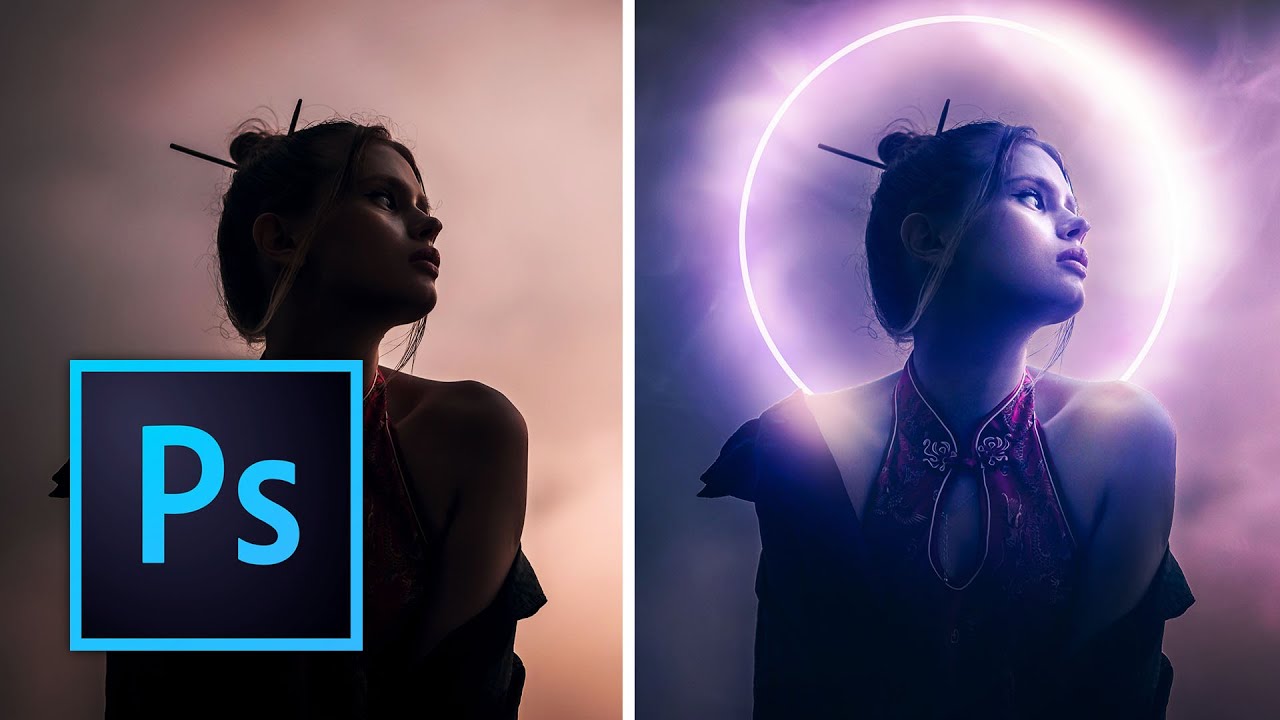
There’s a specific kind of Photoshop frustration that hits when you drop a graphic element onto a portrait, slap on Multiply or Screen, and think “okay, close enough.” It works, sort of, but the colors are off, the opacity feels wrong, and the whole thing looks like you gave up halfway through. I’ve shipped work like that. Not proud of it, but I’ve done it. The problem isn’t the blending mode itself.
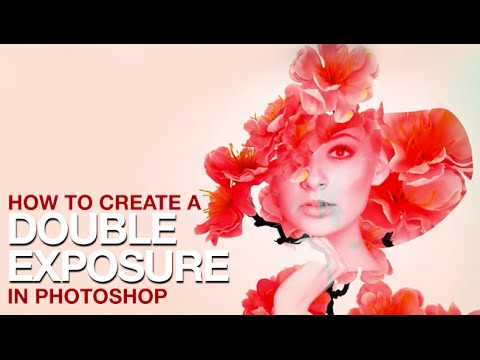
Double Exposure in Photoshop: How to Blend Two Images Into Something That Looks Intentional

Double Exposure in Photoshop: How to Blend Two Images Into Something That Looks Intentional

Client work has a funny way of pushing you toward techniques you’ve been lazily avoiding. For me, double exposures were exactly that. I’d seen them everywhere, assumed they were either done in-camera or required some wizardly process I hadn’t earned the right to know yet, and kept putting off learning them properly. Then a branding client asked for a portrait-meets-nature composite for a wellness campaign, and suddenly my procrastination had a deadline.

Steal Colors From Any Photo and Make Your Images Look Like a Fever Dream (In a Good Way)

Steal Colors From Any Photo and Make Your Images Look Like a Fever Dream (In a Good Way)

Client work has a way of humbling you. I spent the better part of an afternoon once trying to manually paint a warm, hazy color grade onto a portrait, layer by layer, brush stroke by brush stroke, and the result looked like someone had smeared margarine on the screen. The color was there, technically, but it had no life. No cohesion. What I actually needed was already sitting in another photo on my desktop, and I had no idea I could just… take it.

Overlays in Photoshop Don't Have to Look Cheap — Here's How to Actually Use Them

Overlays in Photoshop Don't Have to Look Cheap — Here's How to Actually Use Them

There’s a specific kind of embarrassment that only designers know. Someone asks you to add some “dramatic lighting” to a photo, and you spend forty-five minutes fiddling with Curves and Gradient Maps, fighting Photoshop like it personally offended you. Then you find out there’s a five-minute method using overlays that would have gotten you 90% of the way there in a fraction of the time. That’s basically my origin story with overlays.

Transform Any Photo with Textures in Photoshop: A Practical Breakdown

Transform Any Photo with Textures in Photoshop: A Practical Breakdown

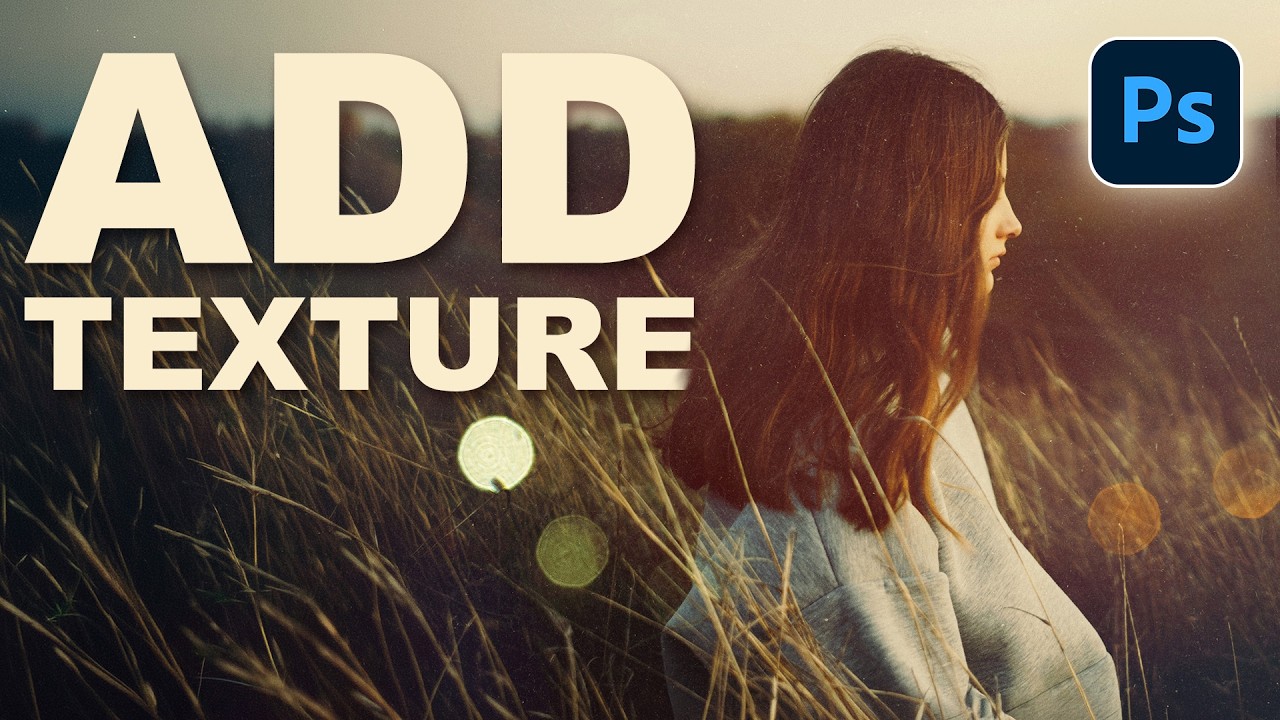
There’s a specific kind of flatness that happens when a photo is technically correct but visually boring. Good exposure, decent composition, and somehow it still looks like a stock image nobody bought. I ran into this constantly early in my freelance work, spending way too long adding drama in the wrong places, like overcooked contrast or aggressive vignettes, when the real fix was sitting one layer above the photo the whole time.

Stop Flattening Your Images: A Beginner's Guide to Layer Mastery

Stop Flattening Your Images: A Beginner's Guide to Layer Mastery

Stop Flattening Your Images: A Beginner’s Guide to Layer Mastery Look, I get it. You’re working in Photoshop, things are happening, and suddenly you hit “Image > Flatten Image” because you panicked. I’ve been there. The difference is, I don’t do that anymore—and neither should you. Layers aren’t just organizational tools for people who like things neat (though they are that). They’re literally the difference between a non-destructive workflow and crying over a permanently destroyed masterpiece.

Photoshop Filters: Stop Using Them Wrong (Yes, You Are)

Photoshop Filters: Stop Using Them Wrong (Yes, You Are)

Photoshop Filters: Stop Using Them Wrong (Yes, You Are) Look, I’m going to be honest with you: most people use Photoshop filters like they’re ordering from a Chinese takeout menu. They just grab whatever sounds good and hope it makes the picture taste better. Spoiler alert: it doesn’t work that way. After years of watching people turn perfectly decent photos into oil paintings that look like they were created during a fever dream, I’ve decided to share the filter wisdom I’ve accumulated.

Layer Techniques That'll Actually Make Your Life Easier (Not Just More Complicated)

Layer Techniques That'll Actually Make Your Life Easier (Not Just More Complicated)

Layer Techniques That’ll Actually Make Your Life Easier (Not Just More Complicated) I’ve got a confession: I used to think Photoshop layers were just a necessary evil. You know, like taxes or listening to your partner’s work story. Then I realized I was being an idiot, and that layers are actually the difference between a smooth workflow and wanting to throw your computer out a window at 11 PM. Let me share what I’ve learned that actually matters.

Layer Mastery: The Techniques That'll Actually Save Your Sanity

Layer Mastery: The Techniques That'll Actually Save Your Sanity

Layer Mastery: The Techniques That’ll Actually Save Your Sanity Look, I’m not going to tell you that understanding Photoshop layers is “fundamental to your creative journey” or some corporate nonsense like that. But I will tell you that once you stop treating layers like a filing cabinet and start treating them like a Swiss Army knife, your workflow gets stupidly faster. Stop Naming Layers Like a Psychopath First things first: if your layers panel looks like a ransom note—“Layer 32 copy 5”—we need to talk.

Layer Mastery: The Techniques That Changed My Photoshop Game

Layer Mastery: The Techniques That Changed My Photoshop Game

Layer Mastery: The Techniques That Changed My Photoshop Game I used to think layers were just Photoshop’s way of making things unnecessarily complicated. Boy, was I wrong. Once I stopped treating layers like a necessary evil and started actually using them strategically, my entire workflow transformed. Here’s what finally clicked for me. Color-Code Everything (Seriously, Do This) This is the simplest hack that had the biggest impact on my sanity. Every layer I create now gets a color label.

Layer Mastery: Stop Destroying Your Original Images

Layer Mastery: Stop Destroying Your Original Images

Layer Mastery: Stop Destroying Your Original Images Look, I’m going to be honest with you: I’ve deleted things in Photoshop that I absolutely should not have deleted. Permanent things. The kind of things that make you stare at your screen for five seconds in disbelief before muttering some choice words and hitting Undo seventeen times. The difference between me now and me five years ago? I finally learned to respect layers.

Double Exposure in Photoshop 2026: The Easy Way to Blend Two Images Like a Pro

Double Exposure in Photoshop 2026: The Easy Way to Blend Two Images Like a Pro

There’s a specific kind of shame that comes from overcomplicating something that turns out to be embarrassingly simple. I spent an entire afternoon once trying to mask out a silhouette for a composite, painstakingly painting around hair strands, when the whole thing could have been handled in about three minutes with the right technique. Double exposure effects had the same reputation in my head: cinematic, editorial, definitely complicated. Turns out I was wrong by a significant margin.