Photoshop Layers Explained: The Foundation Every Beginner Needs to Actually Get

Photoshop Layers Explained: The Foundation Every Beginner Needs to Actually Get

I spent my first few months in Photoshop treating the whole canvas like a single piece of paper. Everything on one layer. Edits baked directly into the image. It was fine, until it wasn’t, and then it was catastrophic. The day I accidentally painted over a client’s background and had exactly one undo left in my history is a day I’d prefer to forget. The fix, obviously, was layers. But understanding why layers work the way they do, not just where the button is, made the real difference.
Photoshop User TV Is Back, and They Brought a New Co-Host Worth Paying Attention To

Photoshop User TV Is Back, and They Brought a New Co-Host Worth Paying Attention To

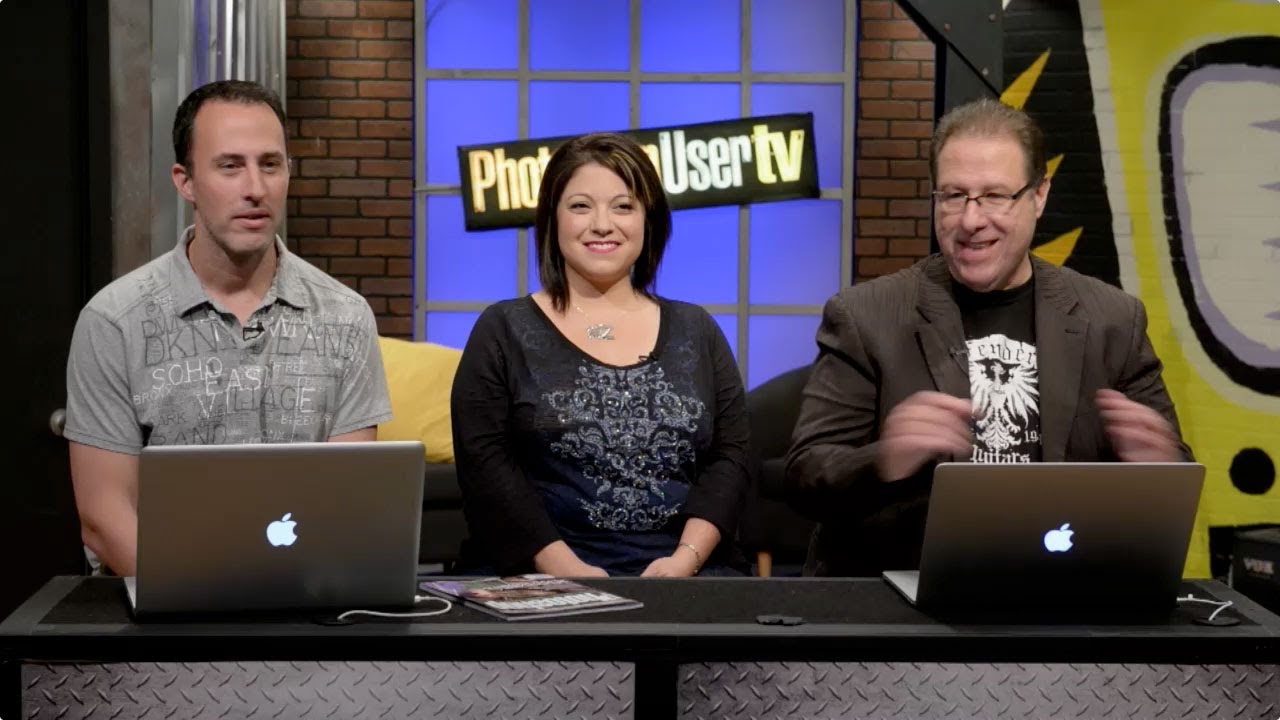
There’s a specific kind of comfort in watching people who actually know Photoshop just… talk about Photoshop. Not in a “here are 47 hacks” clickbait way, but in the way where you can tell they’ve been in the trenches, missed deadlines, and made bad layer decisions at 2am. That’s what Photoshop User TV has always been for me, background noise that occasionally stops me cold with something I didn’t know. So when KelbyOne dropped Episode 341, kicking off a brand new season, I watched it with my third coffee of the morning at my usual corner table.

Photoshop Orientation: What Aaron Nace Taught Me About Getting Started the Right Way

Photoshop Orientation: What Aaron Nace Taught Me About Getting Started the Right Way

I’ll be honest with you. The first time I opened Photoshop, I closed it within ten minutes. Too many panels, too many menus, too many little icons that looked like abstract art. I went back to making terrible memes in MS Paint like a coward. What eventually broke the cycle wasn’t some innate talent for design software. It was finding someone who could actually explain where things live and why the layout makes sense once you understand the logic behind it.

Before You Touch a Single Tool: What Photoshop Beginners Actually Need to Know First

Before You Touch a Single Tool: What Photoshop Beginners Actually Need to Know First

I started my design career making memes in MS Paint. Genuinely. We’re talking pixelated Impact font, white borders, the whole disaster. When I finally cracked open Photoshop for the first time, I did what most beginners do: I clicked every button until something looked cool, then panicked when I couldn’t undo it. Nobody showed me the foundational stuff. I just stumbled around for months making embarrassing mistakes that a five-minute orientation would have prevented.

Stop Letting Photoshop's Junk Drawer Slow You Down

Stop Letting Photoshop's Junk Drawer Slow You Down

I got my start making garbage memes in MS Paint, which means by the time I actually sat down with Photoshop, I thought having more tools meant more power. I was wrong. What it actually meant was twenty minutes of clicking the wrong thing, panicking, and Googling “why does the rectangle tool keep doing that.” Photoshop has a legacy problem. Half the toolbar exists because someone needed it in 1998, and Adobe never had the heart to pull it out back.

How Matt Kloskowski's Photoshop Origin Story Will Make You Feel Better About Your First Project

How Matt Kloskowski's Photoshop Origin Story Will Make You Feel Better About Your First Project

There’s a specific kind of embarrassment that comes with looking back at your earliest Photoshop work. Mine was a meme I made in MS Paint at age twelve, which I thought was genuinely hilarious, and which I will not be describing further. The point is: everyone starts somewhere ridiculous. And when I came across Watch the full tutorial on YouTube - this video from Matt Kloskowski reflecting on his very first time using Photoshop - I didn’t expect it to be particularly useful.

How to Open, Edit, and Save in Photoshop Without Destroying Your Work (Or Your Sanity)

How to Open, Edit, and Save in Photoshop Without Destroying Your Work (Or Your Sanity)

Early in my freelance career, I had a bad habit of editing directly on original files. No layers, no backup copies, just reckless confidence and a fast save button. You can probably guess how that story ends. I lost work, I re-did edits I’d already done, and I spent an embarrassing amount of time explaining to clients why their “finished” photos needed to be “finished” again. The fix was stupidly simple, and it came down to understanding one concept: non-destructive editing.

Stop Trying to Fix Bad Windows in Photoshop — Just Replace Them

Stop Trying to Fix Bad Windows in Photoshop — Just Replace Them

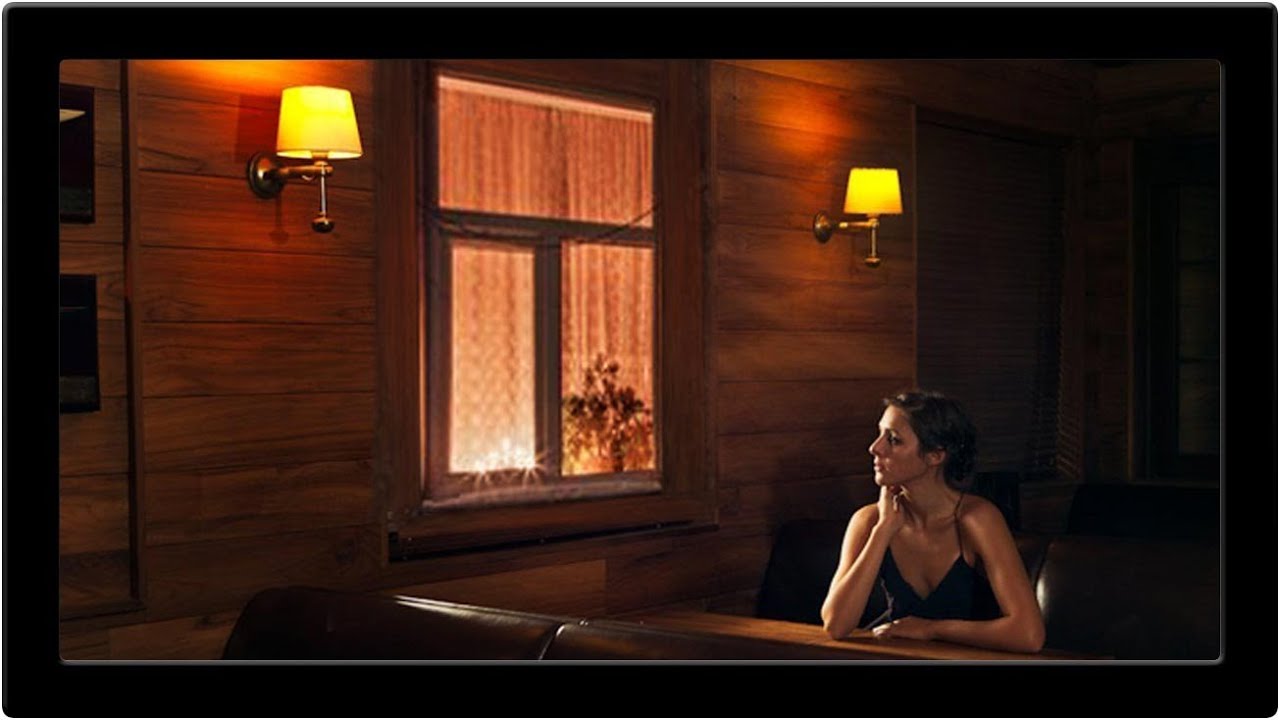
There’s a certain kind of Photoshop problem that looks simple from the outside and turns into a two-hour nightmare once you’re actually inside it. Venetian blinds are exactly that problem. Uneven slats, inconsistent shadows, awkward gaps. You think “I’ll just clone stamp this out” and then forty-five minutes later you’re still at it, questioning your life choices, while the coffee you grabbed at the start of the session goes cold on the table beside your laptop.