The Photoshop Shortcuts I Actually Use Every Day (And the Ones You're Probably Skipping)

The Photoshop Shortcuts I Actually Use Every Day (And the Ones You're Probably Skipping)

Last Tuesday I watched a designer on YouTube spend 45 seconds hunting through the Image menu to adjust canvas size. Forty-five seconds. I timed it. That might not sound like much, but if you’re billing by the hour and touching that option ten times a session, you’ve just donated about eight minutes to the Photoshop menu system. Do that every day for a year and you’ve lost over 48 hours. I’m not great at math, but I know that’s real money.

Dramatic Portrait Editing in Photoshop: Sean Tucker's Workflow, Broken Down Step by Step

Dramatic Portrait Editing in Photoshop: Sean Tucker's Workflow, Broken Down Step by Step

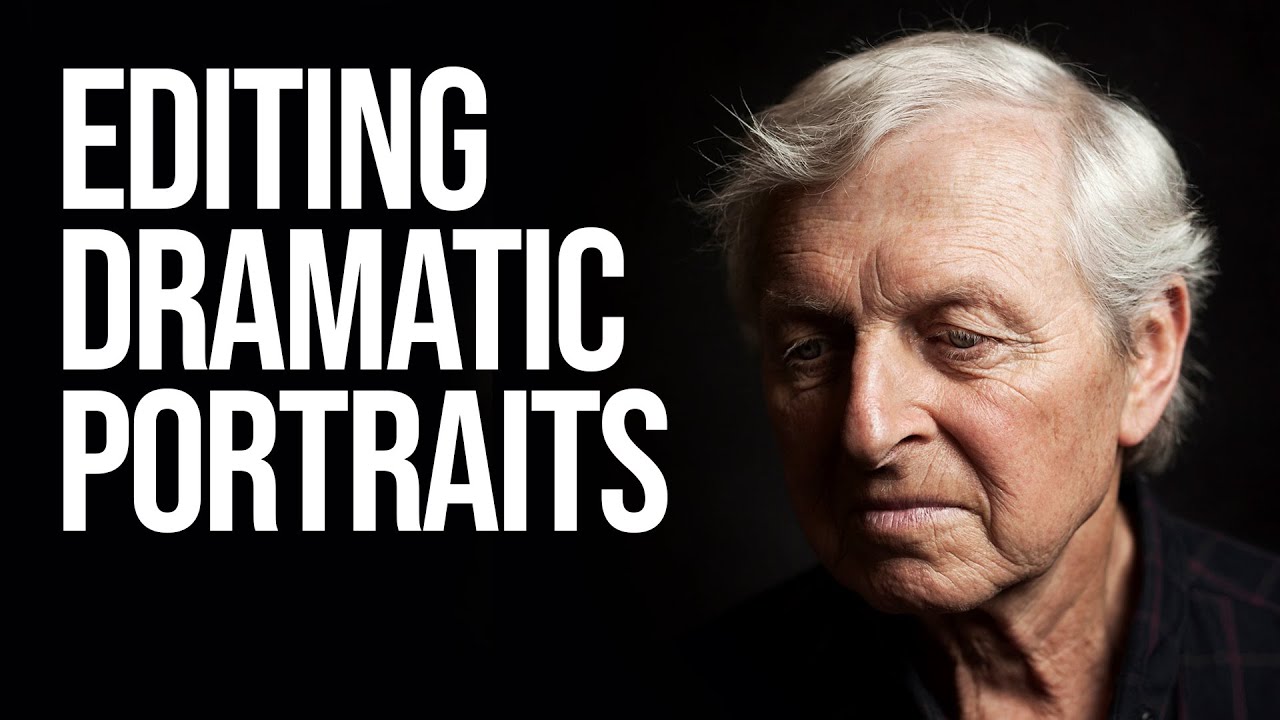
There’s a specific kind of frustration that hits when you look at a portrait you’ve shot and you know the light was right, the subject was great, and somehow the final image still looks flat. Like a photocopy of a feeling rather than the feeling itself. That was me, regularly, until I started paying closer attention to how photographers who think cinematically actually edit. Not just technically, but intentionally. In this Sean Tucker tutorial on editing dramatic portraits, Tucker walks through his full Photoshop process on a real mentor portrait, moving fast and expecting you to keep up.

Stop Opening RAW Files Wrong in Photoshop (This Setting Changes Everything)

Stop Opening RAW Files Wrong in Photoshop (This Setting Changes Everything)

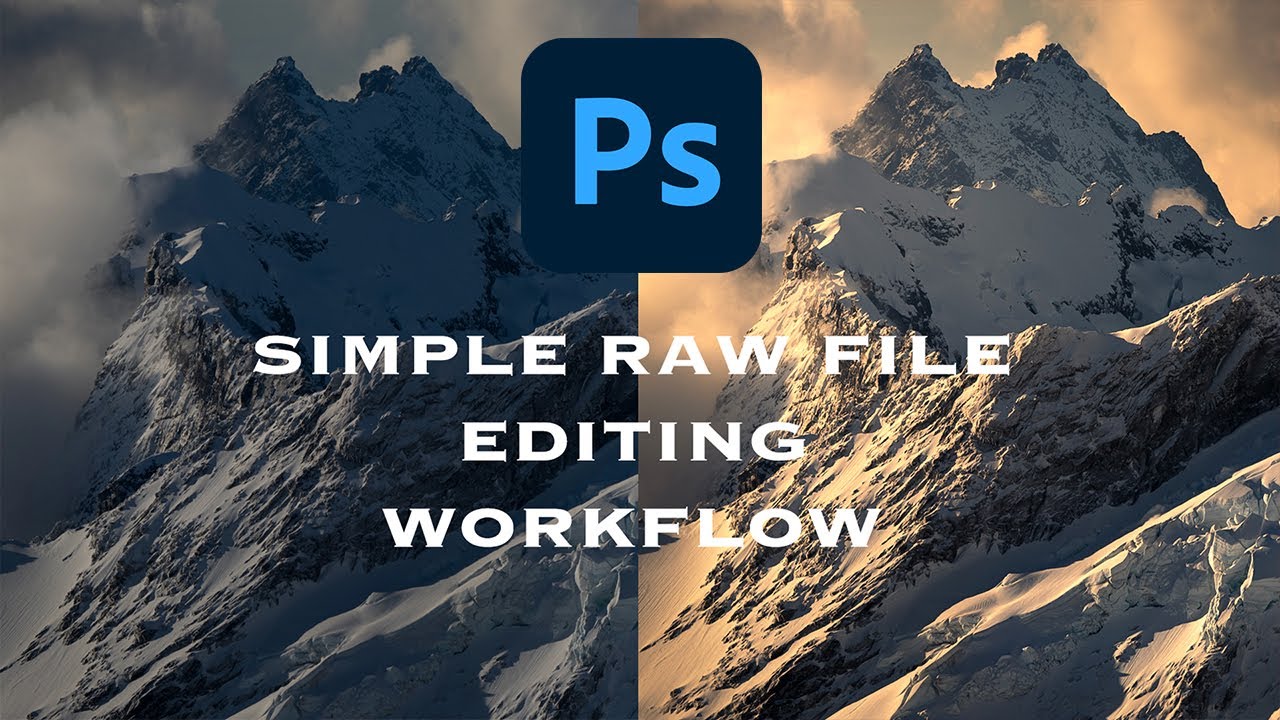
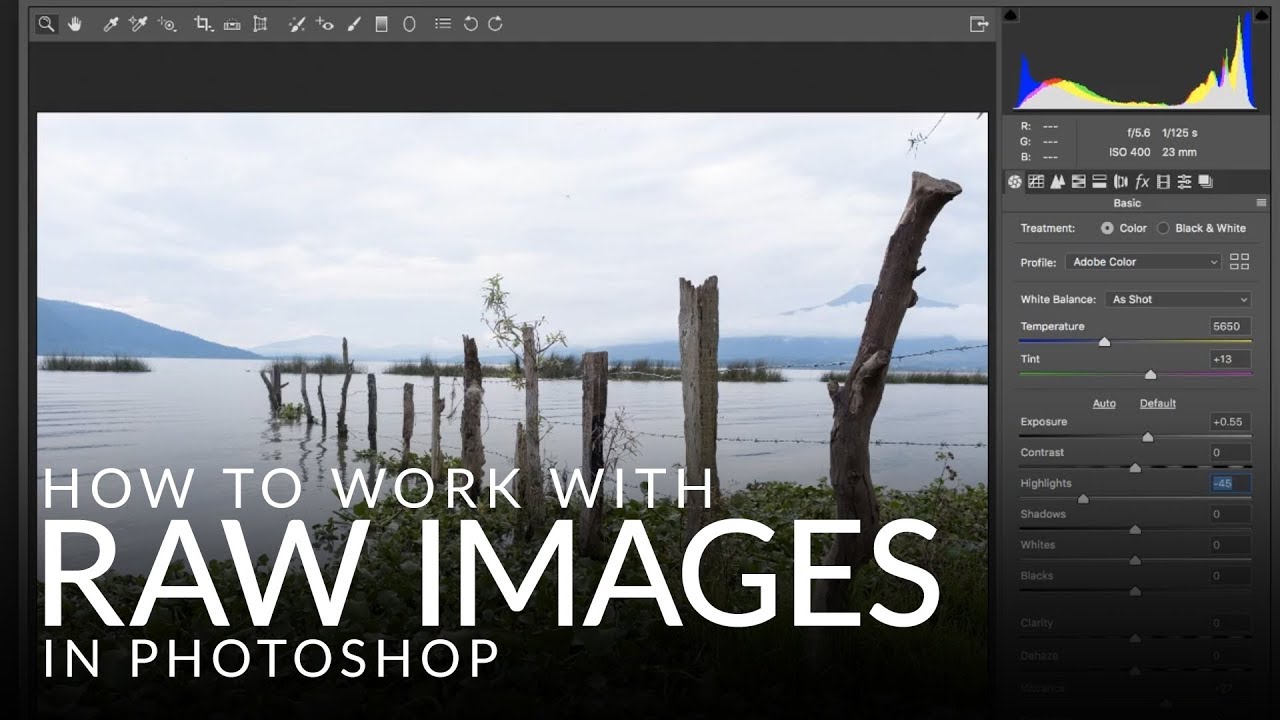
There’s a specific kind of pain that comes from finishing a Photoshop edit, sending it to a client, and then realizing you need to go back and change the exposure on the original RAW file. If you opened that file the wrong way, you’re basically starting over. I learned this the hard way early in my freelance career, and it cost me hours I didn’t have sitting in a coffee shop at 11pm with a deadline breathing down my neck.

Photoshop Filters Are More Powerful Than You Think (And You're Probably Using Them Wrong)

Photoshop Filters Are More Powerful Than You Think (And You're Probably Using Them Wrong)

I used to apply filters directly to pixel layers like a complete amateur. Flatten, filter, done. It felt efficient until a client called asking for a revision on a project I’d already closed out, and I realized the Gaussian Blur I’d baked into the background three saves ago was now a permanent resident of that file. Not a smart object in sight. Just me, sweating into my cold brew at the counter of a coffee shop on South Congress, rebuilding a background from scratch.

10 Photoshop Tips I Wish I'd Known Before I Wasted Years Doing Things the Hard Way

10 Photoshop Tips I Wish I'd Known Before I Wasted Years Doing Things the Hard Way

There’s a specific kind of pain that comes from watching someone else work in Photoshop and realizing they’re doing in three clicks what takes you fifteen. I’ve been there more times than I’d like to admit. Back when I was just starting to take freelance work seriously, a friend watched me edit over my shoulder for about two minutes before quietly asking if I’d ever heard of layer masks. Reader, I had not.

7 Photoshop Layer Tricks That Changed How I Actually Work

7 Photoshop Layer Tricks That Changed How I Actually Work

Layers are the backbone of everything in Photoshop. Not smart objects, not adjustment layers, not blend modes — layers, full stop. And yet I spent the better part of two years treating them like a simple stack of stuff, dragging things around and hoping for the best. It wasn’t until I started deliberately hunting down layer-specific technique that I realized how much time I was hemorrhaging on tasks that should have taken seconds.

The Photoshop Shortcuts I Use Every Single Day (And the Ones I Wish I'd Learned Years Earlier)

The Photoshop Shortcuts I Use Every Single Day (And the Ones I Wish I'd Learned Years Earlier)

I used to watch a designer I knew finish a retouching job in about 12 minutes. Same job would take me 45. We were using the same software, the same version, roughly the same skill level. The difference was that he barely touched his mouse. His left hand was always on the keyboard, fingers moving like he was playing a chord progression he’d memorized years ago. I was clicking through menus like I was navigating a mid-2000s website.

Joel Grimes' Dramatic Black & White Portrait Technique (And Why I Wish I'd Known This Sooner)

Joel Grimes' Dramatic Black & White Portrait Technique (And Why I Wish I'd Known This Sooner)

There’s a specific kind of frustration that comes from knowing your black and white portrait should look cinematic and instead looks like a desaturated snapshot from a 2009 Facebook album. I’ve been there more times than I’d like to admit. The problem usually isn’t the photo itself. It’s the conversion process. Most people hit Image > Desaturate, squint at the result, and then wonder why it looks flat. The answer is that dramatic B&W isn’t a one-step thing.

The Photoshop Shortcuts I Use Every Single Day (And the Ones I Wish I'd Learned Sooner)

The Photoshop Shortcuts I Use Every Single Day (And the Ones I Wish I'd Learned Sooner)

I once watched a client sit next to me during a revision session and physically wince every time I reached for the menu bar. He didn’t say anything. He just sat there, quietly suffering, as I clicked through Edit > Transform > Scale like some kind of animal. After the third time, he finally said, “Do you not know Ctrl+T?” Reader, I did not know Ctrl+T. That was about six years ago.

BenQ's New PD2732U Monitor: A Game-Changer for Color-Critical Photoshop Work

BenQ's New PD2732U Monitor: A Game-Changer for Color-Critical Photoshop Work

BenQ’s New PD2732U Monitor: A Game-Changer for Color-Critical Photoshop Work I just got wind of BenQ dropping a new monitor into their Creative Pro lineup, and honestly? I’m genuinely excited about it. The PD2732U is a 27-inch 4K display that’s actually been built with photographers and digital artists in mind—not just “designed for creative professionals” in the vague marketing sense where they slap that phrase on everything. The Color Numbers That Actually Matter Here’s where things get interesting.

The Photoshop Shortcuts That Actually Save Time (Not Just the Ones Everyone Lists)

The Photoshop Shortcuts That Actually Save Time (Not Just the Ones Everyone Lists)

I was sitting in a coffee shop last Tuesday, watching a guy next to me work in Photoshop. Every time he wanted to zoom in, he went up to the View menu. Every. Single. Time. I watched him do it maybe six times in ten minutes. I didn’t say anything because I’m not a monster, but I did quietly spiral thinking about all the hours that man has lost to that menu over the course of his life.

Stop Applying Filters Destructively — Here's the Workflow That Actually Saves You

Stop Applying Filters Destructively — Here's the Workflow That Actually Saves You

Last year I was working on a banner for a local music festival — tight deadline, client breathing down my neck, the usual. I had spent about forty minutes stacking filters on a texture layer: Gaussian Blur, some Noise, a little Motion Blur to give it that gritty analog feel. Looked great. Client came back and said they wanted the blur “just a tiny bit less.” I went to adjust it, and realized every single filter had been applied directly to the pixels.