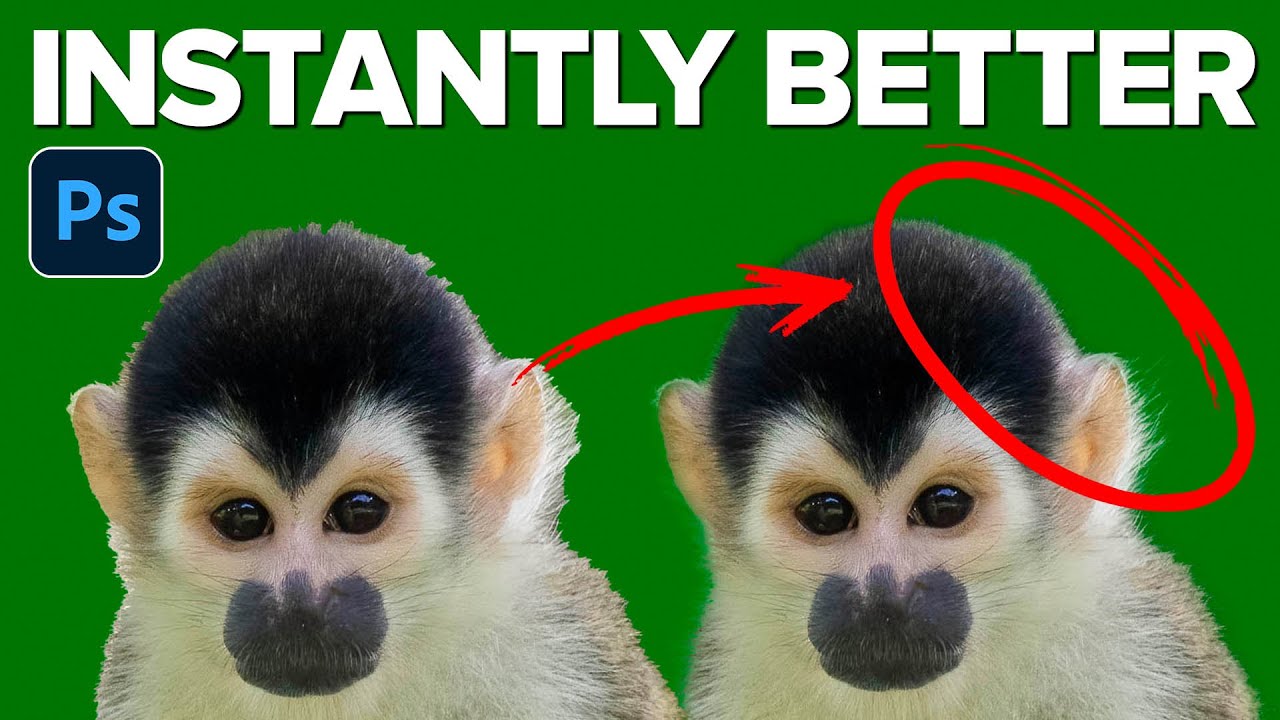
Stop Butchering Sky Replacements: Master Photoshop's Basic Selection Tools First

Stop Butchering Sky Replacements: Master Photoshop's Basic Selection Tools First

There’s a specific kind of embarrassment that comes from spending three days on a composite that looks like garbage, only to have someone show you a simpler technique you completely overlooked. I’ve been there. Sky replacements were one of those things I kept overcomplicating, reaching for complex masking workflows before I’d even thought about whether a cleaner, faster approach existed. Turns out, sometimes the humble selection tools you skipped past in week one of learning Photoshop are doing more heavy lifting than you gave them credit for.

Stop Faking It: How to Actually Change a Background in Photoshop Without It Looking Like a Middle School Collage

Stop Faking It: How to Actually Change a Background in Photoshop Without It Looking Like a Middle School Collage

Background swapping is one of those Photoshop jobs that sounds simple until you’re three hours deep, your subject looks like they were cut out with safety scissors, and the client is asking for “just a quick update.” I’ve been there more times than I care to admit. The dirty secret is that pulling a clean selection is only half the battle. The part most tutorials skip is making the foreground belong in the new background.